Get 10% back in Relic Coins on every order
Deep Despair cover

SteamGlobal· Key

Deep Despair

€0.46

+€0.05 cashback eligibility in Relic Coins

Check before you play

Platform
Steam
Region
Global
Product type
Key
Developer
BekkerDev Studio
Publisher
BekkerDev Studio
Supplier release date
2020-02-17
Genres
Action, Adventure, RPG, Indie

About this product

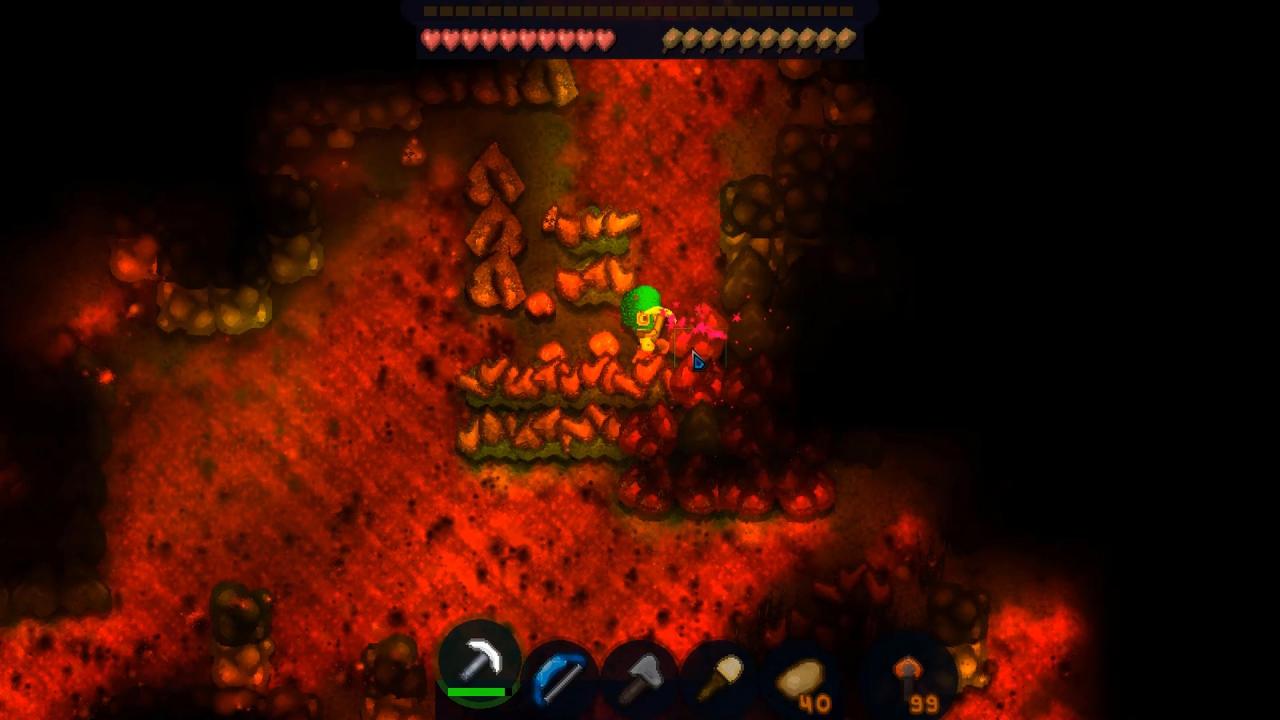
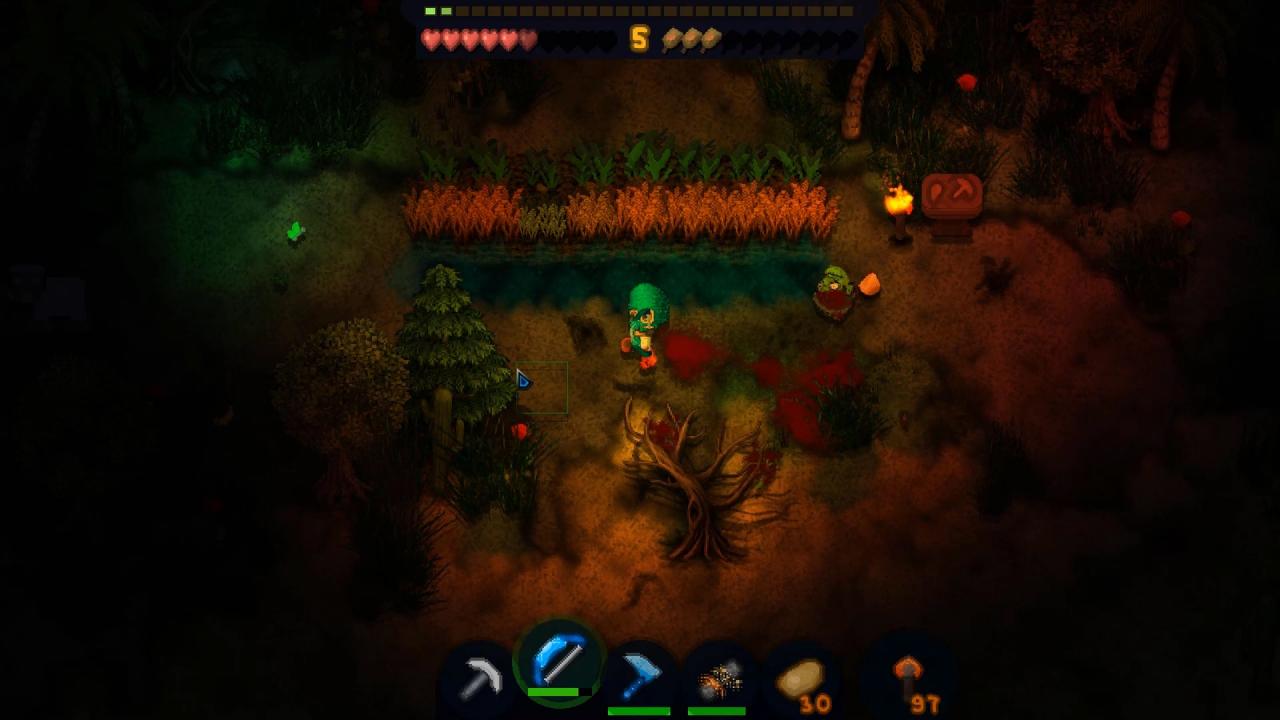
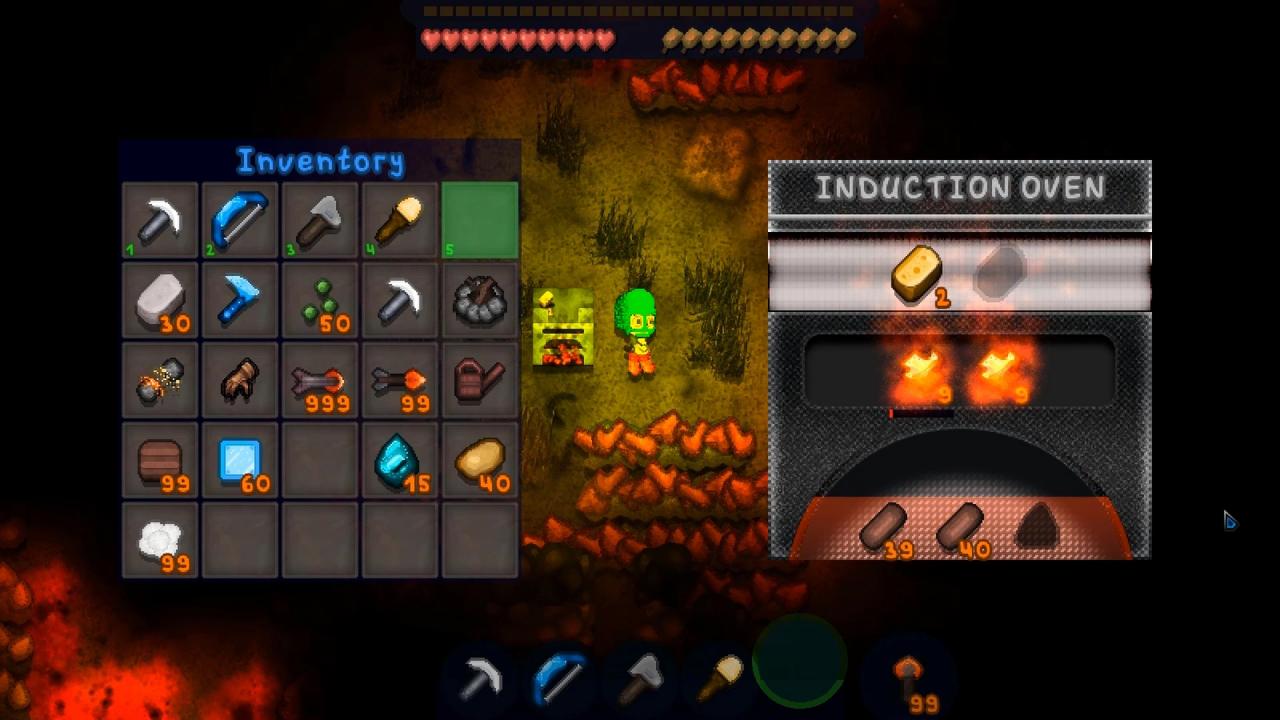
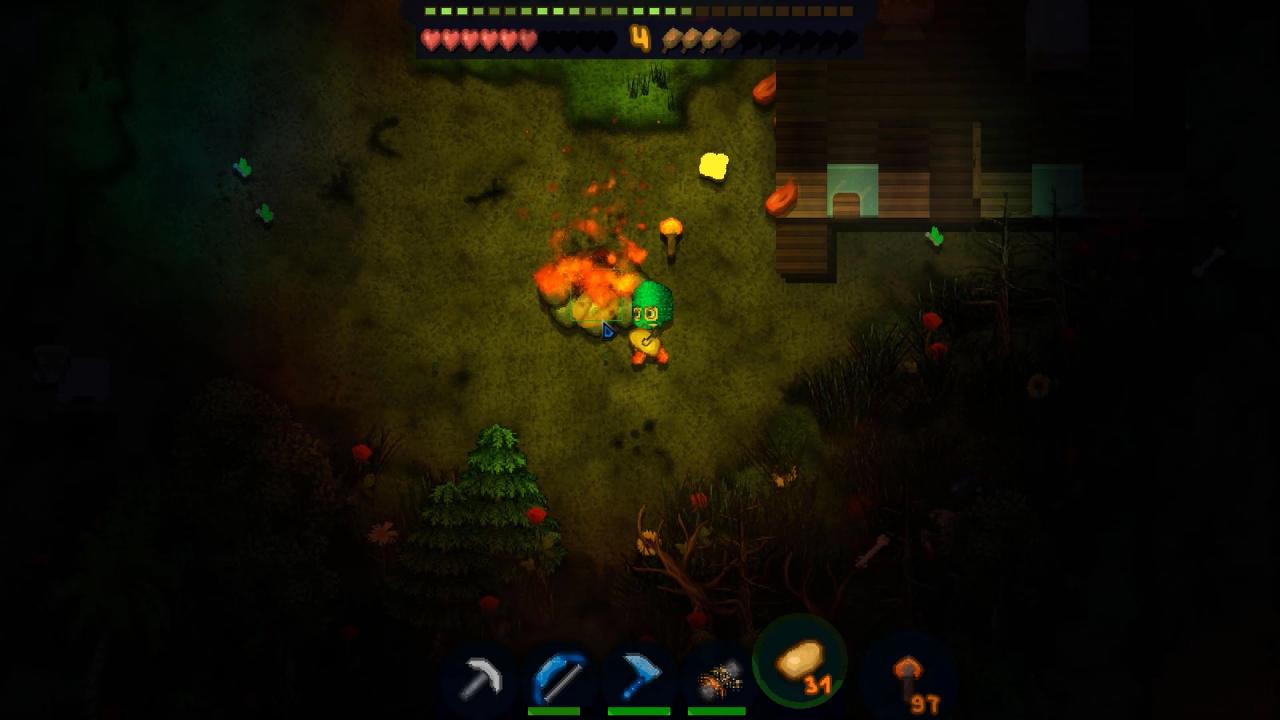
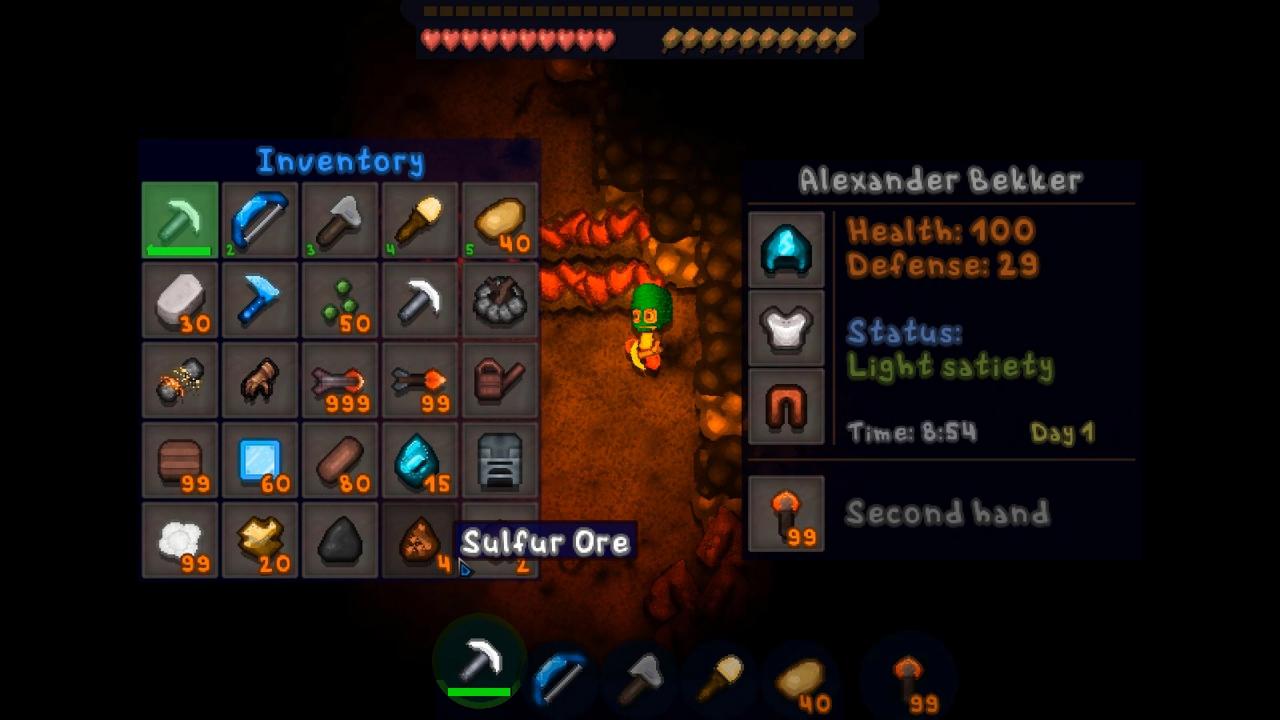
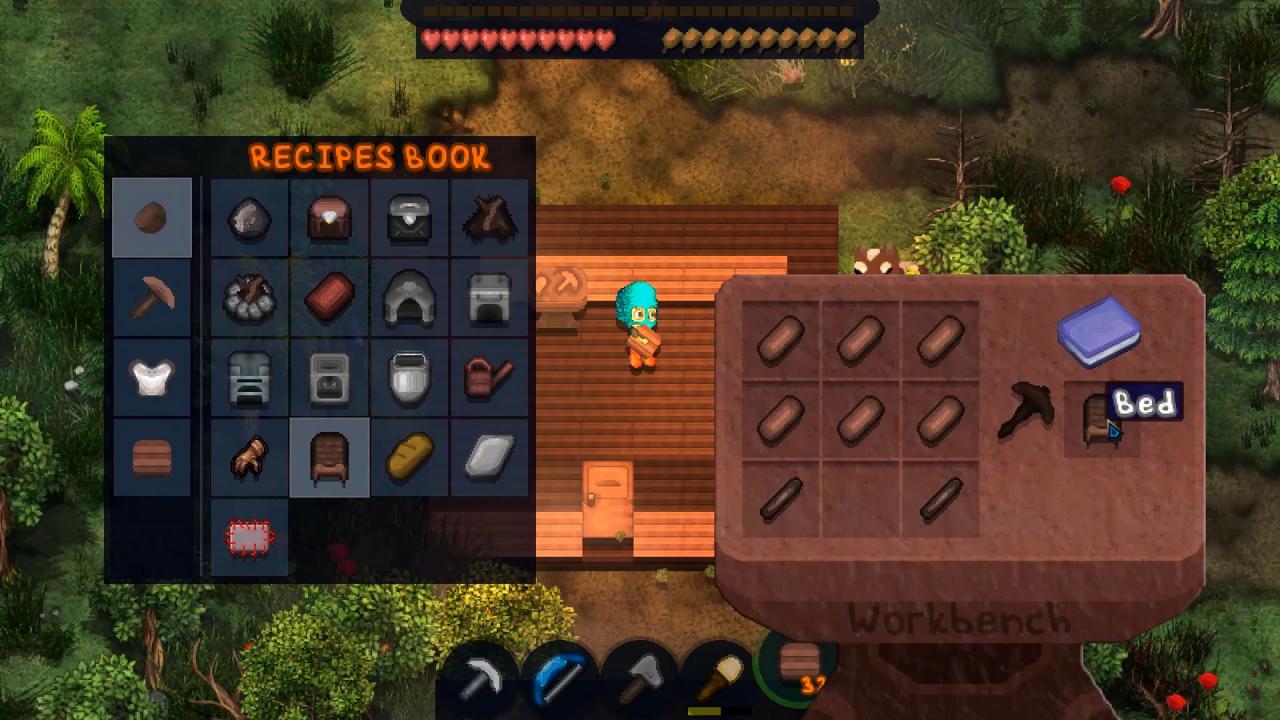
Deep Despair is a retro-styled survival sandbox. The game repeats many of the mechanics of the notorious Minecraft, but most of them in the game are rethought for the sake of realism and credibility. The game world is divided into 4 levels: the upper world, caves, caves with rivers and caves with lava. At each level there is a descent to the next level. Going below, you can find and extract more valuable resources. Abandoned mines are also found in dungeons. Traveling around the world, you can get various resources necessary for crafting and survival. Implemented a dynamic change of time of day. For a poorly developed character, night becomes a serious test, so it is recommended to spend it in the house that you need to have time to build. A bonfire, food, weapons and shelter are all you need for successful survival. You can freely explore the whole world and plan your actions in any order. Travel, collect resources, craft items, dig, build, grow crops and survive. All in the best traditions of Minecraft! Features Complete freedom of action Over 100 units of content Big worlds to explore Advanced hunger system Craft items Construction and gathering Cultivation of crops Hunting and survival


Deep Despair screenshotDeep Despair screenshotDeep Despair screenshotDeep Despair screenshotDeep Despair screenshotDeep Despair screenshot

How to redeem

  1. 1Check your Steam account and the listed region before purchasing.
  2. 2Find your code and supplier activation instructions in your confirmed order.
  3. 3Open the redeem-code section on Steam, enter the code and follow the platform’s prompts.

Supplier instructions

Go to: http://store.steampowered.com/ and download STEAM client Click "Install Steam" (from the upper right corner) Install and start application, login with your Account name and Password (create one if you don't have). Please follow these instructions to activate a new retail purchase on Steam: Launch Steam and log into your Steam account. Click the Games Menu. Choose Activate a Product on Steam... Follow the onscreen instructions to complete the process. After successful code verification go to the "MY GAMES" tab and start downloading.

You might also like