Get 10% back in Relic Coins on every order
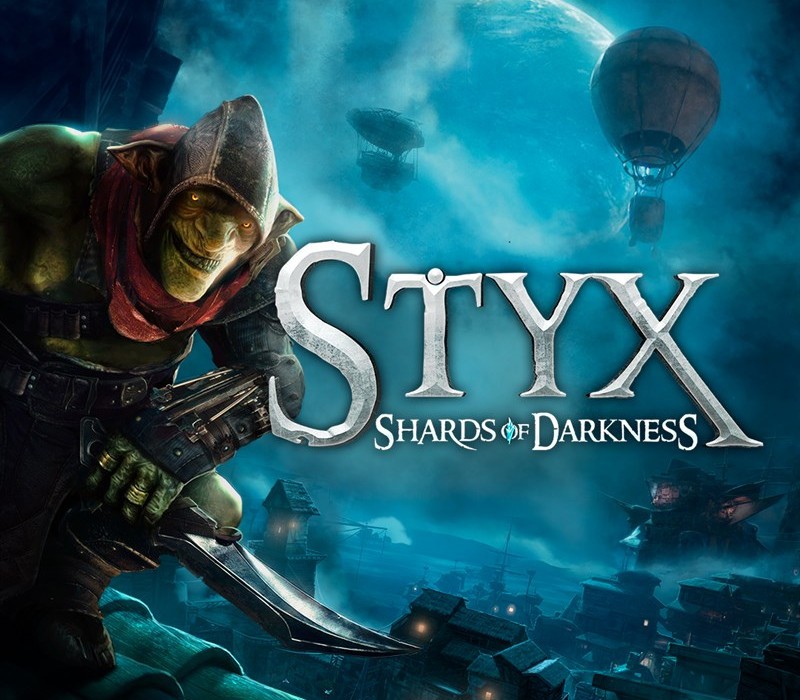
Styx: Shards of Darkness cover

Xbox One Europe - All Countries· Key

Styx: Shards of Darkness

€19.91

+€1.99 cashback eligibility in Relic Coins

Check before you play

Platform
Xbox One
Region
Europe - All Countries
Product type
Key
Developer
Cyanide Studio
Publisher
Focus Entertainment
Supplier release date
2017-03-14
Genres
Action, Adventure, RPG, Horror, Third-Person Shooter

About this product

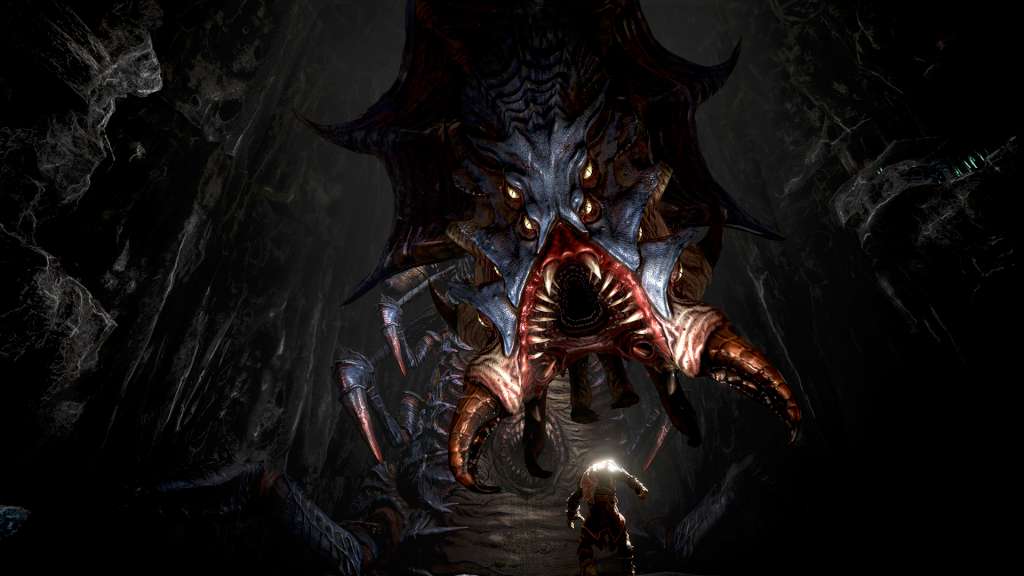
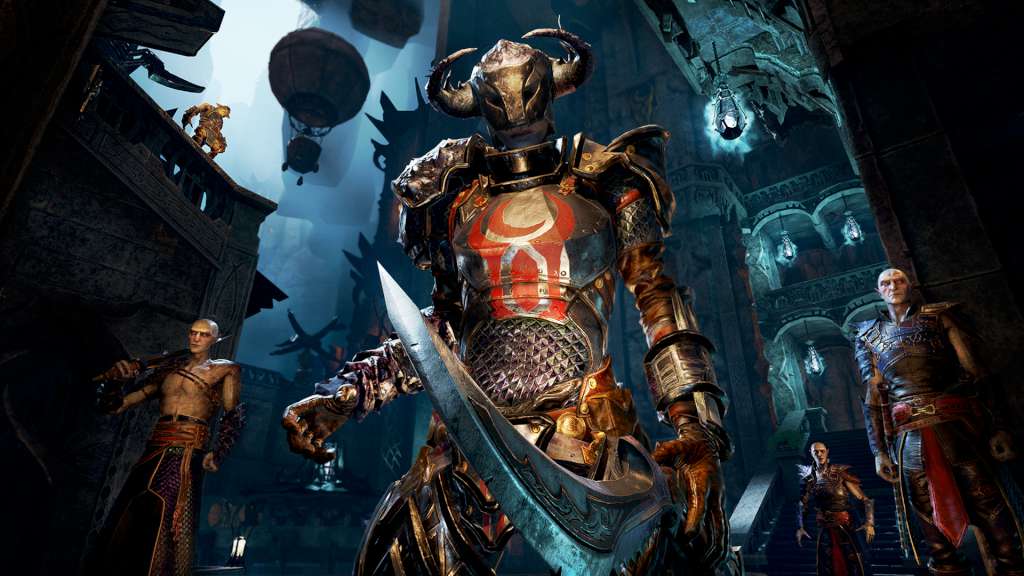
Styx returns in a new stealth adventure! Explore and master huge open environments, sneak past or assassinate new enemies and bosses, and experiment with the new array of lethal abilities and weapons in our goblin assassin's arsenal. Sneak your way alone, or with a friend in coop mode! Climb the dizzying Elven city, traverse the perilous territory of the Dwarfs, and survive vast unexplored lands filled with lethal dangers to fulfill your mission... failure to succeed could have huge consequences for your kin. Climb, swing, and hang through multi-layered sandbox environments brought to life with Unreal Engine 4. Creep and hide in the darkest corners, or reach heights to avoid detection. Spend experience points in assassination, infiltration, magic, etc. to learn new skills and abilities. Explore the world to recover valuable artifacts, find ingredients to craft deadly traps and useful items, and create clones of yourself to distract and deceive the many types of enemies on your way - the choice is yours!

Styx: Shards of Darkness screenshotStyx: Shards of Darkness screenshotStyx: Shards of Darkness screenshotStyx: Shards of Darkness screenshotStyx: Shards of Darkness screenshotStyx: Shards of Darkness screenshot

How to redeem

  1. 1Check your Xbox One account and the listed region before purchasing.
  2. 2Find your code and supplier activation instructions in your confirmed order.
  3. 3Open the redeem-code section on Xbox One, enter the code and follow the platform’s prompts.

Supplier instructions

Go to https://www.xbox.com Login to your account Hover over your account link (the top right of the screen) a menu will appear, click on the "Redeem Code" button. On the next page, click "Redeem" Enter your code Click "Confirm" Click "Confirm" again to assign the key to your account.

You might also like