

SteamGlobal· Key
UFO: Aftershock
€0.76
+€0.08 cashback eligibility in Relic Coins
Check before you play
- Platform
- Steam
- Region
- Global
- Product type
- Key
- Publisher
- GooodMon
- Genres
- Strategy, RPG
SteamGlobal· Key
€0.76
+€0.08 cashback eligibility in Relic Coins
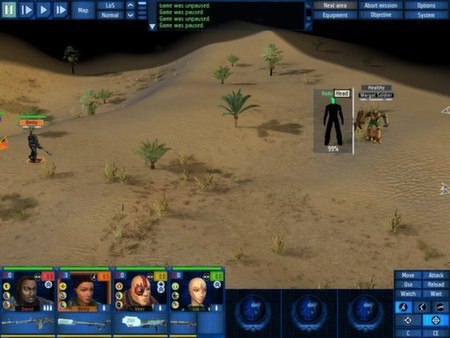
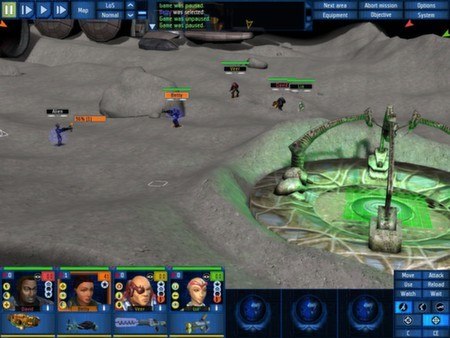
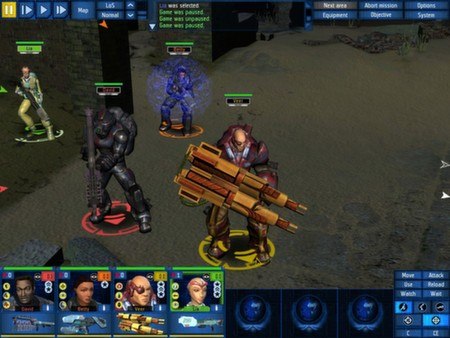
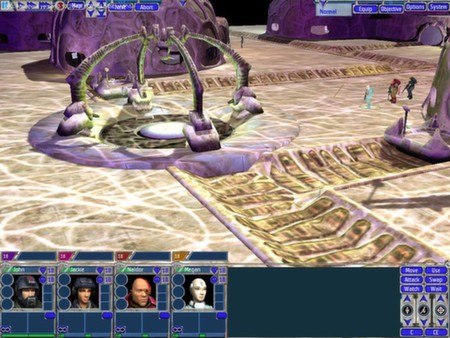
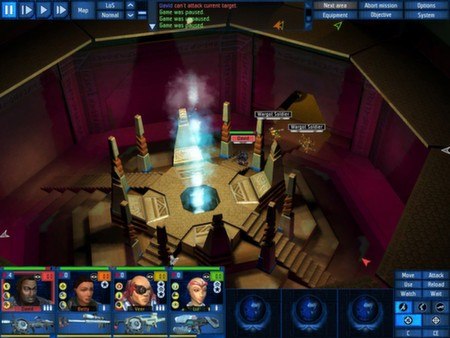
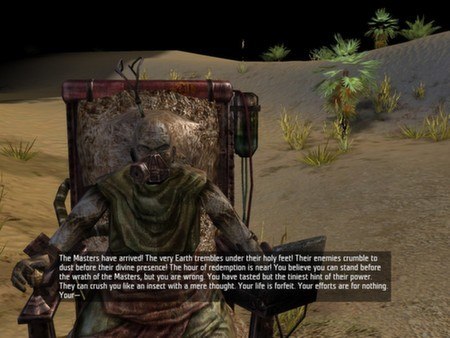
UFO: Aftershock Steam Key Platform: Steam Languages: EN/RU/FR/DE/ES Release Date: 21 Oct 2005 Product Description UFO: Aftershock is a combination of tactical squad combat and global strategy that enhances and expands upon its prequel, UFO: Aftermath. It is the year 2054. Fifty years after the disaster. Fifty years after the surface of Earth became uninhabitable. Retreating to the flying haven of the Laputa the remnants of humankind clung onto existence. Then a revolt against the increasingly rigid and corrupt human leadership of the Laputa escalated into a conflict that destroyed the colony. Now, the remaining survivors flee once again. Can they reclaim the Earth from the unknown forces that chased them into the skies? Features Intertwining global strategy and small scale tactical missions Strategic resource and base management Enhanced SAS (Simultaneous Action System) and RPG system in tactical play Fight your way through multi-level buildings, inside and out New amazing items and technologies to research and develop Radical new training and experience system New terrifying enemies and powerful allies Added diplomacy element New gripping storyline Interactive destructible environment System Requirements OS: Windows XP Processor: Intel Pentium® III or AMD® Athlon 1GHz Memory: 512 MB RAM Graphics: nVidia® GeForceTM 5700 or ATI Radeon® 9500 Hard Drive: 4 MB available space Sound Card: MS DirectX® 9.0 compatible soundcard
Go to: http://store.steampowered.com/ and download STEAM client Click "Install Steam" (from the upper right corner) Install and start application, login with your Account name and Password (create one if you don't have). Please follow these instructions to activate a new retail purchase on Steam: Launch Steam and log into your Steam account. Click the Games Menu. Choose Activate a Product on Steam... Follow the onscreen instructions to complete the process. After successful code verification go to the "MY GAMES" tab and start downloading.