
SteamGlobal· Key
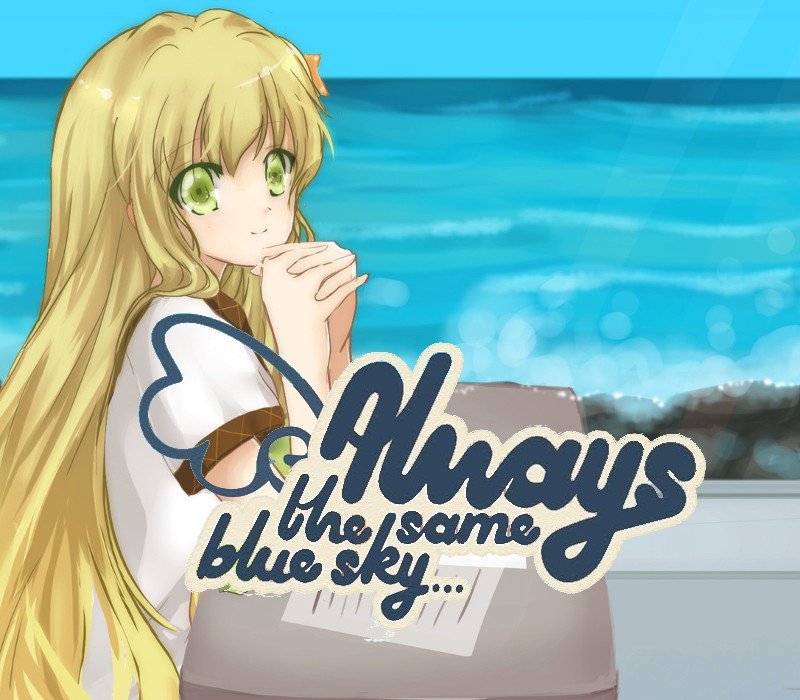
Always The Same Blue Sky...
€0.76
+€0.08 cashback eligibility in Relic Coins
Check before you play
- Platform
- Steam
- Region
- Global
- Product type
- Key
- Supplier release date
- 2015-05-21
- Genres
- Adventure, Indie, Casual, Visual Novel, Anime
SteamGlobal· Key
€0.76
+€0.08 cashback eligibility in Relic Coins
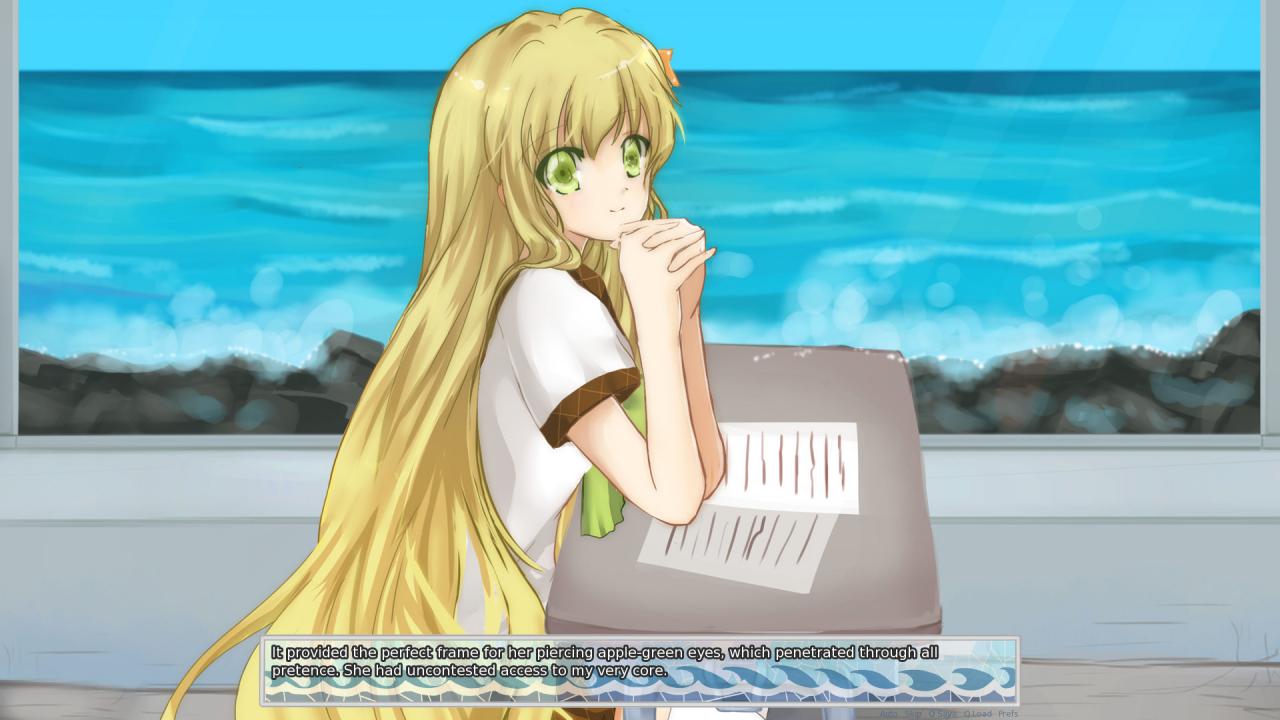
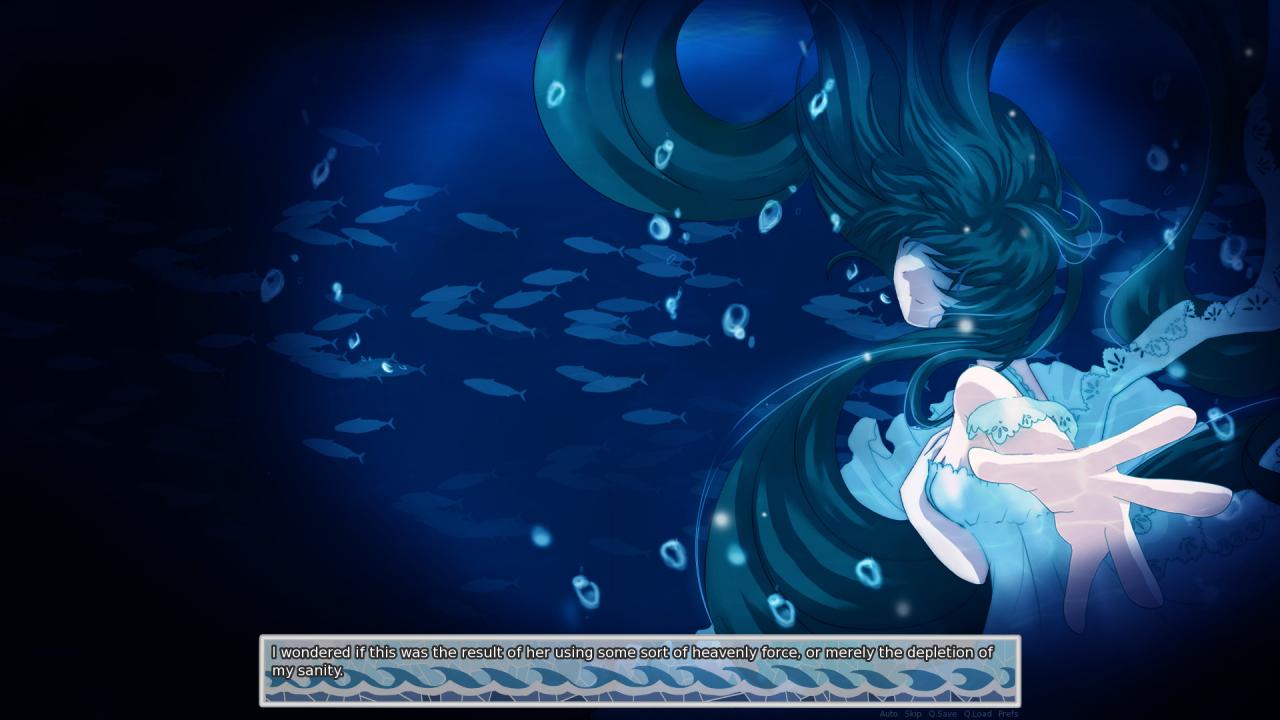
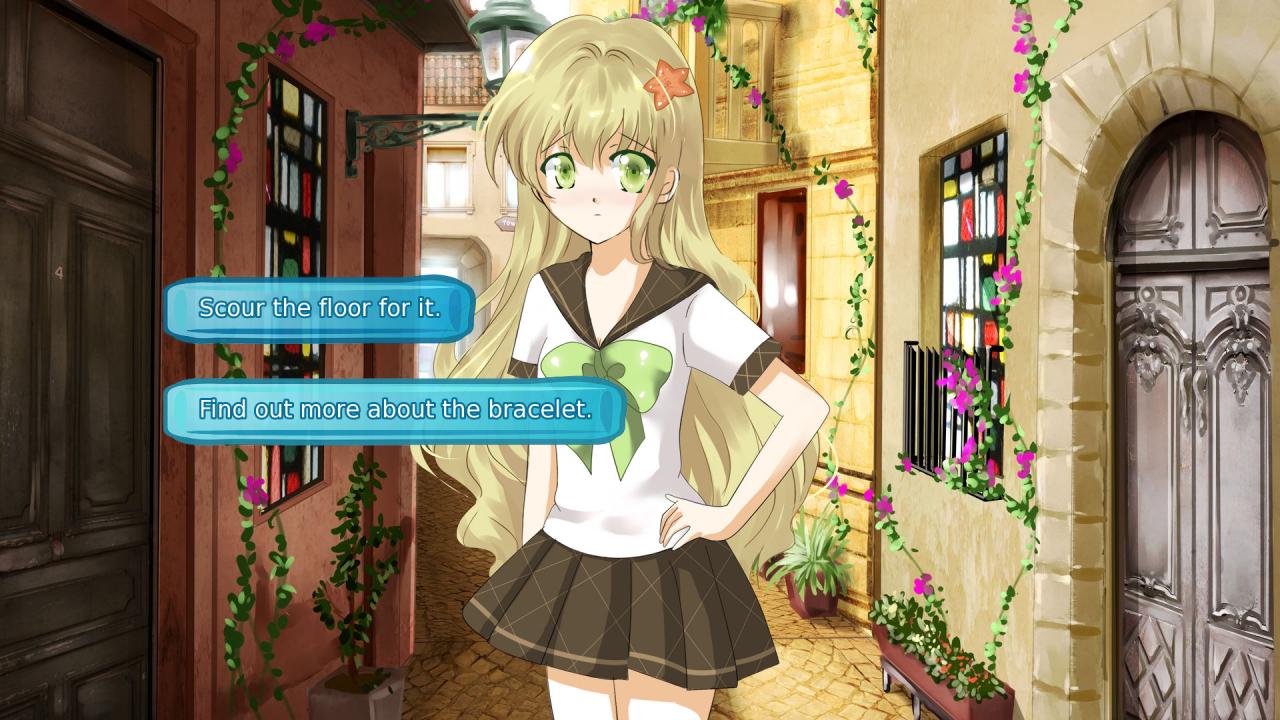
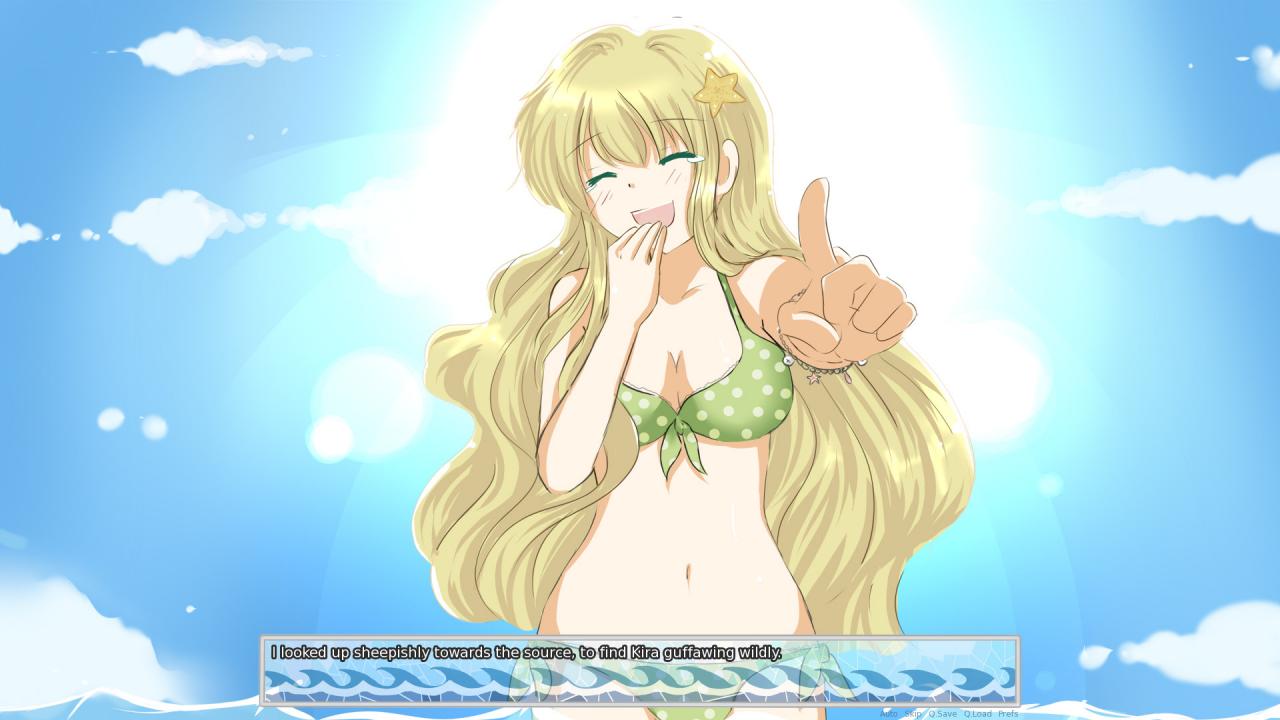
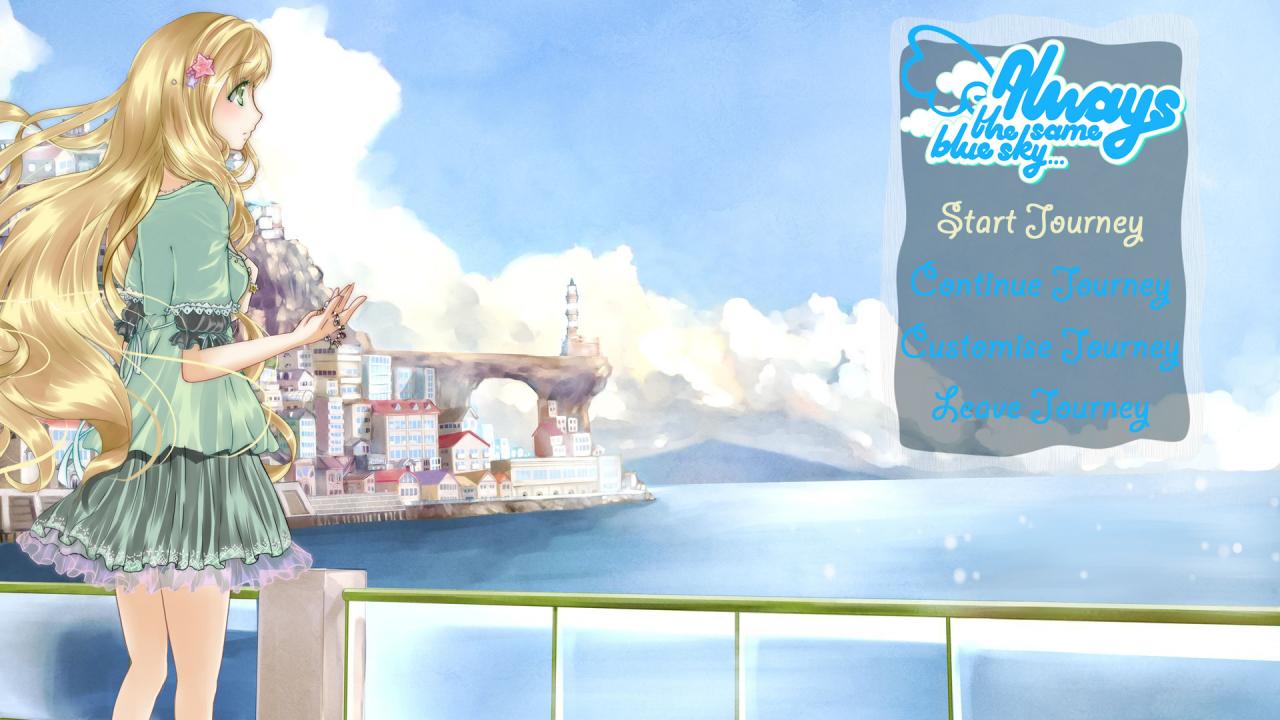
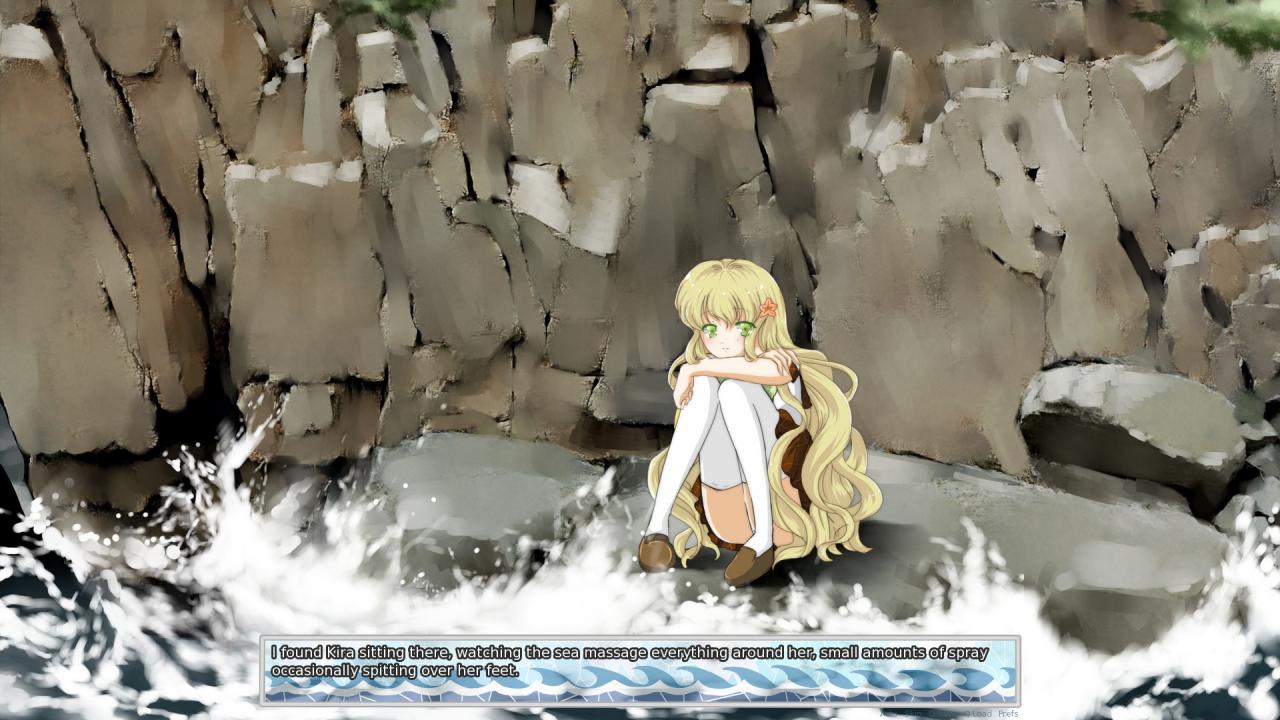
THIS IS NOT YOUR TYPICAL VISUAL NOVEL. Always The Same Blue Sky approaches the medium from a fresh new angle, a gripping tale with no filler, no pretence. Complemented by breathtaking artwork and an addictive soundtrack, you can't afford to miss this amalgamation of young talent!You play as a thoughtful young soul, bumbling your way through late adolescence; you've been through a lot for your age and consequently are a little numb. This is why you don't bat an eyelid when, out of the blue, you're transferred to yet another school, in yet another remote location. Little do you know that this small island is nothing like the others, that the events that occur on it will change everything.In an already niche genre of storytelling, Always The Same Blue Sky stands out as a truly unique seaside adventure; a timeless tale of love, mystery and humanity.
Go to: http://store.steampowered.com/ and download STEAM client Click "Install Steam" (from the upper right corner) Install and start application, login with your Account name and Password (create one if you don't have). Please follow these instructions to activate a new retail purchase on Steam: Launch Steam and log into your Steam account. Click the Games Menu. Choose Activate a Product on Steam... Follow the onscreen instructions to complete the process. After successful code verification go to the "MY GAMES" tab and start downloading.