

SteamGlobal· Key
Light Fantastik
€0.56
+€0.06 cashback eligibility in Relic Coins
Check before you play
- Platform
- Steam
- Region
- Global
- Product type
- Key
- Supplier release date
- 2018-03-12
- Genres
- Indie
SteamGlobal· Key
€0.56
+€0.06 cashback eligibility in Relic Coins
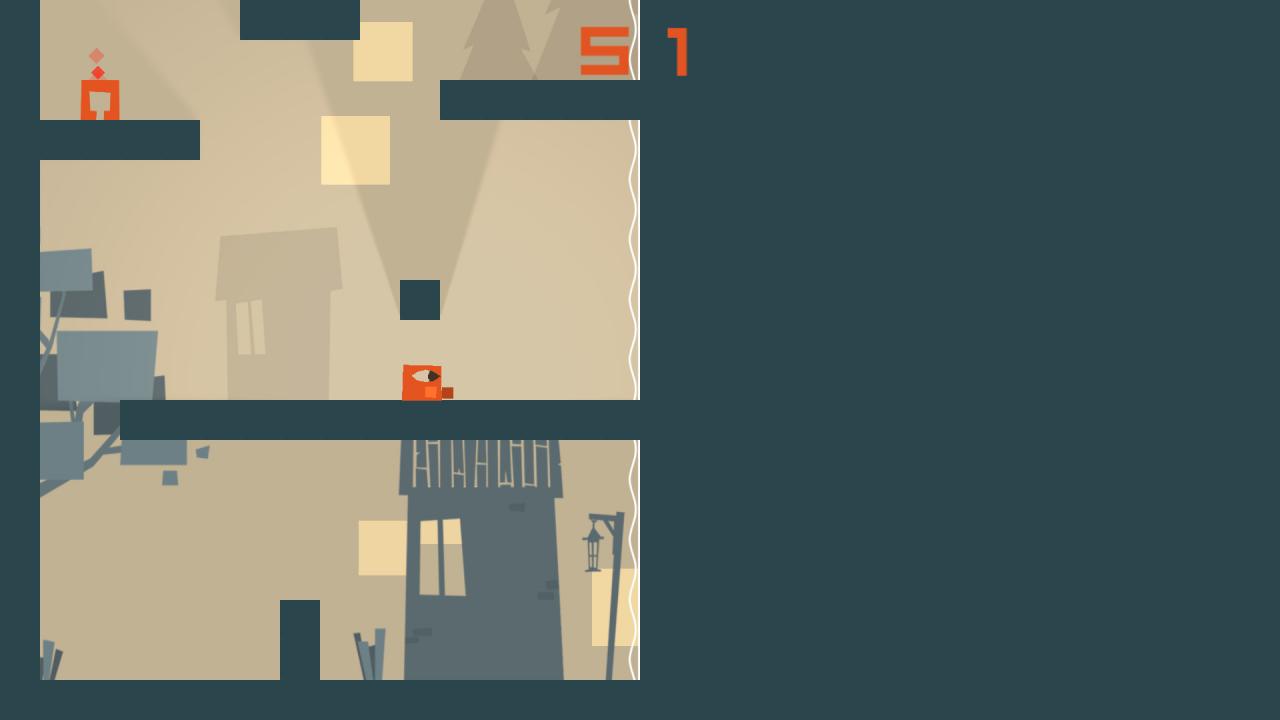
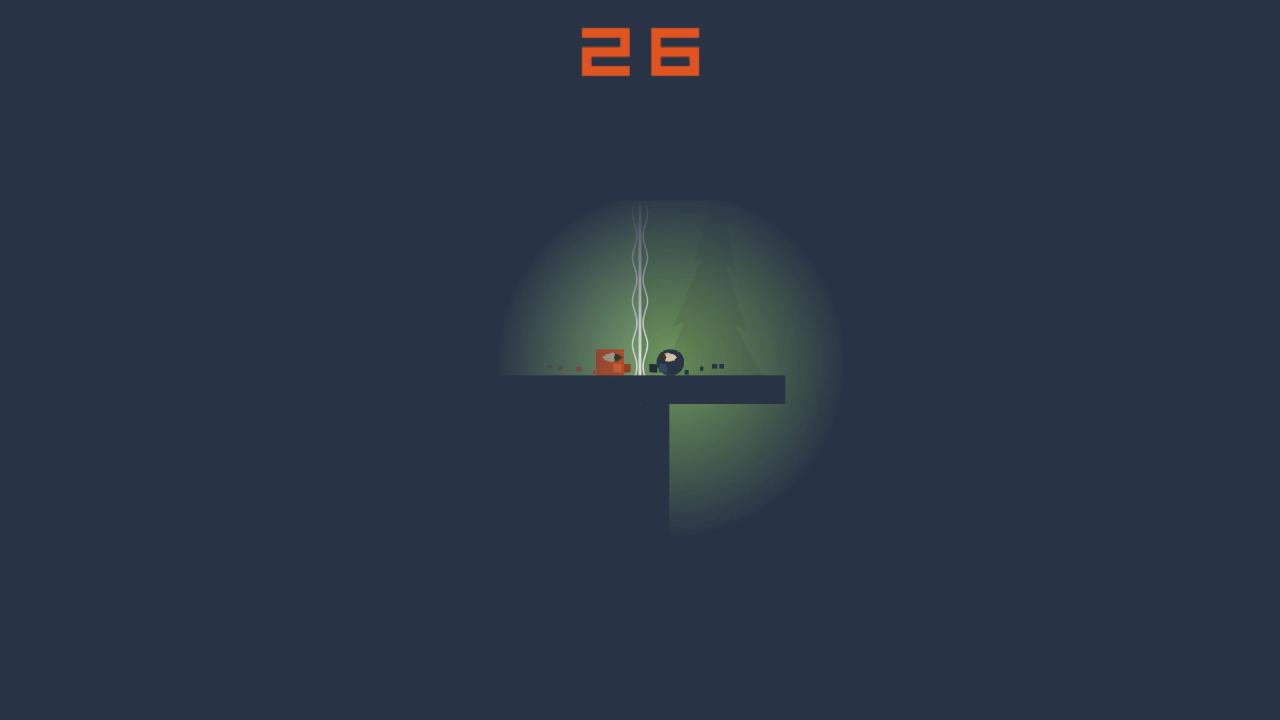
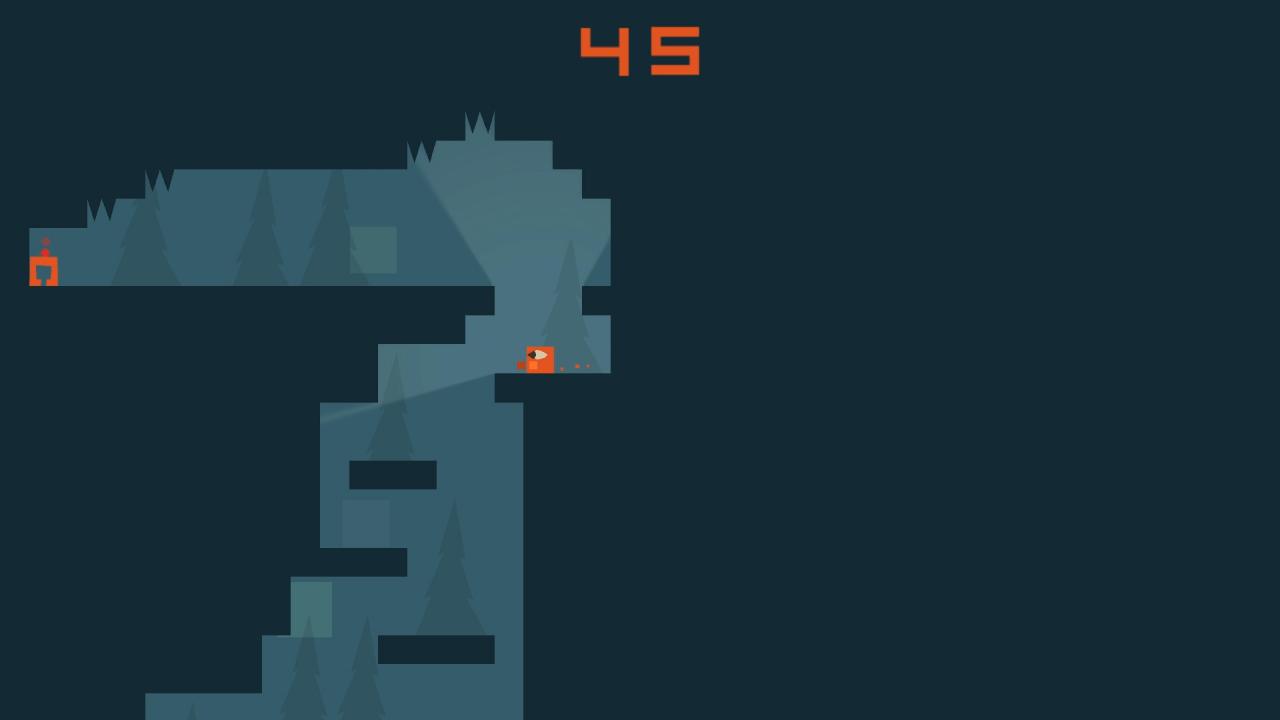
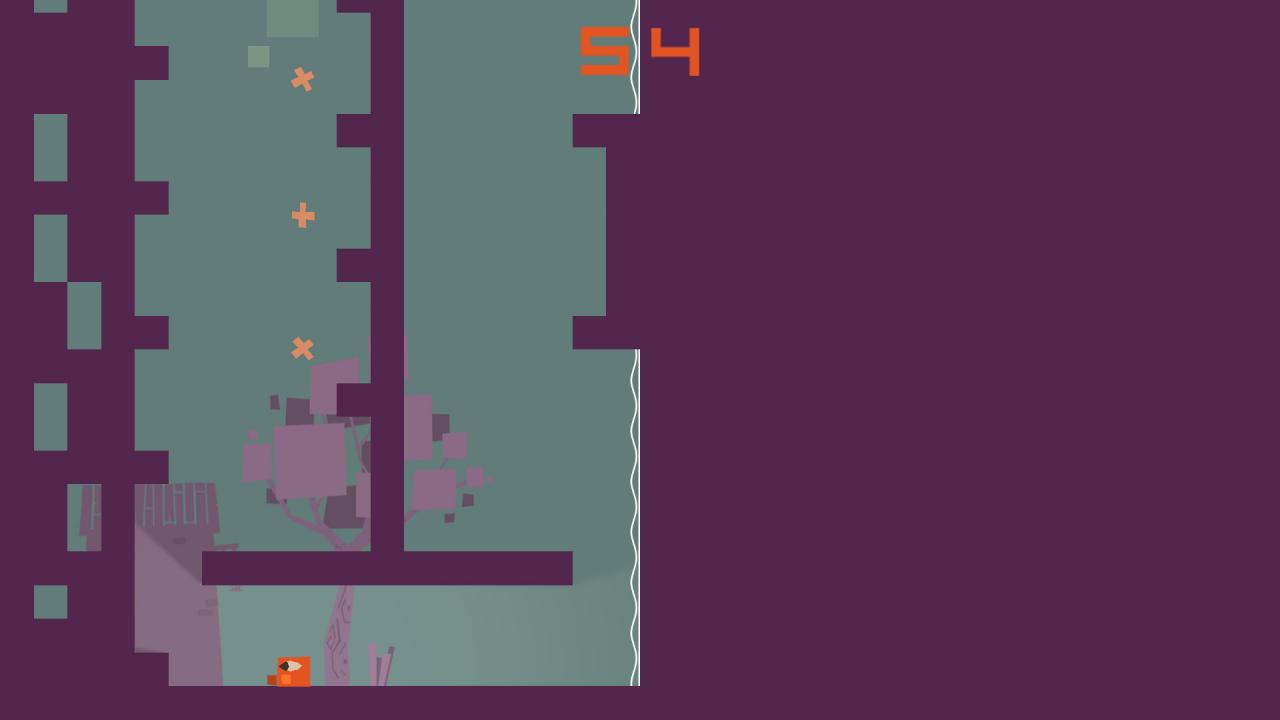
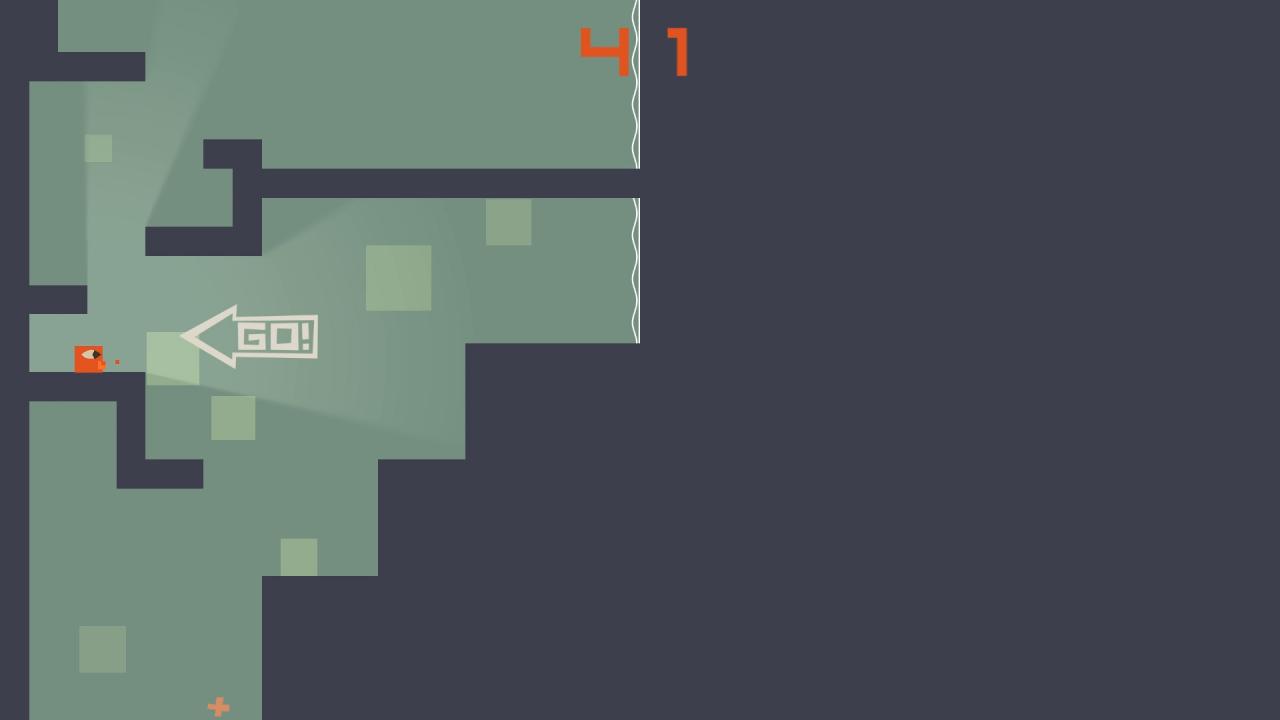
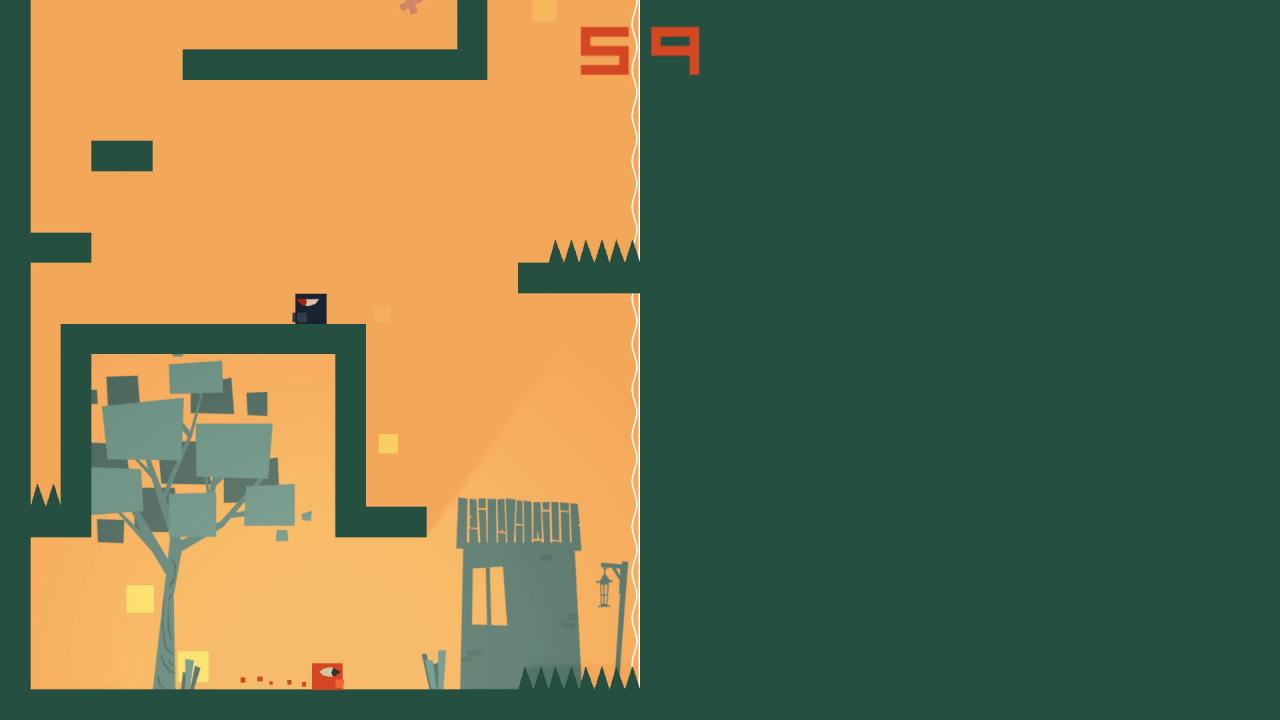
Light is fantastic isn't it? but what if you can jump higher in the dark with inverted controls. There is a strange sickness in your village and all you can do is to find an old wise man and ask for help. Light Fantastik is a puzzle platformer set in a maze on one side and its reflection on the other side. You play as a small, square-shaped man and when you pass to the other side, the world become inverted where you can jump higher but see less. These two worlds force you to make decisions about your path to the old man. During your journey you will go through some portals, run from strange creatures and search for that old wise man. Will you choose to see the entire maze on one side or to jump higher on the other side? As you progress through the game, you will see some strange effects of your sickness. Listen to story that old man tells. There is an end awaits you. Features 60 levels 10 extra (hard!) levels 5 strange characters with new mechanics Level editor Controller support Relaxing music from the creator of the game
Go to: http://store.steampowered.com/ and download STEAM client Click "Install Steam" (from the upper right corner) Install and start application, login with your Account name and Password (create one if you don't have). Please follow these instructions to activate a new retail purchase on Steam: Launch Steam and log into your Steam account. Click the Games Menu. Choose Activate a Product on Steam... Follow the onscreen instructions to complete the process. After successful code verification go to the "MY GAMES" tab and start downloading.