Get 10% back in Relic Coins on every order
VASARA Collection cover

Xbox OneUnited States· Key

VASARA Collection

€8.76

+€0.88 cashback eligibility in Relic Coins

Check before you play

Platform
Xbox One
Region
United States
Product type
Key
Developer
QUByte Interactive
Publisher
QUByte Interactive
Supplier release date
2019-08-14
Genres
Action, Adventure, Co-op, Anime

About this product

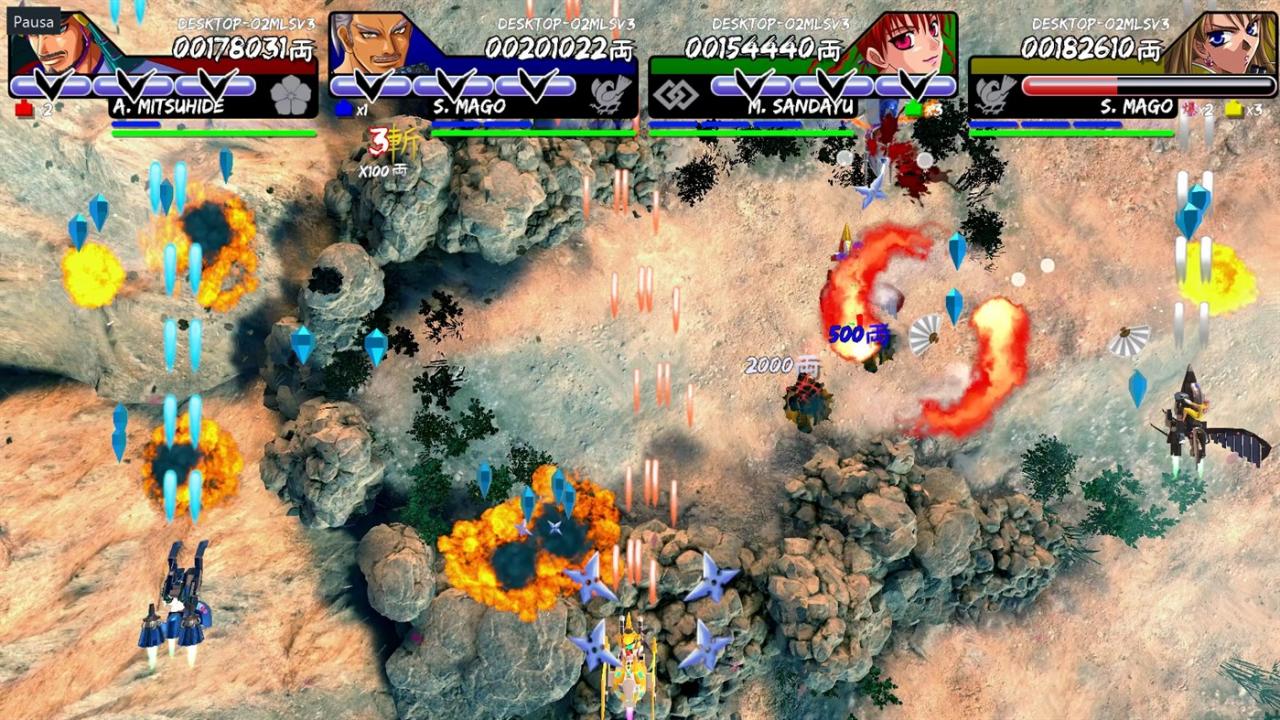
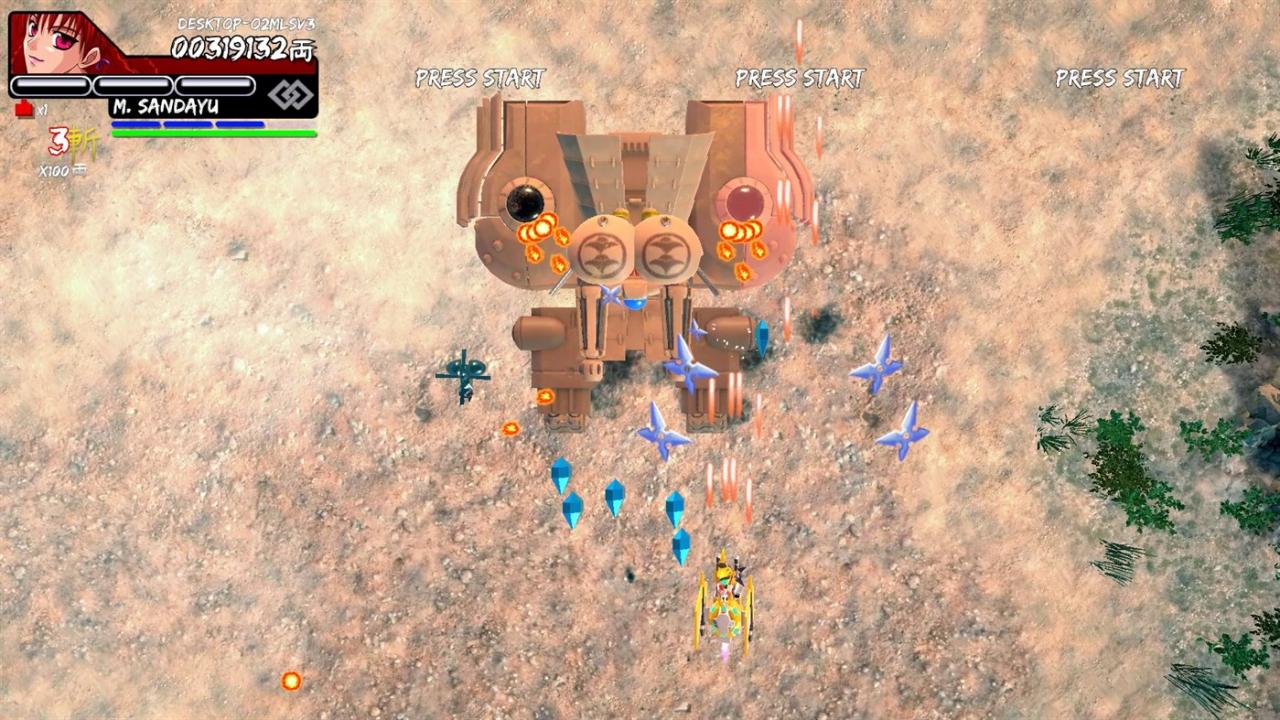
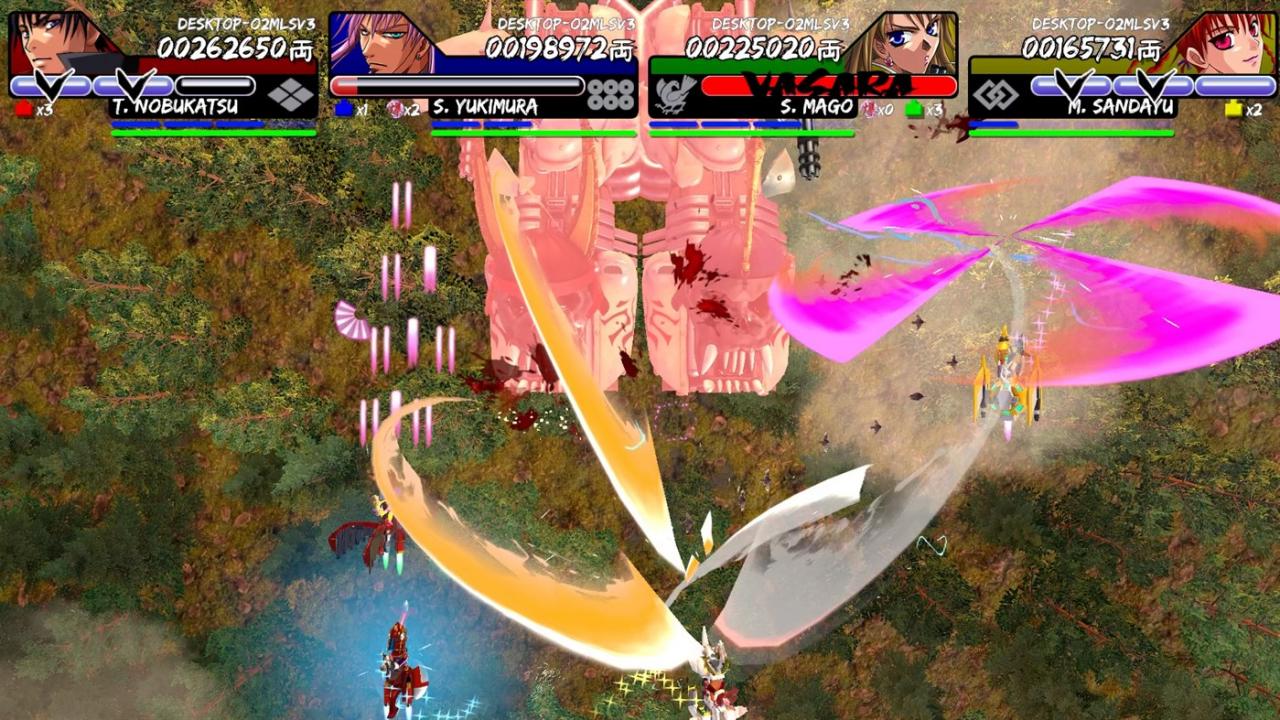
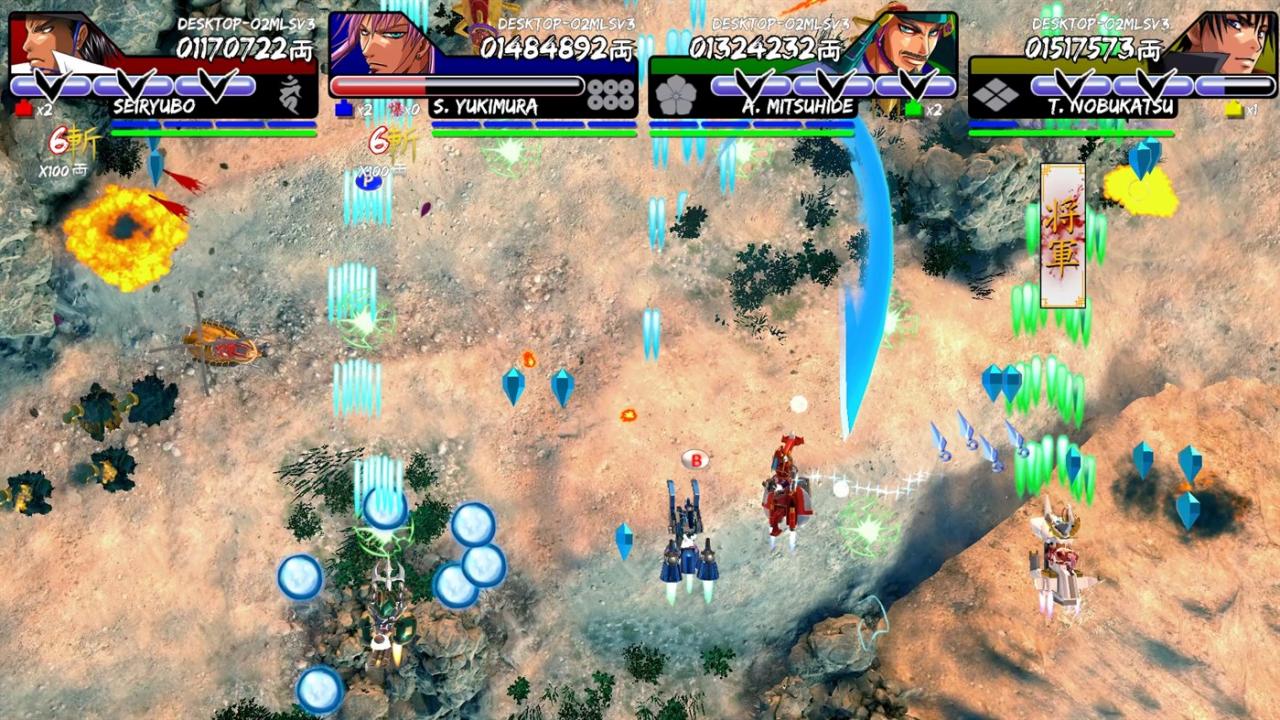
Includes: Vasara Vasara 2 For the very first time, highly acclaimed Japanese Arcade Shoot’em Ups - Vasara (2000) and Vasara 2 (2001) - are made available to the whole world via this package: VASARA COLLECTION!Science Fiction meets History in these arcade classics which take place in an alternate timeline Feudal Japan where technologically advanced weaponry and equipment are a reality, and heroes use flying motorcycles with amazing firepower and fierce melee weapons to destroy their enemies. Try and stay alive on this frantic game where everyone, and everything, is out to kill you! Features Tate Mode/ Vertical Mode support; 8 playable characters inspired by real Japanese historical figures; Sci-Fi meets Feudal Japan in this retelling of historical battles; Fight Robots and Samurais using traditional shooting and powerful melee attacks; Heavily skill-based gameplay for Experts; Easy Mode for Starters; Branching Paths and Multiple Endings according to your characters and in-game actions;


VASARA Collection screenshotVASARA Collection screenshotVASARA Collection screenshotVASARA Collection screenshotVASARA Collection screenshotVASARA Collection screenshot

How to redeem

  1. 1Check your Xbox One account and the listed region before purchasing.
  2. 2Find your code and supplier activation instructions in your confirmed order.
  3. 3Open the redeem-code section on Xbox One, enter the code and follow the platform’s prompts.

Supplier instructions

Go to https://www.xbox.com Login to your account Hover over your account link (the top right of the screen) a menu will appear, click on the "Redeem Code" button. On the next page, click "Redeem" Enter your code Click "Confirm" Click "Confirm" again to assign the key to your account.

You might also like