Get 10% back in Relic Coins on every order
Final Fantasy IV (3D Remake) cover

Steam Europe - All Countries· Key

Final Fantasy IV (3D Remake)

€6.15

+€0.62 cashback eligibility in Relic Coins

Check before you play

Platform
Steam
Region
Europe - All Countries
Product type
Key
Developer
Square Enix
Publisher
Square Enix
Supplier release date
2014-09-17
Genres
RPG

About this product

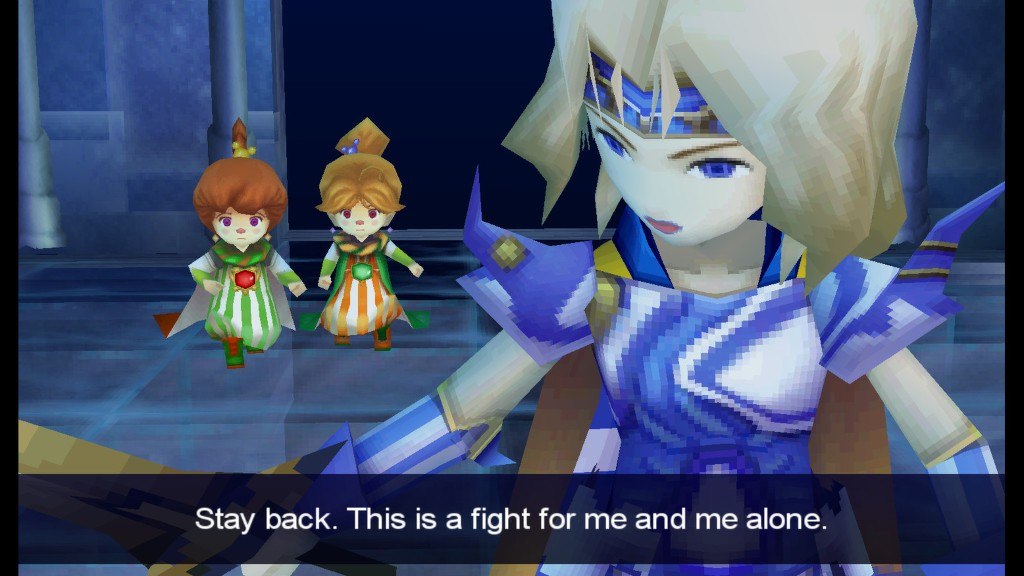
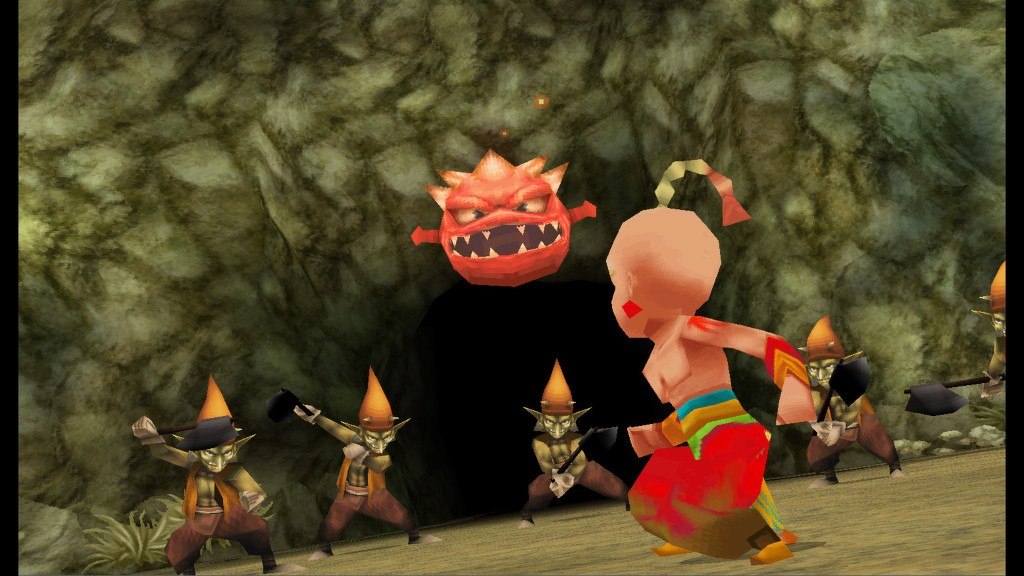
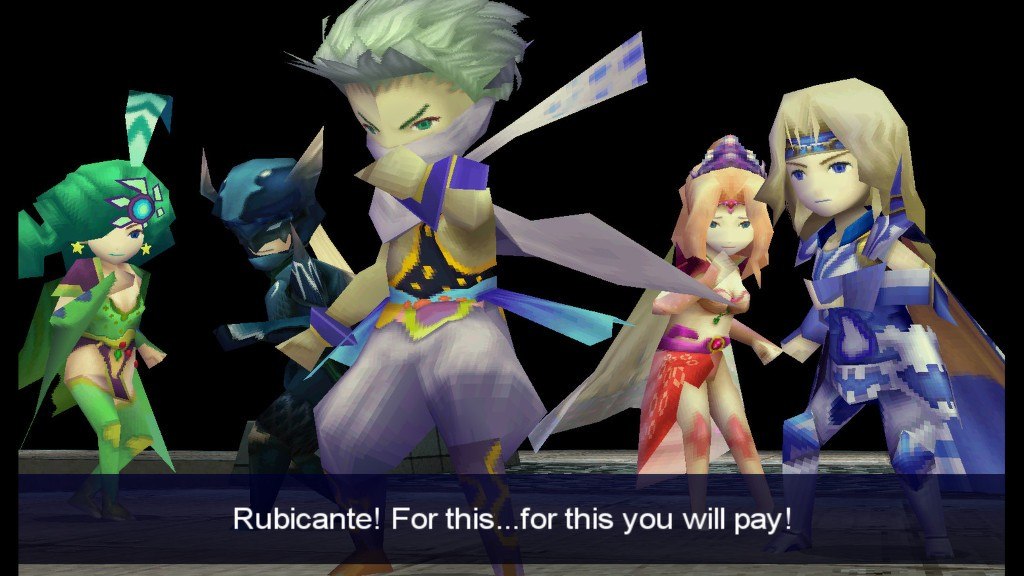
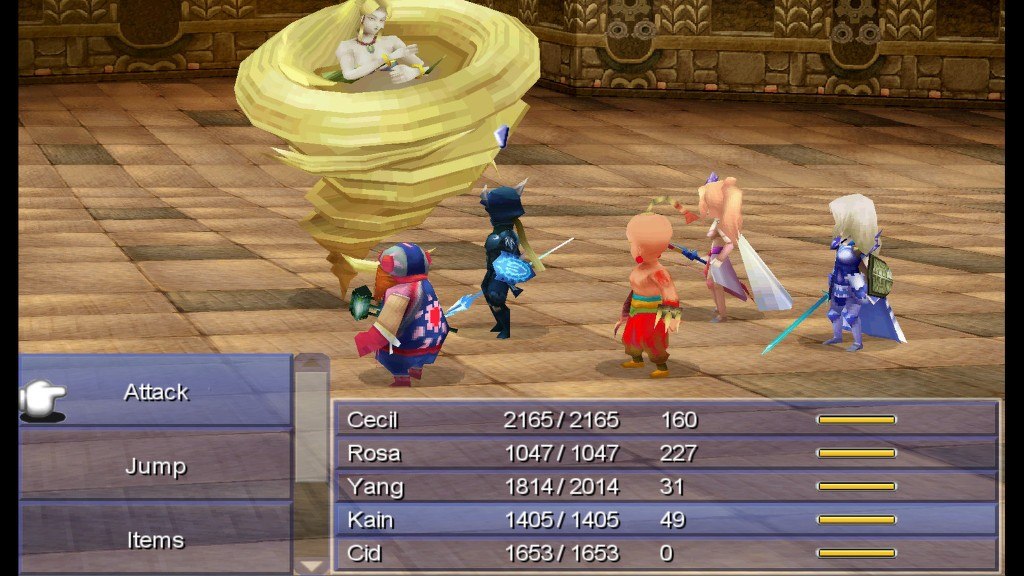
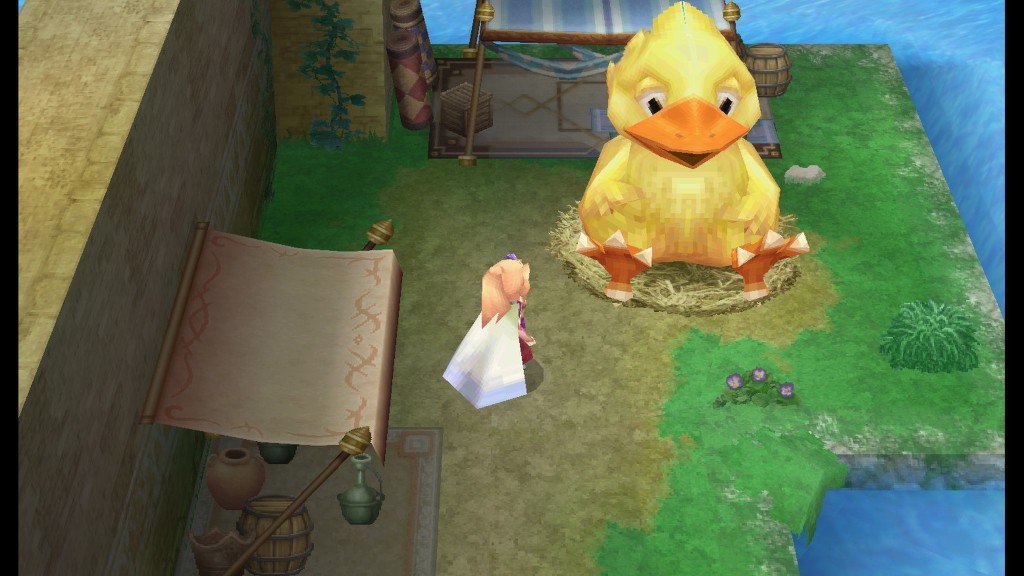
The title first debuted in 1991 as the fourth installment in the FINAL FANTASY series. Wildly popular thanks to its unique characters and dramatic storylines, it went on to be ported to many different platforms.FINAL FANTASY IV was the first title to introduce the Active Time Battle (ATB) system, which has become synonymous with the series. It also saw the introduction of the Augment system, which enabled the transfer of abilities from other characters and gave players an edge in battles.This iconic title is packed with other amazing features.Voice acting for event scenesKey events unfold with spoken dialogue.Deeply emotional portrayalsCharacters go through visibly apparent emotional changes.A brand new mapping featurePlayers start with a completely blank dungeons map, adding an element of the unknown to the mix!JukeboxPlayers can listen to the game's music anytime they want. --------------------------------------------High resolution graphics and retouched cutscenes.The interface has been renewed to match those of the gamepad.Select difficulty from Normal to Hard to adjust the balance of the game.New save functions, including autosave, allow for players to quit the game at any time without fear of losing their progress.

Final Fantasy IV (3D Remake) screenshotFinal Fantasy IV (3D Remake) screenshotFinal Fantasy IV (3D Remake) screenshotFinal Fantasy IV (3D Remake) screenshotFinal Fantasy IV (3D Remake) screenshot

How to redeem

  1. 1Check your Steam account and the listed region before purchasing.
  2. 2Find your code and supplier activation instructions in your confirmed order.
  3. 3Open the redeem-code section on Steam, enter the code and follow the platform’s prompts.

Supplier instructions

Go to: http://store.steampowered.com/ and download STEAM client Click "Install Steam" (from the upper right corner) Install and start application, login with your Account name and Password (create one if you don't have). Please follow these instructions to activate a new retail purchase on Steam: Launch Steam and log into your Steam account. Click the Games Menu. Choose Activate a Product on Steam... Follow the onscreen instructions to complete the process. After successful code verification go to the "MY GAMES" tab and start downloading.

You might also like