Get 10% back in Relic Coins on every order
Yuletide Legends: Who Framed Santa Claus cover

SteamGlobal· Key

Yuletide Legends: Who Framed Santa Claus

€9.79

+€0.98 cashback eligibility in Relic Coins

Check before you play

Platform
Steam
Region
Global
Product type
Key
Developer
Brave Giant LTD
Publisher
Artifex Mundi
Supplier release date
2019-12-12
Genres
Adventure, Casual, Hidden Object, Point & click

About this product

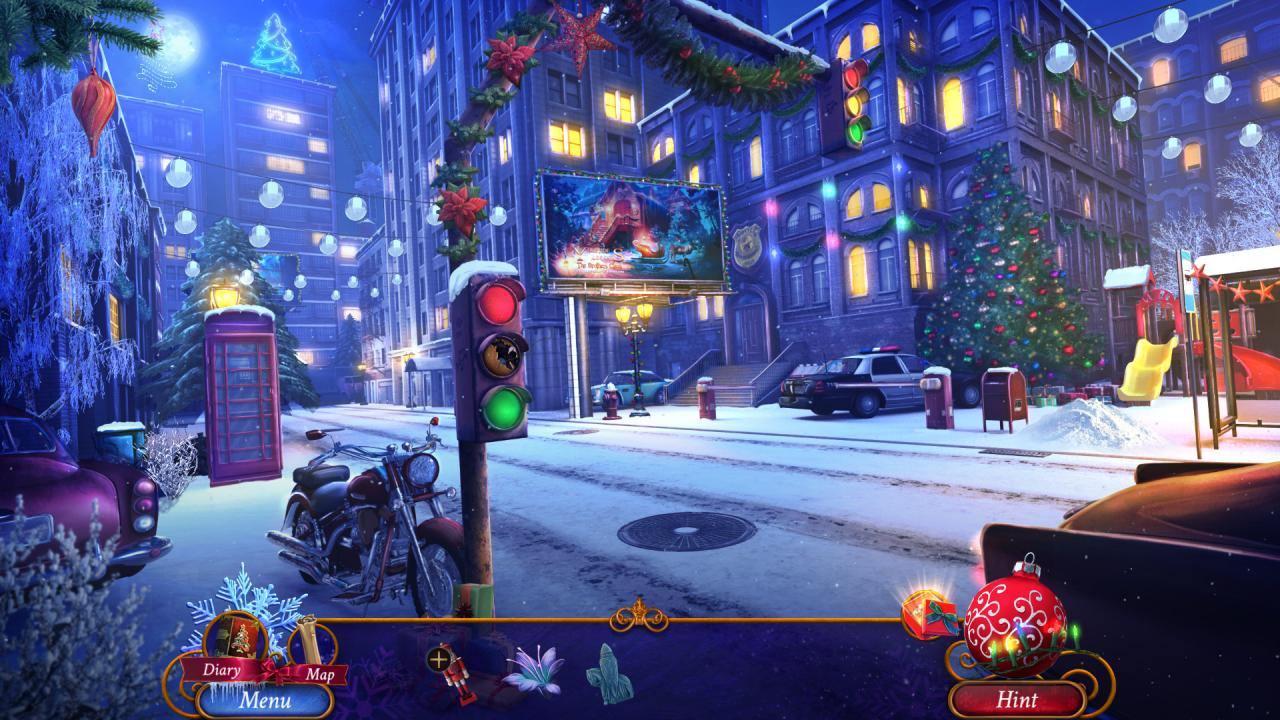
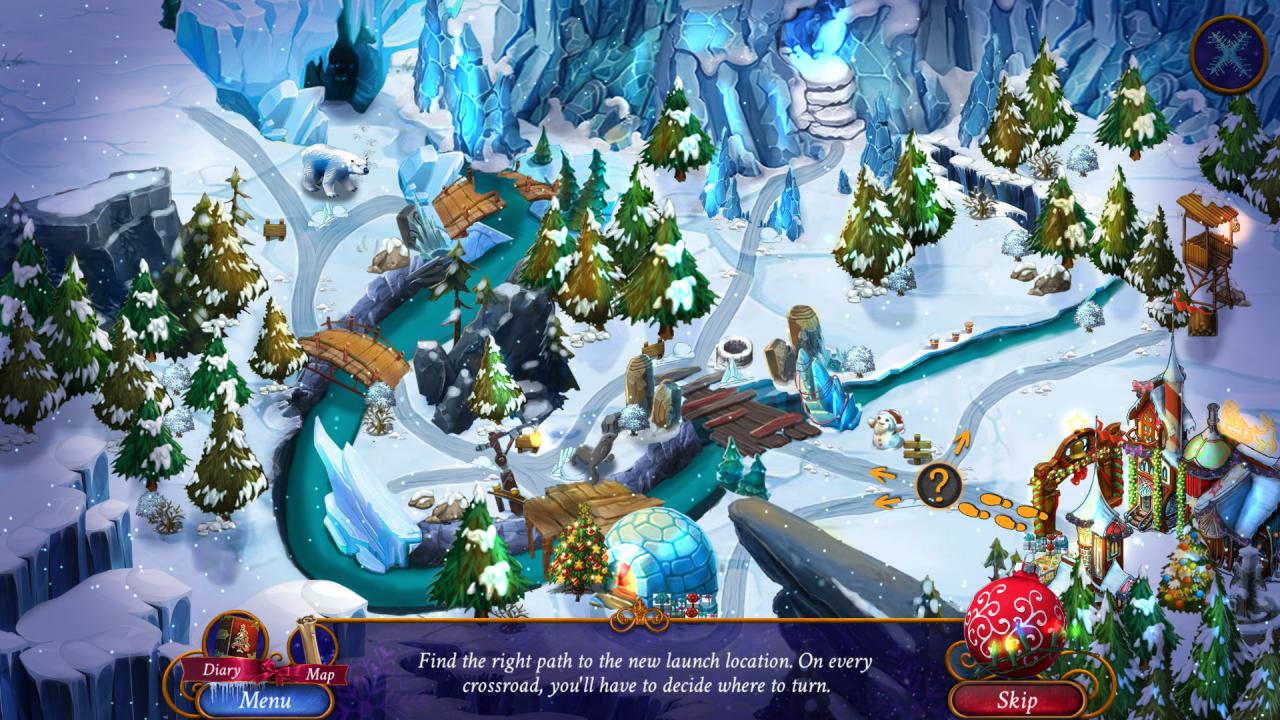
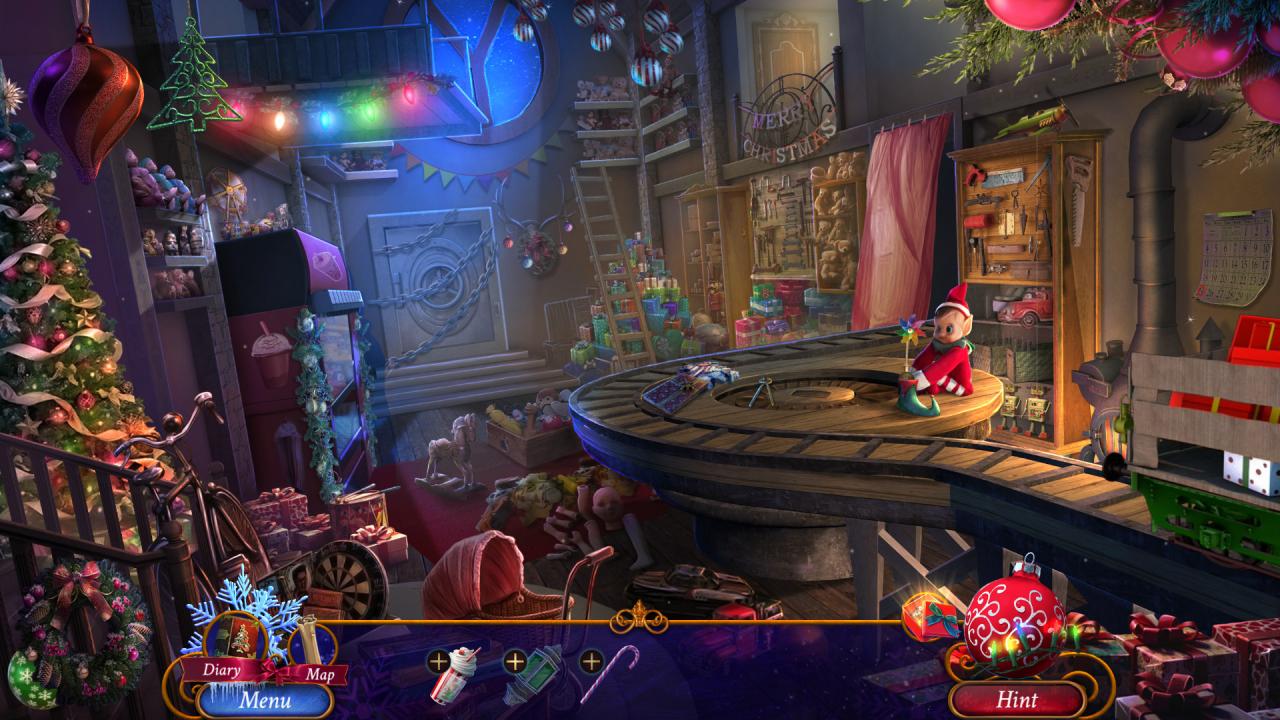
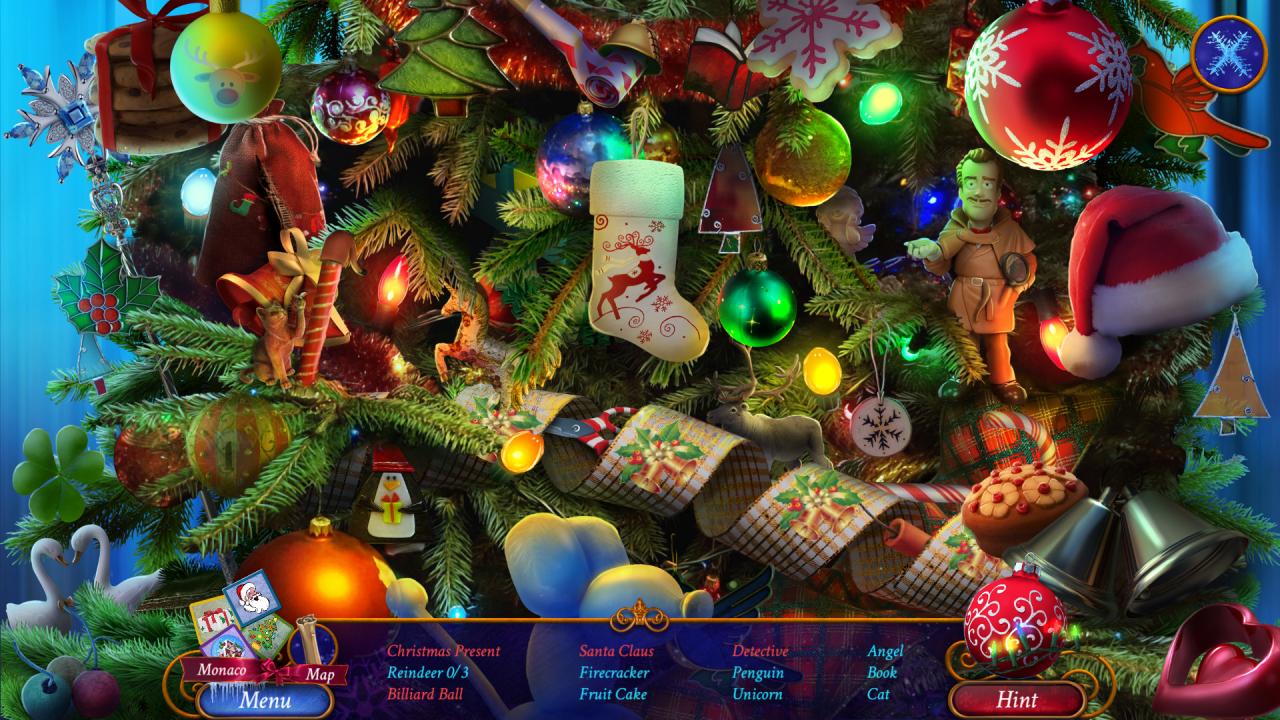
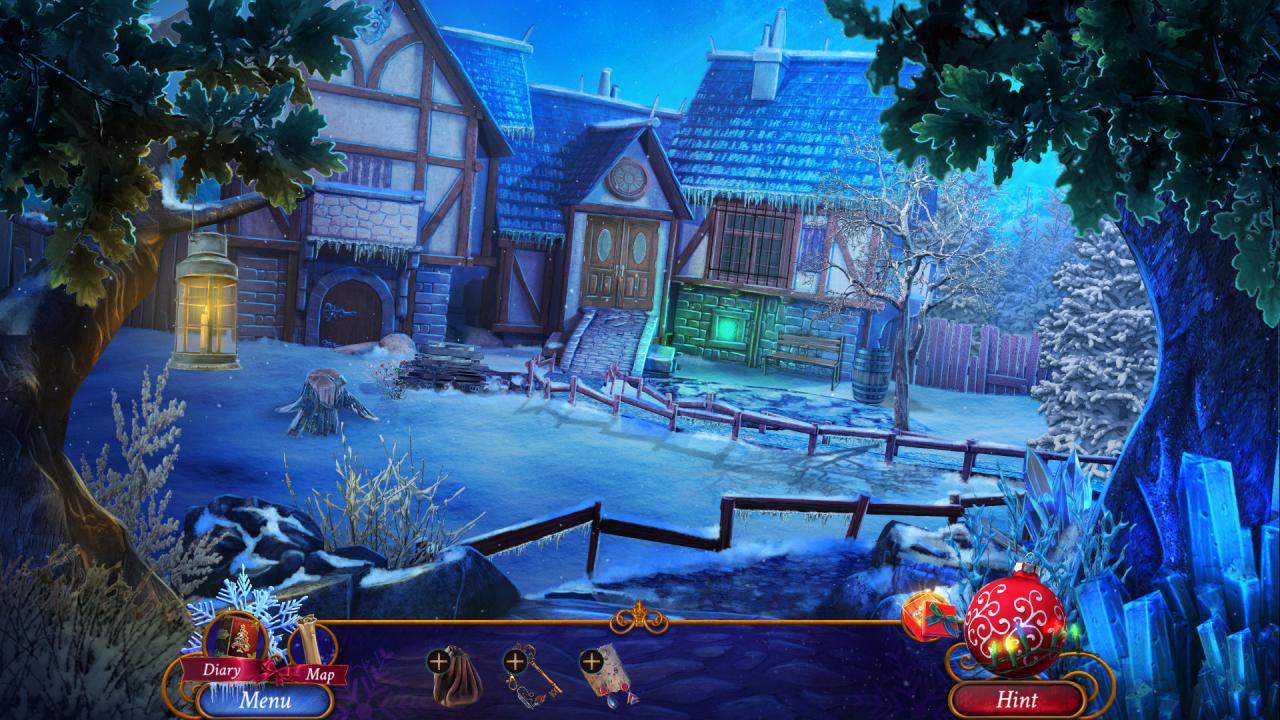
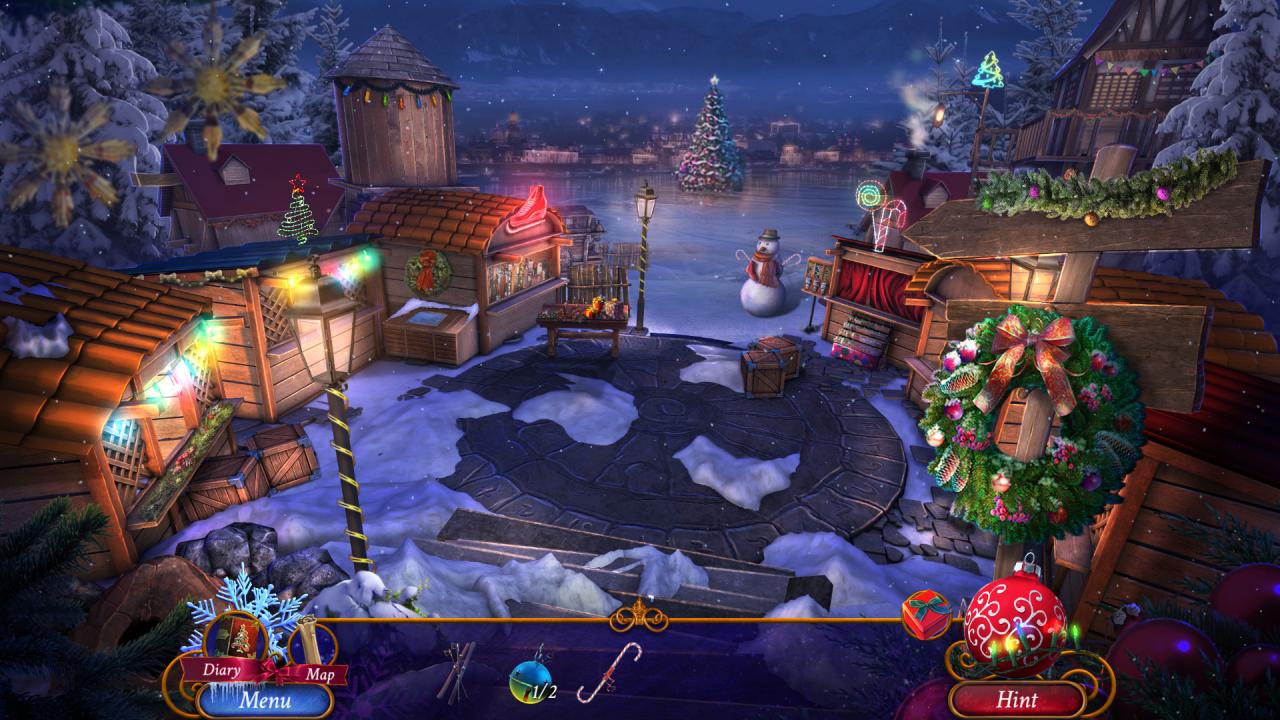
For the Yuletide Detective there is no busier time then the winter season and this year proves it like none other. As Brigitte Woolf you're seconds away from sinking in your cozy armchair and chilling with a cup of cocoa, but a visit from Mrs. Santa changes your plans.Not only was her husband accused of an extremely callous theft, but Santa himself became a victim of a thief. The unknown perpetrator took away his voice and left him in despair.In the face of such wickedness and such an aggressive attack on the winter spirit, you have no other option than to put down your book and cozy blanket and get on with some splendid detective work with a magnifying glass in your hand. Especially since you will meet lots of people from magic and myths - the Snow Queen, Jack Frost and Krampus. Features Play as Brigitte Woolf - the Yuletide Detective! Use your wits and smarts to solve almost 30 puzzles! Get to know the colorful menagerie of magical characters! Visit 35 picturesque winter locations in pursuit of the perpetrator! Find evidence of Santa's innocence!


Yuletide Legends: Who Framed Santa Claus screenshotYuletide Legends: Who Framed Santa Claus screenshotYuletide Legends: Who Framed Santa Claus screenshotYuletide Legends: Who Framed Santa Claus screenshotYuletide Legends: Who Framed Santa Claus screenshotYuletide Legends: Who Framed Santa Claus screenshot

How to redeem

  1. 1Check your Steam account and the listed region before purchasing.
  2. 2Find your code and supplier activation instructions in your confirmed order.
  3. 3Open the redeem-code section on Steam, enter the code and follow the platform’s prompts.

Supplier instructions

Go to: http://store.steampowered.com/ and download STEAM client Click "Install Steam" (from the upper right corner) Install and start application, login with your Account name and Password (create one if you don't have). Please follow these instructions to activate a new retail purchase on Steam: Launch Steam and log into your Steam account. Click the Games Menu. Choose Activate a Product on Steam... Follow the onscreen instructions to complete the process. After successful code verification go to the "MY GAMES" tab and start downloading.

You might also like