Get 10% back in Relic Coins on every order
The Elder Scrolls Online Standard Edition cover

SteamGlobal· Key

The Elder Scrolls Online Standard Edition

€2.00

+€0.20 cashback eligibility in Relic Coins

Check before you play

Platform
Steam
Region
Global
Product type
Key
Developer
Zenimax Online Studios
Publisher
Bethesda Softworks
Supplier release date
2017-06-06
Genres
Adventure, RPG, MMO

About this product

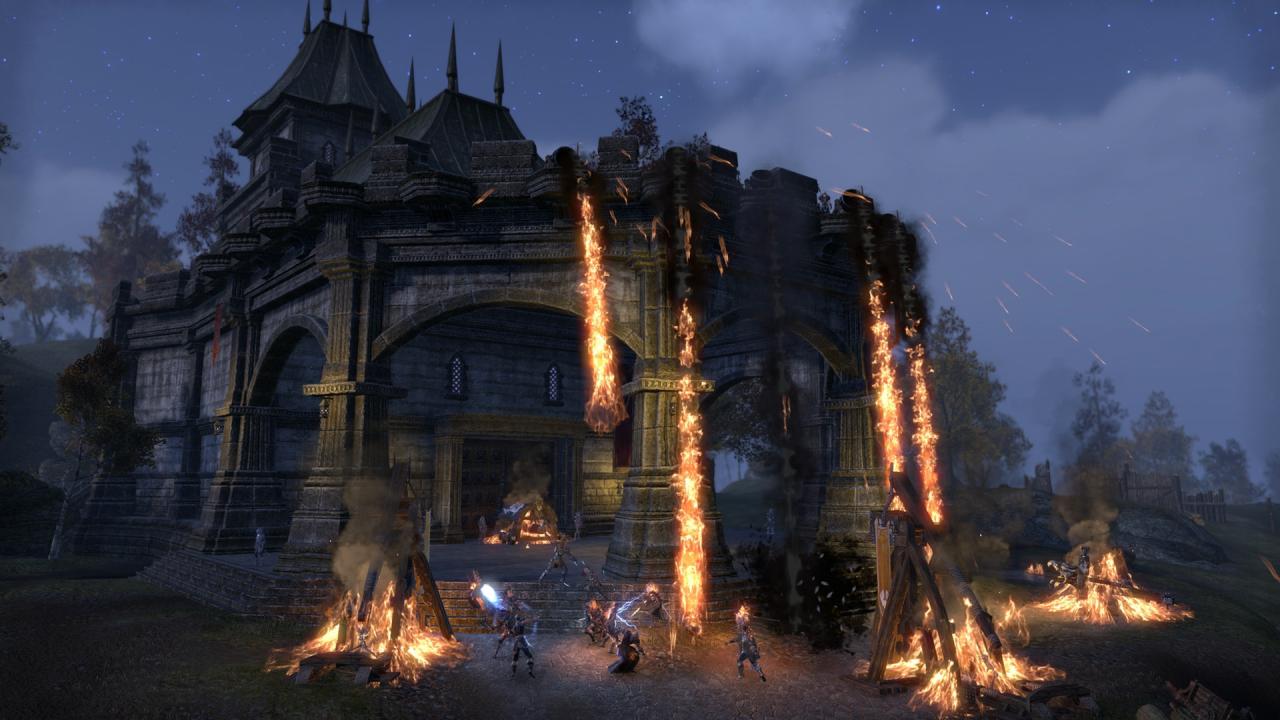
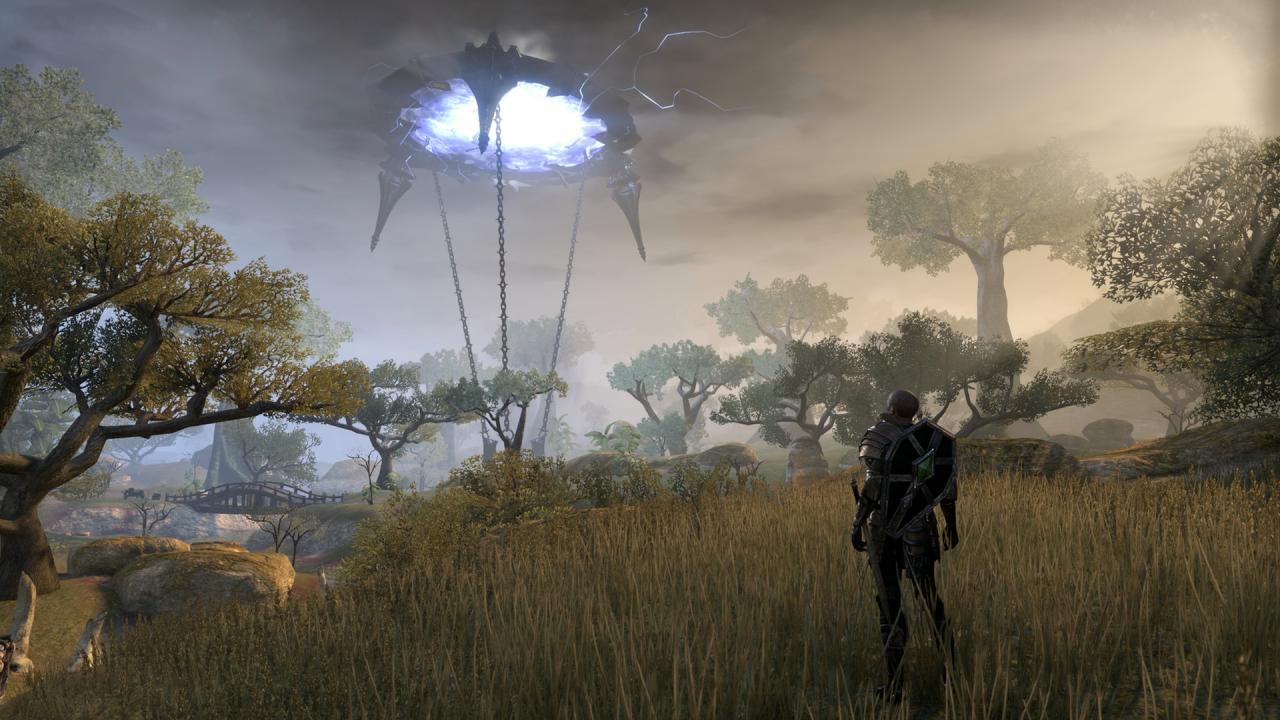
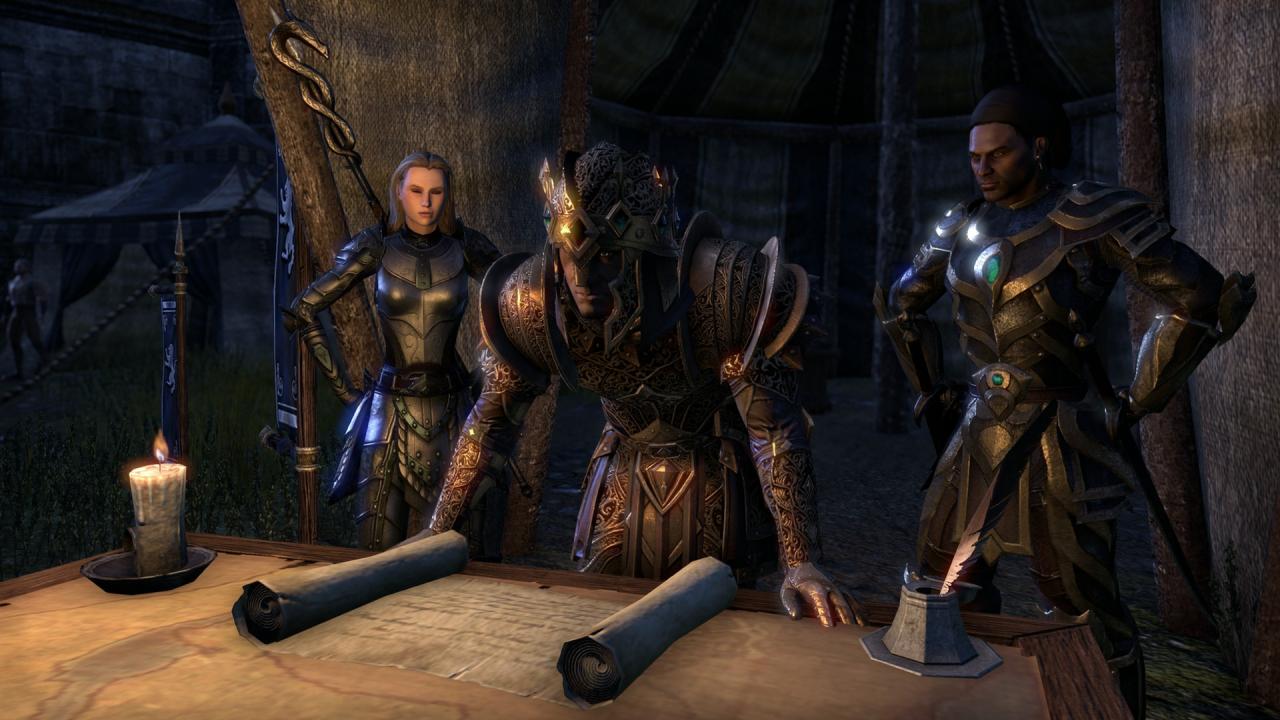
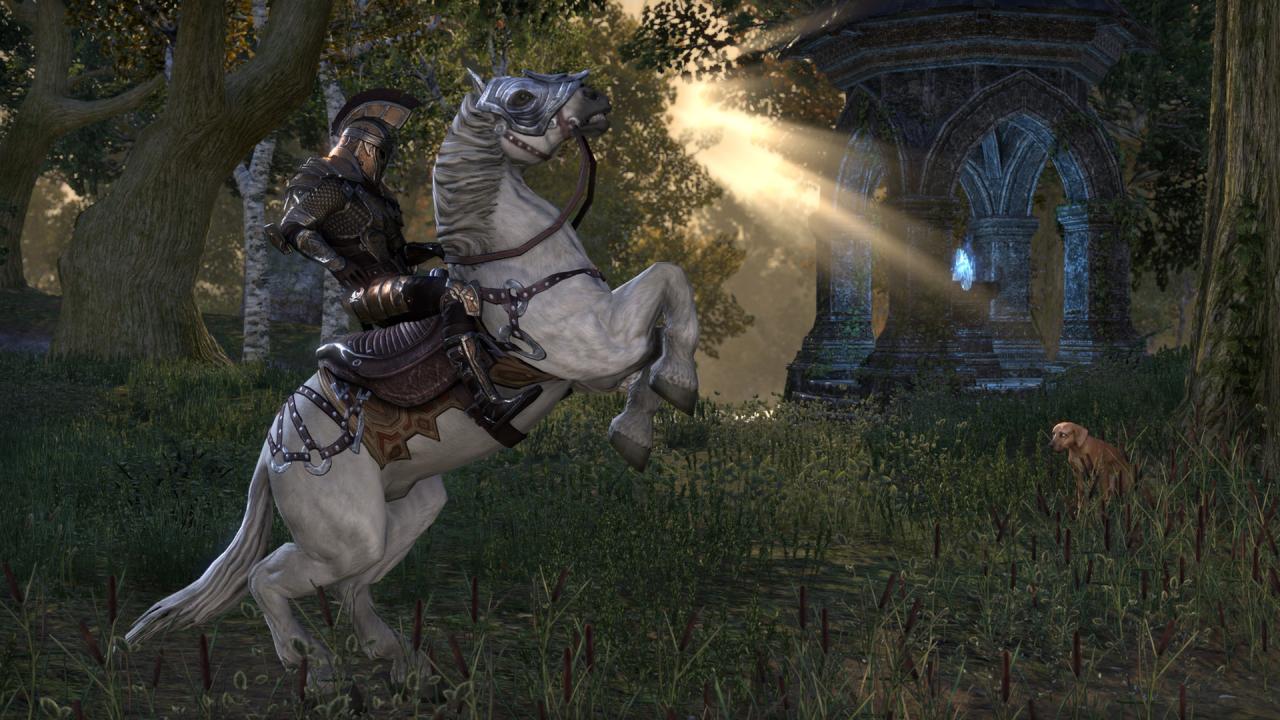
Includes: Base game The Morrowind Chapter DLC Experience an ever-expanding story across all of Tamriel in The Elder Scrolls Online, an award-winning online RPG. Explore a rich, living world with friends or embark upon a solo adventure. Enjoy complete control over how your character looks and plays, from the weapons you wield to the skills you learn – the choices you make will shape your destiny. Welcome to a world without limits. Features PLAY THE WAY YOU LIKEBattle, craft, steal, siege, or explore, and combine different types of armor, weapons, and abilities to create your own style of play. The choice is yours to make in a persistent, ever-growing Elder Scrolls world. TELL YOUR OWN STORYDiscover the secrets of Tamriel as you set off to regain your lost soul and save the world from Oblivion. Experience any story in any part of the world, in whichever order you choose – with others or alone. A MULTIPLAYER RPGComplete quests with friends, join fellow adventurers to explore dangerous, monster-filled dungeons, or take part in epic PvP battles with hundreds of other players.

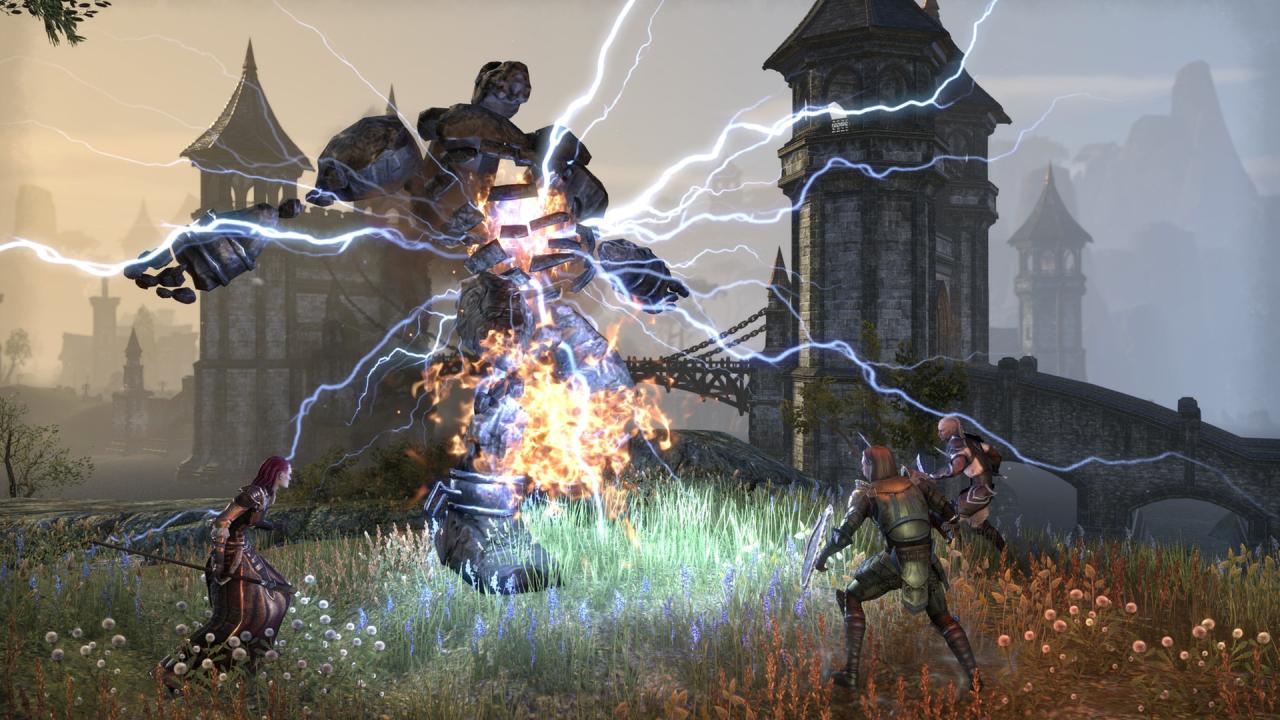
The Elder Scrolls Online Standard Edition screenshotThe Elder Scrolls Online Standard Edition screenshotThe Elder Scrolls Online Standard Edition screenshotThe Elder Scrolls Online Standard Edition screenshotThe Elder Scrolls Online Standard Edition screenshotThe Elder Scrolls Online Standard Edition screenshot

How to redeem

  1. 1Check your Steam account and the listed region before purchasing.
  2. 2Find your code and supplier activation instructions in your confirmed order.
  3. 3Open the redeem-code section on Steam, enter the code and follow the platform’s prompts.

Supplier instructions

Go to: http://store.steampowered.com/ and download STEAM client Click "Install Steam" (from the upper right corner) Install and start application, login with your Account name and Password (create one if you don't have). Please follow these instructions to activate a new retail purchase on Steam: Launch Steam and log into your Steam account. Click the Games Menu. Choose Activate a Product on Steam... Follow the onscreen instructions to complete the process. After successful code verification go to the "MY GAMES" tab and start downloading.

You might also like