Get 10% back in Relic Coins on every order
Zombie Apocalypse Survivor cover

SteamGlobal· Key

Zombie Apocalypse Survivor

€52.49

+€5.25 cashback eligibility in Relic Coins

Check before you play

Platform
Steam
Region
Global
Product type
Key
Supplier release date
2020-02-11
Genres
Action, Adventure, Strategy, Indie, Casual, Survival

About this product

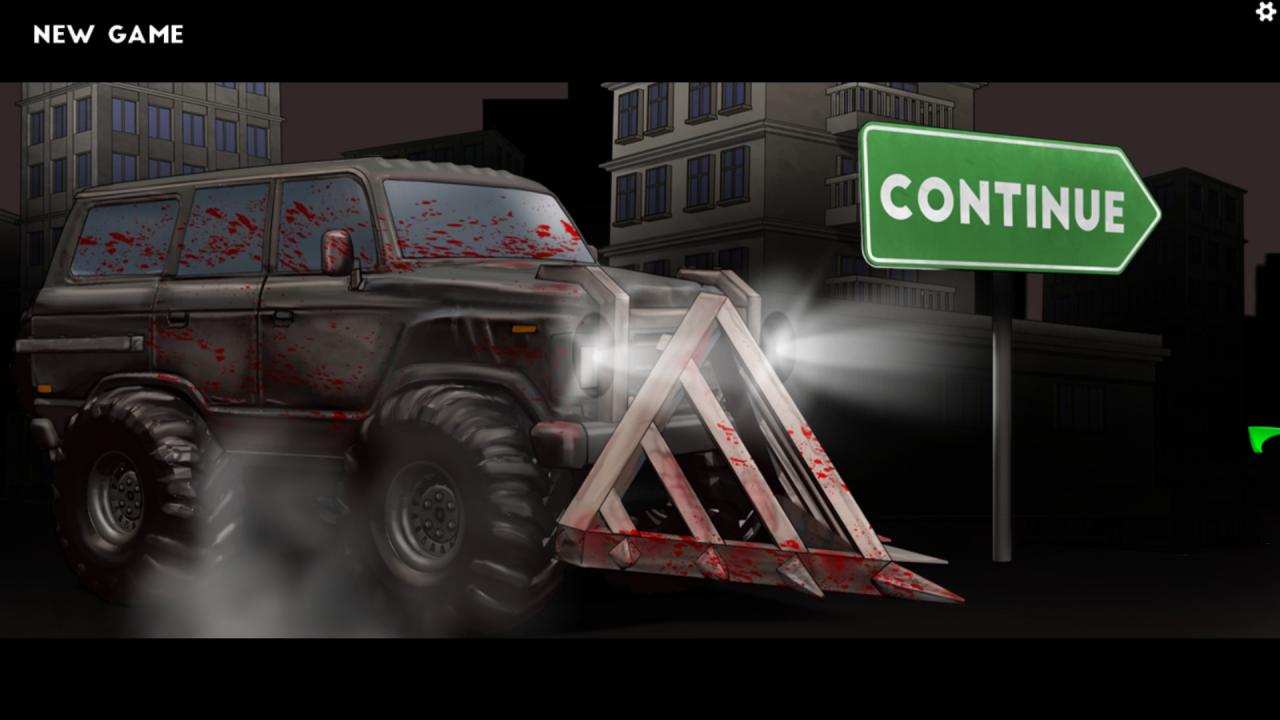
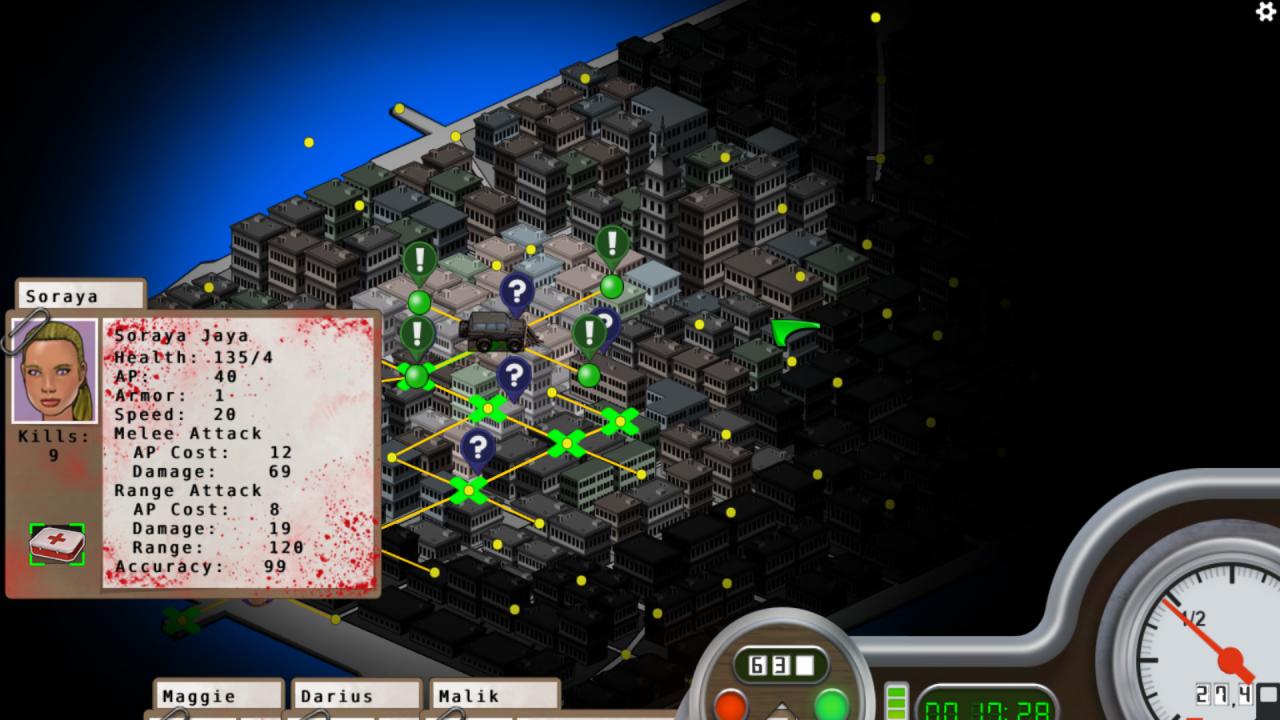
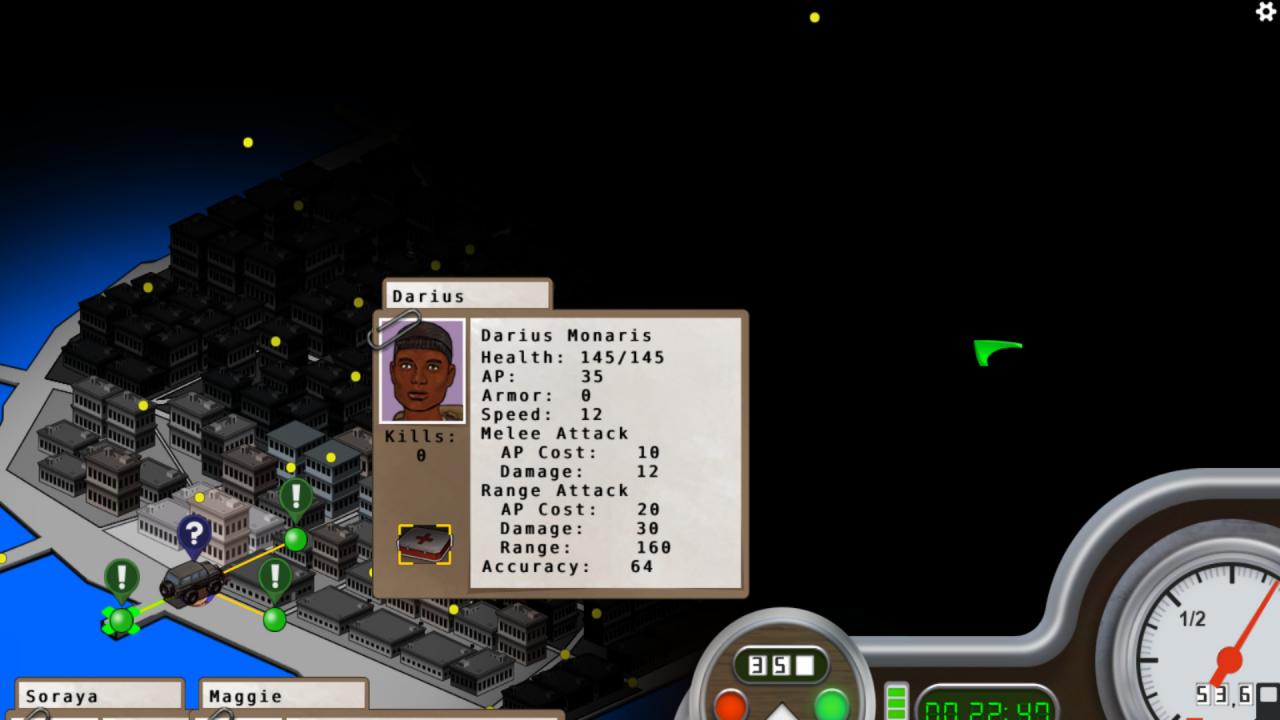
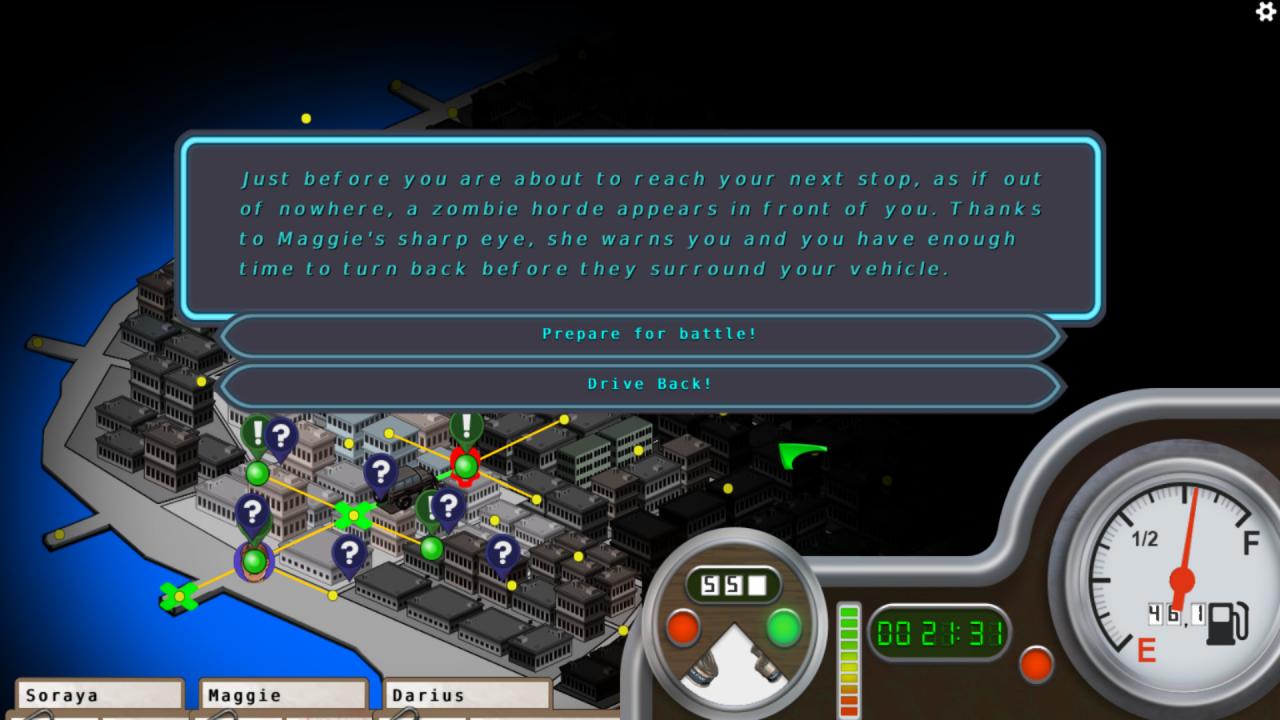
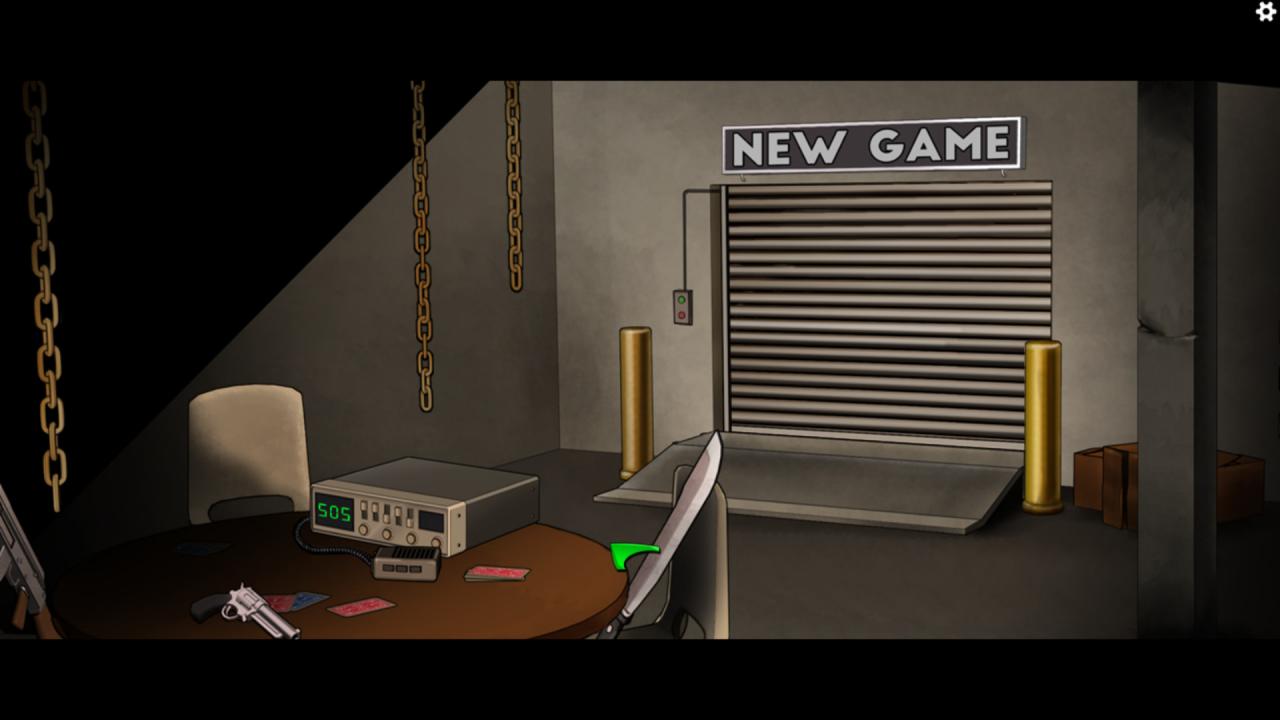
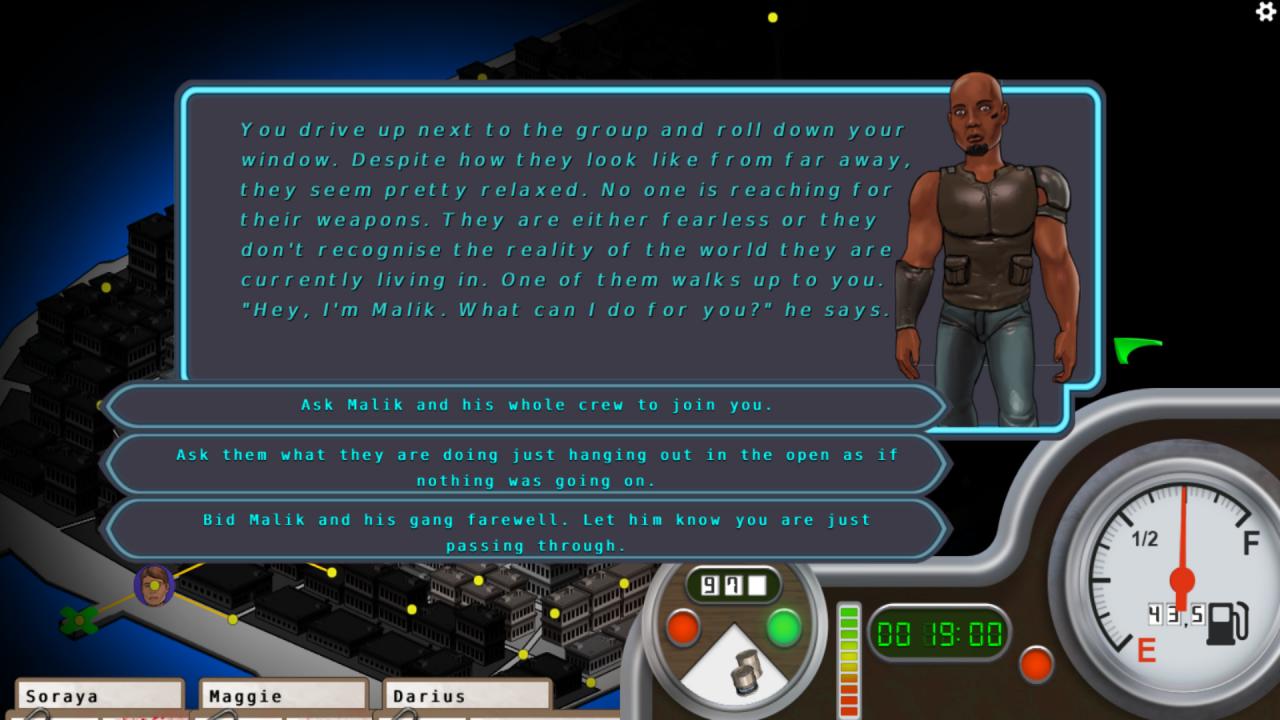
Action survival game. You start with 3 random survivors in your crew. Your goal is to make it out of the city by heading North-East. Along the way you will run into other survivors that you can add to your crew and expand your random character selection when you start you next run. The game is broken down into 2 sections. The world map and the scripted/random encounters where you face of against other crews and hordes of various types of zombies. You will need to search around for food, gas and medical supplies in order to make it to your destination. Run out of gas and you will no longer be able to go on until you find more. With no food supplies left your crew starts acting out, some will run away with the remainder of your supplies others will just abandon your team. Without medicine there is no way to restore health back to any of your crew members.

Zombie Apocalypse Survivor screenshotZombie Apocalypse Survivor screenshotZombie Apocalypse Survivor screenshotZombie Apocalypse Survivor screenshotZombie Apocalypse Survivor screenshotZombie Apocalypse Survivor screenshot

How to redeem

  1. 1Check your Steam account and the listed region before purchasing.
  2. 2Find your code and supplier activation instructions in your confirmed order.
  3. 3Open the redeem-code section on Steam, enter the code and follow the platform’s prompts.

Supplier instructions

Go to: http://store.steampowered.com/ and download STEAM client Click "Install Steam" (from the upper right corner) Install and start application, login with your Account name and Password (create one if you don't have). Please follow these instructions to activate a new retail purchase on Steam: Launch Steam and log into your Steam account. Click the Games Menu. Choose Activate a Product on Steam... Follow the onscreen instructions to complete the process. After successful code verification go to the "MY GAMES" tab and start downloading.

You might also like