

SteamGlobal· Key
Viki Spotter: The Farm
€9.35
+€0.94 cashback eligibility in Relic Coins
Check before you play
- Platform
- Steam
- Region
- Global
- Product type
- Key
- Developer
- For Kids
- Publisher
- For Kids
- Supplier release date
- 2018-02-01
- Genres
- Indie, Casual
SteamGlobal· Key
€9.35
+€0.94 cashback eligibility in Relic Coins
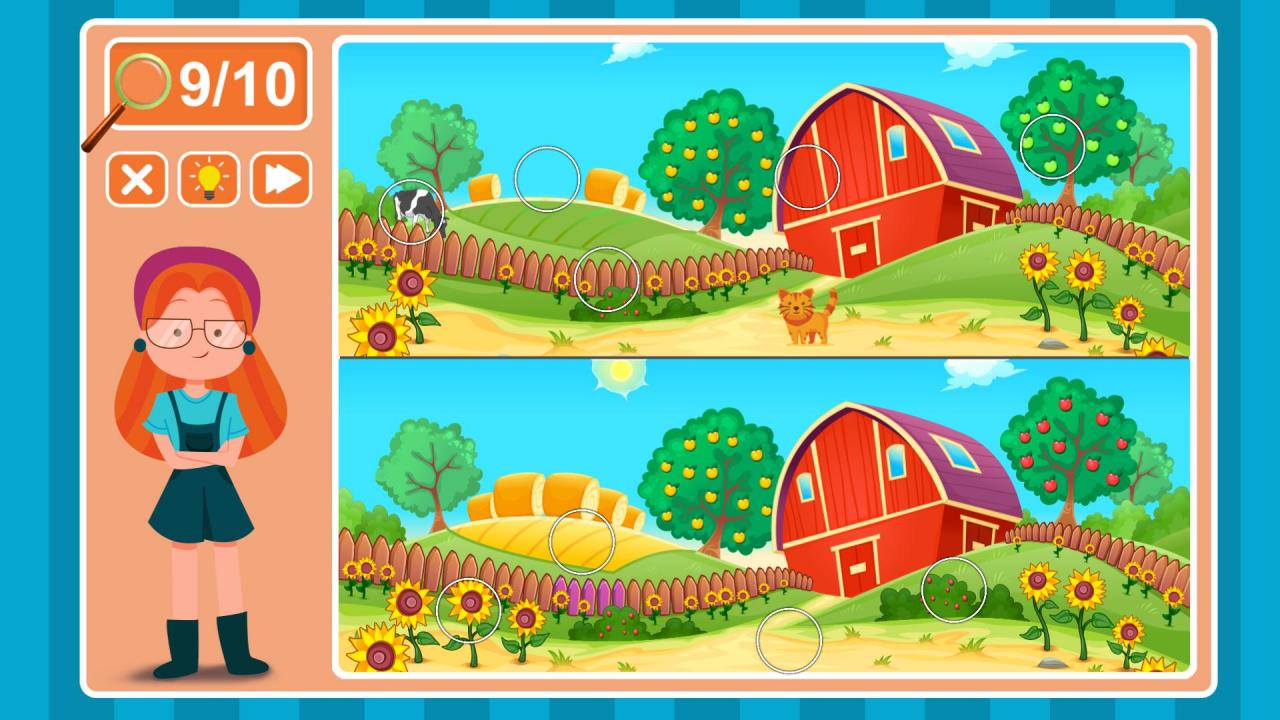
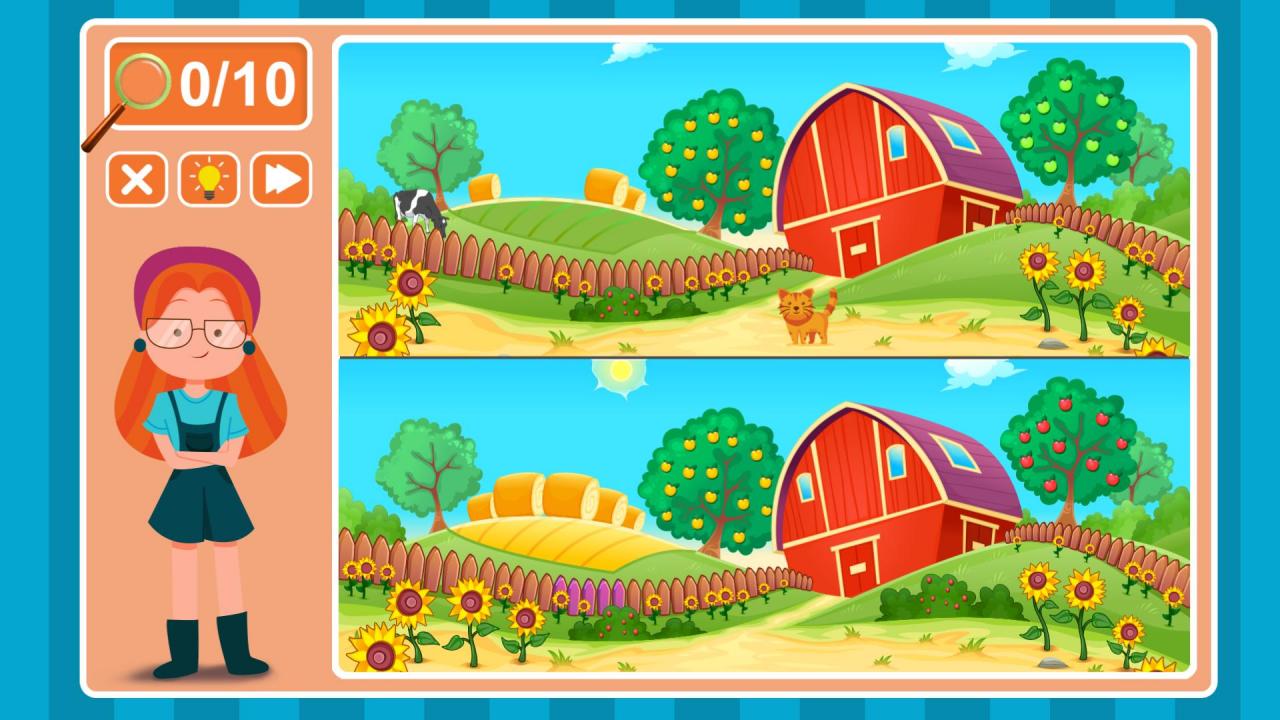
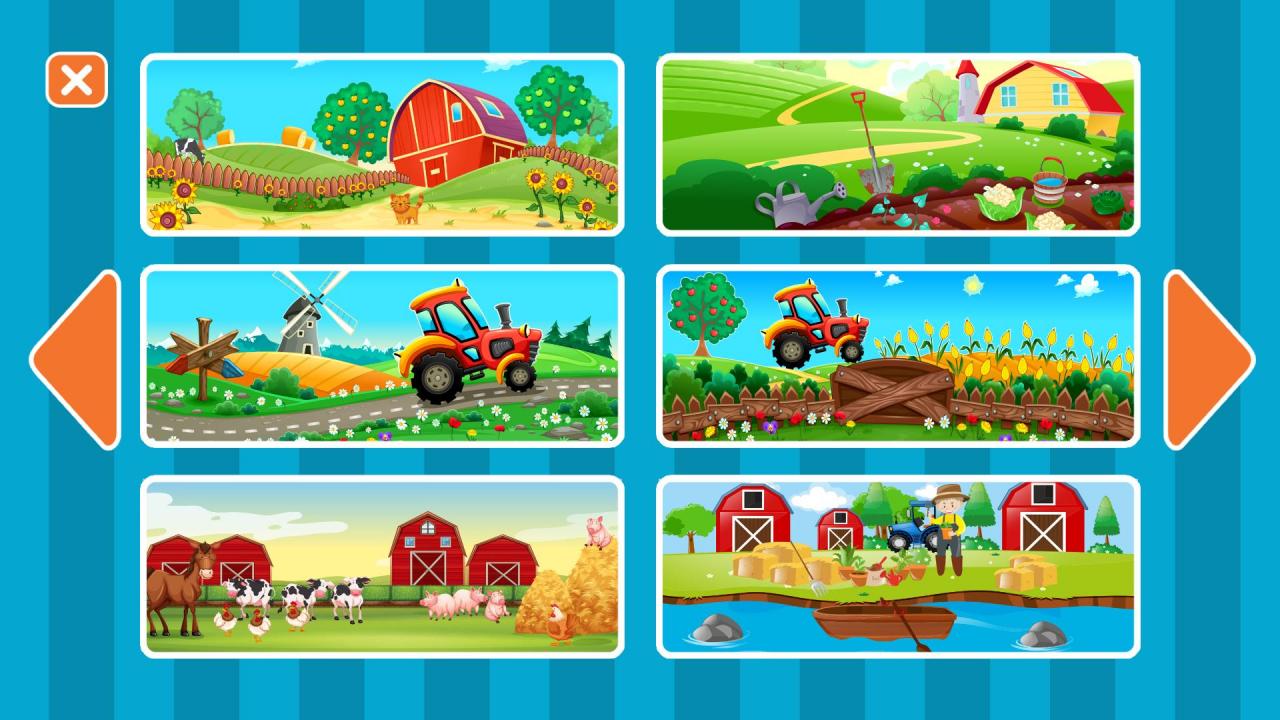
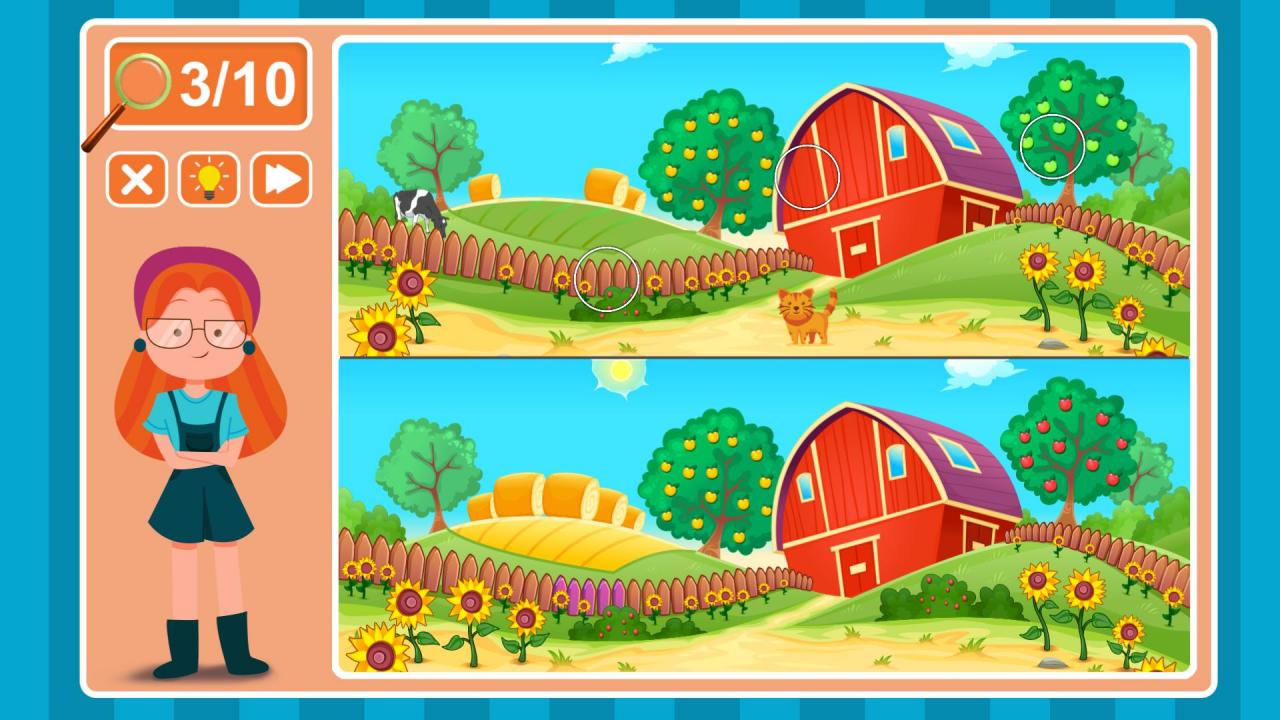
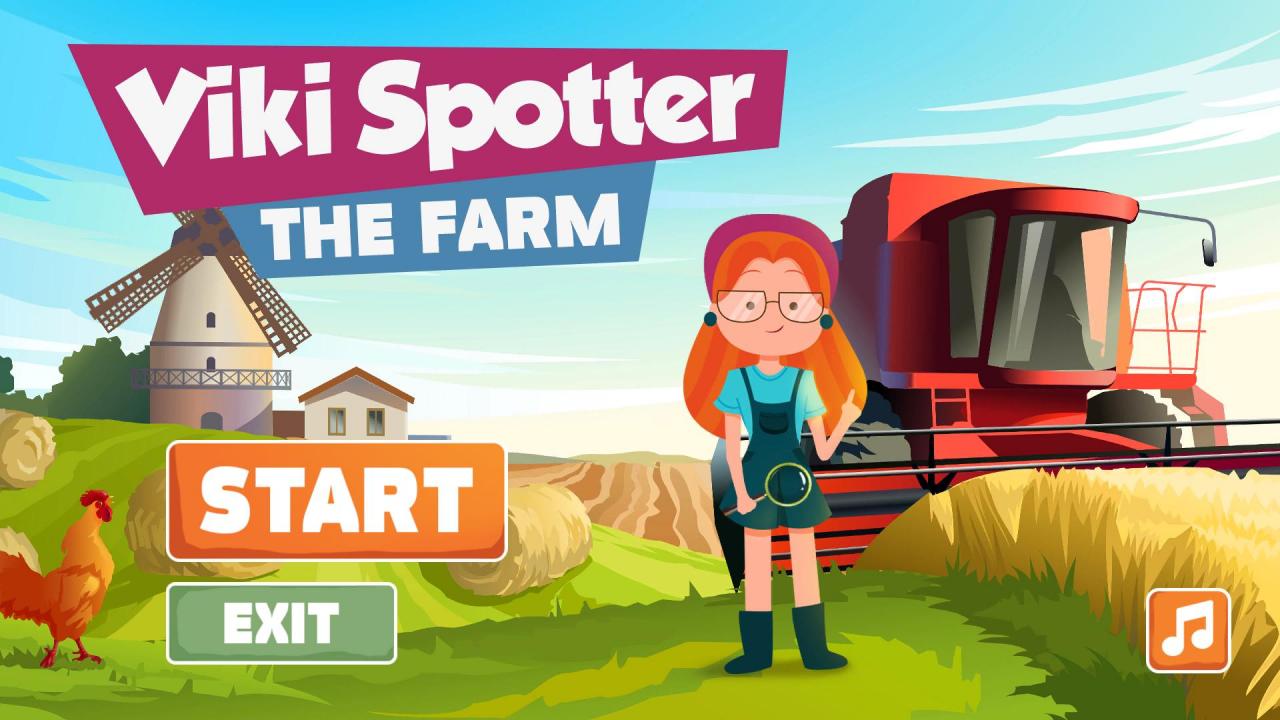
Located on a farm is a cute, hard working red haired girl called Viki. She likes adventuring, fun and asking too many questions! She never sits on the spot - she is always found exploring far and wide. This time she found herself on an unknown farm. Help Viki deal with deceptively identical pairs of pictures and find all the differences! Young explorer Viki, with a magnifying glass in her hand, has somehow wandered to a spectacular, picturesque farm, on which life is nevet boring: a mill can be seen spinning, a tractor is grumbling on the fields, colorful flowers with soothing aromas are blossoming everywhere and various friendly pets are wandering all around. However, the vicinity of the farm hides many secrets! Help Viki find all the differences that are presented on these realistic pairs of pictures and solve the mysteries! The pictures perfectly represent how an actual farm works - by solving the puzzles you will soon get acquainted with how the daily life on a farm goes by. A perfect educational adventure game, suited for children and adults alike! Countless fun adventures are waiting for you! Features A charming and joyful main character Countless colorful and radiant pictures The ability to improve your concentration and focus Steam Achievements! Support for all major platforms (Windows, Mac, Linux, SteamOS)
Go to: http://store.steampowered.com/ and download STEAM client Click "Install Steam" (from the upper right corner) Install and start application, login with your Account name and Password (create one if you don't have). Please follow these instructions to activate a new retail purchase on Steam: Launch Steam and log into your Steam account. Click the Games Menu. Choose Activate a Product on Steam... Follow the onscreen instructions to complete the process. After successful code verification go to the "MY GAMES" tab and start downloading.