Get 10% back in Relic Coins on every order
Commandos: Behind Enemy Lines cover

Steam Europe - All Countries· Key

Commandos: Behind Enemy Lines

€0.60

+€0.06 cashback eligibility in Relic Coins

Check before you play

Platform
Steam
Region
Europe - All Countries
Product type
Key
Developer
LucasArts
Publisher
LucasArts
Supplier release date
1998-08-28
Genres
Action, Strategy

About this product

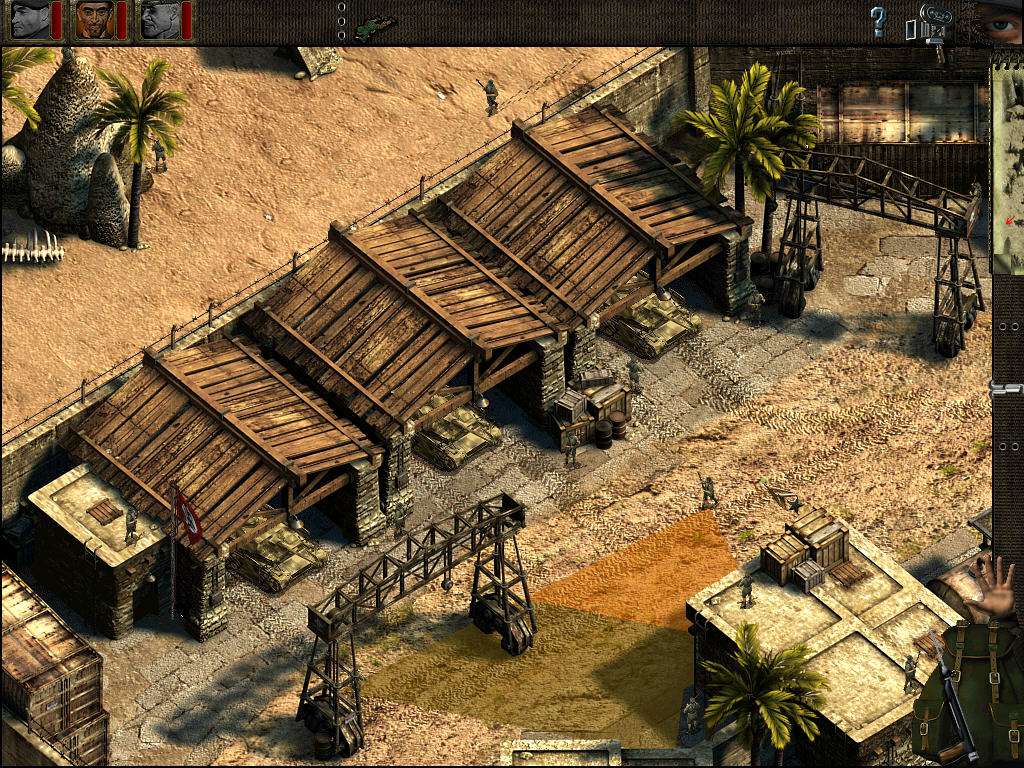
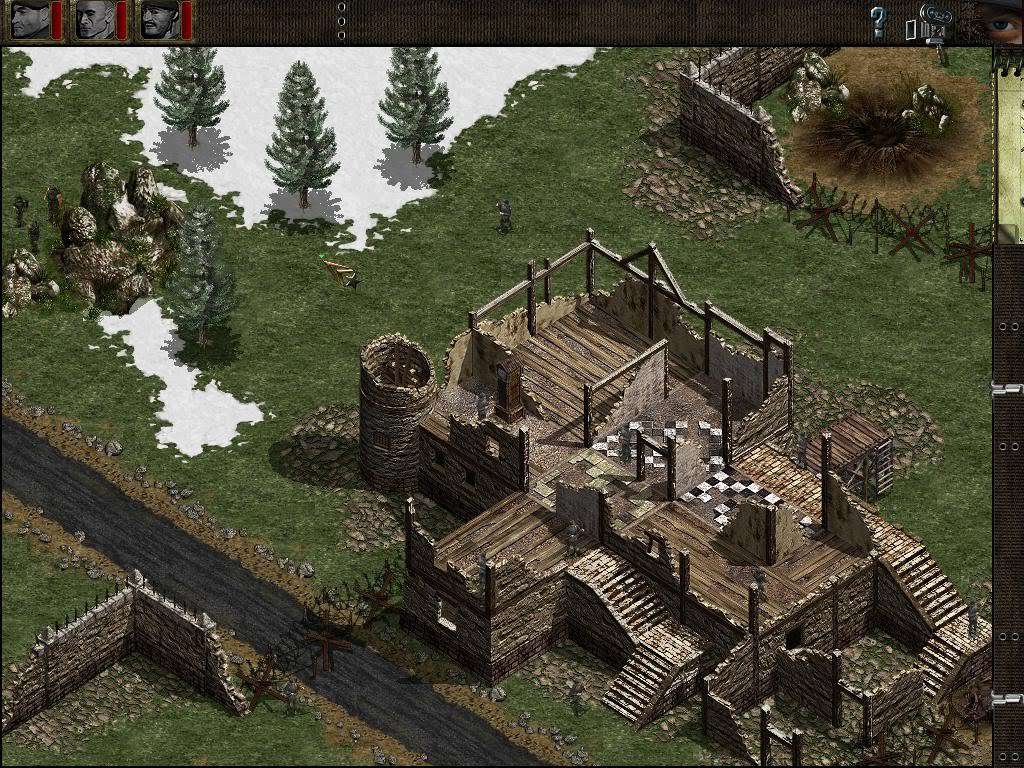
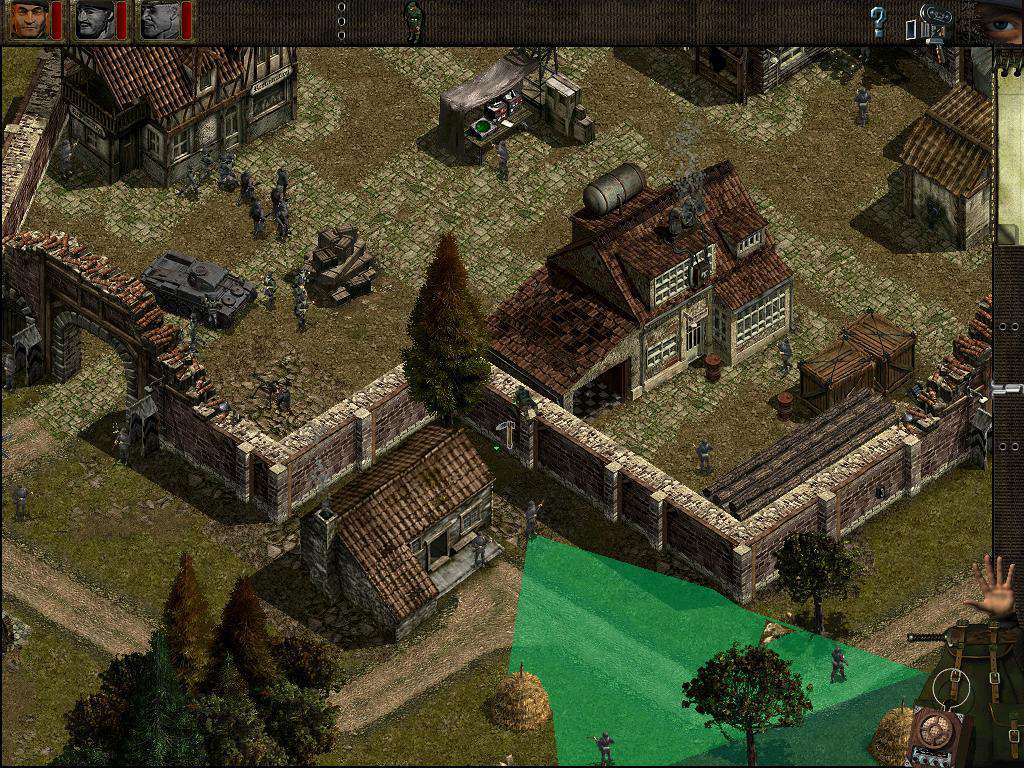
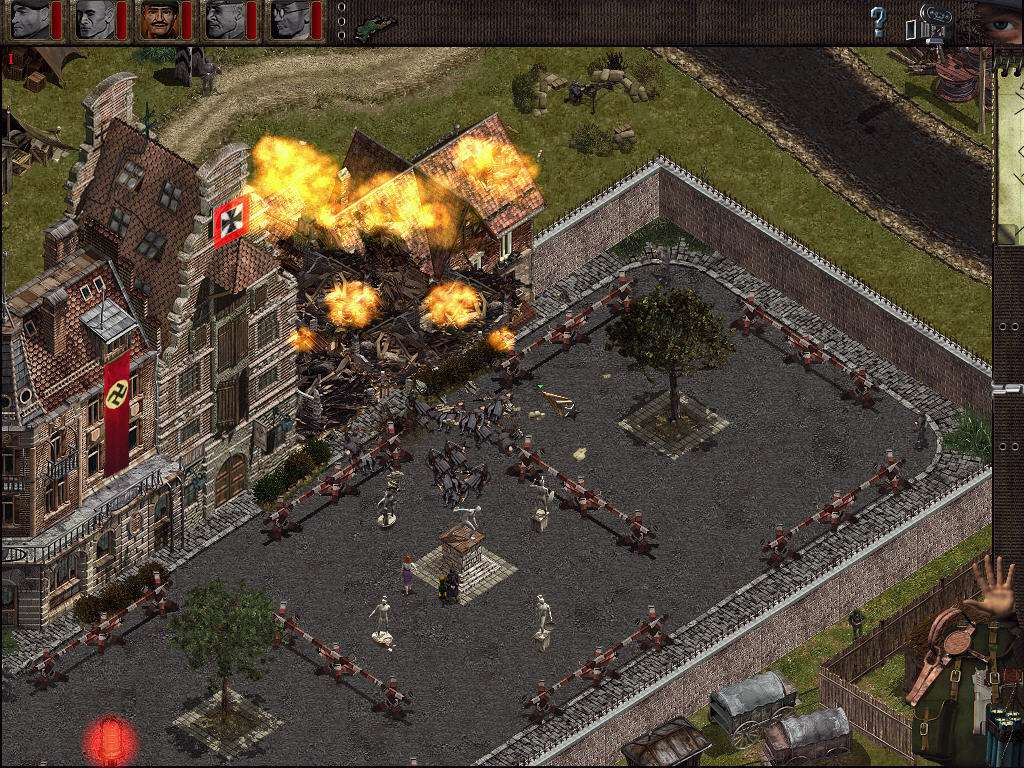
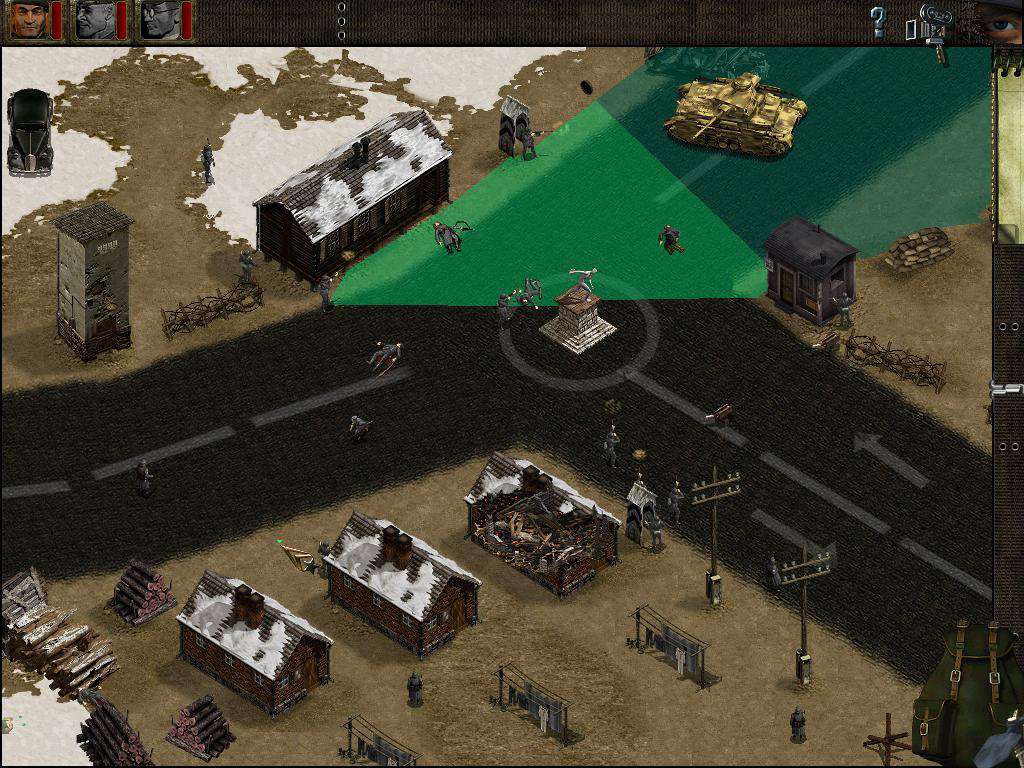
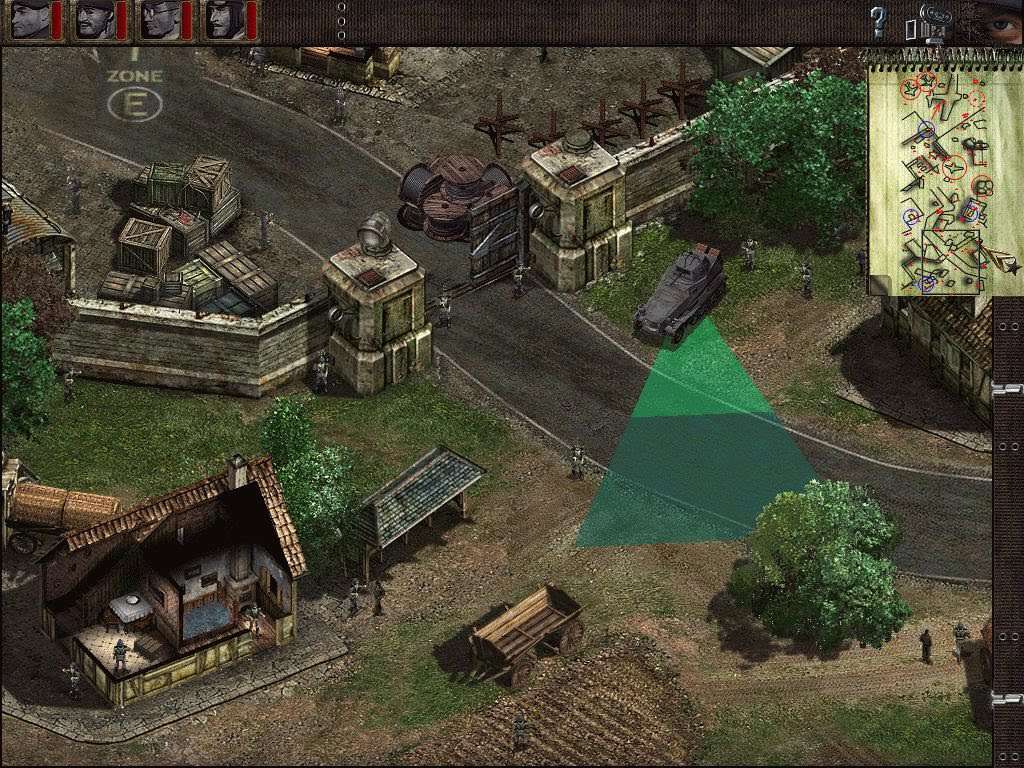
Commandos: Behind Enemy Lines is a real-time tactics game set in World War II that puts you in command of a small squad of elite troopers. Send them behind enemy lines on a series of hazardous missions, and bring them back alive. Clever strategy has never been so furiously action-packed. Study the enemy's movements, develop a careful plan, synchronize your men, and launch them on a swift and fierce attack using all your power and skill. Features You control 6 individual commandos each with a unique combat skill set. Thwart the German war machine by means of sabotage and tactical genius. Zoomable isometric camera allows for up to 6 simultaneous camera angles. 20 missions throughout Europe and Northern Africa. Co-op multiplayer mode on a LAN or over the internet.

Commandos: Behind Enemy Lines screenshotCommandos: Behind Enemy Lines screenshotCommandos: Behind Enemy Lines screenshotCommandos: Behind Enemy Lines screenshotCommandos: Behind Enemy Lines screenshotCommandos: Behind Enemy Lines screenshot

How to redeem

  1. 1Check your Steam account and the listed region before purchasing.
  2. 2Find your code and supplier activation instructions in your confirmed order.
  3. 3Open the redeem-code section on Steam, enter the code and follow the platform’s prompts.

Supplier instructions

Go to: http://store.steampowered.com/ and download STEAM client Click "Install Steam" (from the upper right corner) Install and start application, login with your Account name and Password (create one if you don't have). Please follow these instructions to activate a new retail purchase on Steam: Launch Steam and log into your Steam account. Click the Games Menu. Choose Activate a Product on Steam... Follow the onscreen instructions to complete the process. After successful code verification go to the "MY GAMES" tab and start downloading.

You might also like