
SteamGlobal· Key
VR Party Club
€0.51
+€0.05 cashback eligibility in Relic Coins
Check before you play
- Platform
- Steam
- Region
- Global
- Product type
- Key
- Supplier release date
- 2018-10-15
- Genres
- Action, Strategy, Simulation, Indie, Casual
SteamGlobal· Key
€0.51
+€0.05 cashback eligibility in Relic Coins
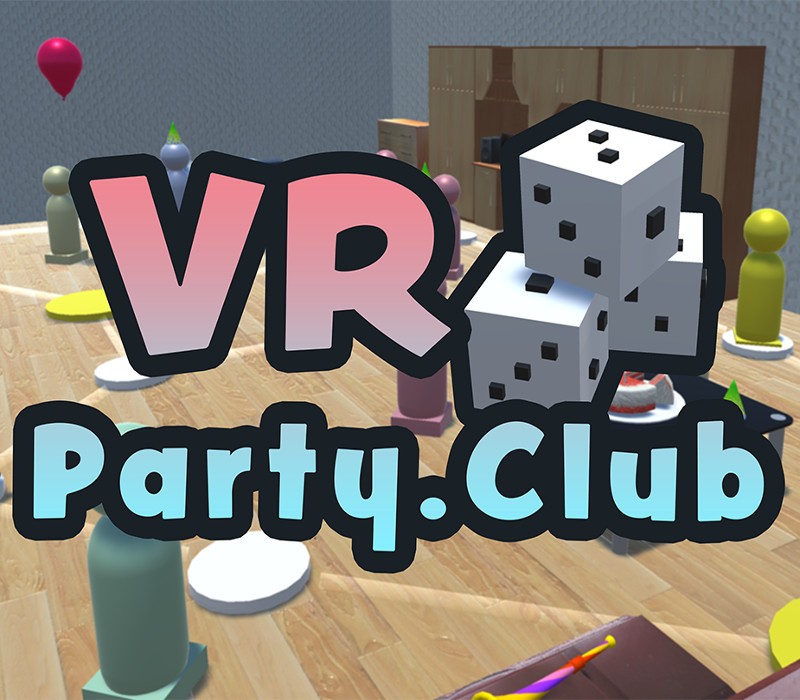
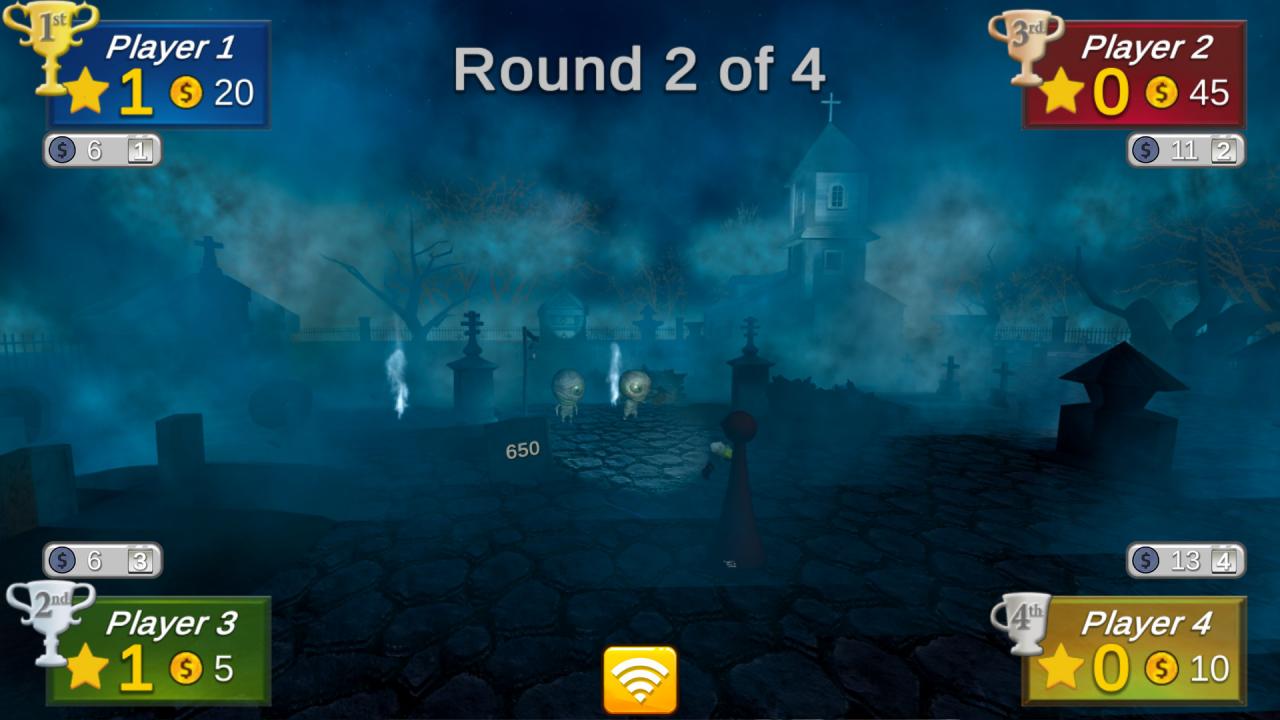
Easy to learn VR fun for your friends and family! 1 to 4 players PARTY throw, roll, shoot, and slice their way to 1st place, in various board game and minigame environments! VR Party Club was designed for comfortable, intuitive gameplay that will delight both VR veterans and newbies.VR Party Club is a new in-development Party Game, designed to share the fun immersion of VR with everyone! Simple interactions make it easy for anyone to play, and intuitive challenges are easy to pick up, but difficult to master. Roll dice to navigate the game board, then choose a minigame to challenge. Afterwards, pass the headset to the next player, while everyone watches the spectator window. Asymmetrical "Nuisance" features will let you mess with your friends as you try to amass coins and stars. Nausea-free gameplay keeps everyone comfortable and immersed in the detailed environments. Give your friends, significant others, parents, or children a great first time in VR, as you laugh and play in the VR Party Club! Features Virtual Reality Party Game Local Multiplayer for 1 to 4 friends or family 3 Game Boards and 14 Mini Games (with more in development) Natural, intuitive motion controls designed for newcomers to VR Zero-nausea, limited-movement design Use Nuisance Coins, with keyboard, mouse, or webapp (at vrparty.club/play) to interfere with the current VR player Works with Oculus and SteamVR-compatible hardware


Go to: http://store.steampowered.com/ and download STEAM client Click "Install Steam" (from the upper right corner) Install and start application, login with your Account name and Password (create one if you don't have). Please follow these instructions to activate a new retail purchase on Steam: Launch Steam and log into your Steam account. Click the Games Menu. Choose Activate a Product on Steam... Follow the onscreen instructions to complete the process. After successful code verification go to the "MY GAMES" tab and start downloading.