Get 10% back in Relic Coins on every order
Starship Corporation cover

Steam Europe - All Countries· Key

Starship Corporation

€3.60

+€0.36 cashback eligibility in Relic Coins

Check before you play

Platform
Steam
Region
Europe - All Countries
Product type
Key
Developer
Coronado Games
Publisher
Iceberg Interactive
Supplier release date
2016-04-29
Genres
Strategy, Simulation, Indie

About this product

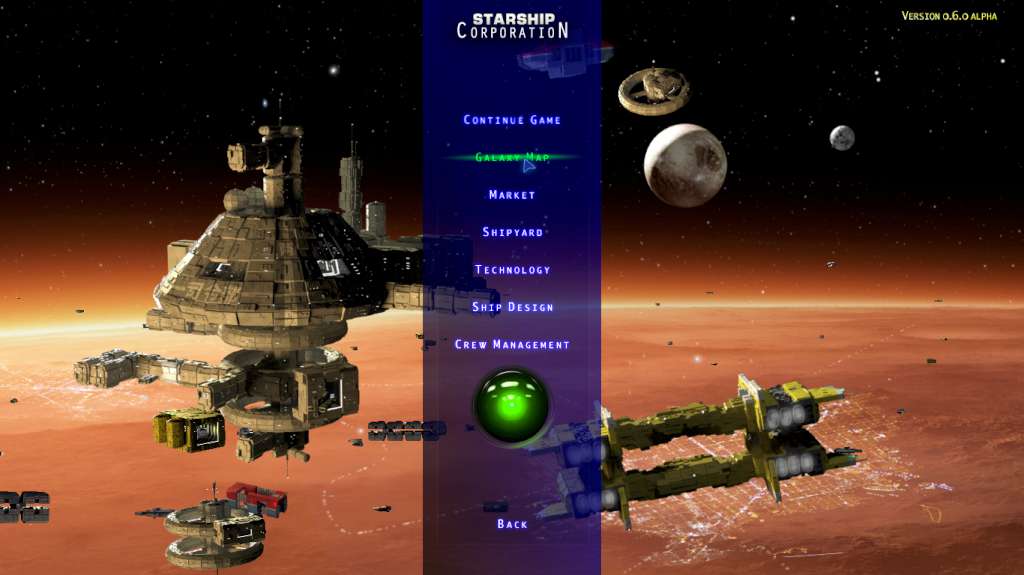
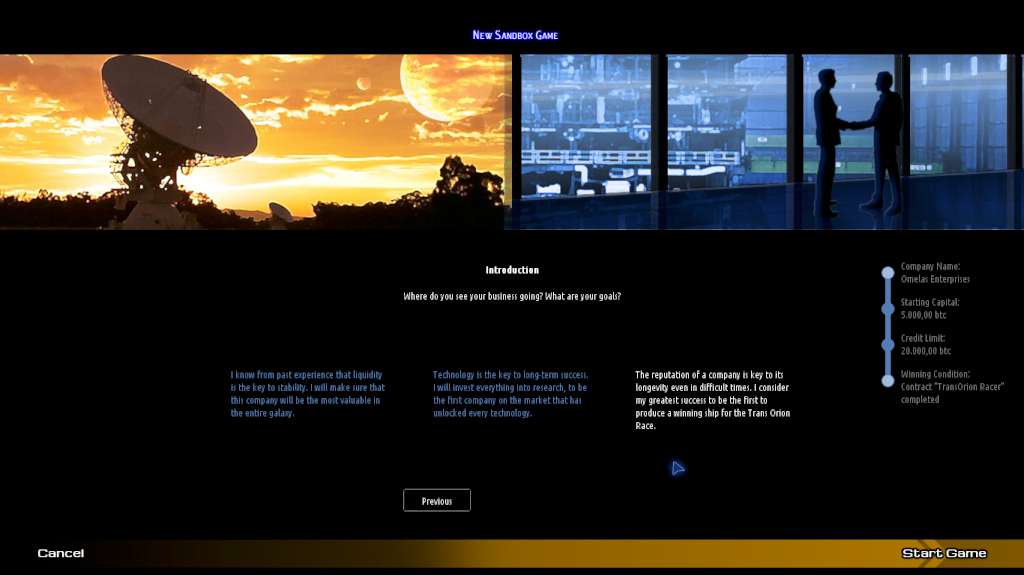
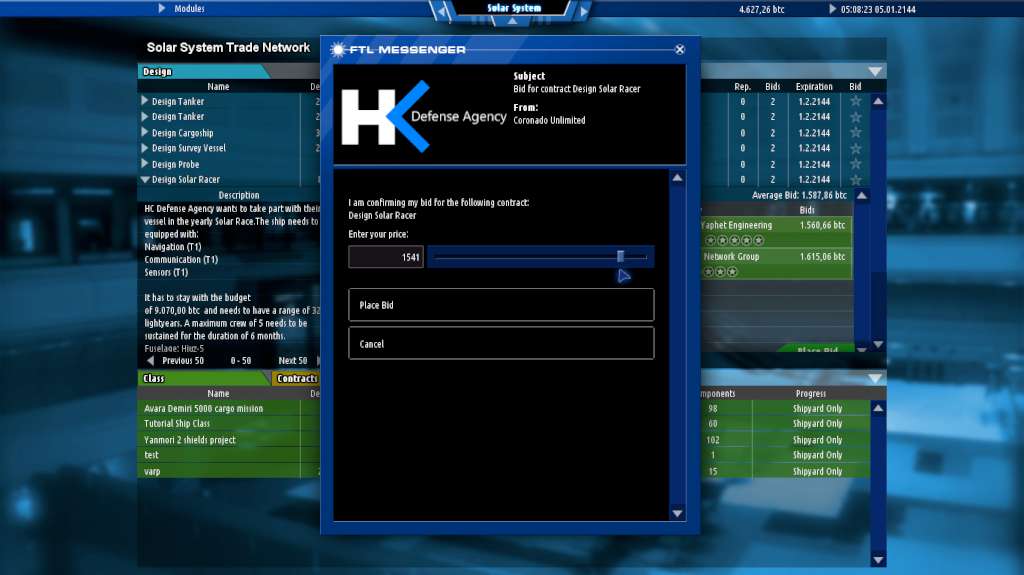
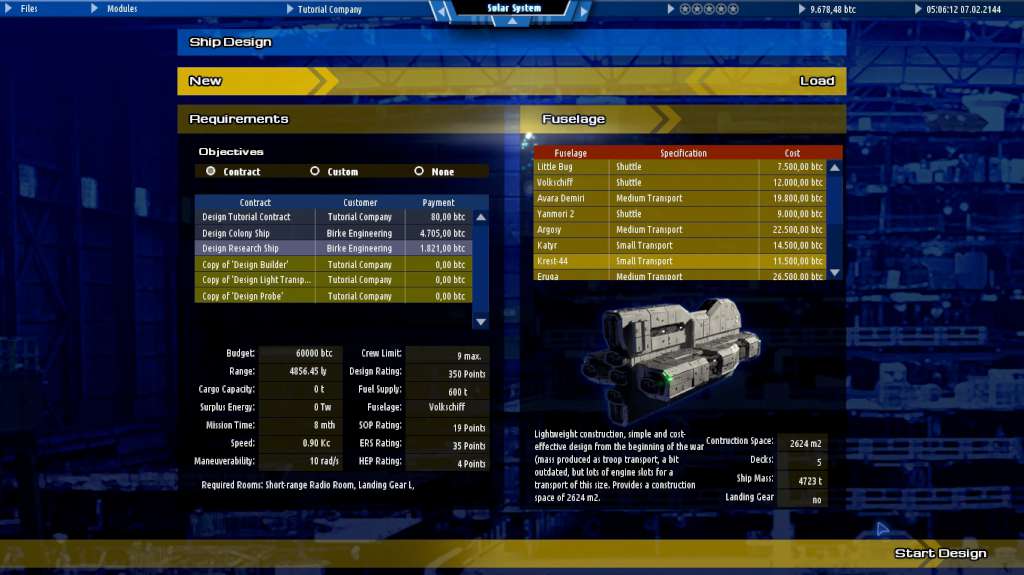
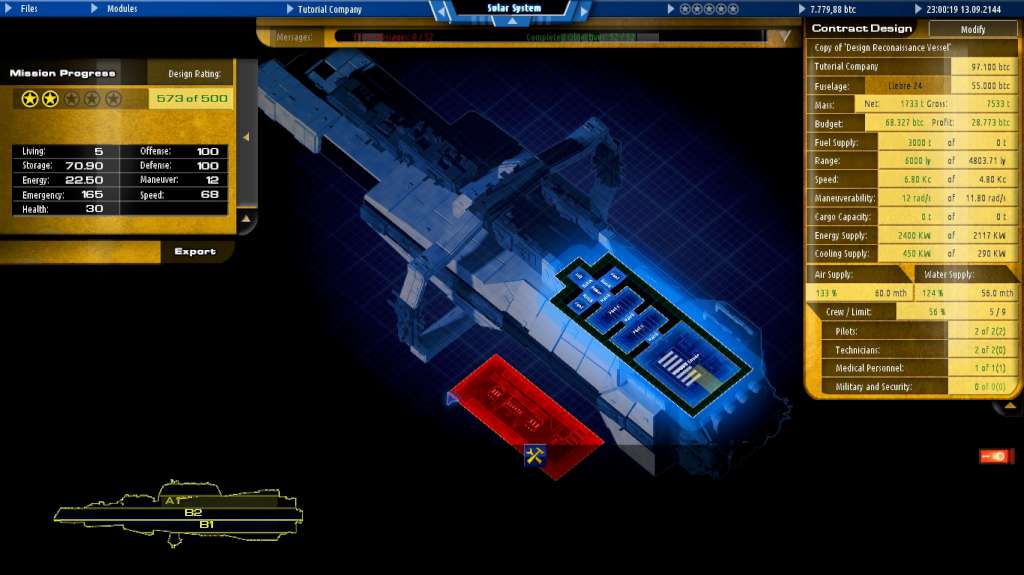
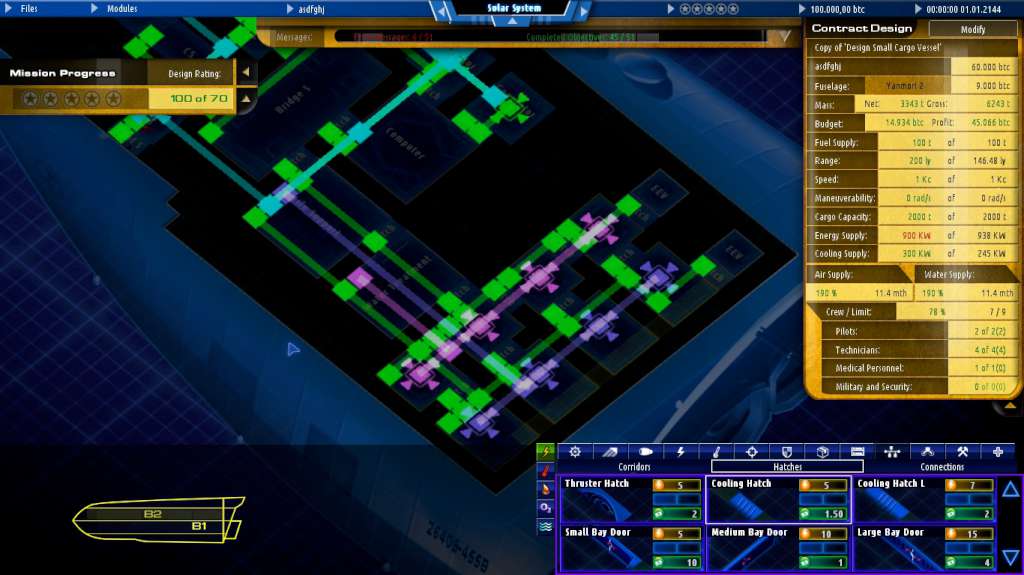
STARSHIP CORPORATION is a starship-building simulation game in which you must design and build spaceships for a hugely demanding galaxy-wide market. It is you who must decide which technologies to invest in first, where to open new offices and where to establish new markets. You must design every little detail about the interior layout of your creations, from the location of the bridge, engines, generators and crew quarters to the position of each elevator, corridor and power line. You must then gain an intergalactic reputation by testing your ships and their crew's capabilities in a series of real-time strategy missions, to simulate emergency or combat situations, and test your vessels to their limit - and let the competition know just what they are up against. Features Sandbox Mode with access to the Solar System’s Trade Network and its procedural generation of ship design contracts 153 unlockable rooms and facilities for construction 23 Missions for standard operation, emergencies and hostile encounters to test your ship in Crew Management 14 unlockable fuselages

Starship Corporation screenshotStarship Corporation screenshotStarship Corporation screenshotStarship Corporation screenshotStarship Corporation screenshotStarship Corporation screenshot

How to redeem

  1. 1Check your Steam account and the listed region before purchasing.
  2. 2Find your code and supplier activation instructions in your confirmed order.
  3. 3Open the redeem-code section on Steam, enter the code and follow the platform’s prompts.

Supplier instructions

Go to: http://store.steampowered.com/ and download STEAM client Click "Install Steam" (from the upper right corner) Install and start application, login with your Account name and Password (create one if you don't have). Please follow these instructions to activate a new retail purchase on Steam: Launch Steam and log into your Steam account. Click the Games Menu. Choose Activate a Product on Steam... Follow the onscreen instructions to complete the process. After successful code verification go to the "MY GAMES" tab and start downloading.

You might also like