Get 10% back in Relic Coins on every order
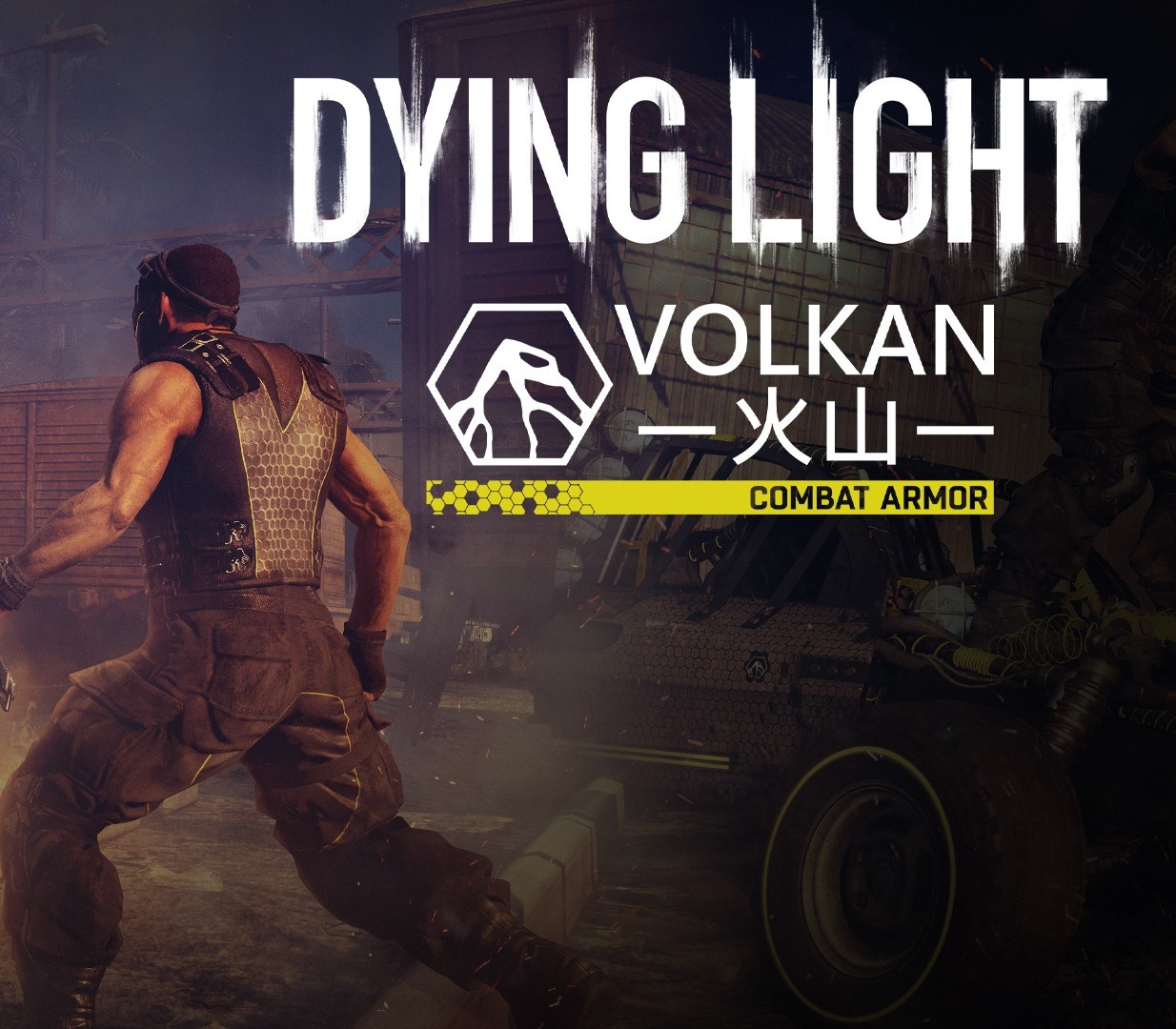
Dying Light - Volkan Combat Armor DLC cover

SteamGlobal· DLC

Dying Light - Volkan Combat Armor DLC

€0.66

+€0.07 cashback eligibility in Relic Coins

Check before you play

Platform
Steam
Region
Global
Product type
DLC

Check the required base game and edition before purchasing this add-on.

Developer
Techland
Publisher
Techland
Supplier release date
2020-10-02
Genres
Action, Open World, Survival

About this product

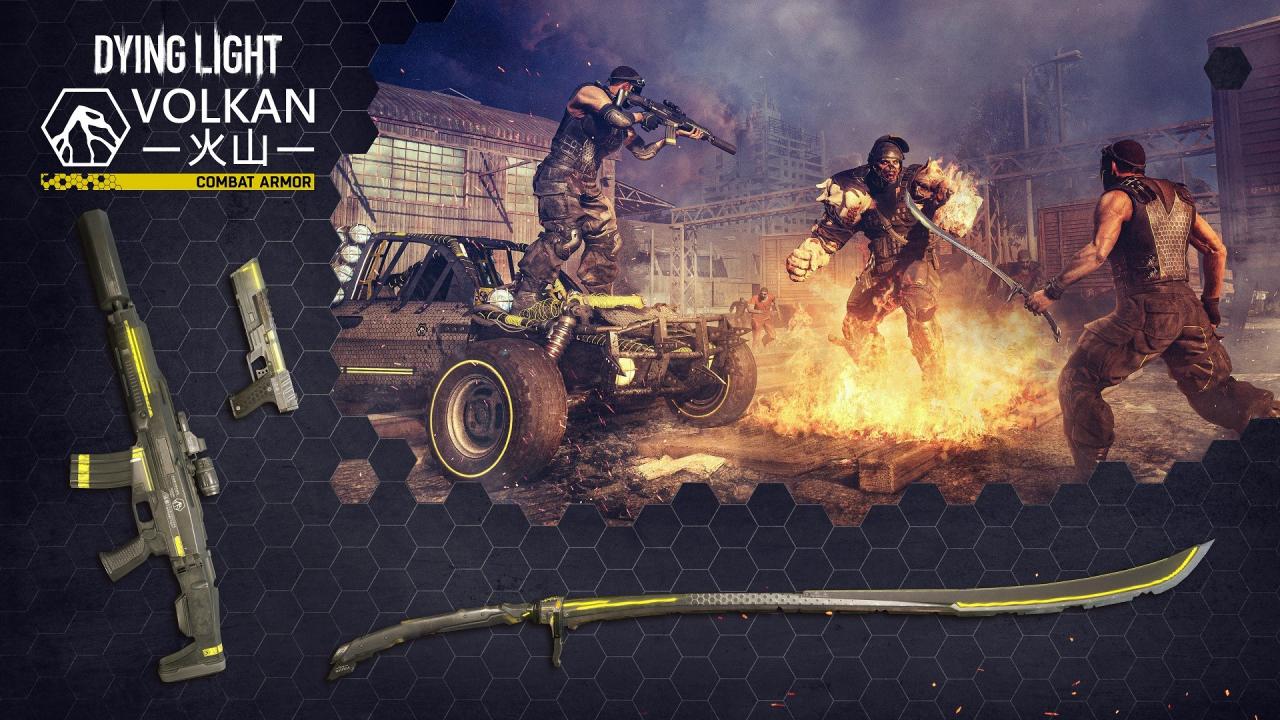
Includes: Dying Light - Volkan Combat Armor Bundle (DLC) Join Volkan Corporation’s fight for a brighter future with state-of-the-art spec ops gear developed specifically for exterminating all forms of infected with maximum efficiency. Don’t miss the chance to test the flagship product of Volkan’s Hi-Tech Weapons Division – the cutting-edge Volkan Combat Assault Rifle designed for elite soldiers of tomorrow. Take advantage of its built-in silencer, large clip, and reflex sight to eliminate numerous enemies silently and with deadly precision. The same innovative ammo storage technology was used in the excellent Volkan Combat Pistol. Besides the extended magazine, this ultimate sidearm will impress you with its high rate of fire and burst mode. If using a firearm is not an option, the Volkan Combat Sword – manufactured from high-grade composites and fitted with a damage boost system – will give you an invaluable edge at close quarters. Load your weapons, get behind the wheel of the Volkan Combat Buggy in your new Volkan Combat Armor and start building a safer tomorrow, today. Please note, buggy paint job requires Dying Light: The Following expansion pack.

Dying Light - Volkan Combat Armor DLC screenshotDying Light - Volkan Combat Armor DLC screenshotDying Light - Volkan Combat Armor DLC screenshotDying Light - Volkan Combat Armor DLC screenshot

How to redeem

  1. 1Check the required base game, platform and edition before purchasing.
  2. 2Find the code or supplier activation instructions in your confirmed order.
  3. 3Redeem on Steam using the supplied instructions, then install the add-on with the compatible base game.

Supplier instructions

Go to: http://store.steampowered.com/ and download STEAM client Click "Install Steam" (from the upper right corner) Install and start application, login with your Account name and Password (create one if you don't have). Please follow these instructions to activate a new retail purchase on Steam: Launch Steam and log into your Steam account. Click the Games Menu. Choose Activate a Product on Steam... Follow the onscreen instructions to complete the process. After successful code verification go to the "MY GAMES" tab and start downloading.

You might also like