Get 10% back in Relic Coins on every order
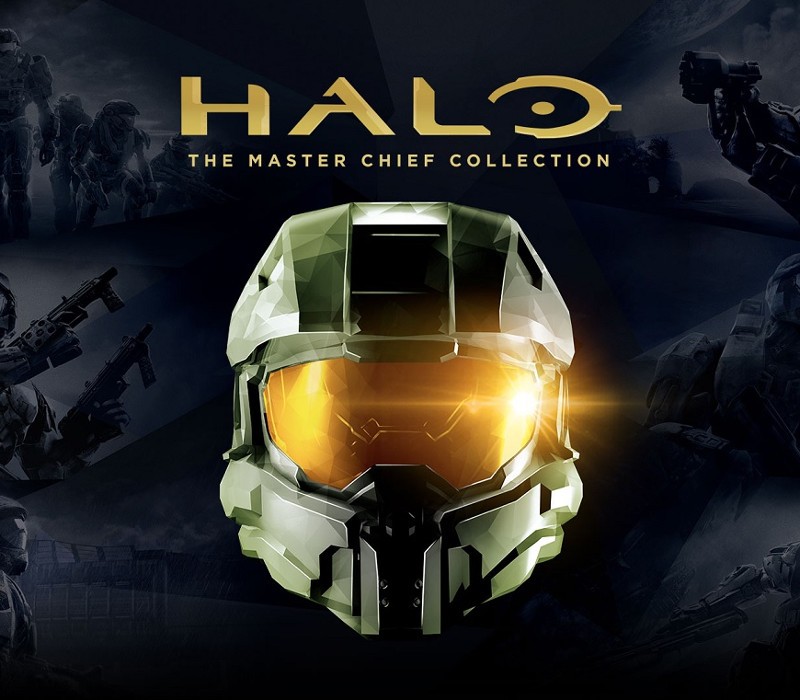
Halo: The Master Chief Collection Windows 10 cover

MS Store (PC)Europe· Key

Halo: The Master Chief Collection Windows 10

€9.56

+€0.96 cashback eligibility in Relic Coins

Check before you play

Platform
MS Store (PC)
Region
Europe
Product type
Key
Developer
343 Industries
Publisher
Microsoft Studios
Supplier release date
2019-12-03
Genres
Action, FPS

About this product

Includes: Halo: Reach, Halo: Combat Evolved Anniversary, Halo 2: Anniversary, Halo 3, Halo 3: ODST, Halo 4 For the first time, the series that changed console gaming forever comes to PC with six blockbuster games in one epic experience. This bundle includes all titles in the collection that will be delivered over time, beginning now with Halo: Reach and ending with Halo 4 in 2020. Features PC Settings/Optimizations: Halo: The Master Chief Collection is now optimized for PC and looking better than ever at up to 4k UHD and at 60+ FPS.* Many games in the collection will include other setting options like customizable mouse and keyboard support, ultrawide support, FOV customization, and more. Campaign: Featuring Halo: Reach, Halo: Combat Evolved Anniversary, Halo 2: Anniversary, Halo 3, Halo 3: ODST Campaign, and Halo 4, The Master Chief Collection offers players their own exciting journey through the epic saga. Starting with the incredible bravery of Noble Six in Halo: Reach and ending with the rise of a new enemy in Halo 4, the games will release in order of the fictional story. When complete, the Master Chief’s saga will total 67 campaign missions. Multiplayer: Each game released into The Master Chief Collection brings its own multiplayer maps, modes and game types. When finished, the collection will have the most diverse and expansive Halo multiplayer experience to date, with more than 120 multiplayer maps.

Halo: The Master Chief Collection Windows 10 screenshotHalo: The Master Chief Collection Windows 10 screenshotHalo: The Master Chief Collection Windows 10 screenshotHalo: The Master Chief Collection Windows 10 screenshotHalo: The Master Chief Collection Windows 10 screenshotHalo: The Master Chief Collection Windows 10 screenshot

How to redeem

  1. 1Check your MS Store (PC) account and the listed region before purchasing.
  2. 2Find your code and supplier activation instructions in your confirmed order.
  3. 3Open the redeem-code section on MS Store (PC), enter the code and follow the platform’s prompts.

Supplier instructions

Select the Start button, then select Xbox. Sign in. If you don’t have a Microsoft account, sign up. If you’ve ever installed games from the Windows Store, use the same Microsoft account here. Select My games. Games you have on that device will appear there. Click on Find games in the Store. Select Redeem code option and enter your xxxxx-xxxxx-xxxxx-xxxxx-xxxxx key.

You might also like