Get 10% back in Relic Coins on every order
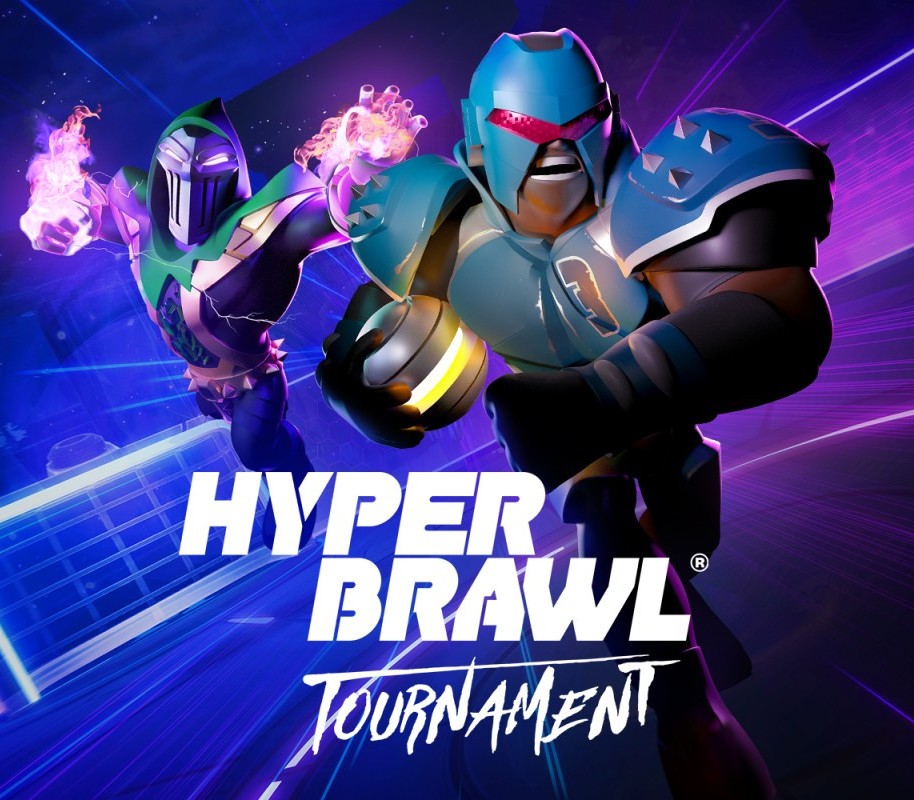
HyperBrawl Tournament cover

SteamGlobal· Key

HyperBrawl Tournament

€1.13

+€0.11 cashback eligibility in Relic Coins

Check before you play

Platform
Steam
Region
Global
Product type
Key
Developer
Milky Tea Studios
Publisher
Milky Tea Studios
Supplier release date
2020-10-20
Genres
Action, Sport, Indie, Casual, Co-op

About this product

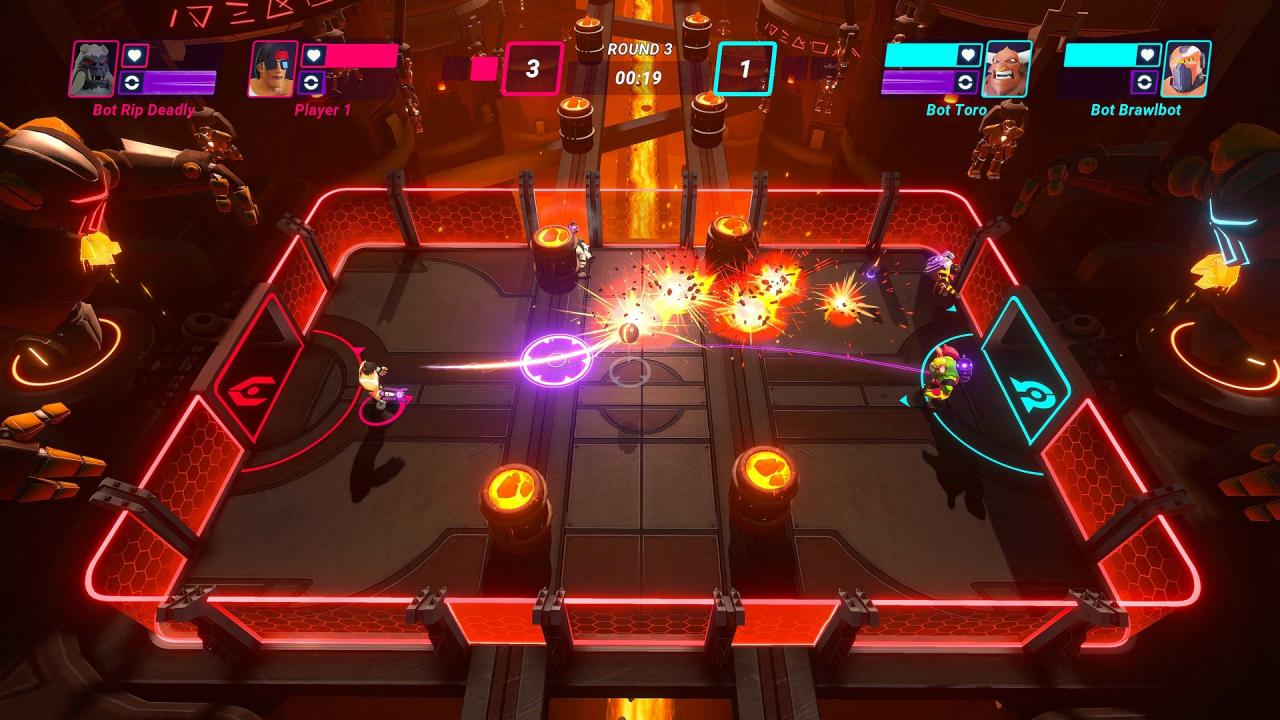
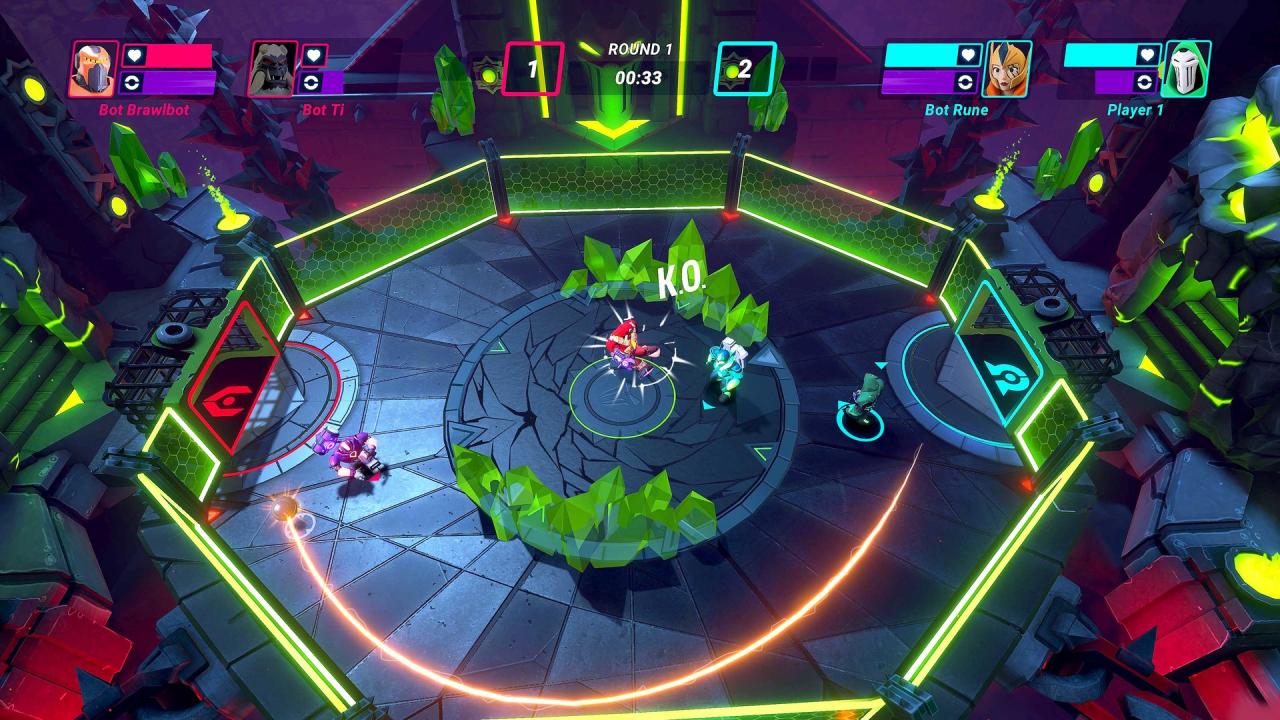
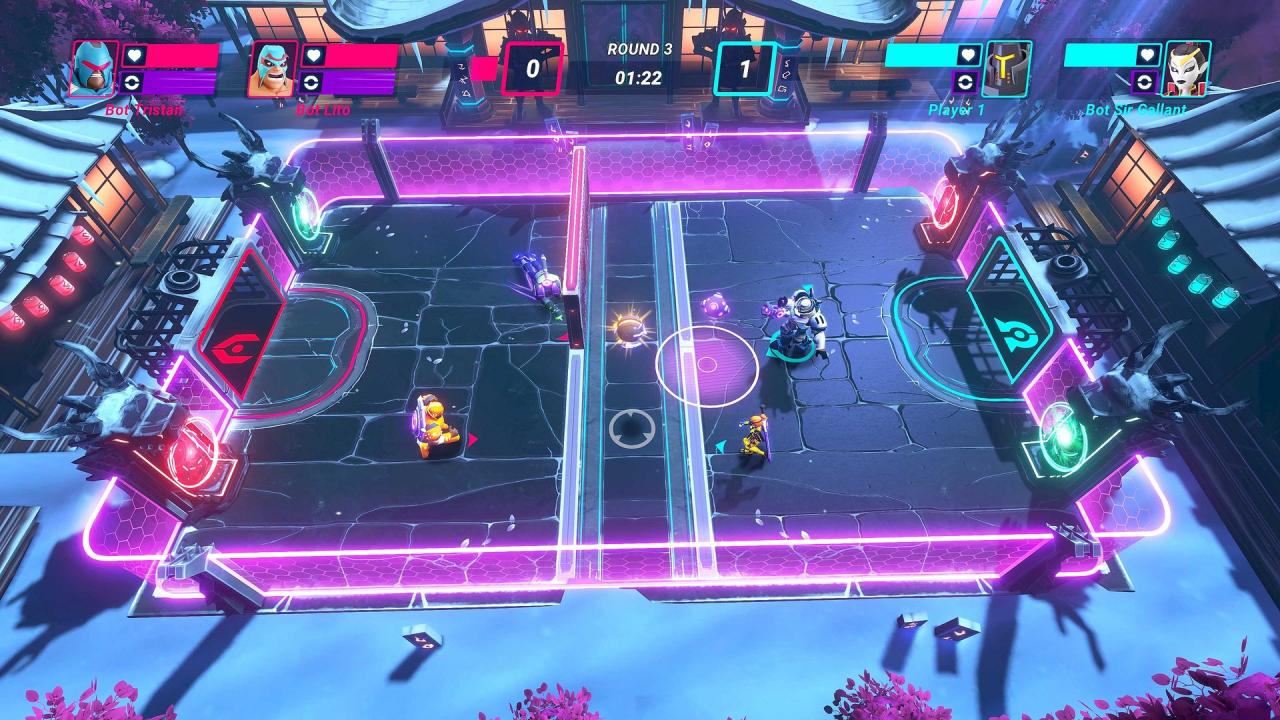
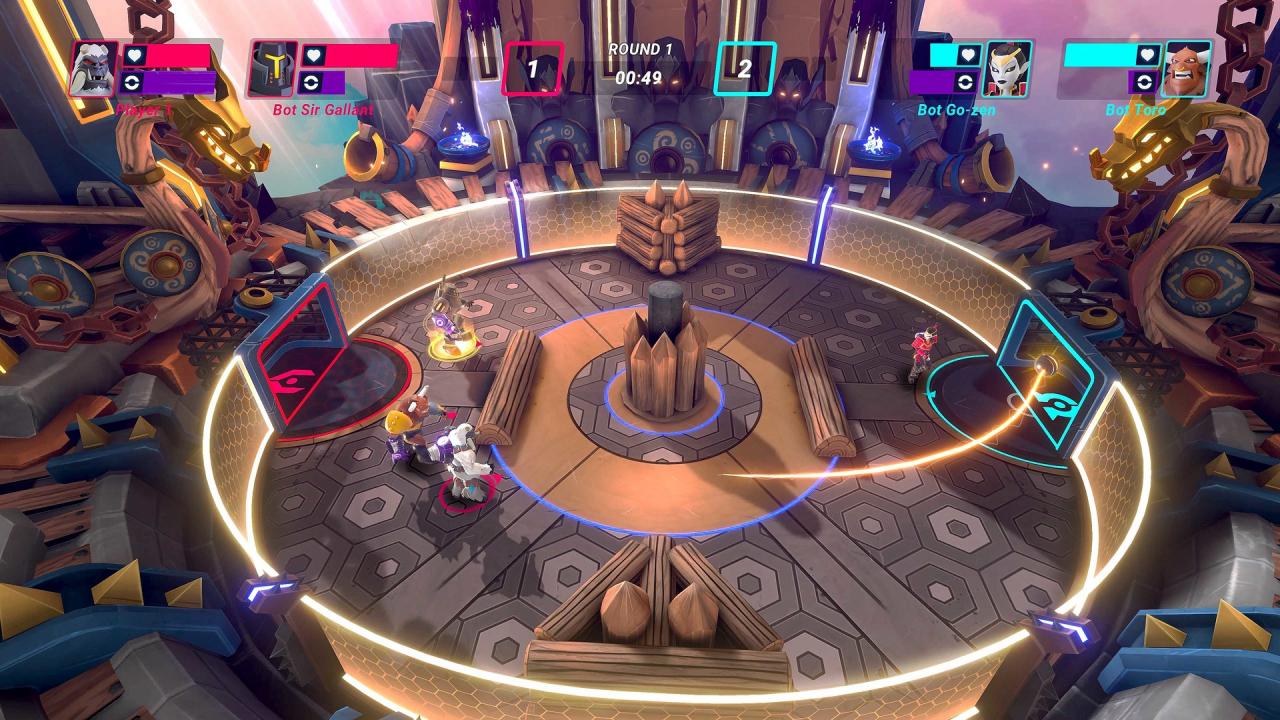
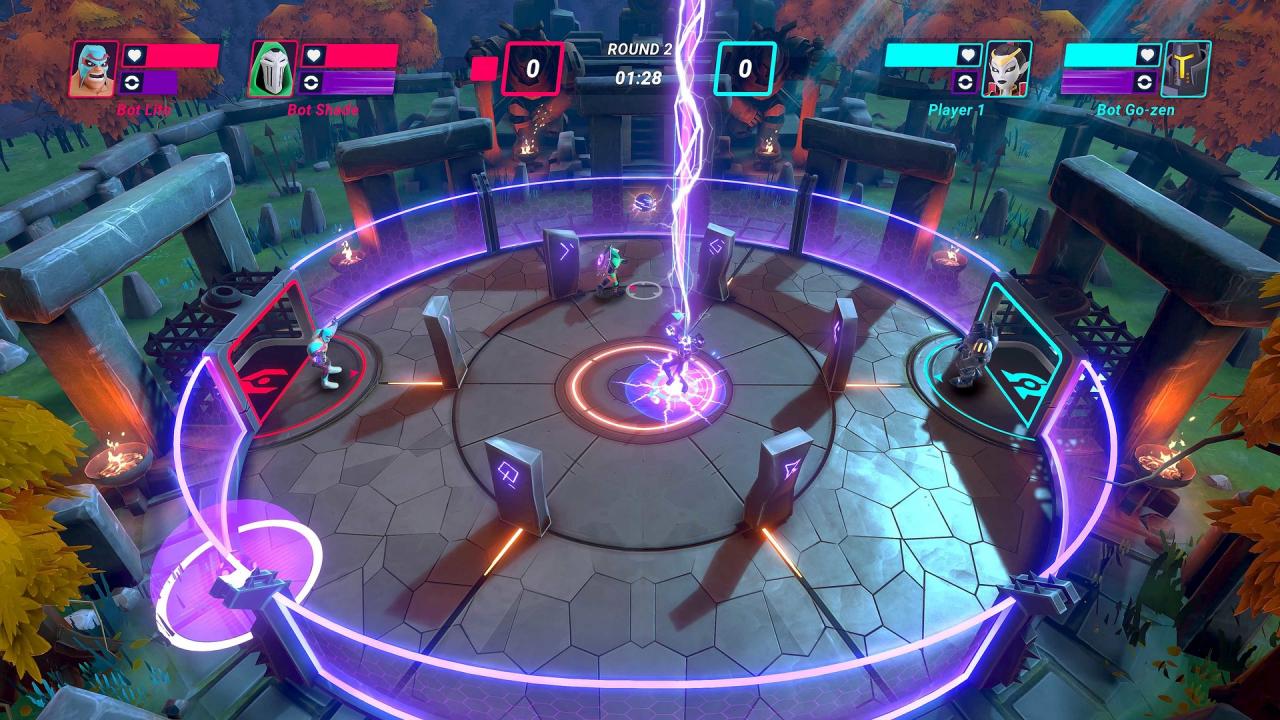
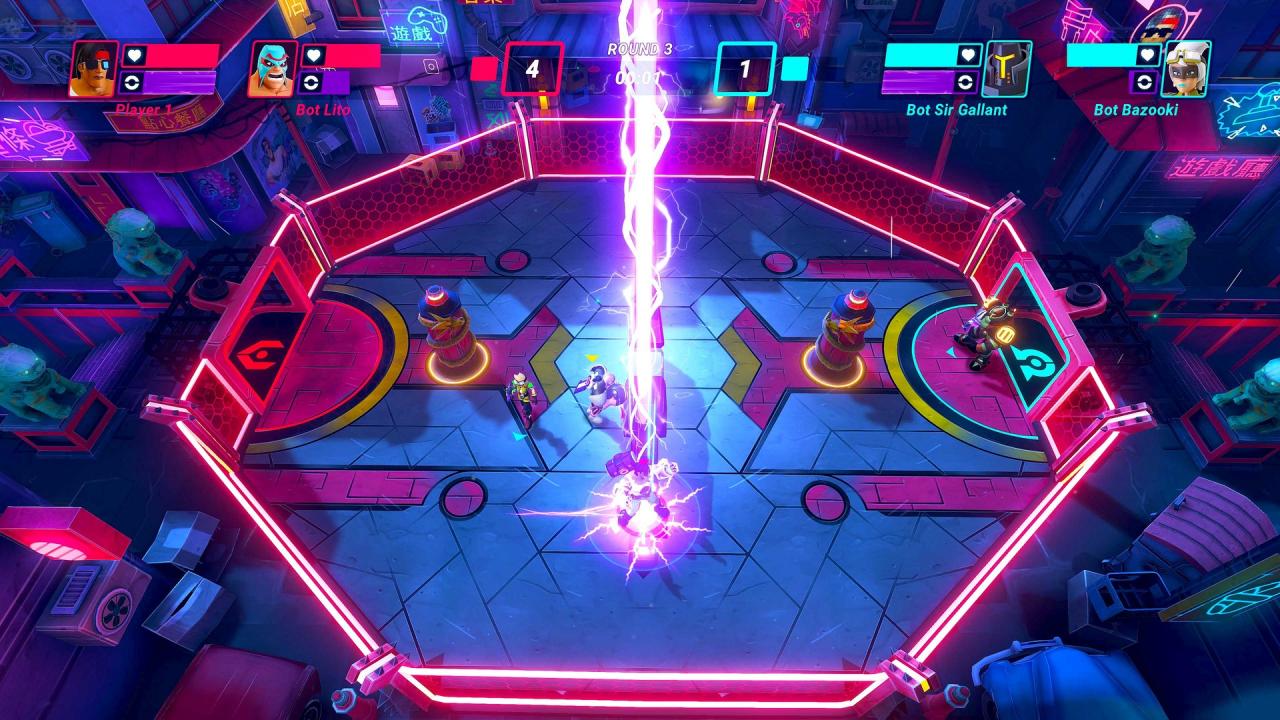
HyperBrawl Tournament is an online multiplayer, arcade-style, sports brawler featuring high-adrenaline PvP arena battles for 1-4 players. The universe’s greatest heroes have gathered to compete in a showdown for the ages; the legendary HyperBrawl Tournament! Armed with unique weapons and a thirst for glory. Features Online & local multiplayer: Jump into local or online matches with friends, family or foes from around the world in quick-fire 90 second rounds Master the HyperBrawl: 12 unique arenas spread across the universe each loaded up with dynamic obstacles 7 Game Modes: Single Player Campaign, Arcade, Blitz, Private Match & More! Heavy customization: Customise your hero & team with unique skins, weapons, abilities and more! Controller: Prefer to use a controller when scoring a goal? No problem. Plug in and play! Play how you wish: Play to your strengths with Novice, Pro and Elite difficulty settings

HyperBrawl Tournament screenshotHyperBrawl Tournament screenshotHyperBrawl Tournament screenshotHyperBrawl Tournament screenshotHyperBrawl Tournament screenshotHyperBrawl Tournament screenshot

How to redeem

  1. 1Check your Steam account and the listed region before purchasing.
  2. 2Find your code and supplier activation instructions in your confirmed order.
  3. 3Open the redeem-code section on Steam, enter the code and follow the platform’s prompts.

Supplier instructions

Go to: http://store.steampowered.com/ and download STEAM client Click "Install Steam" (from the upper right corner) Install and start application, login with your Account name and Password (create one if you don't have). Please follow these instructions to activate a new retail purchase on Steam: Launch Steam and log into your Steam account. Click the Games Menu. Choose Activate a Product on Steam... Follow the onscreen instructions to complete the process. After successful code verification go to the "MY GAMES" tab and start downloading.

You might also like