Get 10% back in Relic Coins on every order
Fallout 4 - Far Harbor DLC cover

Steam Europe - All Countries· DLC

Fallout 4 - Far Harbor DLC

€7.08

+€0.71 cashback eligibility in Relic Coins

Check before you play

Platform
Steam
Region
Europe - All Countries
Product type
DLC

Check the required base game and edition before purchasing this add-on.

Developer
Bethesda Game Studios
Publisher
Bethesda Softworks
Supplier release date
2016-05-19
Genres
RPG

About this product

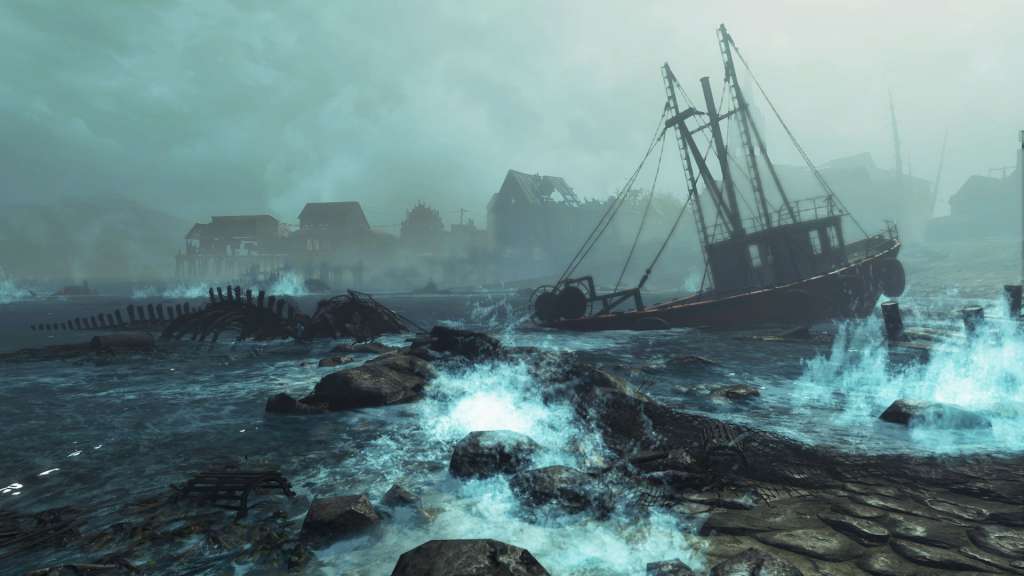
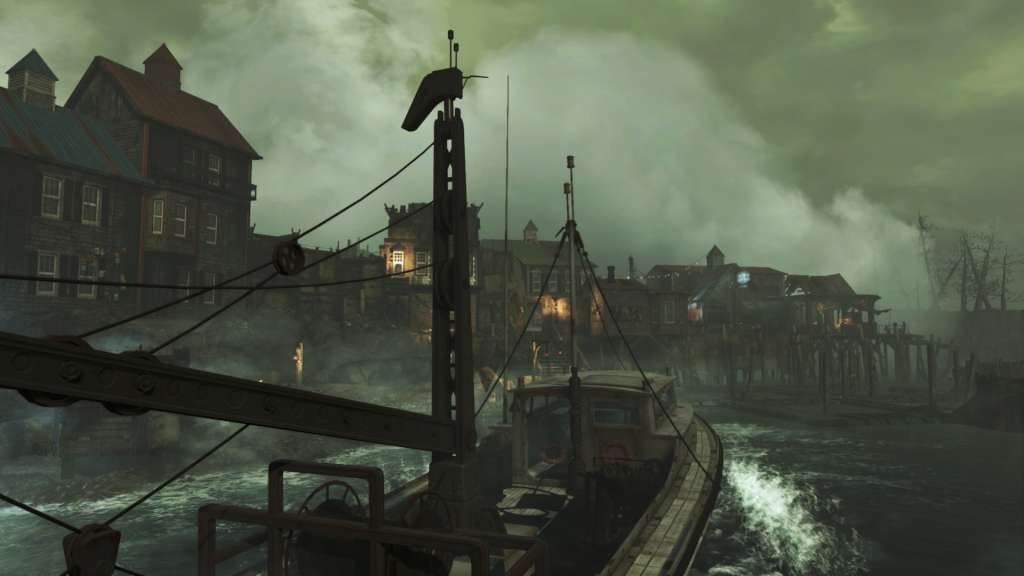
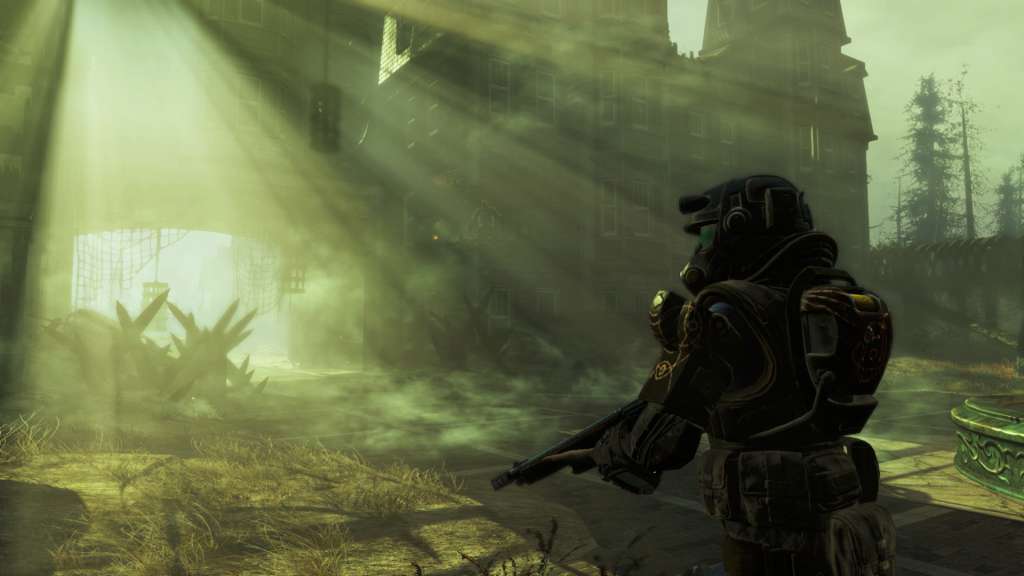
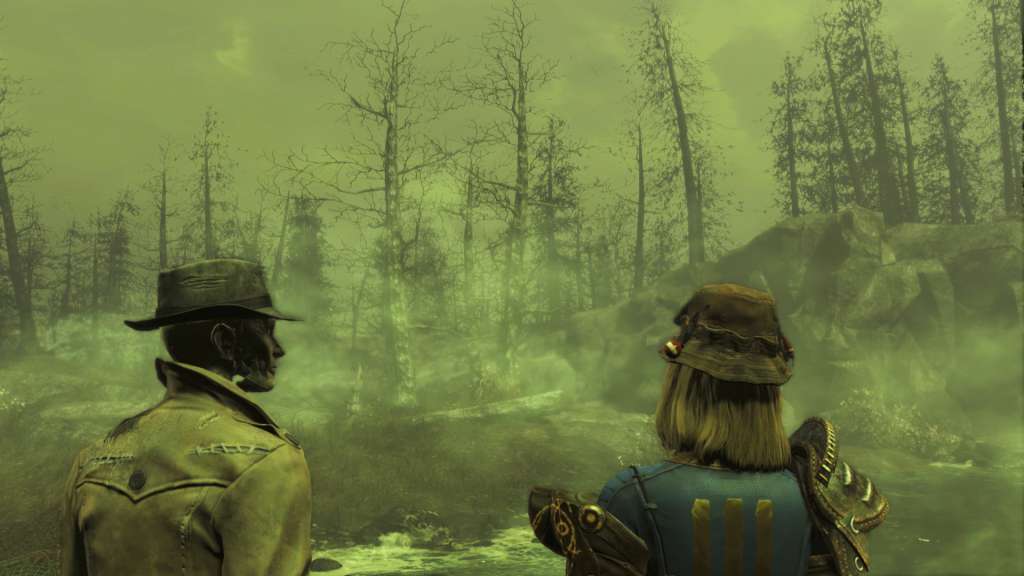
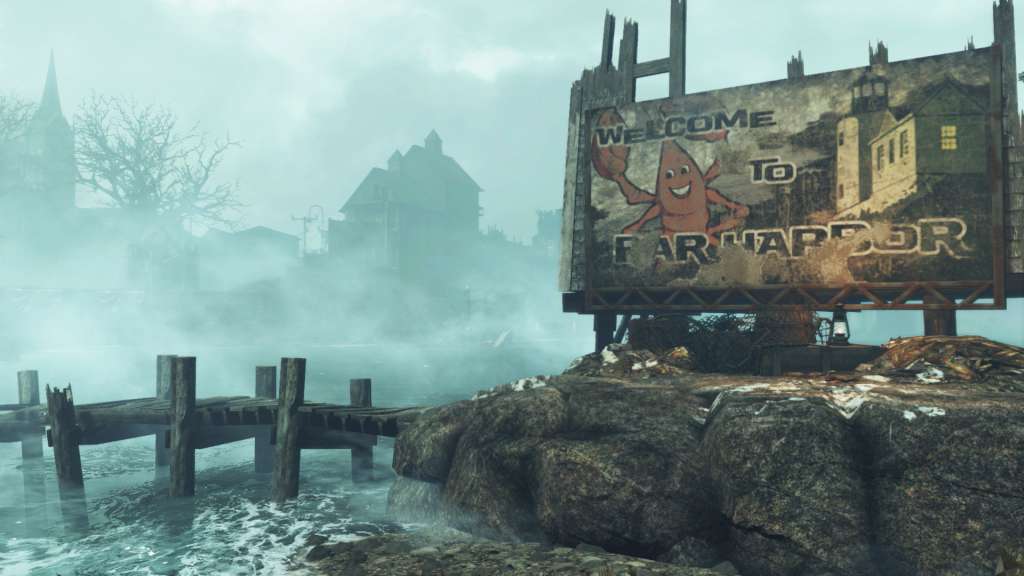
A new case from Valentine’s Detective Agency leads you on a search for a young woman and a secret colony of synths. Travel off the coast of Maine to the mysterious island of Far Harbor, where higher levels of radiation have created a more feral world. Navigate through the growing conflict between the synths, the Children of Atom, and the local townspeople. Will you work towards bringing peace to Far Harbor, and at what cost? Far Harbor features the largest landmass for an add-on that we’ve ever created, filled with new faction quests, settlements, lethal creatures and dungeons. Become more powerful with new, higher-level armor and weapons. The choices are all yours.

Fallout 4 - Far Harbor DLC screenshotFallout 4 - Far Harbor DLC screenshotFallout 4 - Far Harbor DLC screenshotFallout 4 - Far Harbor DLC screenshotFallout 4 - Far Harbor DLC screenshotFallout 4 - Far Harbor DLC screenshot

How to redeem

  1. 1Check the required base game, platform and edition before purchasing.
  2. 2Find the code or supplier activation instructions in your confirmed order.
  3. 3Redeem on Steam using the supplied instructions, then install the add-on with the compatible base game.

Supplier instructions

Go to: http://store.steampowered.com/ and download STEAM client Click "Install Steam" (from the upper right corner) Install and start application, login with your Account name and Password (create one if you don't have). Please follow these instructions to activate a new retail purchase on Steam: Launch Steam and log into your Steam account. Click the Games Menu. Choose Activate a Product on Steam... Follow the onscreen instructions to complete the process. After successful code verification go to the "MY GAMES" tab and start downloading.

You might also like