Get 10% back in Relic Coins on every order
Pro Cycling Manager 2018 cover

Steam Europe - All Countries· Key

Pro Cycling Manager 2018

€2.97

+€0.30 cashback eligibility in Relic Coins

Check before you play

Platform
Steam
Region
Europe - All Countries
Product type
Key
Developer
Focus Entertainment
Publisher
Cyanide Studio
Supplier release date
2018-06-28
Genres
Racing, Sport, Simulation

About this product

LEAD YOUR TEAM TO VICTORYStep into the shoes of sports manager and lead your pro cycling team through a challenge-packed 2018 season. Compete in over 200 races across 500 stages around the world, including famous Tours such as La Vuelta and the iconic Tour de France.It’s up to you to make all decisions for your team: hiring the best cyclists and staff, contract negotiations, sponsoring, race scheduling, training… During the race, choose the finest tactics to lead your riders to victory. Play solo or online multiplayer in leagues or clans with up to 16 players and prove to everyone who is the best pro cycling manager! NEW FEATURES Advanced contract and negotiation management in Career mode with in-depth transfer and recruitment mechanics. Deeper progression system in Pro Cyclist mode, with more possibilities than ever to personalize and build your cyclist. Enhanced in-race immersion with many improvements, including bigger breakaways and more realistic and aggressive AI during sprints

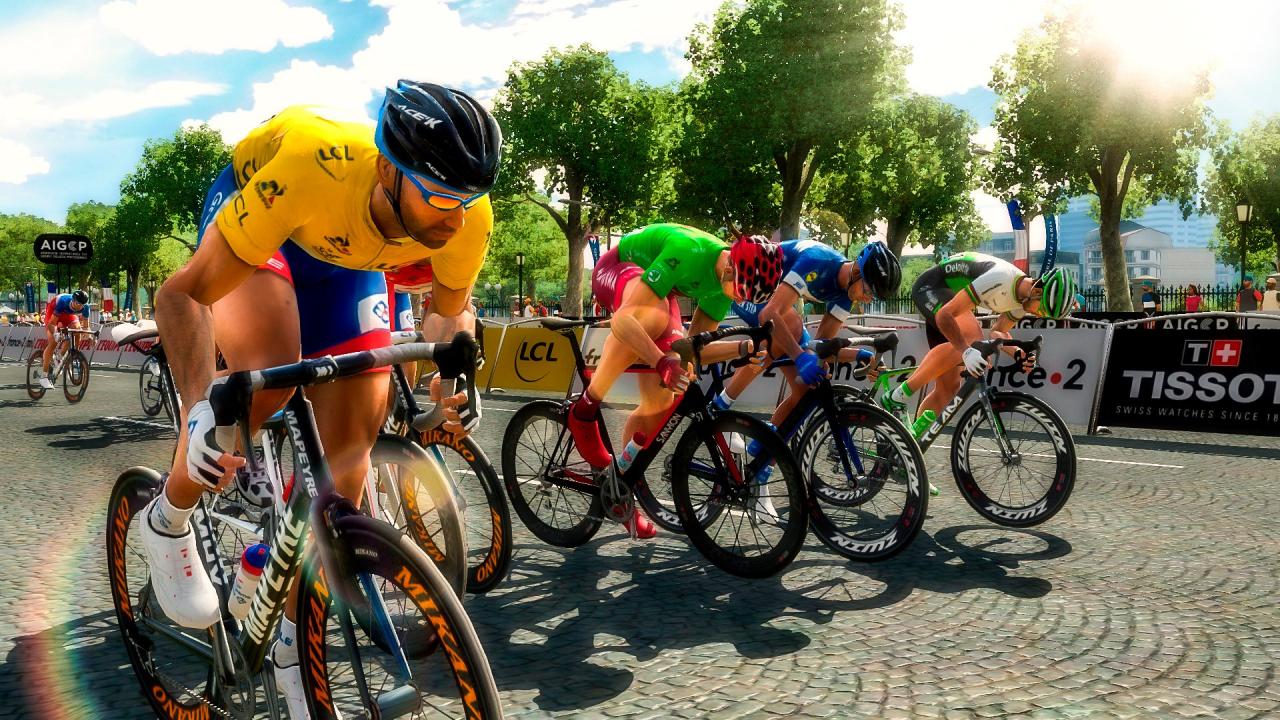
Pro Cycling Manager 2018 screenshotPro Cycling Manager 2018 screenshotPro Cycling Manager 2018 screenshotPro Cycling Manager 2018 screenshotPro Cycling Manager 2018 screenshotPro Cycling Manager 2018 screenshot

How to redeem

  1. 1Check your Steam account and the listed region before purchasing.
  2. 2Find your code and supplier activation instructions in your confirmed order.
  3. 3Open the redeem-code section on Steam, enter the code and follow the platform’s prompts.

Supplier instructions

Go to: http://store.steampowered.com/ and download STEAM client Click "Install Steam" (from the upper right corner) Install and start application, login with your Account name and Password (create one if you don't have). Please follow these instructions to activate a new retail purchase on Steam: Launch Steam and log into your Steam account. Click the Games Menu. Choose Activate a Product on Steam... Follow the onscreen instructions to complete the process. After successful code verification go to the "MY GAMES" tab and start downloading.

You might also like