

SteamGlobal· Key
The Balcony
€6.30
+€0.63 cashback eligibility in Relic Coins
Check before you play
- Platform
- Steam
- Region
- Global
- Product type
- Key
- Developer
- Holotna
- Supplier release date
- 2017-11-03
- Genres
- Action, Strategy, Simulation, Indie, Casual
SteamGlobal· Key
€6.30
+€0.63 cashback eligibility in Relic Coins
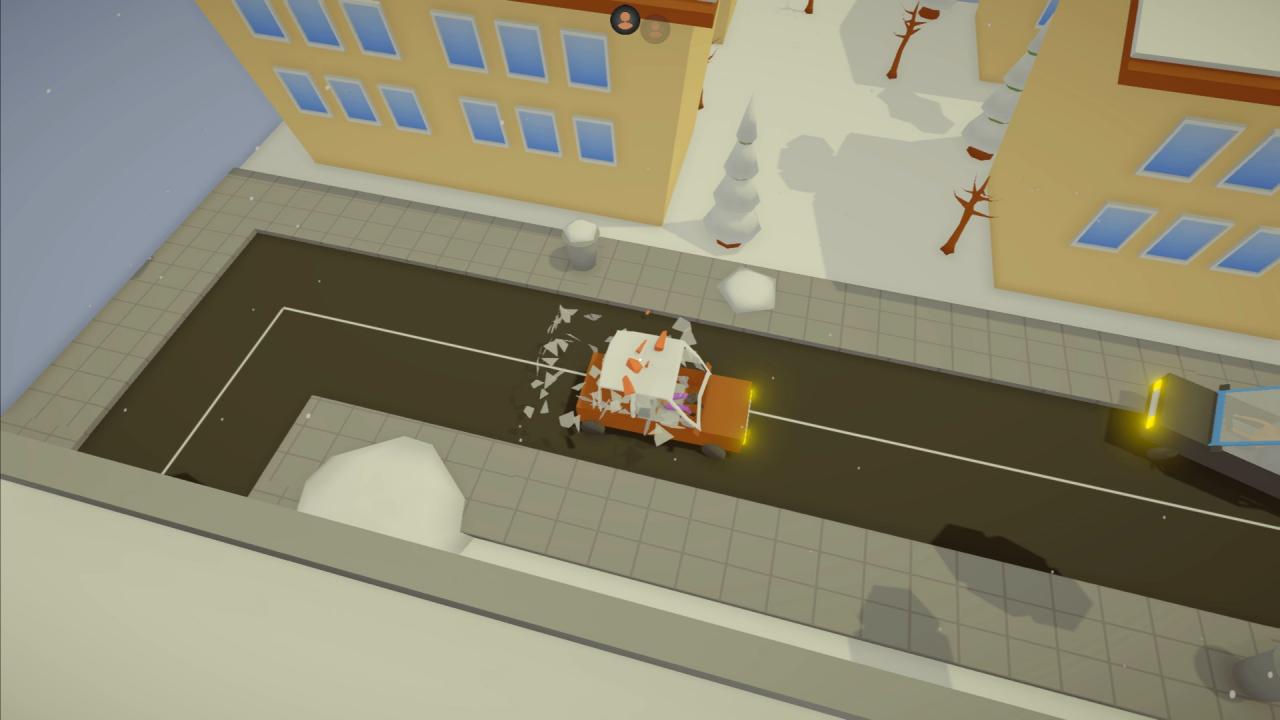
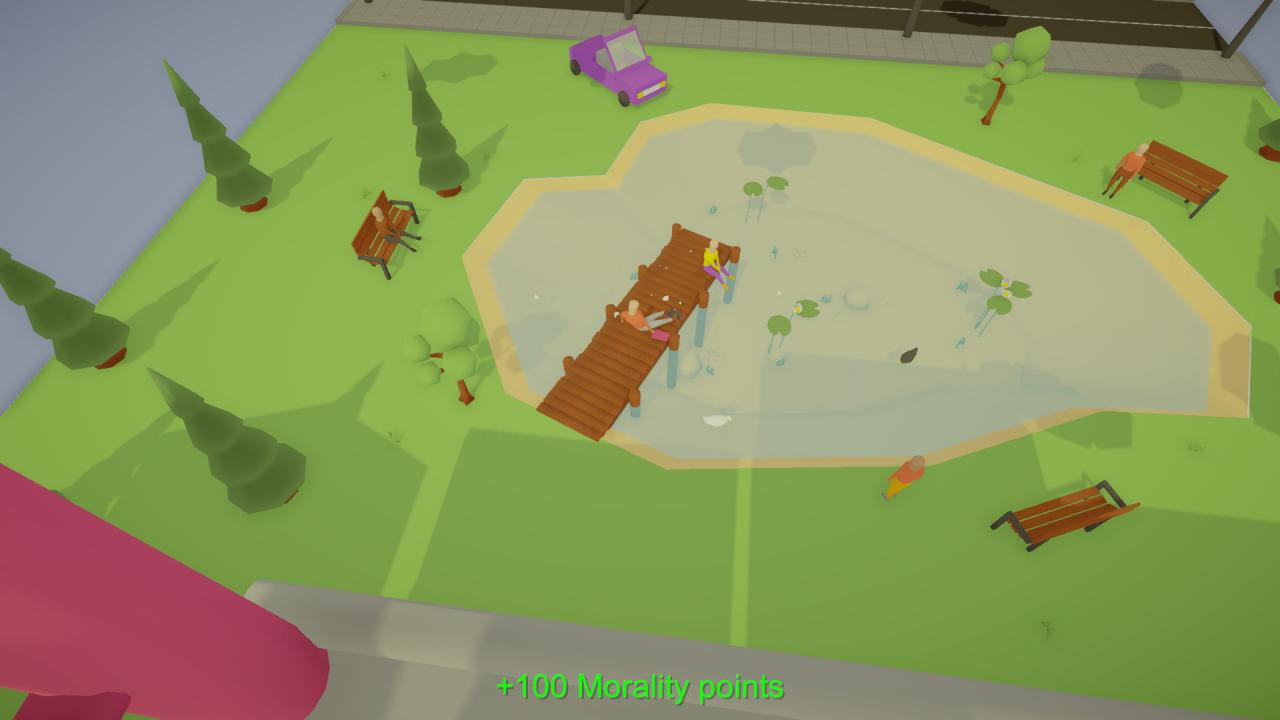
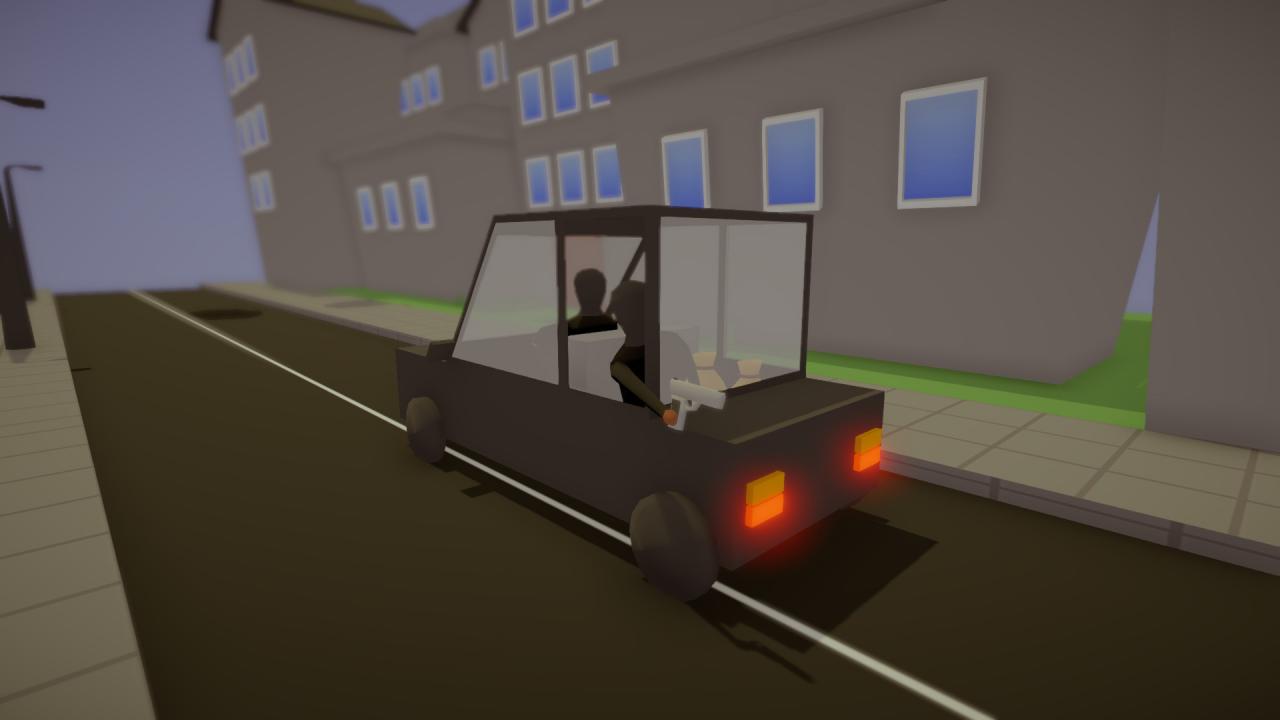
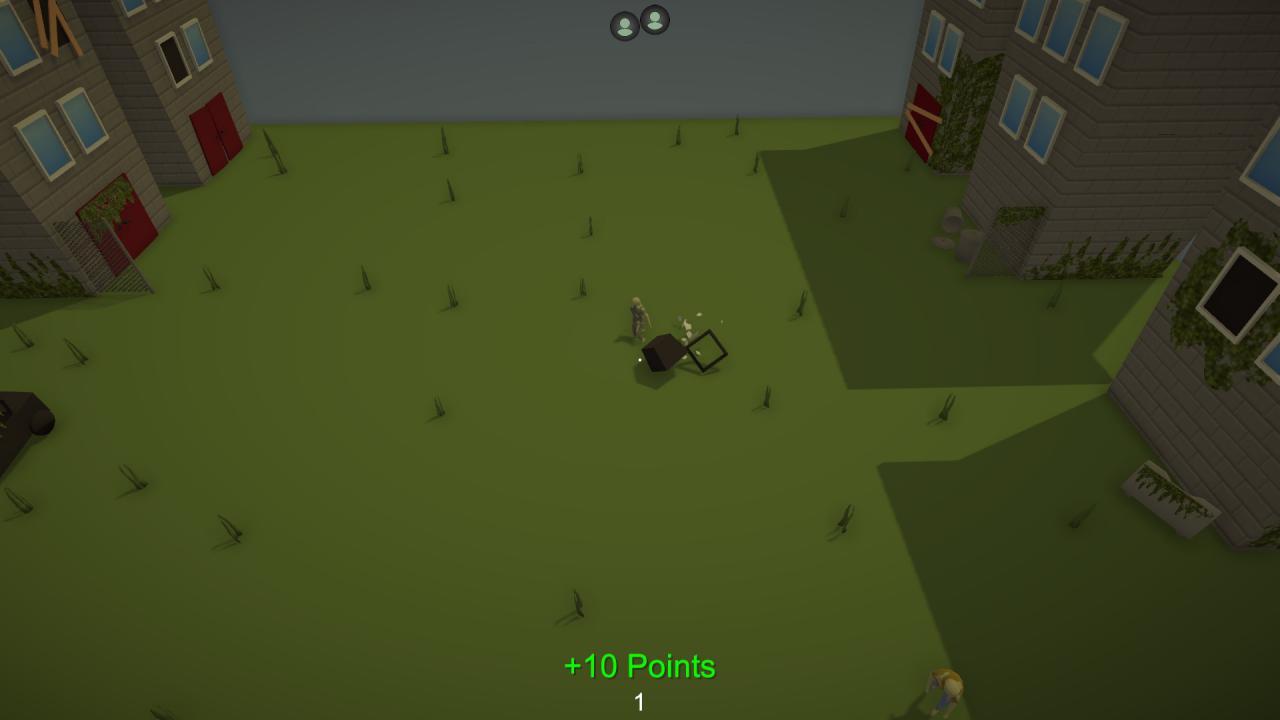
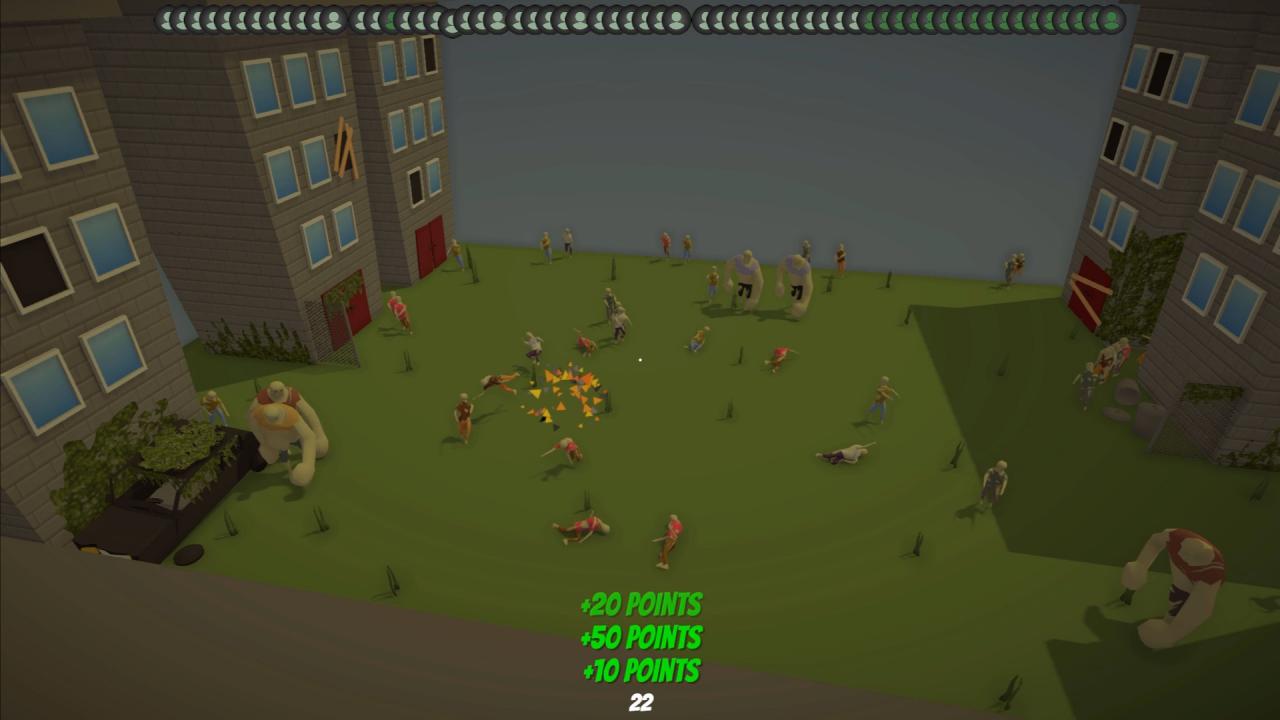
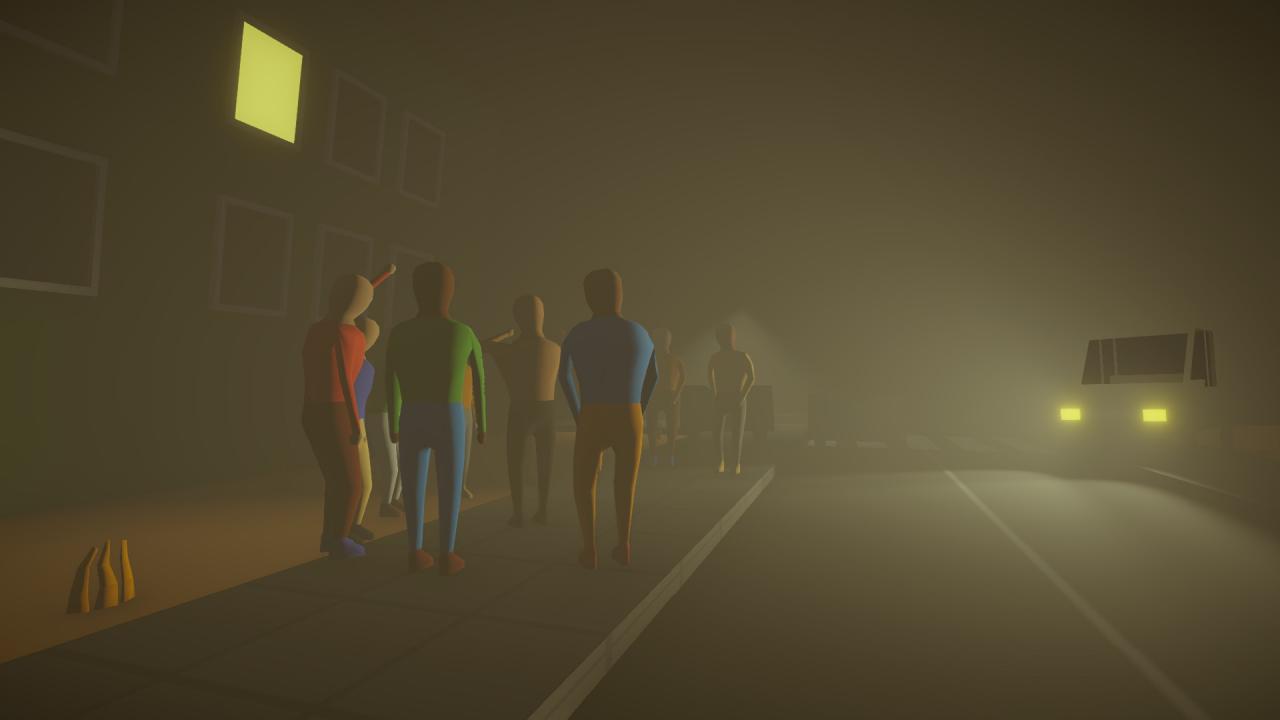
In the campaign your goal is to follow your boss' orders to take out the notorious targets off the streets. Sometimes it is not easy to determine who is your current target which is why you have to be careful to not to harm any civilians. Gain points by successfully eliminating your targets. Harming civilians or their property will subtract your points respectively. There is a good number of levels with different environments and weather effects. Each successfully completed level unlocks new objects in the zombie mode. You are stranded in your apartment along with the starting furniture. Fortunately the apartment is equipped with a computer which can be used to order new objects. The question is, are you able to conserve enough supplies to battle against the undead? Endless waves of various zombies challenge your strategic planning skills. Features Over 120 throwable objects. Satisfying physics. Dynamic environment. Destructible furniture, vehicles and more.
Go to: http://store.steampowered.com/ and download STEAM client Click "Install Steam" (from the upper right corner) Install and start application, login with your Account name and Password (create one if you don't have). Please follow these instructions to activate a new retail purchase on Steam: Launch Steam and log into your Steam account. Click the Games Menu. Choose Activate a Product on Steam... Follow the onscreen instructions to complete the process. After successful code verification go to the "MY GAMES" tab and start downloading.