Get 10% back in Relic Coins on every order
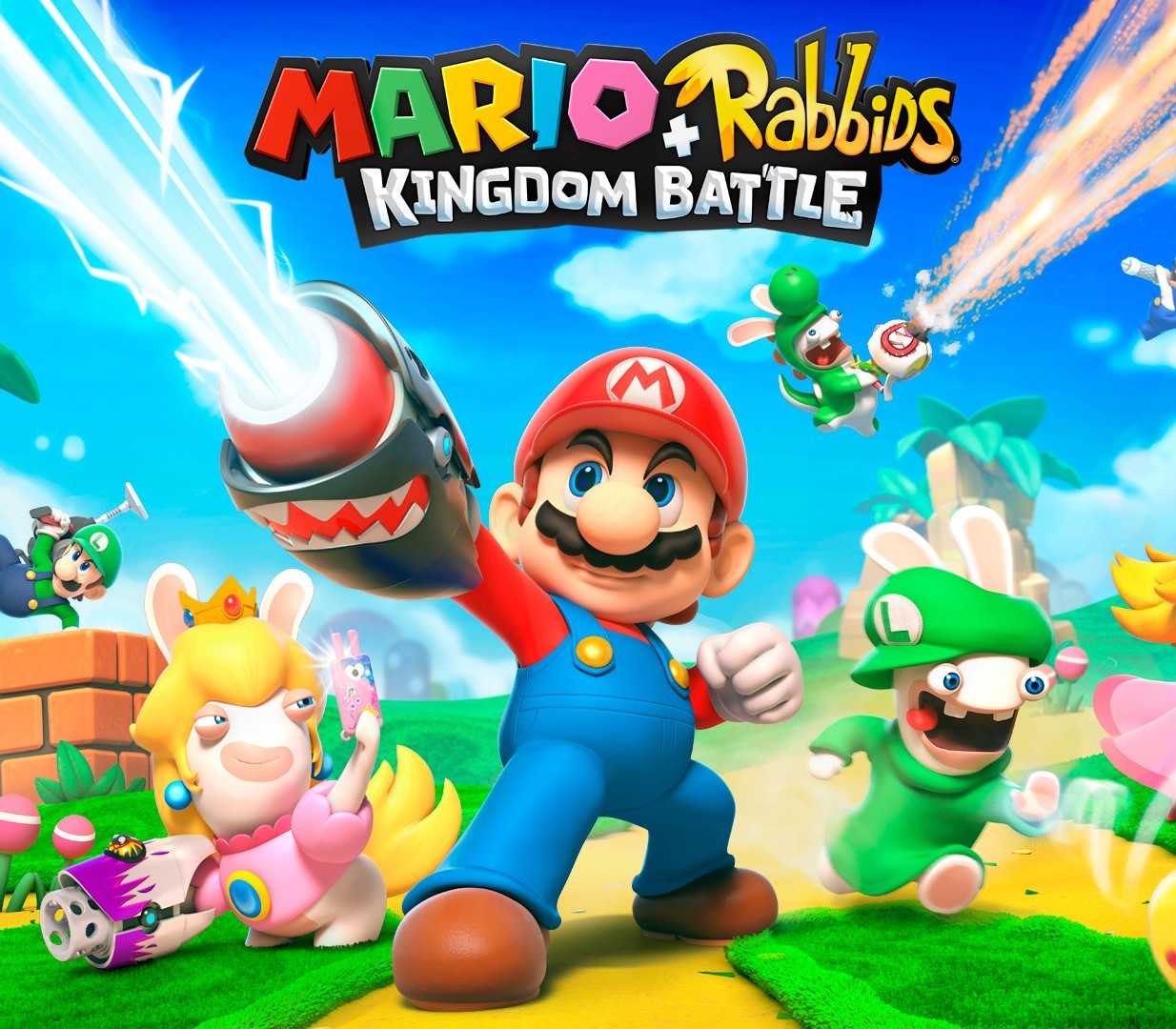
Mario + Rabbids: Kingdom Battle Switch cover

Nintendo Europe - All Countries· Key

Mario + Rabbids: Kingdom Battle Switch

€10.22

+€1.02 cashback eligibility in Relic Coins

Check before you play

Platform
Nintendo
Region
Europe - All Countries
Product type
Key
Developer
Ubisoft Milan
Publisher
Ubisoft Entertainment
Supplier release date
2017-08-29
Genres
Adventure, Strategy

About this product

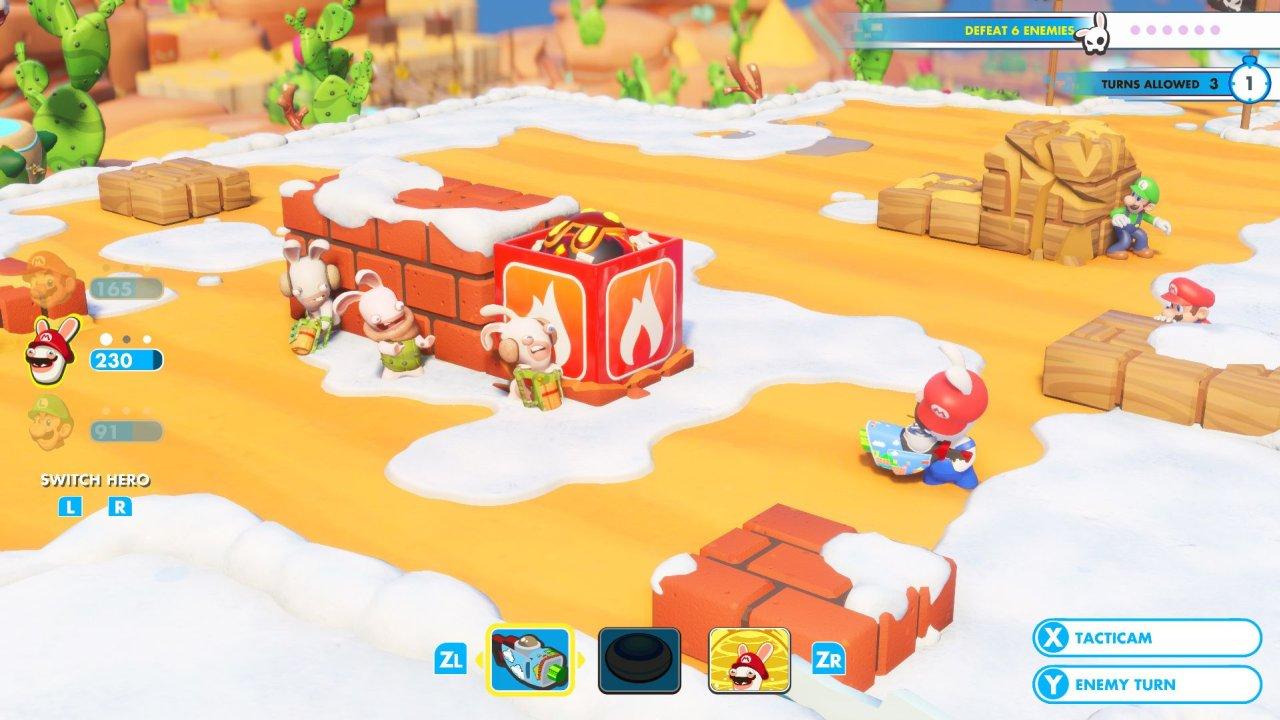
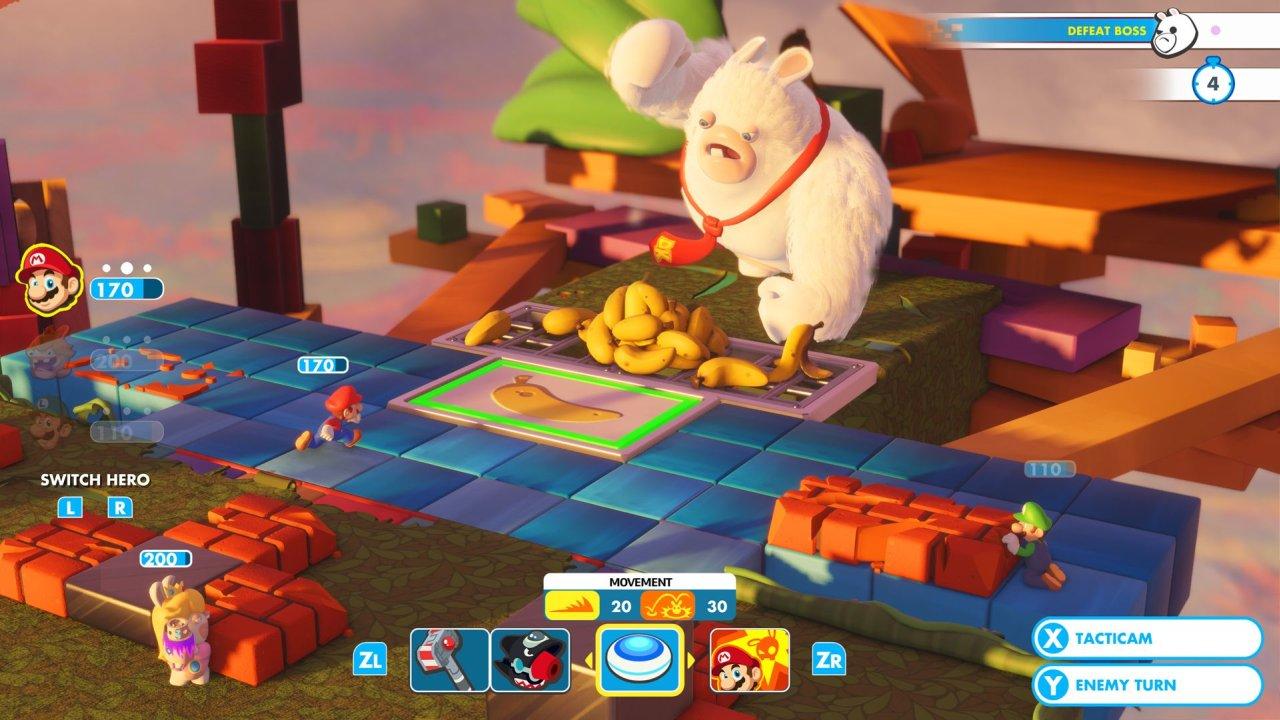
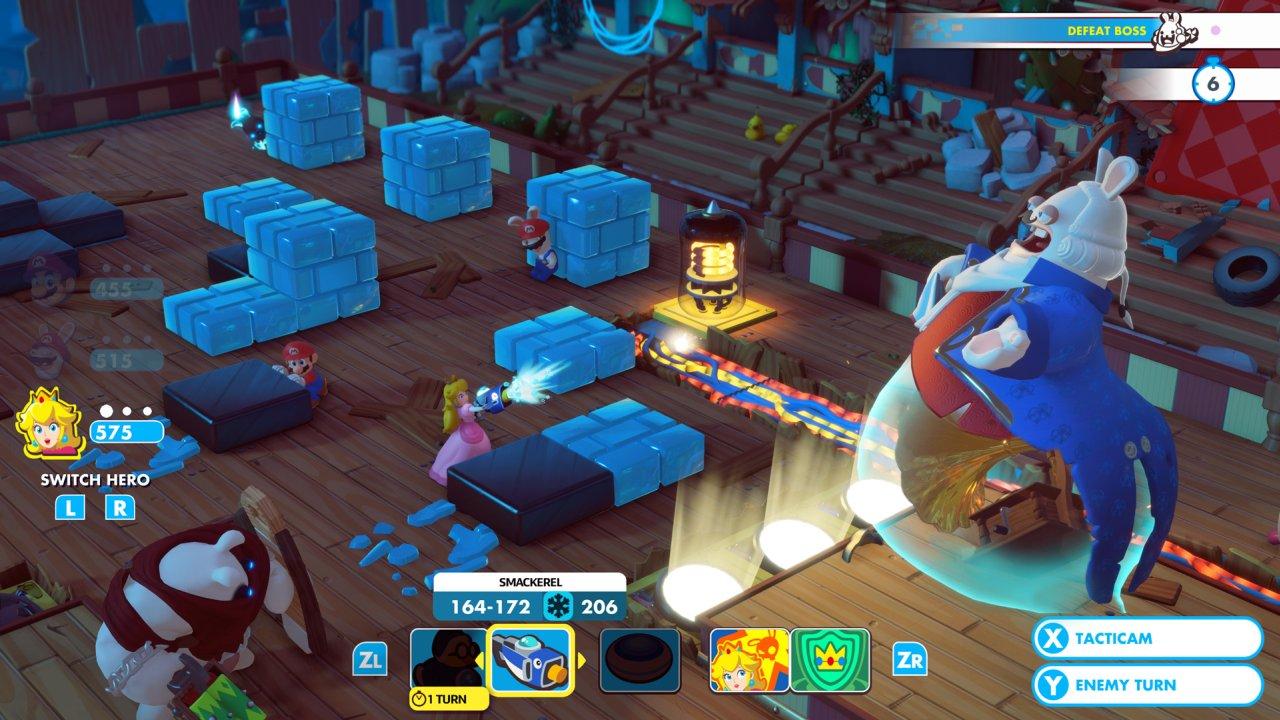
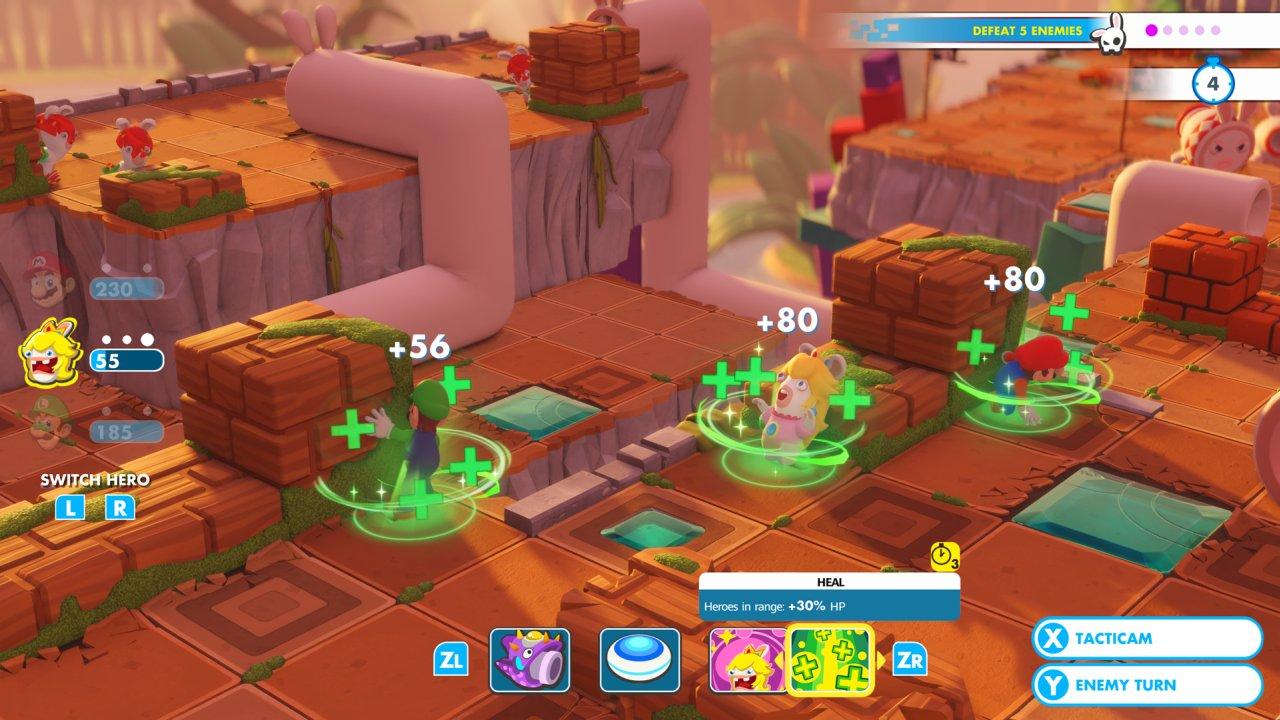
Two worlds collide in Mario + Rabbids® Kingdom Battle!The Mushroom Kingdom has been torn apart by a mysterious vortex, transporting the chaotic Rabbids into this once-peaceful land. To restore order, Mario, Luigi, Princess Peach, and Yoshi must team up with a whole new crew: four Rabbids heroes! Together, they will battle with weapons through four worlds filled with combat, puzzles, and unpredictable enemies.Developed exclusively for the Nintendo Switch™ system, Mario + Rabbids Kingdom Battle is the best of the Mario and Rabbids franchises, combining all that you love about Mario’s iconic universe with the side-splitting antics of the Rabbids.Mario & Rabbids universes collide in this new adventure that combines the best of these two worlds!Mario, Luigi, Princess Peach, and Yoshi join forces with four Rabbids heroes with their own unique personalities.Easy to play, difficult to master. Solo and co-op turn-based combat is a fresh gameplay experience.Battle with an arsenal of weapons through four new worlds filled with enemies, puzzles, and humorous fun!Pick up and play anywhere exclusively on the Nintendo Switch system, even on the go.

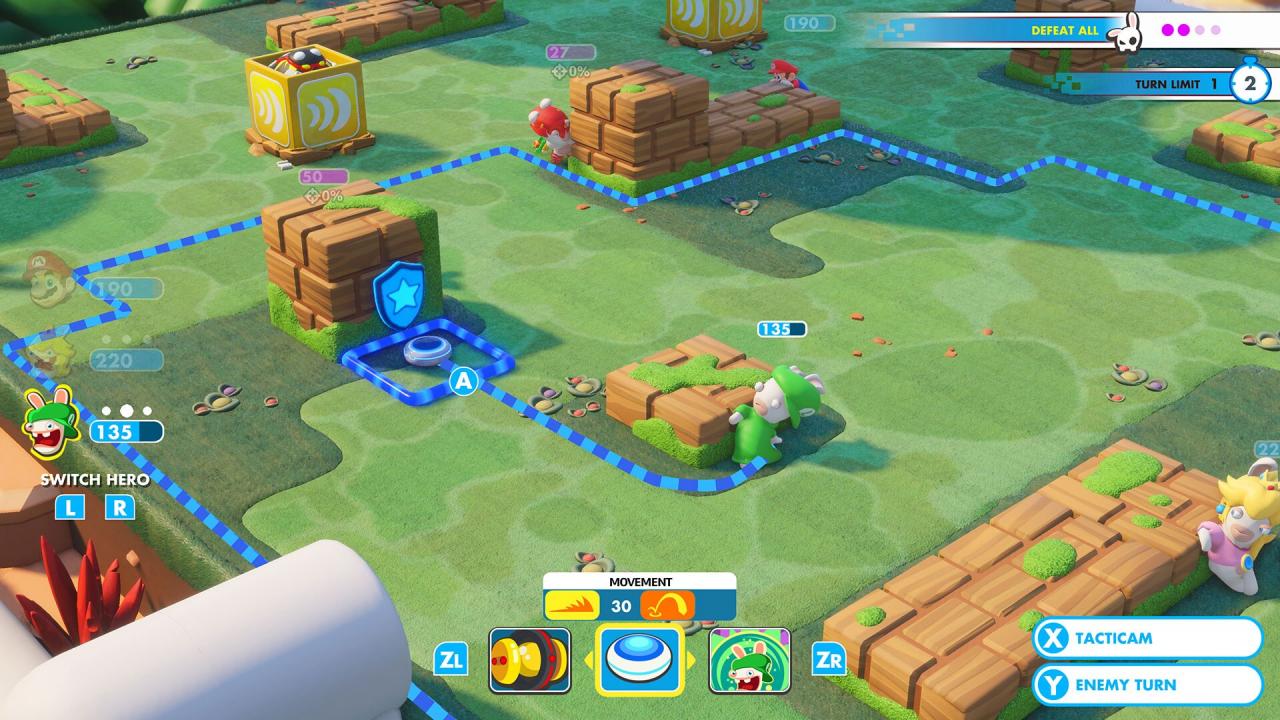
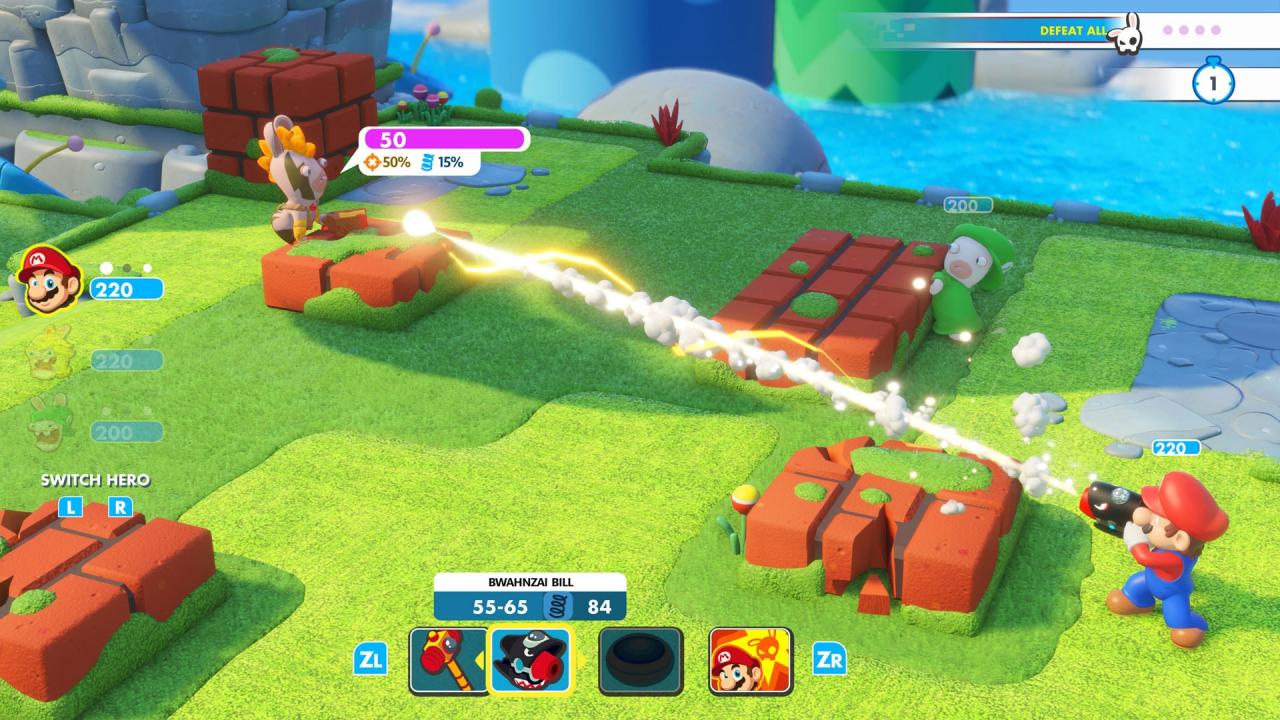
Mario + Rabbids: Kingdom Battle Switch screenshotMario + Rabbids: Kingdom Battle Switch screenshotMario + Rabbids: Kingdom Battle Switch screenshotMario + Rabbids: Kingdom Battle Switch screenshotMario + Rabbids: Kingdom Battle Switch screenshotMario + Rabbids: Kingdom Battle Switch screenshot

How to redeem

  1. 1Check your Nintendo account and the listed region before purchasing.
  2. 2Find your code and supplier activation instructions in your confirmed order.
  3. 3Open the redeem-code section on Nintendo, enter the code and follow the platform’s prompts.

Supplier instructions

Select “Nintendo eShop” on the HOME Menu to launch the Nintendo eShop. Select the account you want to use. Select “Enter Code” on the left side of the screen. Enter the 16-character download code.Any letters and symbols not used with prepaid codes (i.e. O, I, Z, commas, hyphens, etc.) will be disabled from the on-screen keyboard. Select “Send” to confirm. The game will begin downloading once the code is confirmed.The game icon will appear on the HOME menu, with a download status bar. The status bar will disappear once the game download is complete.

You might also like