Get 10% back in Relic Coins on every order
The Dark Pictures Anthology: Little Hope cover

Steam· Key

The Dark Pictures Anthology: Little Hope

€5.32

+€0.53 cashback eligibility in Relic Coins

Check before you play

Platform
Steam
Product type
Key
Developer
Supermassive Games
Publisher
BANDAI NAMCO Entertainment Europe
Supplier release date
2020-10-29
Genres
Adventure

About this product

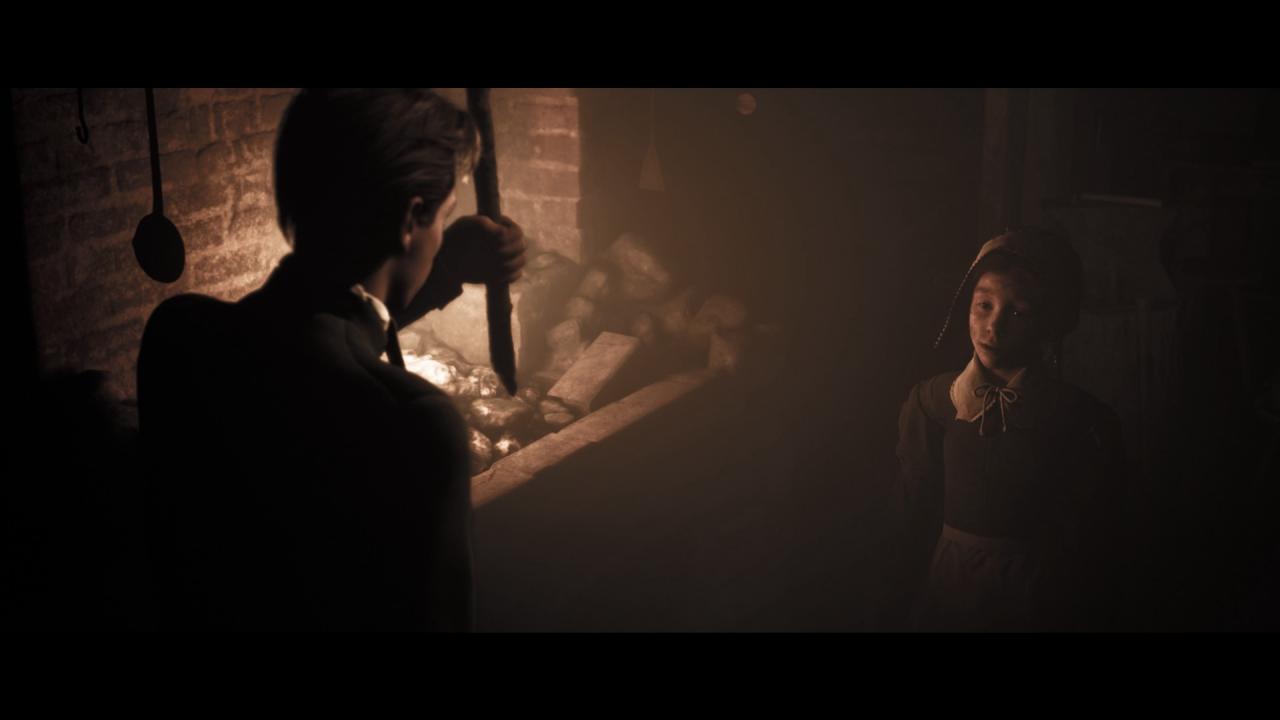
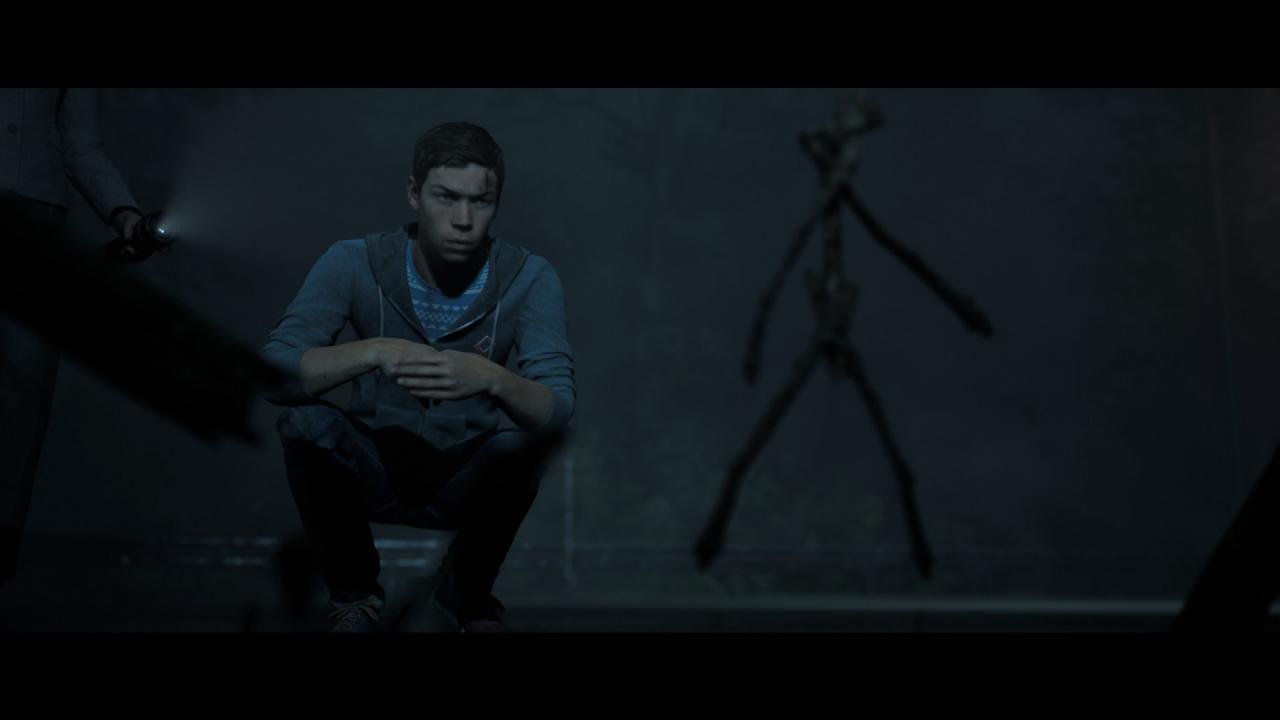
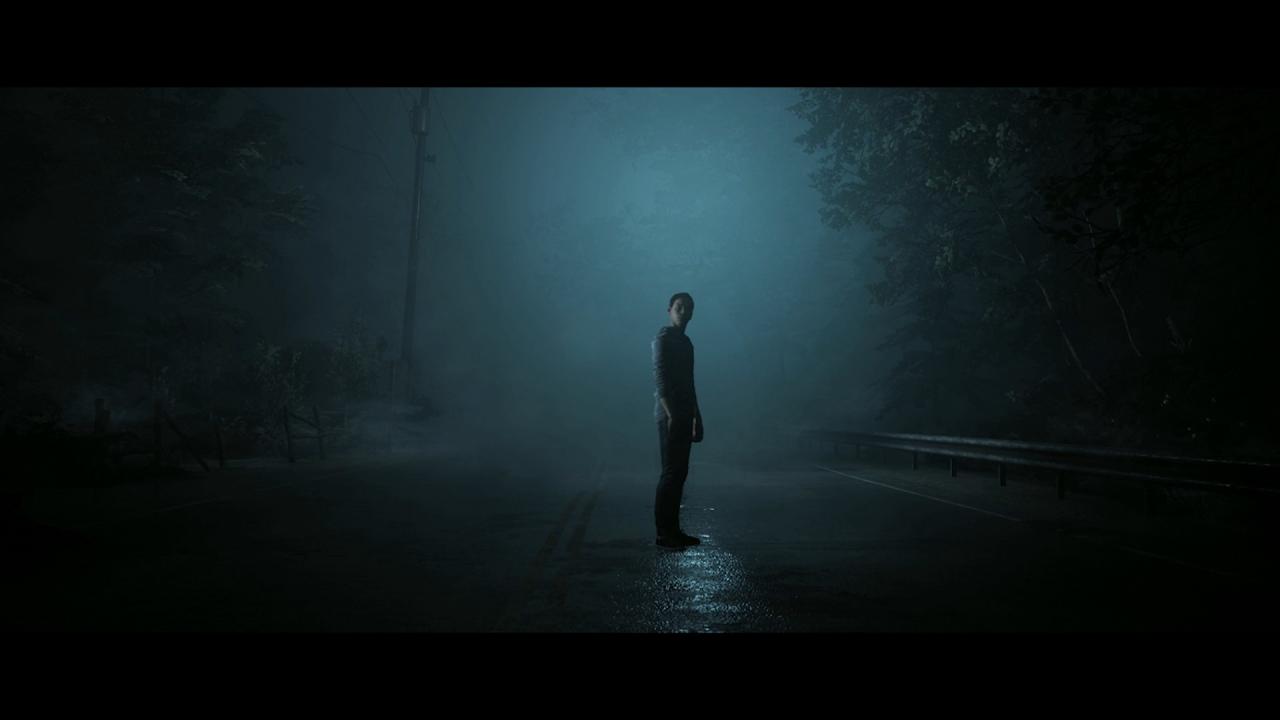
The Dark Pictures Anthology is a series of intense, standalone, branching cinematic horror games featuring single and multiplayer modes. 4 college students and their professor become stranded in the abandoned town of Little Hope. Trapped by an impenetrable fog they try desperately to escape whilst witnessing terrifying visions from the past. They must figure out the motivation of these apparitions before the evil forces at work drags each of their souls to hell.Witness terrifying visions of the past, haunted by the events of the XVIIth century Andover Witch TrialsEscape the hideous apparitions that relentlessly pursue them through the fog!Play online with a friend or up to 5 friends offline, Abandon Hope...all who enter here!


The Dark Pictures Anthology: Little Hope screenshotThe Dark Pictures Anthology: Little Hope screenshotThe Dark Pictures Anthology: Little Hope screenshotThe Dark Pictures Anthology: Little Hope screenshotThe Dark Pictures Anthology: Little Hope screenshotThe Dark Pictures Anthology: Little Hope screenshot

How to redeem

  1. 1Check your Steam account and the listed region before purchasing.
  2. 2Find your code and supplier activation instructions in your confirmed order.
  3. 3Open the redeem-code section on Steam, enter the code and follow the platform’s prompts.

Supplier instructions

Go to: http://store.steampowered.com/ and download STEAM client Click "Install Steam" (from the upper right corner) Install and start application, login with your Account name and Password (create one if you don't have). Please follow these instructions to activate a new retail purchase on Steam: Launch Steam and log into your Steam account. Click the Games Menu. Choose Activate a Product on Steam... Follow the onscreen instructions to complete the process. After successful code verification go to the "MY GAMES" tab and start downloading.

You might also like