Get 10% back in Relic Coins on every order
Knights of Pen and Paper 2 cover

Steam Europe - All Countries· Key

Knights of Pen and Paper 2

€2.37

+€0.24 cashback eligibility in Relic Coins

Check before you play

Platform
Steam
Region
Europe - All Countries
Product type
Key
Developer
Kyy Games
Publisher
Paradox Interactive
Supplier release date
2015-10-20
Genres
Adventure, RPG, Indie

About this product

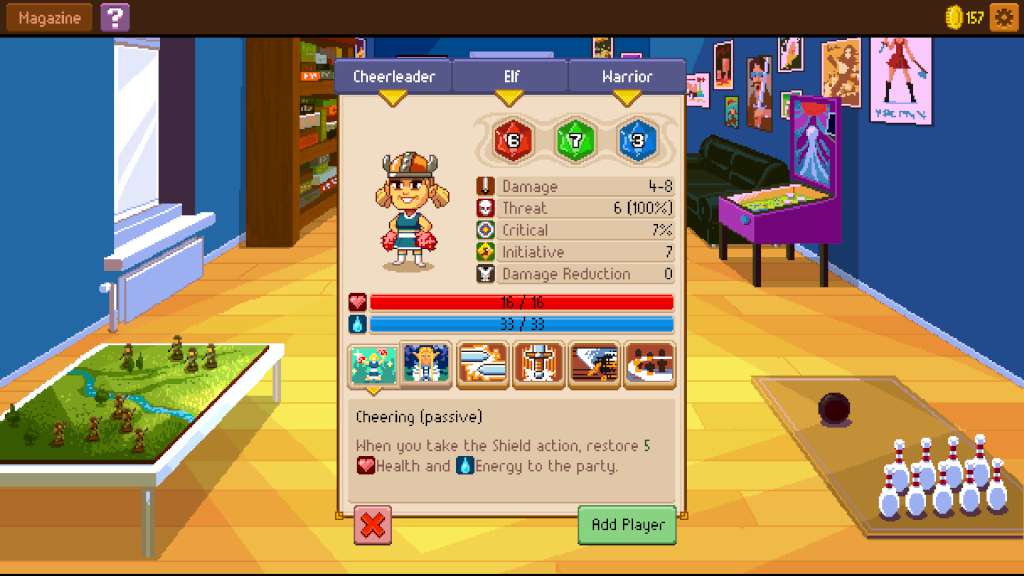
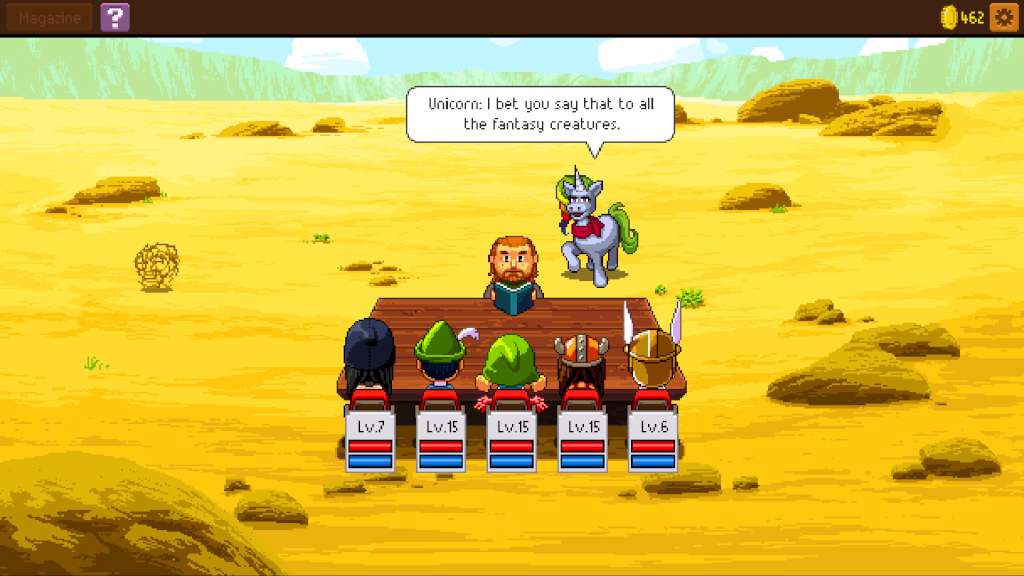
Prepare to join Knights of Pen & Paper 2 in a turn-based, retro style, pixel-art adventure full of danger, intrigue, and semi-appropriate cultural references! Assemble your party and control your group of pen and paper role-players as they are guided through their adventures by the Game Master. All the fun of pen and paper RP, none of the lost dice! Now including races like Dwarf or Elf, assemble the party of your choice, choose quests and combat encounters, delve into dungeons, craft powerful items, and complain loudly to the GM. Features Play a group of pen and paper gamers playing a pen and paper role playing game Punch a Panda! Explore your anger management issues in the FREE Fist+1 Fury expansion! Create your own characters, how about a Rocker Dwarf Warrior or a Cheerleader Elf Monk More contemporary geeky jokes than you can stuff in a CAVE! Gotta catch them all! Lots of monsters, equipment, a crafting system, and things to customize There's no paying your way to victory here! Start with all of the content, unlock it with the blood, sweat, and gold coins, of your party! Customizable hot keys, Steam Controller and Gamepad support

Knights of Pen and Paper 2 screenshotKnights of Pen and Paper 2 screenshotKnights of Pen and Paper 2 screenshotKnights of Pen and Paper 2 screenshotKnights of Pen and Paper 2 screenshotKnights of Pen and Paper 2 screenshot

How to redeem

  1. 1Check your Steam account and the listed region before purchasing.
  2. 2Find your code and supplier activation instructions in your confirmed order.
  3. 3Open the redeem-code section on Steam, enter the code and follow the platform’s prompts.

Supplier instructions

Go to: http://store.steampowered.com/ and download STEAM client Click "Install Steam" (from the upper right corner) Install and start application, login with your Account name and Password (create one if you don't have). Please follow these instructions to activate a new retail purchase on Steam: Launch Steam and log into your Steam account. Click the Games Menu. Choose Activate a Product on Steam... Follow the onscreen instructions to complete the process. After successful code verification go to the "MY GAMES" tab and start downloading.

You might also like