Get 10% back in Relic Coins on every order
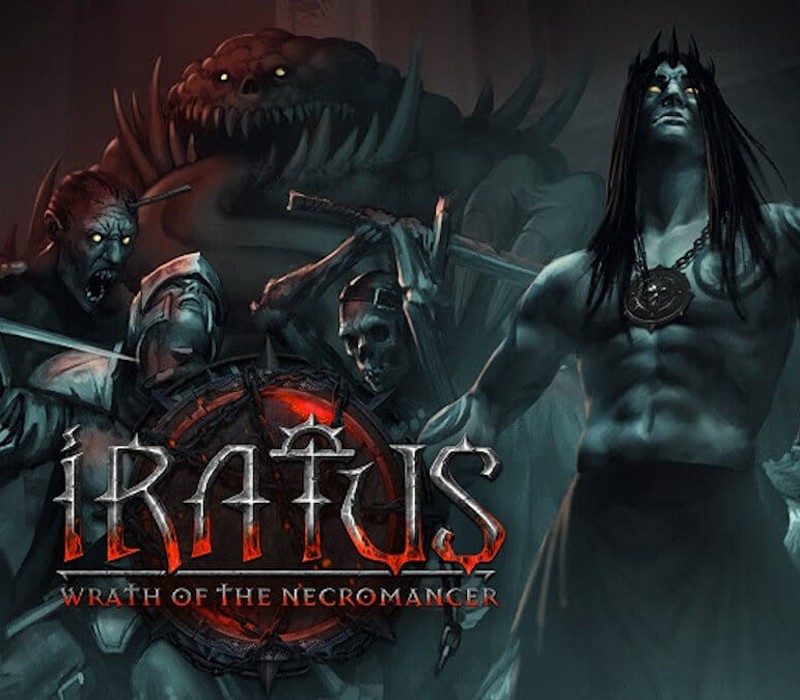
Iratus: Lord of the Dead - Wrath of the Necromancer DLC cover

SteamGlobal· DLC

Iratus: Lord of the Dead - Wrath of the Necromancer DLC

€2.77

+€0.28 cashback eligibility in Relic Coins

Check before you play

Platform
Steam
Region
Global
Product type
DLC

Check the required base game and edition before purchasing this add-on.

Developer
Unfrozen
Publisher
Daedalic Entertainment
Supplier release date
2020-10-26
Genres
Strategy, RPG, Indie

About this product

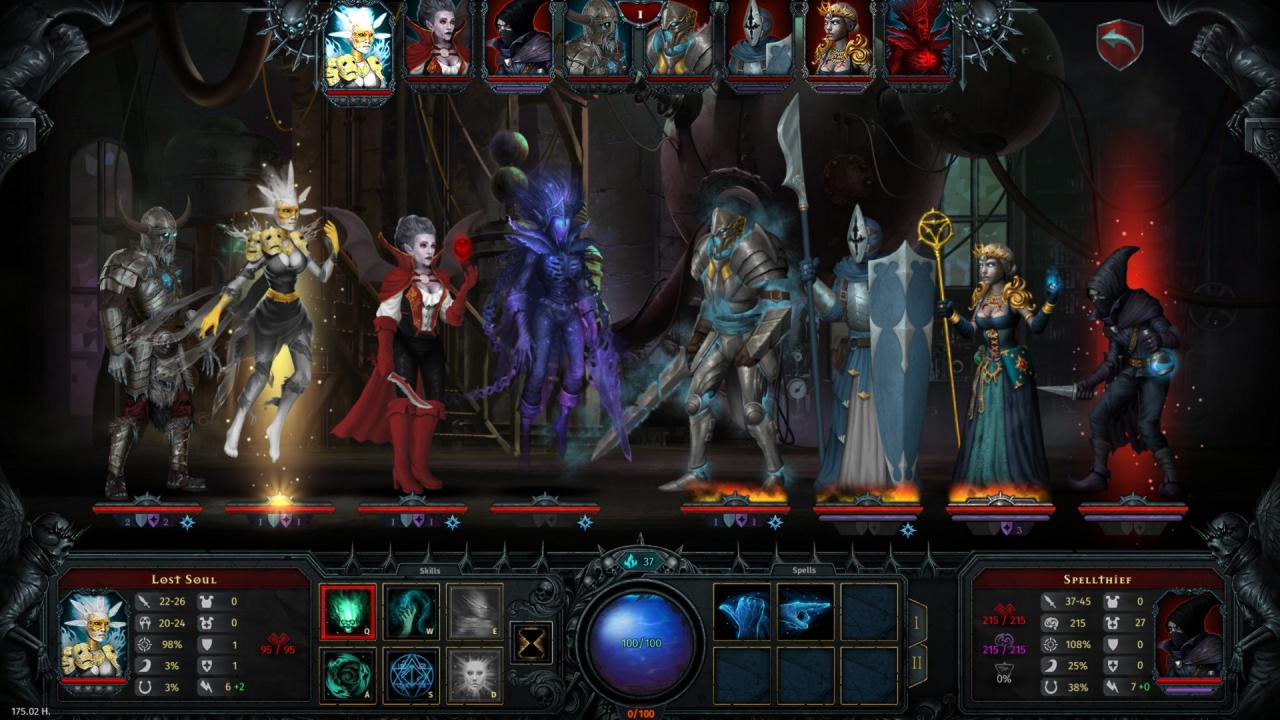
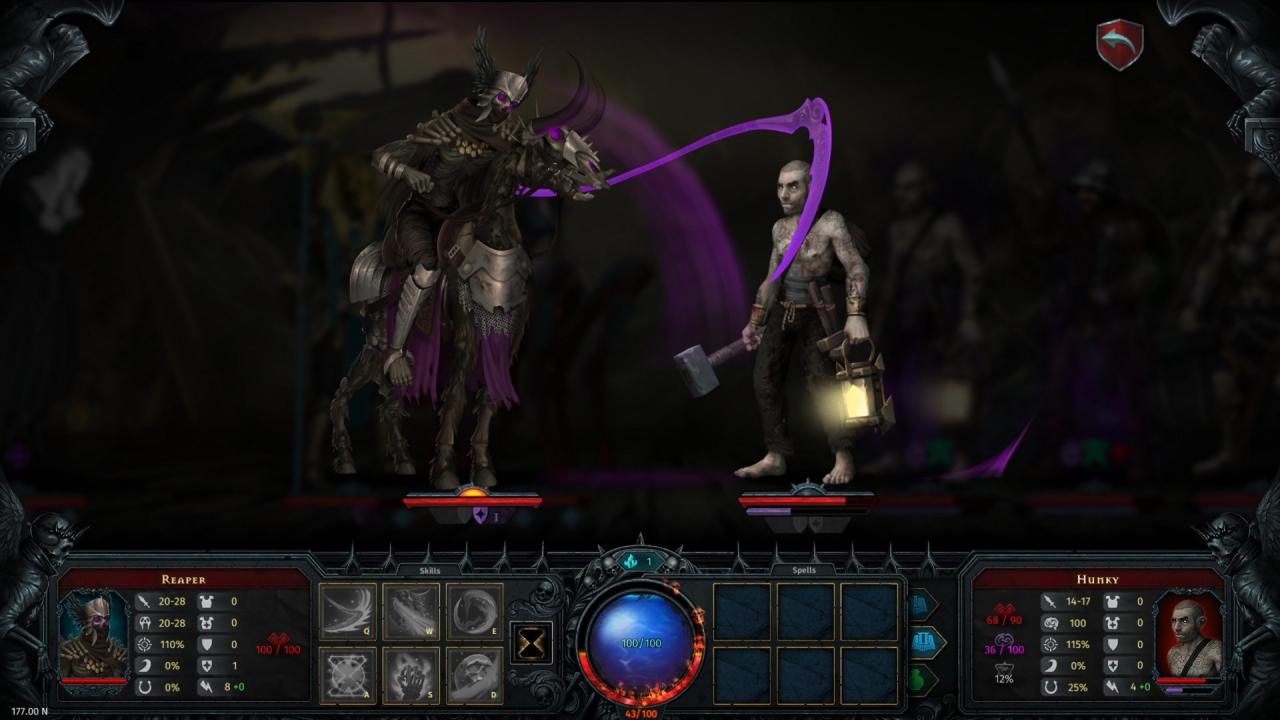
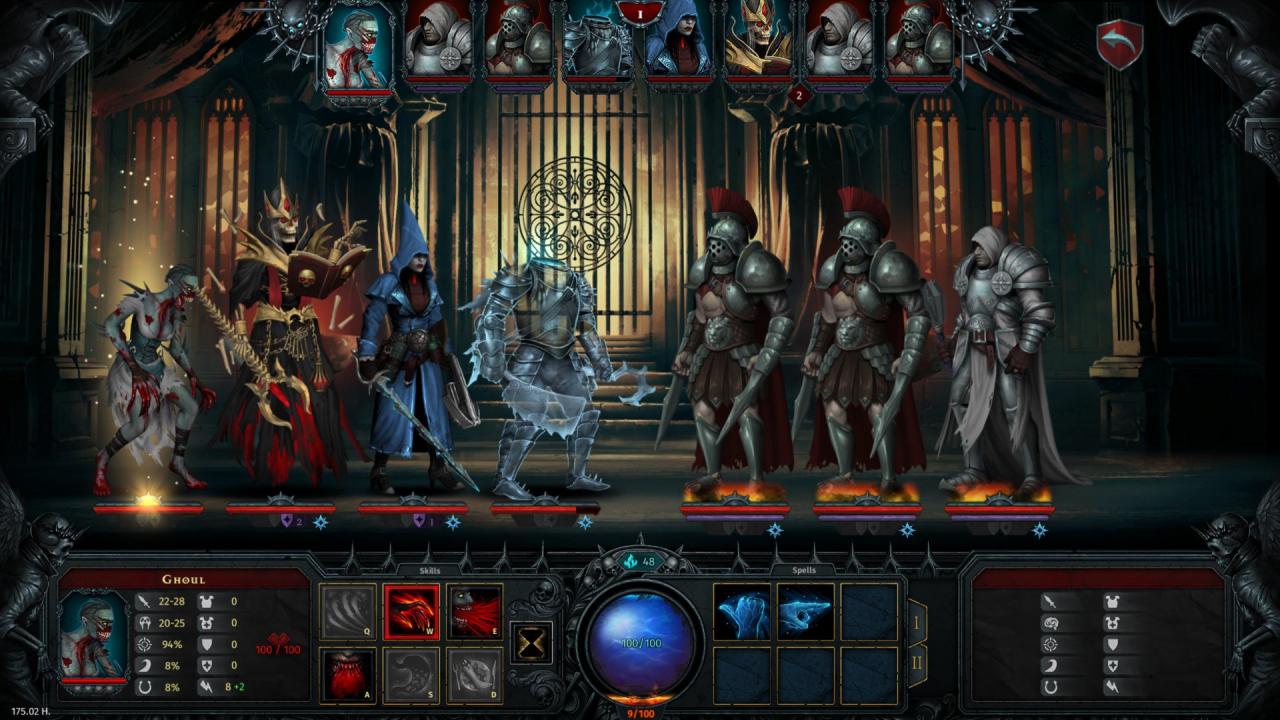
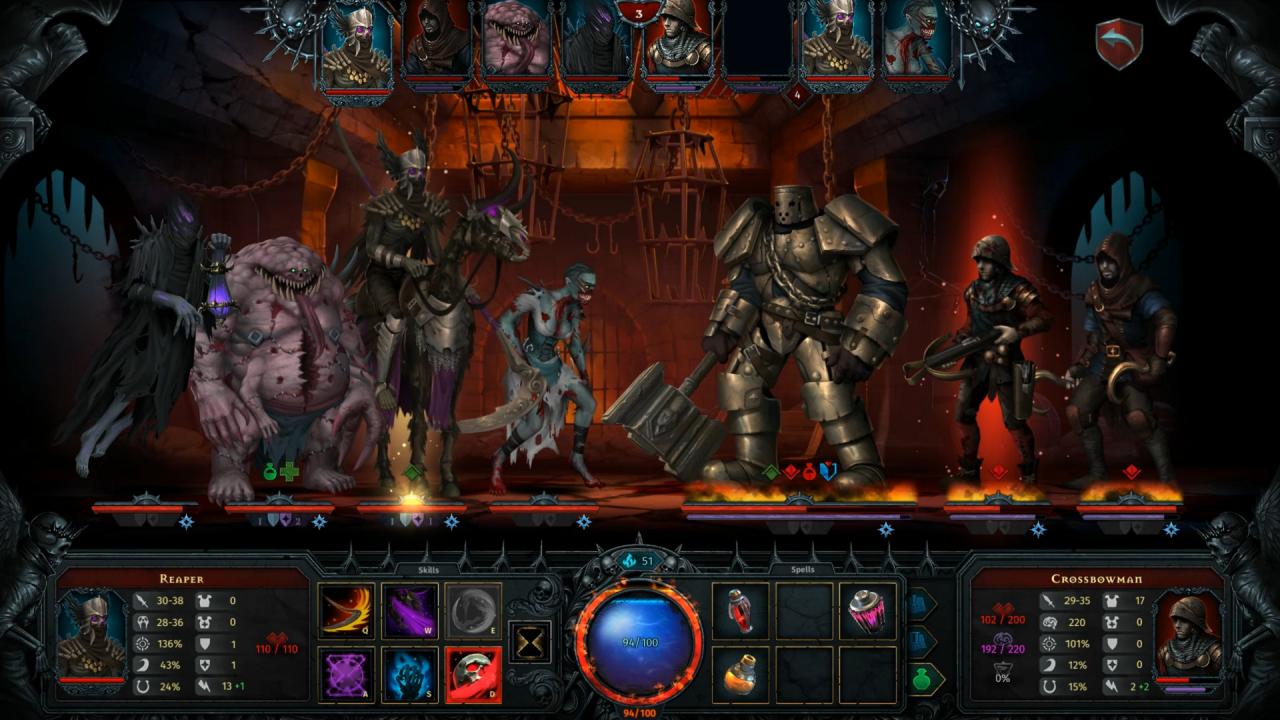
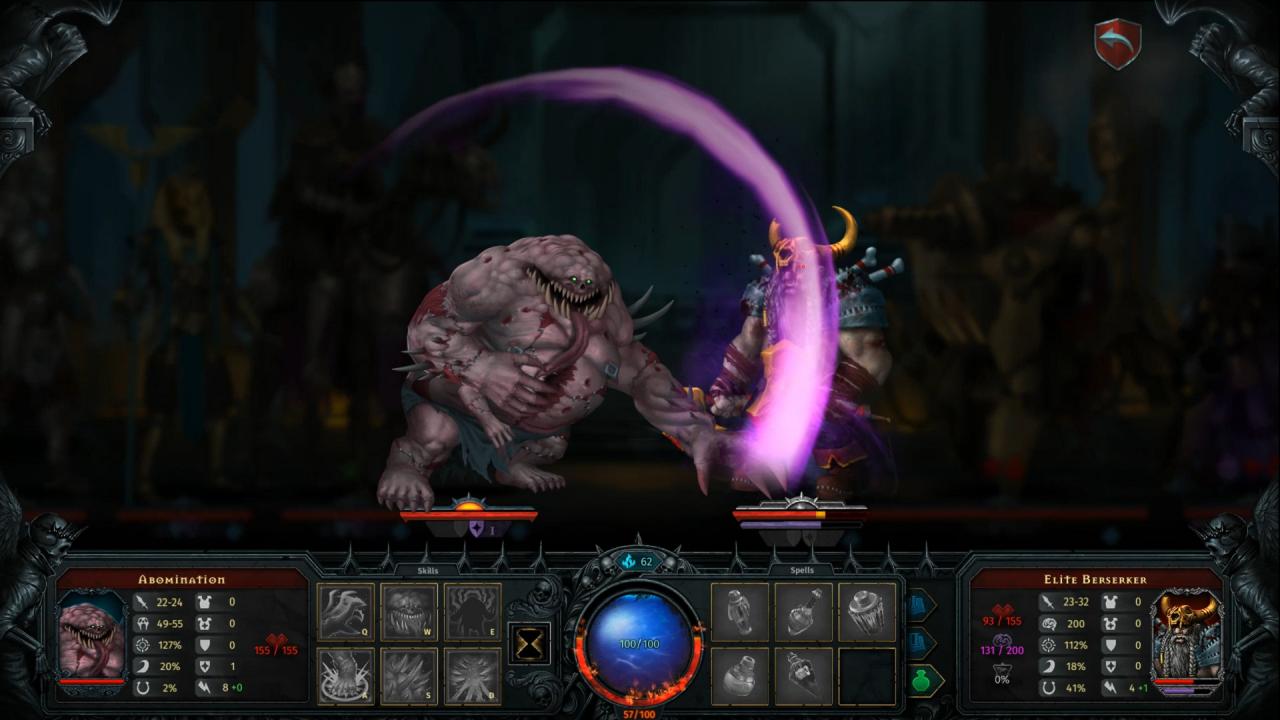
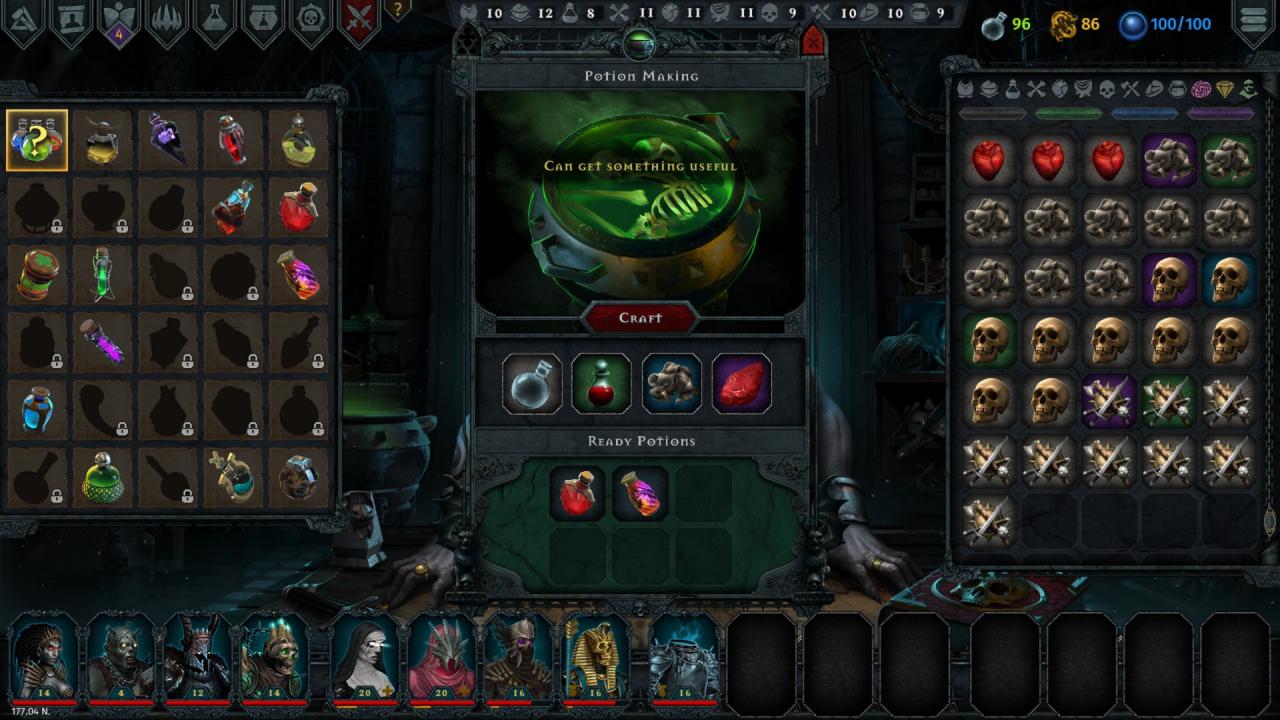
Our dark tale has one more chapter!The culmination of the Arch-Necromancer’s malevolent efforts! And, by extension, yours.Assume the role of Iratus once more and sweep aside all mortal resistance to do battle with the powers that be. Along will come new enemies and challenges, and one can’t expect the mindless undead to overcome those by themselves, right?So laugh evilly, necromancer, the time to establish your rightful kingdom has finally come! Features New minion — the Reaper New minion — the Abomination 17 additional skins for minions Additions to the alchemy system — craftable Battle Potions. Also, new items and artifacts to boost potions even further! New huge enemies on all floors New bosses, including a final super-boss! New sixth floor — the Cemetery and new game ending, additional outro video and story content

Iratus: Lord of the Dead - Wrath of the Necromancer DLC screenshotIratus: Lord of the Dead - Wrath of the Necromancer DLC screenshotIratus: Lord of the Dead - Wrath of the Necromancer DLC screenshotIratus: Lord of the Dead - Wrath of the Necromancer DLC screenshotIratus: Lord of the Dead - Wrath of the Necromancer DLC screenshotIratus: Lord of the Dead - Wrath of the Necromancer DLC screenshot

How to redeem

  1. 1Check the required base game, platform and edition before purchasing.
  2. 2Find the code or supplier activation instructions in your confirmed order.
  3. 3Redeem on Steam using the supplied instructions, then install the add-on with the compatible base game.

Supplier instructions

Go to: http://store.steampowered.com/ and download STEAM client Click "Install Steam" (from the upper right corner) Install and start application, login with your Account name and Password (create one if you don't have). Please follow these instructions to activate a new retail purchase on Steam: Launch Steam and log into your Steam account. Click the Games Menu. Choose Activate a Product on Steam... Follow the onscreen instructions to complete the process. After successful code verification go to the "MY GAMES" tab and start downloading.

You might also like