Get 10% back in Relic Coins on every order
Supfly Delivery Simulator cover

SteamGlobal· Key

Supfly Delivery Simulator

€2.61

+€0.26 cashback eligibility in Relic Coins

Check before you play

Platform
Steam
Region
Global
Product type
Key
Publisher
Source Byte Sp. z o.o.
Supplier release date
2020-10-17
Genres
Action, Adventure, Racing, Sport, Simulation, Indie

About this product

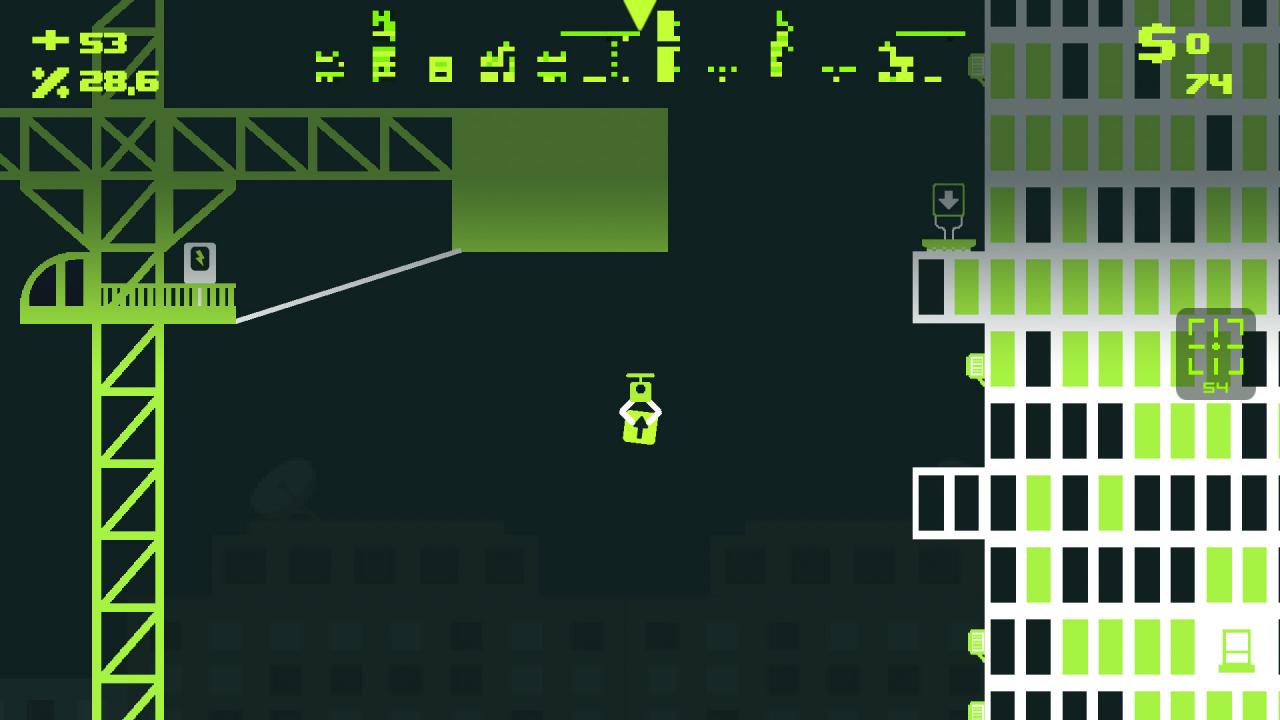
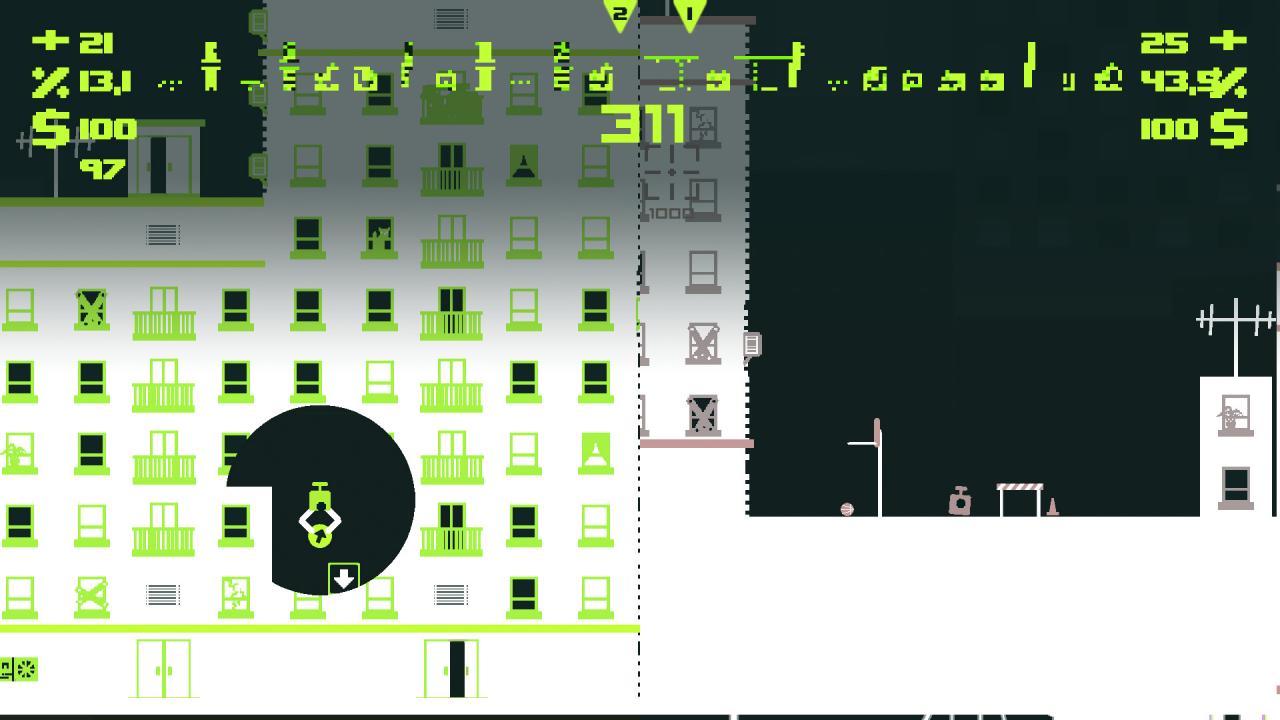
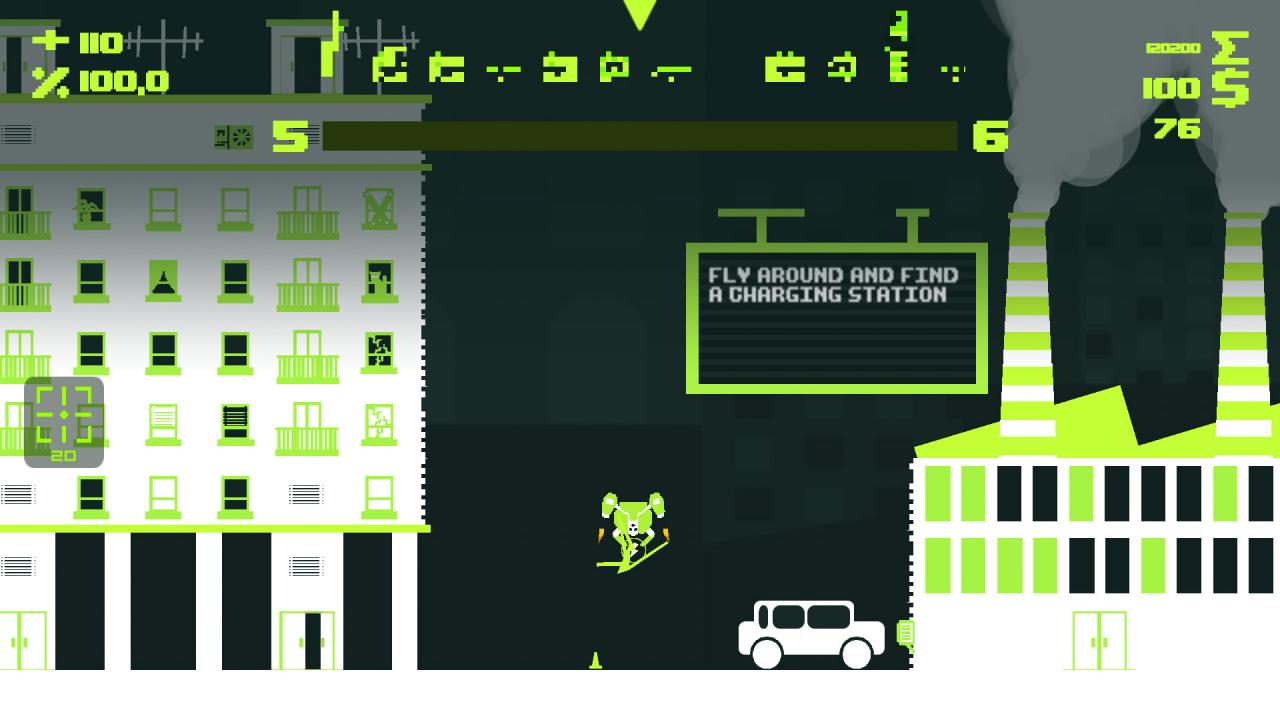
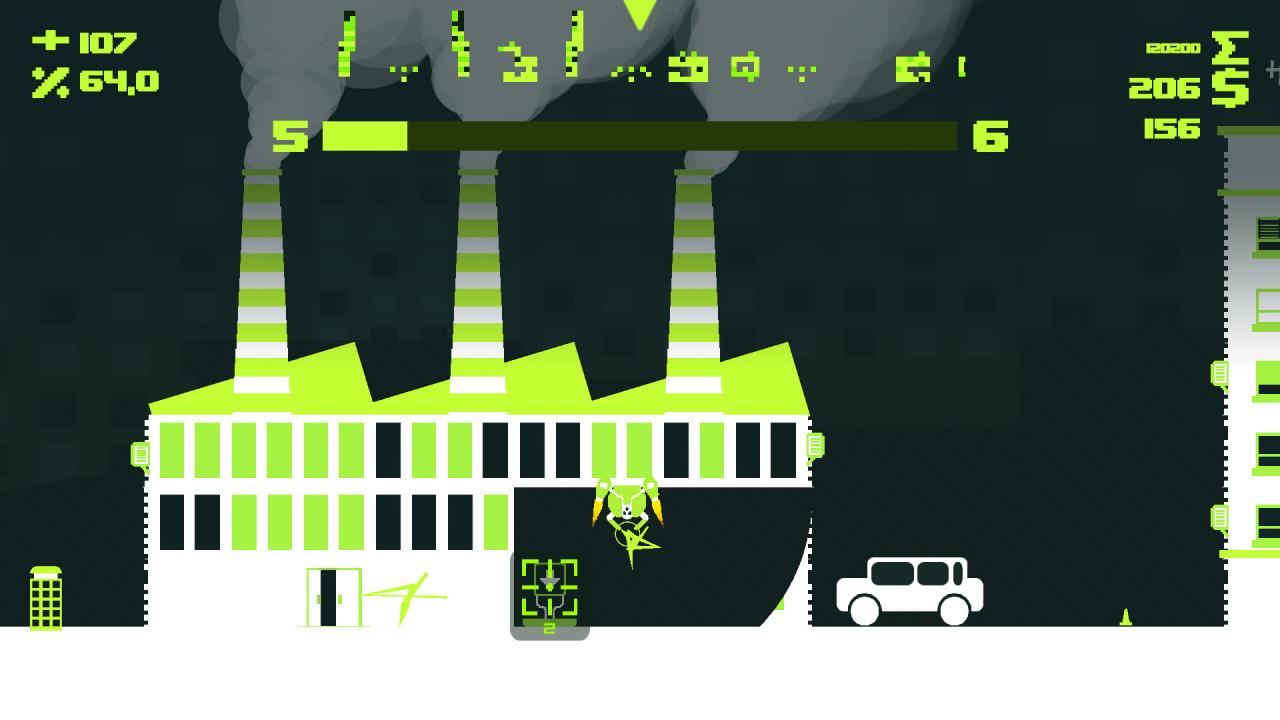
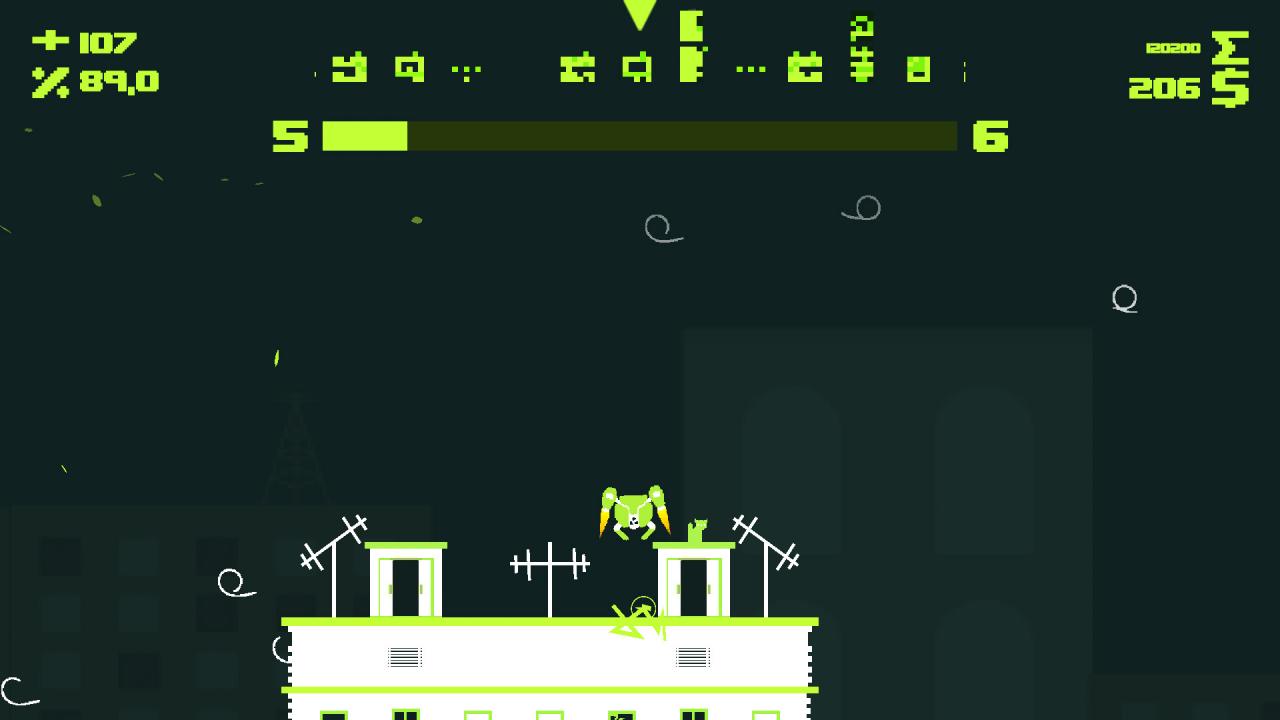
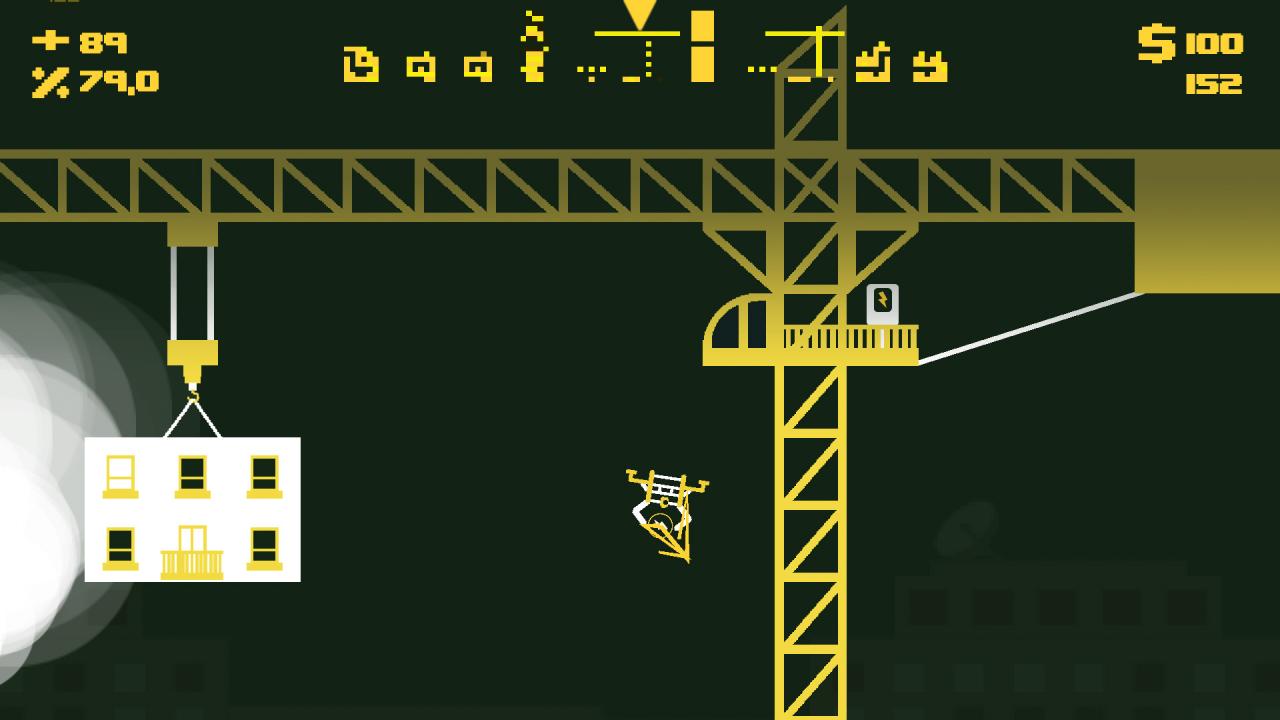
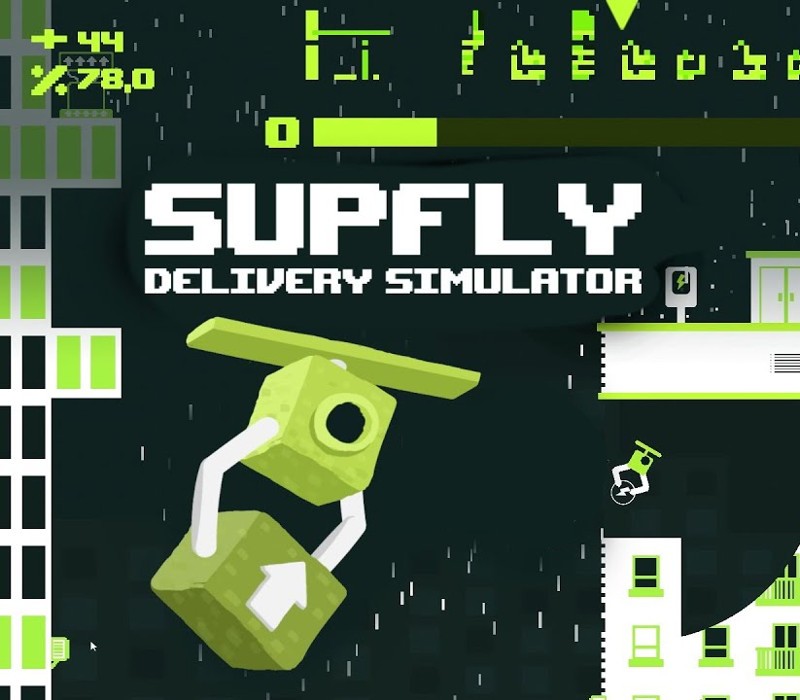
Supfly Delivery Simulator - a game in which humanity is ruled by delivery service and now it's your time to become the best deliveryman in the world! Deliver everything what is needed in the moment. As a robot you have one simple job - to deliver. But remember, you have to be punctual and precise - you don't want to make customers angry. Watch out for your battery level - if it ran out, you would be in trouble. So jump in the game, catch some parcels and try yourself as a deliverer! Features Weather conditions Many unique drones each of them have their own mechanics Different types of shipments 3 Maps Automatically generated map Fun for hours Possibility to play with a friend Game modes: Career - Your road to being the best deliverer. Unlock new maps and stages. For your payments you'll be able to buy a better drone. Each of them has got his own specification and special bonuses Solo Mode - Casual flying with delivering without a hurry Two Players Mode - Compete with your friends and see who can deliver more parcels in the same time

Supfly Delivery Simulator screenshotSupfly Delivery Simulator screenshotSupfly Delivery Simulator screenshotSupfly Delivery Simulator screenshotSupfly Delivery Simulator screenshotSupfly Delivery Simulator screenshot

How to redeem

  1. 1Check your Steam account and the listed region before purchasing.
  2. 2Find your code and supplier activation instructions in your confirmed order.
  3. 3Open the redeem-code section on Steam, enter the code and follow the platform’s prompts.

Supplier instructions

Go to: http://store.steampowered.com/ and download STEAM client Click "Install Steam" (from the upper right corner) Install and start application, login with your Account name and Password (create one if you don't have). Please follow these instructions to activate a new retail purchase on Steam: Launch Steam and log into your Steam account. Click the Games Menu. Choose Activate a Product on Steam... Follow the onscreen instructions to complete the process. After successful code verification go to the "MY GAMES" tab and start downloading.

You might also like