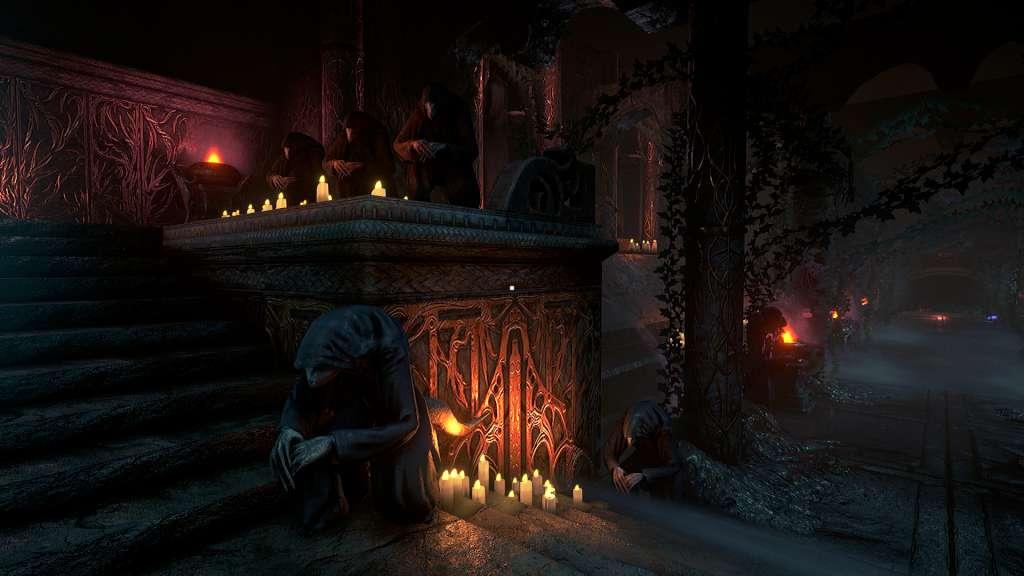
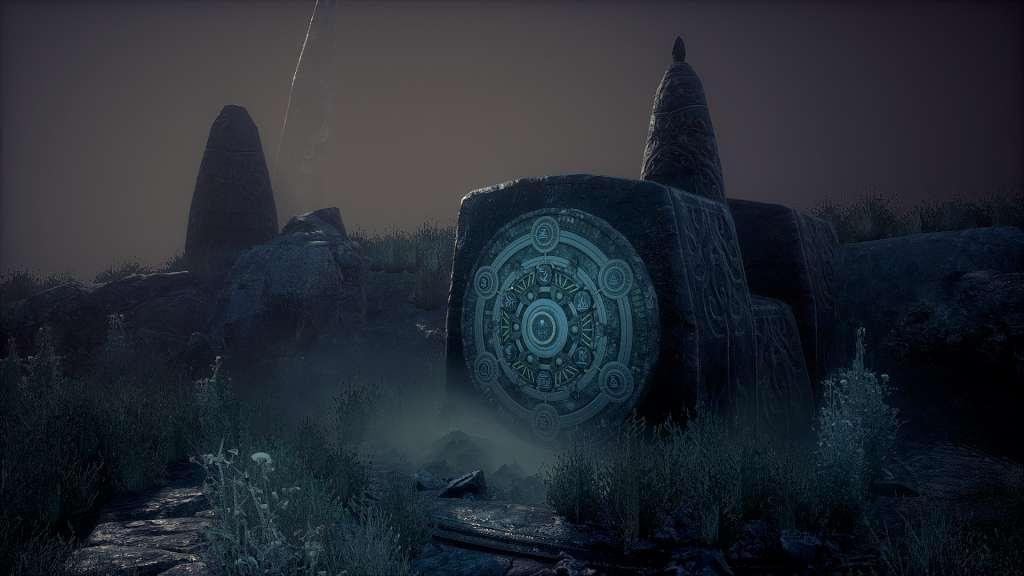
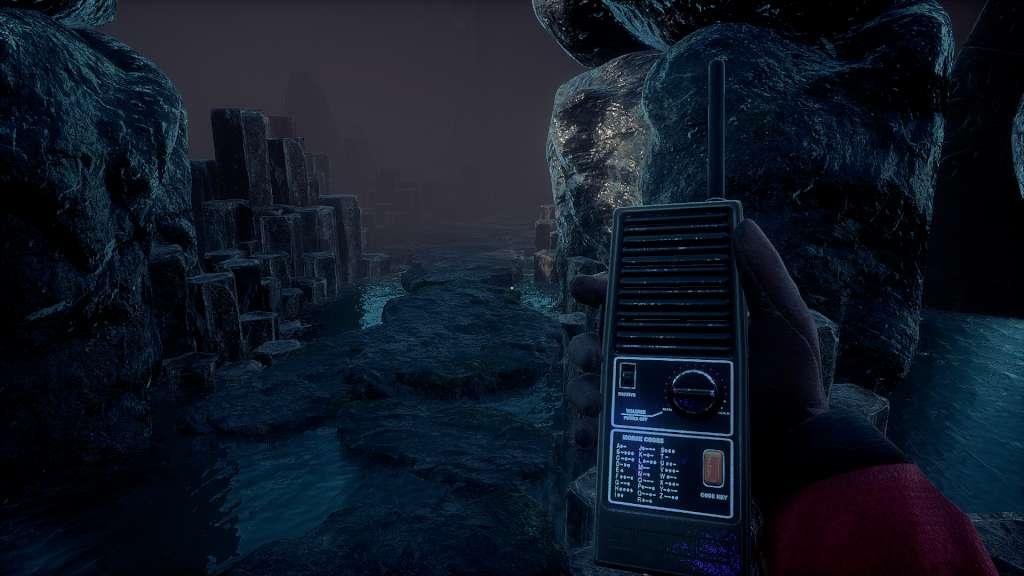
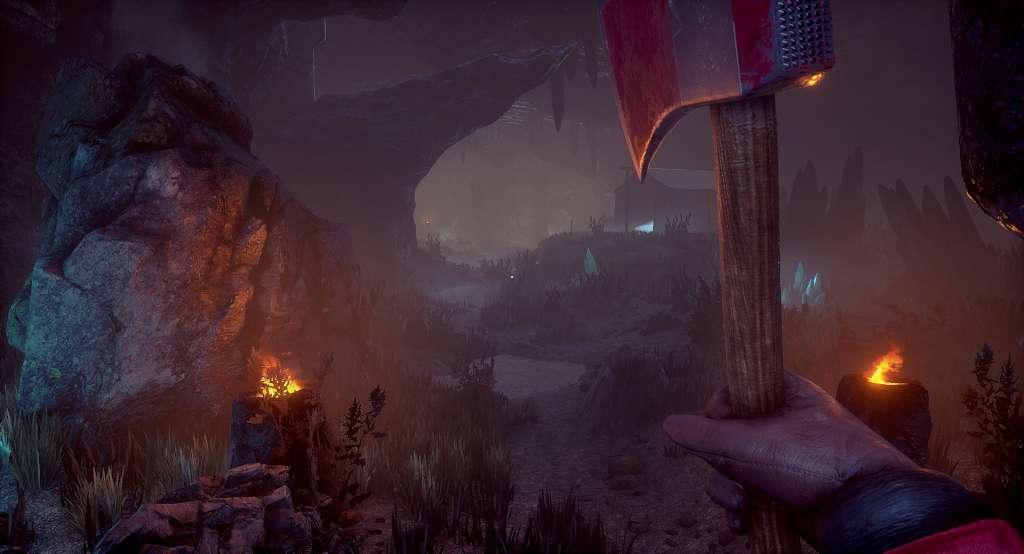
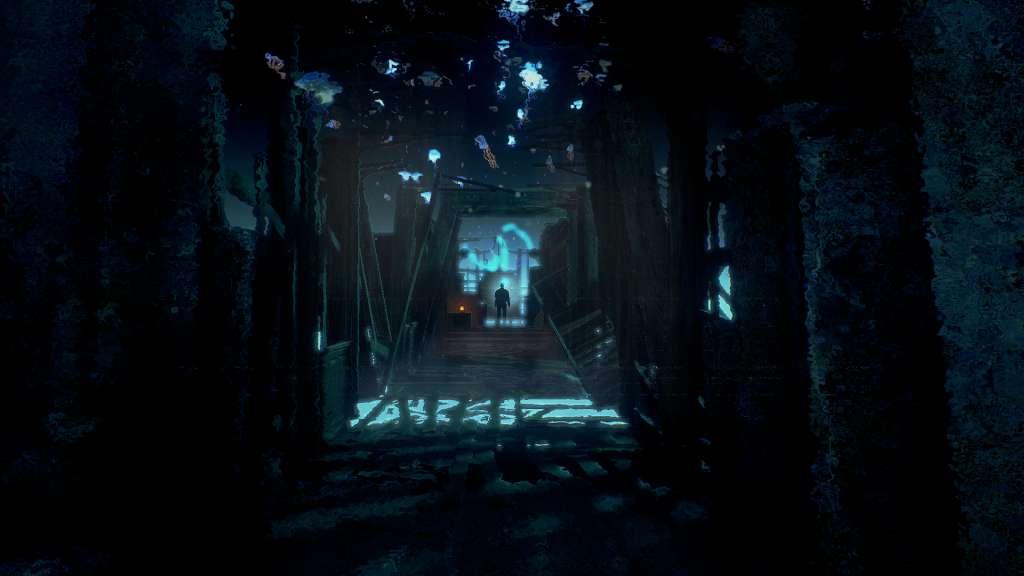
Conarium is a chilling Lovecraftian game that follows the gripping story of four scientists and their endeavour to challenge what we normally consider to be the "absolute" limits of nature. Inspired by H.P. Lovecraft's novella At the Mountains of Madness, but largely set after the original story.You, as Frank Gilman, open your eyes inside a room filled with strange, pulsating noises. Patterns of lights executing a Danse Macabre on the walls is presented by a queer device on the table. Having recalled nothing other than that you’re in Upuaut, an Antarctic base located near the South Pole, you find the place deserted and have a distinct feeling of something being terribly wrong. Somehow knowing that your memories cannot guide you enforces a strange feeling of vulnerability, a familiar yet alien sensation of being a part of a peculiar whole... Soon you will discover that having used the device during the expedition, you have died but then returned subtly changed, speaking of strange memories and of strange places. You have lost something important or gained something sinister...Explore the Antarctic base, as well as dreams and visions. Study clues and unlock secrets, whilst avoiding macabre beings at all cost. Features A deep and suspense-filled Lovecraftian story with lots of secrets and Easter eggs. Ominous but wonderful graphics created with Unreal Engine 4. Multiple endings. A haunting and atmospheric soundtrack.