

SteamGlobal· Key
TRANSFORMERS: BATTLEGROUNDS
€4.14
+€0.41 cashback eligibility in Relic Coins
Check before you play
- Platform
- Steam
- Region
- Global
- Product type
- Key
- Developer
- Winkysoft
- Publisher
- Atlus
- Supplier release date
- 2020-10-23
- Genres
- Strategy
SteamGlobal· Key
€4.14
+€0.41 cashback eligibility in Relic Coins
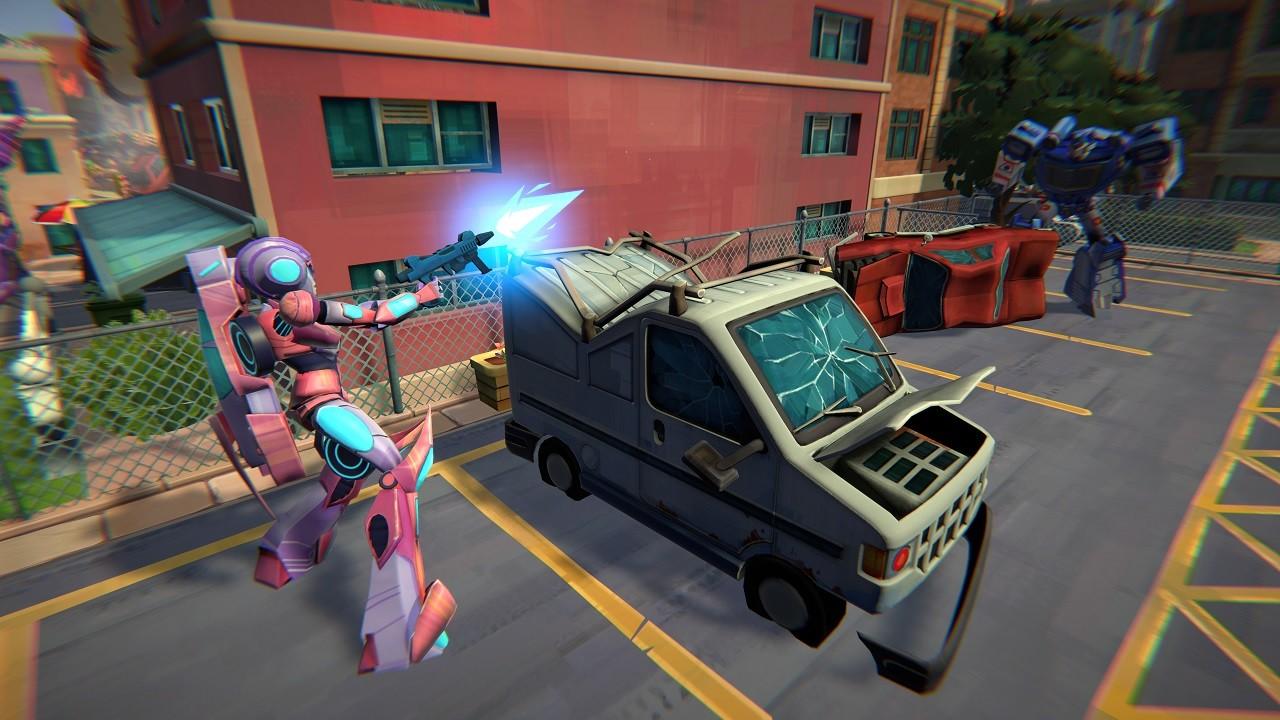
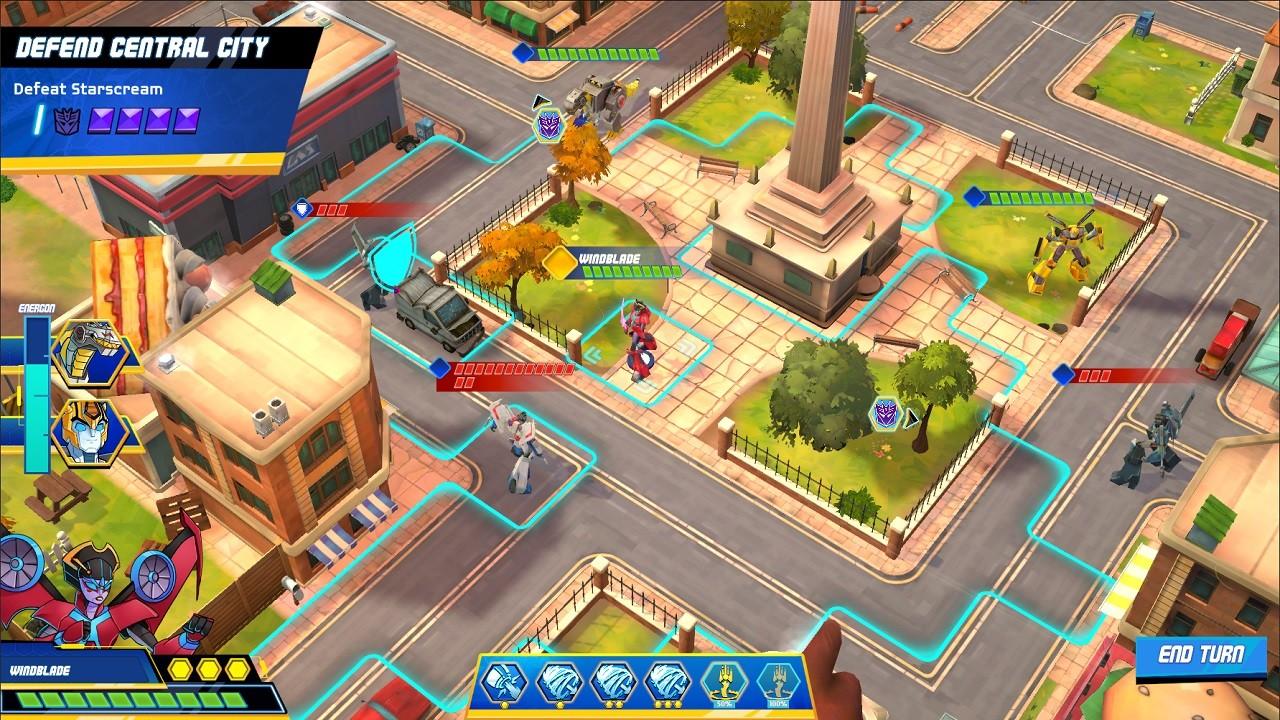
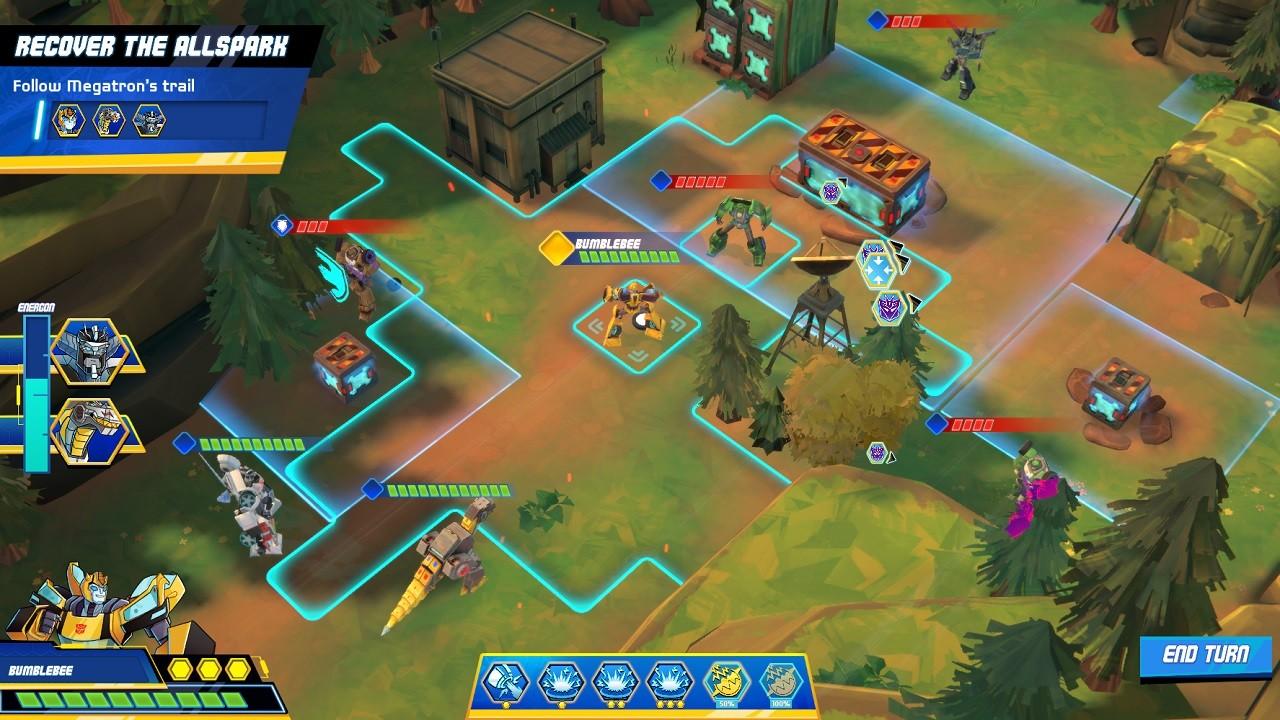
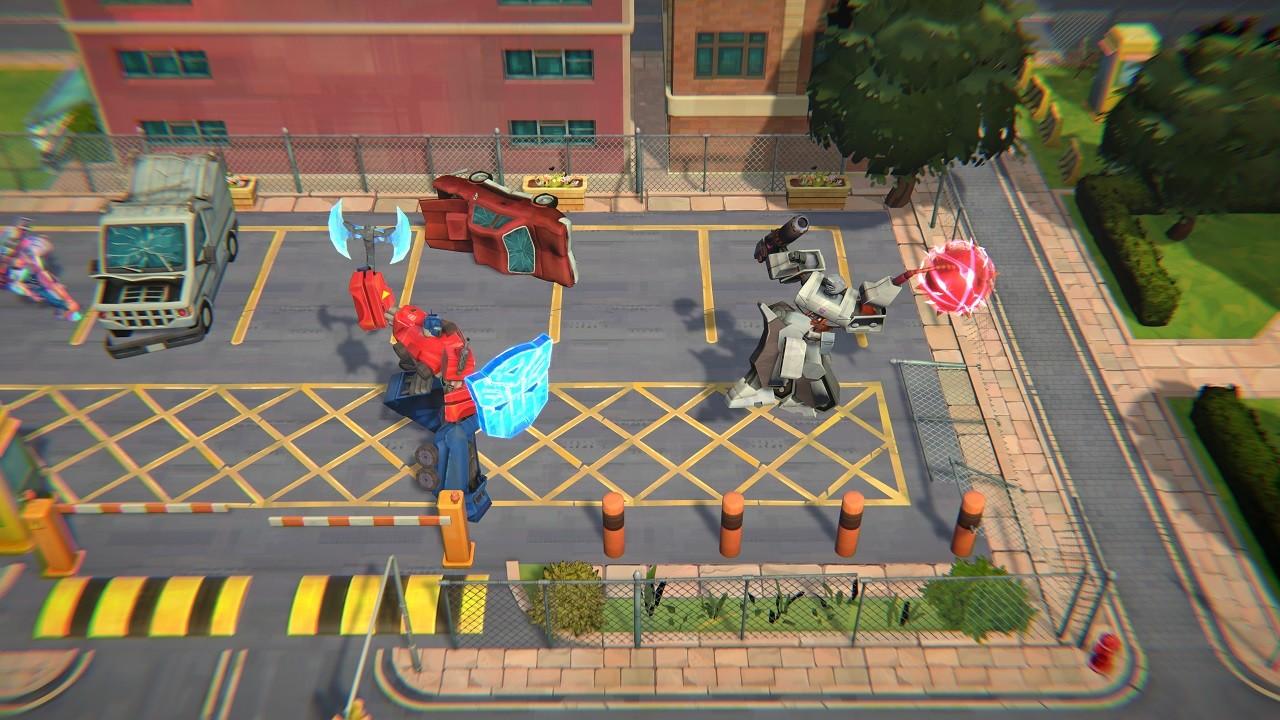
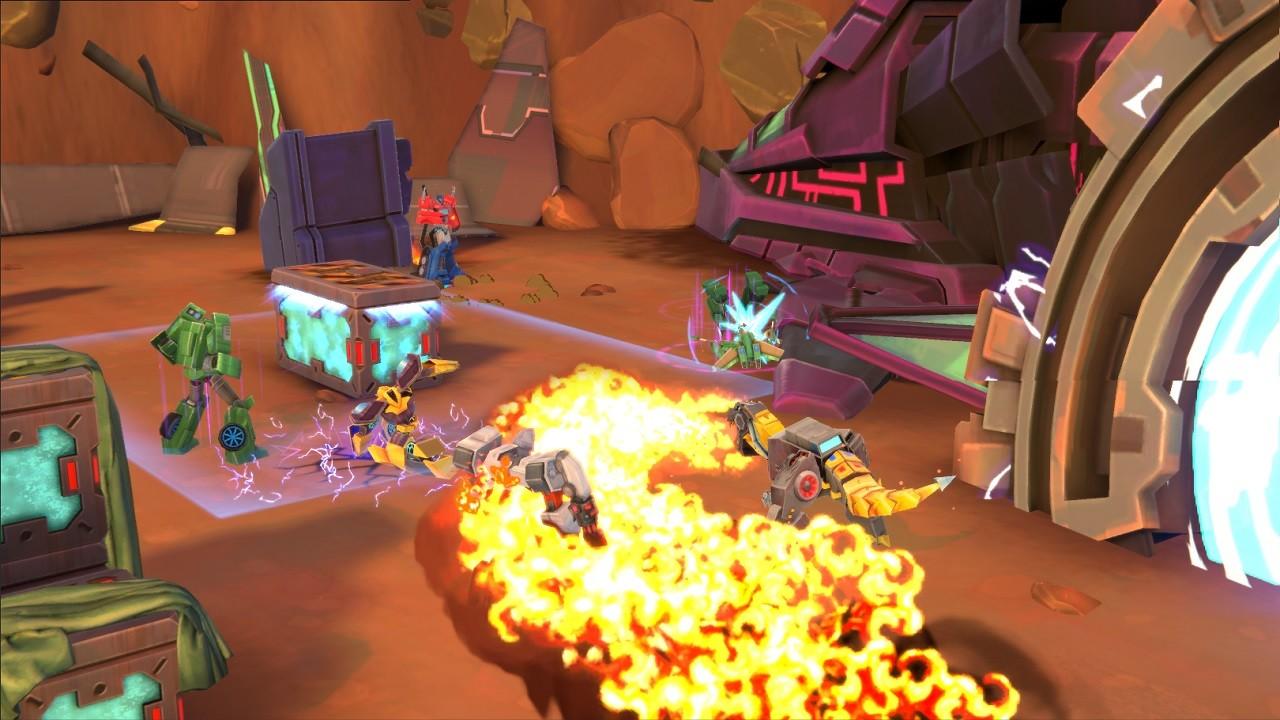
With Earth under invasion and MEGATRON, leader of the Decepticons close to capturing The Allspark, BUMBLEBEE and the Autobots need a new commander to help them restore peace to the universe – you!Assemble your squad and roll out, for a turn-based tactical war that will rage from Central City to Cybertron itself. You’ll need both strength and strategy to outwit the fiendish Decepticons. Choose the TRANSFORMERS characters and their abilities to dominate the battle ahead, with OPTIMUS PRIME, GRIMLOCK and more ready to join the fight. Use each environment to your advantage, taking cover in desert sandstorms, avoiding Cyberton’s Energon storms, and battling your foes in city streets. And fill up your Energon meter to unleash powerful Ultimate Abilities that crush the fiercest enemies. With intuitive controls and three difficulty settings, the size of the challenge ahead is up to you.Then team up together in local multiplayer and put your strategic skills to the test in games like Capture the Flag, Horde, Last Stand and more. It’s the strategy action game TRANSFORMERS fans have waited an eternity for!

Go to: http://store.steampowered.com/ and download STEAM client Click "Install Steam" (from the upper right corner) Install and start application, login with your Account name and Password (create one if you don't have). Please follow these instructions to activate a new retail purchase on Steam: Launch Steam and log into your Steam account. Click the Games Menu. Choose Activate a Product on Steam... Follow the onscreen instructions to complete the process. After successful code verification go to the "MY GAMES" tab and start downloading.