Get 10% back in Relic Coins on every order
Xuan-Yuan Sword VII cover

SteamGlobal· Key

Xuan-Yuan Sword VII

€34.64

+€3.46 cashback eligibility in Relic Coins

Check before you play

Platform
Steam
Region
Global
Product type
Key
Developer
Softstar Entertainment Inc.
Publisher
Softstar Entertainment Inc.
Supplier release date
2020-10-28
Genres
Action, Adventure, RPG

About this product

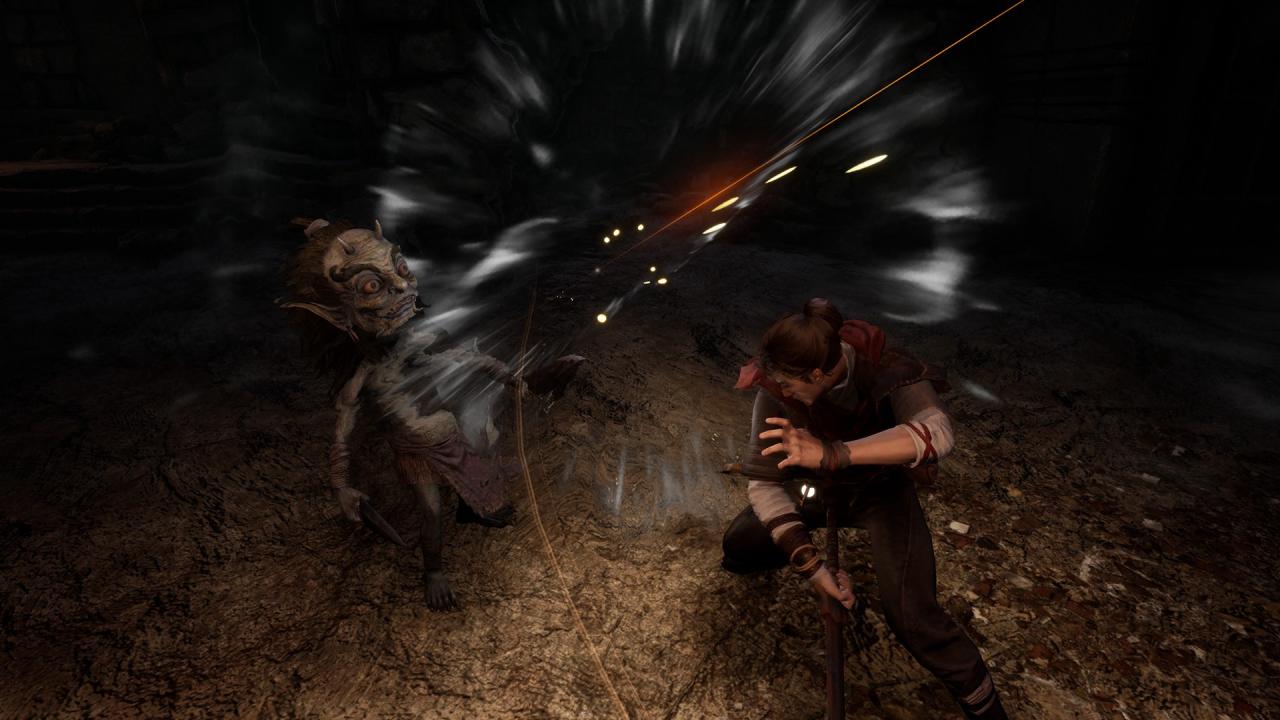
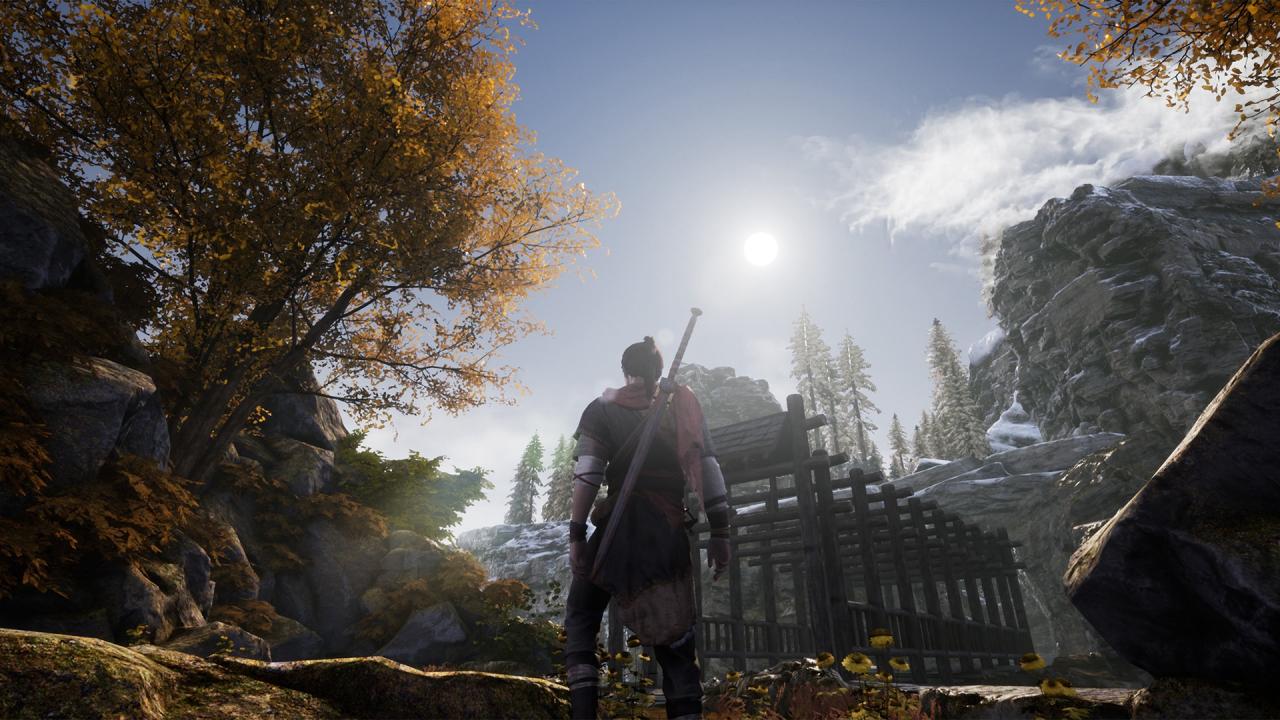
Xuan-Yuan Sword VII is an ARPG presented in a third-person perspective. The plot is rooted in Chinese history and mythology. Players take on the role of Taishi Zhao, a calm and reliable swordsman who was involved in a tragic fate. To protect his beloved family, Taishi Zhao starts a journey in this chaotic realm to find the truth. In the last of Western Han Dynasty, the powerful prime minister of China superseded his emperor and build a new dynasty called Xin. In this year, words appeared on the boulders, stone cattles appeared in fields, and ancient tombs cracked, tremendous signs appeared, told a time of peace and prosperity will come. A peculiar bamboo slip in the crypt of Marquis of Liu was delivered to Court Astrologer's hand.Unexpectedly, Taishi Mansion was badly damaged by a bizarre fire that night, and all his family was killed in the fire and the bamboo slip disappeared.Ten years later, the prosperity mentioned in the prophecy has never come. A decade of war and famine, the people were miserable, and the chaos had spread among the country.At this time, the bamboo slip which had disappeared for 10 years emerged again, it caused an uproar...

Xuan-Yuan Sword VII screenshotXuan-Yuan Sword VII screenshotXuan-Yuan Sword VII screenshotXuan-Yuan Sword VII screenshotXuan-Yuan Sword VII screenshot

How to redeem

  1. 1Check your Steam account and the listed region before purchasing.
  2. 2Find your code and supplier activation instructions in your confirmed order.
  3. 3Open the redeem-code section on Steam, enter the code and follow the platform’s prompts.

Supplier instructions

Go to: http://store.steampowered.com/ and download STEAM client Click "Install Steam" (from the upper right corner) Install and start application, login with your Account name and Password (create one if you don't have). Please follow these instructions to activate a new retail purchase on Steam: Launch Steam and log into your Steam account. Click the Games Menu. Choose Activate a Product on Steam... Follow the onscreen instructions to complete the process. After successful code verification go to the "MY GAMES" tab and start downloading.

You might also like