Get 10% back in Relic Coins on every order
Sniper Ghost Warrior 2: Siberian Strike cover

Steam Europe - All Countries· Key

Sniper Ghost Warrior 2: Siberian Strike

€0.92

+€0.09 cashback eligibility in Relic Coins

Check before you play

Platform
Steam
Region
Europe - All Countries
Product type
Key
Developer
CI Games
Publisher
CI Games
Supplier release date
2013-03-15
Genres
Action, FPS

About this product

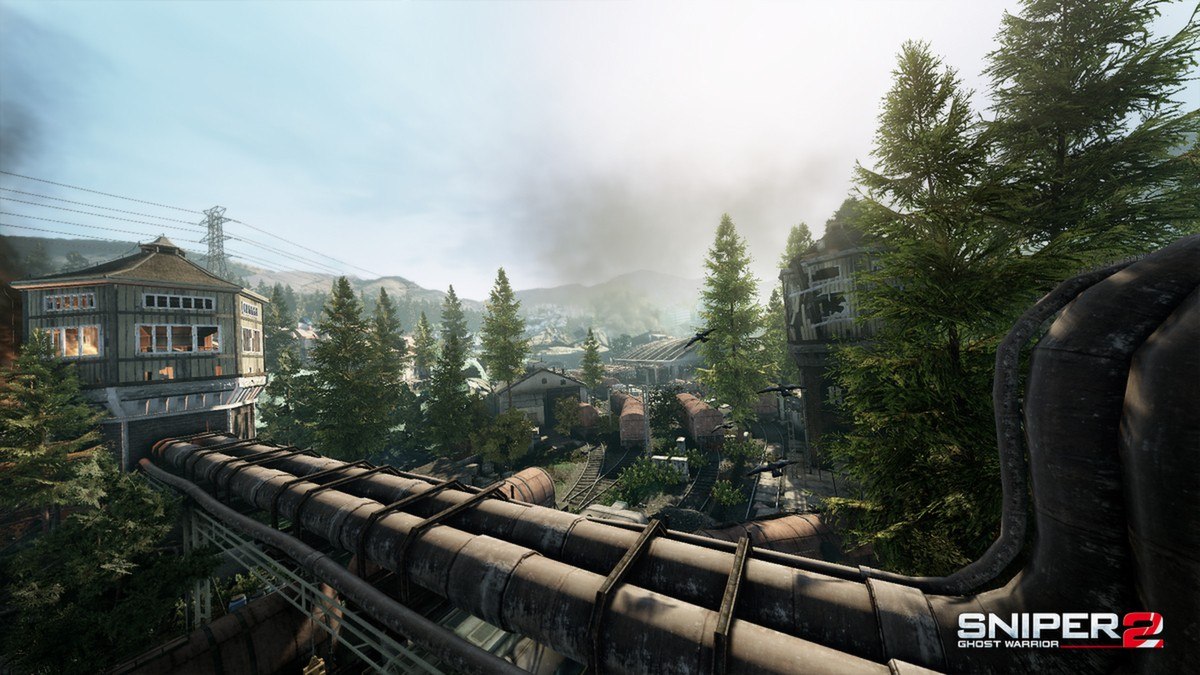
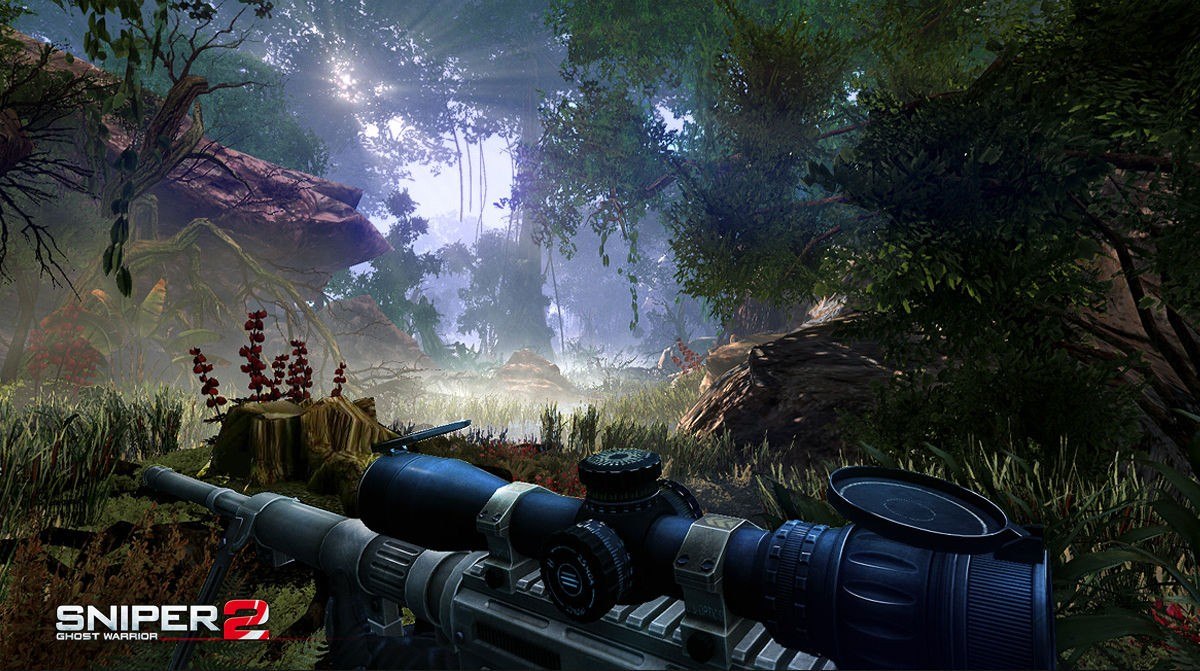
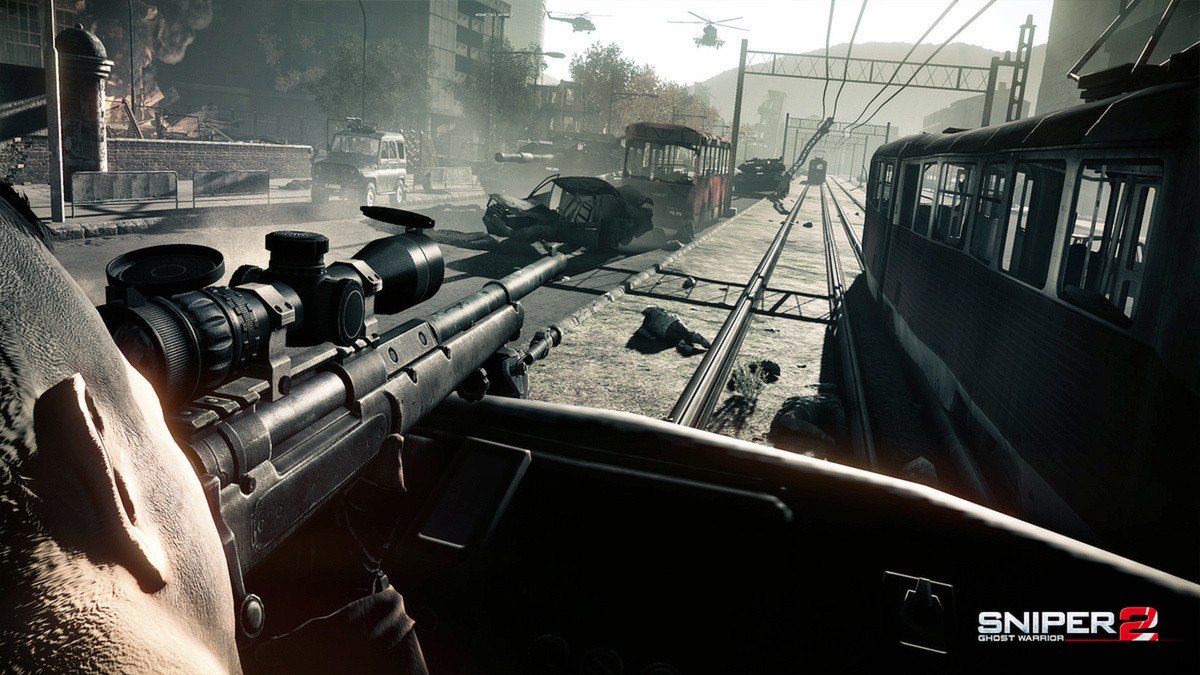
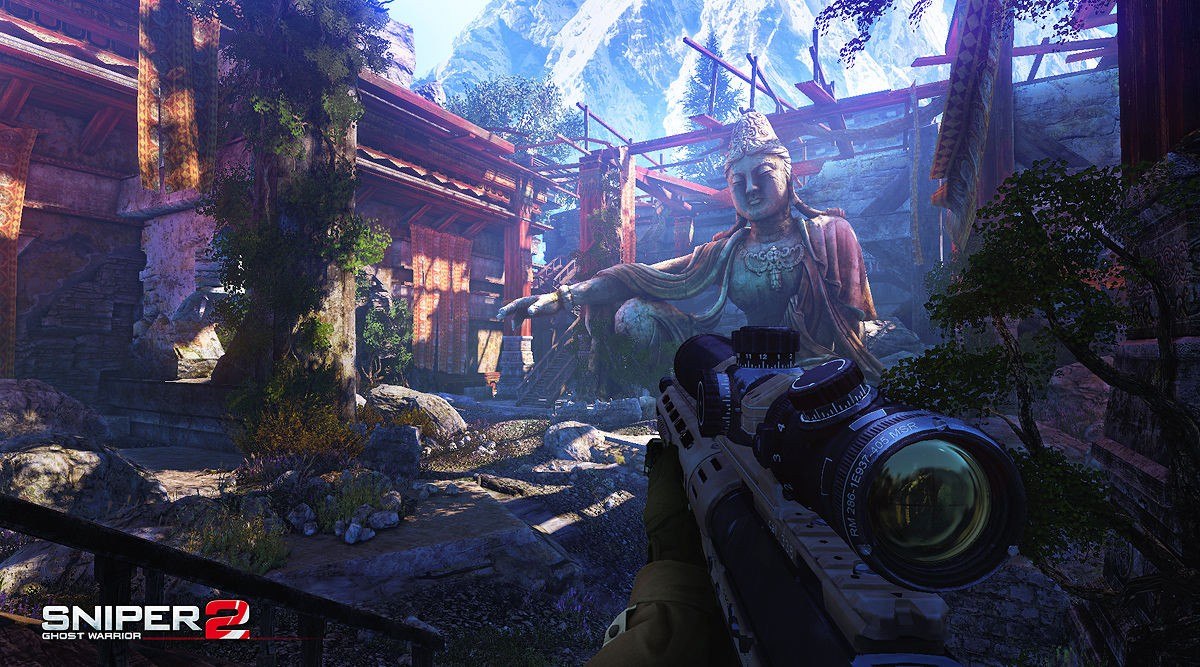
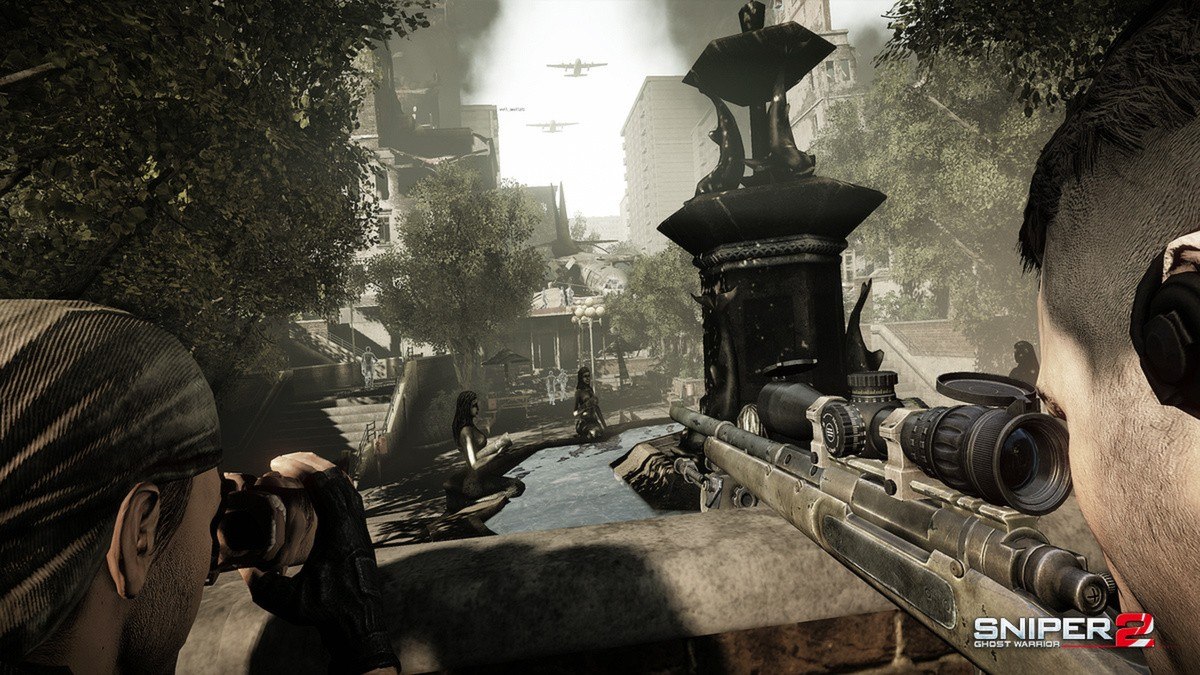
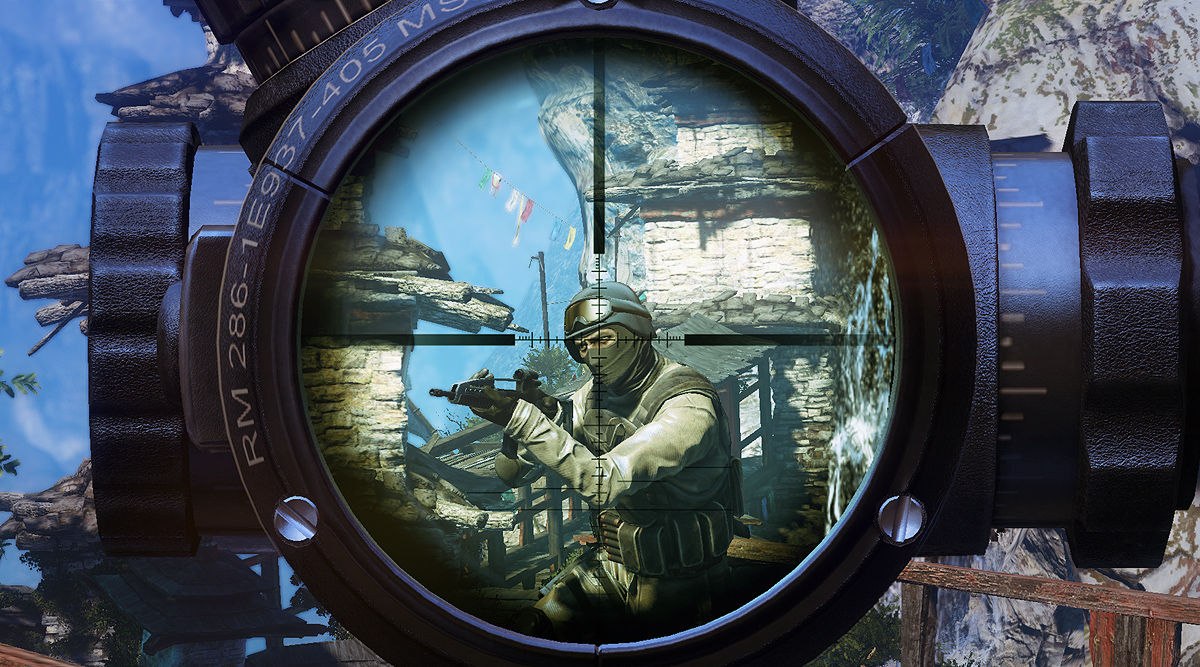
Sniper Ghost Warrior 2 Siberian Strike is set in an isolated Siberian location and will offer a more open world experience for solving missions. Players will not be guided and the only way to find their way through the new location is by using the map. In the remote abandoned Siberian city of Birsovik, the Russian government established a top secret military installation focused on arms R&D. American intelligence gets word that the facility shifted its focus recently to weapons of mass destruction. A CIA operative, M. Diaz is sent in undercover, posing as lab personnel, to uncover the truth. When he stops sending in reports, a search mission is quickly put together. The player steps in the shoes of Cole “Sandman” Anderson, a veteran special ops sniper, now in the ranks of Task 121 – a group put together to counter any WMD-hungry warlord’s whim in the Asia – Pacific region. Anderson is ordered to locate Diaz’s GPS signal and assess the situation on the ground, then extract any intelligence he may have found.


Sniper Ghost Warrior 2: Siberian Strike screenshotSniper Ghost Warrior 2: Siberian Strike screenshotSniper Ghost Warrior 2: Siberian Strike screenshotSniper Ghost Warrior 2: Siberian Strike screenshotSniper Ghost Warrior 2: Siberian Strike screenshotSniper Ghost Warrior 2: Siberian Strike screenshot

How to redeem

  1. 1Check your Steam account and the listed region before purchasing.
  2. 2Find your code and supplier activation instructions in your confirmed order.
  3. 3Open the redeem-code section on Steam, enter the code and follow the platform’s prompts.

Supplier instructions

Go to: http://store.steampowered.com/ and download STEAM client Click "Install Steam" (from the upper right corner) Install and start application, login with your Account name and Password (create one if you don't have). Please follow these instructions to activate a new retail purchase on Steam: Launch Steam and log into your Steam account. Click the Games Menu. Choose Activate a Product on Steam... Follow the onscreen instructions to complete the process. After successful code verification go to the "MY GAMES" tab and start downloading.

You might also like