Get 10% back in Relic Coins on every order
Port Royale 2 cover

SteamGlobal· Gift

Port Royale 2

€19.95

+€2.00 cashback eligibility in Relic Coins

Check before you play

Platform
Steam
Region
Global
Product type
Gift
Developer
Ascaron Entertainment
Publisher
Take-Two Interactive
Supplier release date
2004-04-30
Genres
Strategy

About this product

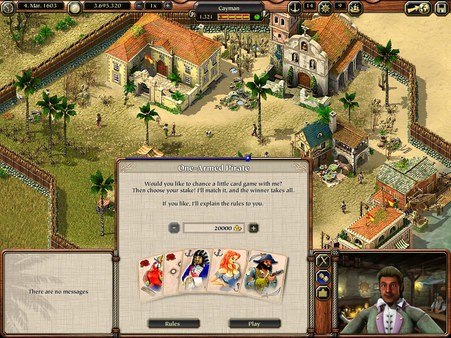
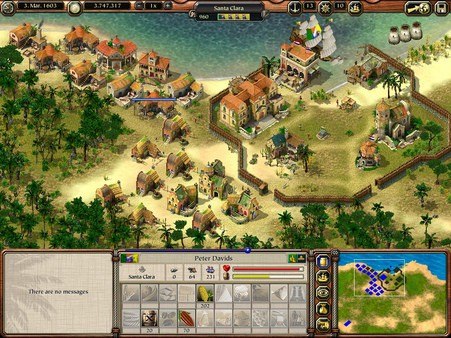
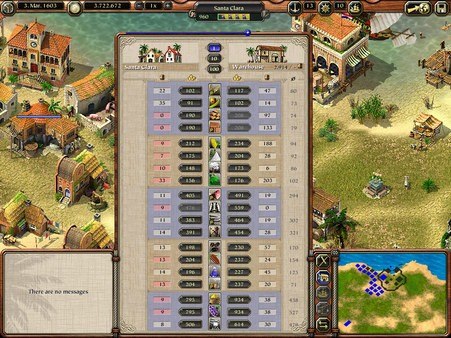
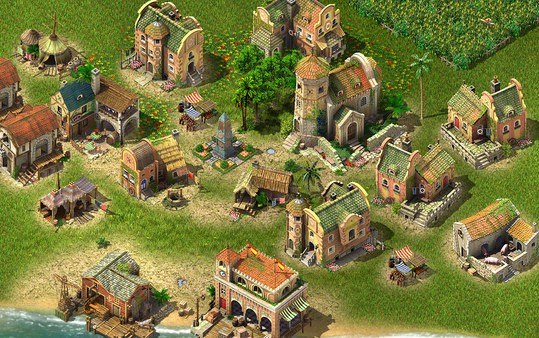
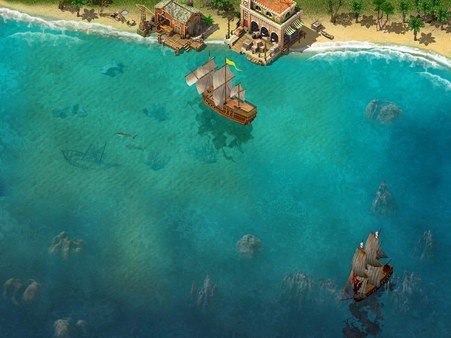
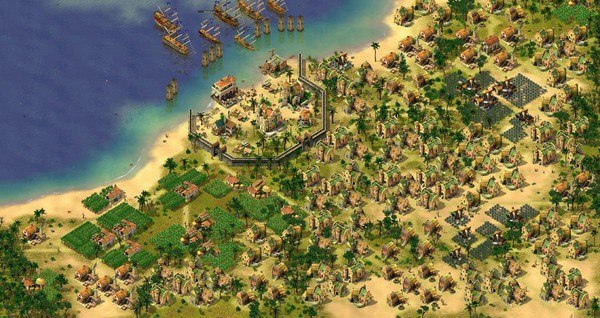
The Caribbean in the 17th Century - Trade with over 60 towns, create your own production facilities, expand your trading empire and influence the development of the New World. As pirates and military fleets threaten your trade convoys, you'll need escort ships. Or you can turn the tides and hunt for pirates and capture the military ships yourself. Take on missions for merchants, diplomats and other characters. By taking on the daring missions of the Vice Kings, where you are to attack and conquer enemy towns, you will be able to influence the defenses of your home towns directly. As a sign of gratitude you will be awarded land, to be used later to build and oversee your own towns. Features Huge game world with 4 nations and 60 towns Construct production facilities, houses and special function buildings to help your towns flourish Create your own towns Stronger consequences in wars (towns can be conquered) Introductory scenarios to describe all important features of the game 8 special scenarios for a quick and easy start into the Port Royale 2 world Open ended game with endless detail and game depth 16 different ship-types

Port Royale 2 screenshotPort Royale 2 screenshotPort Royale 2 screenshotPort Royale 2 screenshotPort Royale 2 screenshotPort Royale 2 screenshot

How to redeem

  1. 1Check that your Steam account can receive gifts in the listed region.
  2. 2Open the confirmed order and follow the supplier’s gift-delivery instructions.
  3. 3Accept the gift on the required platform account and add it to your library.

Supplier instructions

Go to: http://store.steampowered.com/ and download STEAM client Click "Install Steam" (from the upper right corner) Install and start application, login with your Account name and Password (create one if you don't have). Please follow these instructions to activate a new retail purchase on Steam: Launch Steam and log into your Steam account. Click the Games Menu. Choose Activate a Product on Steam... Follow the onscreen instructions to complete the process. After successful code verification go to the "MY GAMES" tab and start downloading.

You might also like