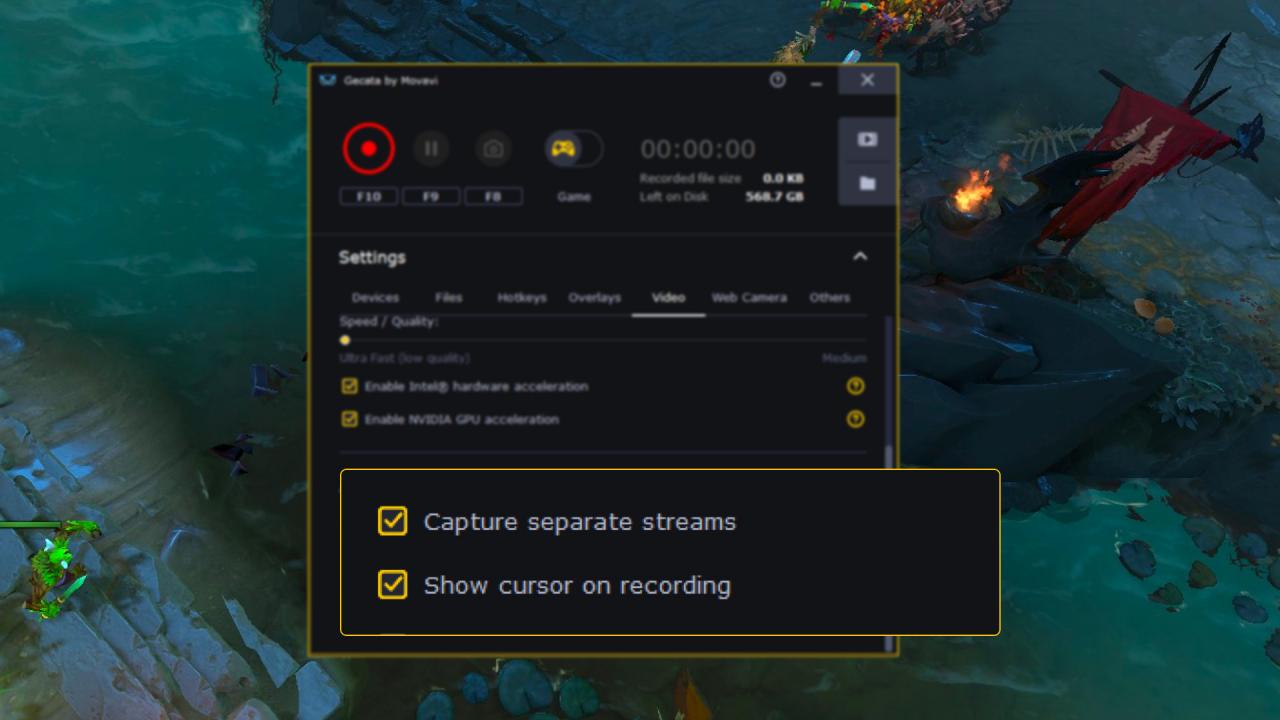
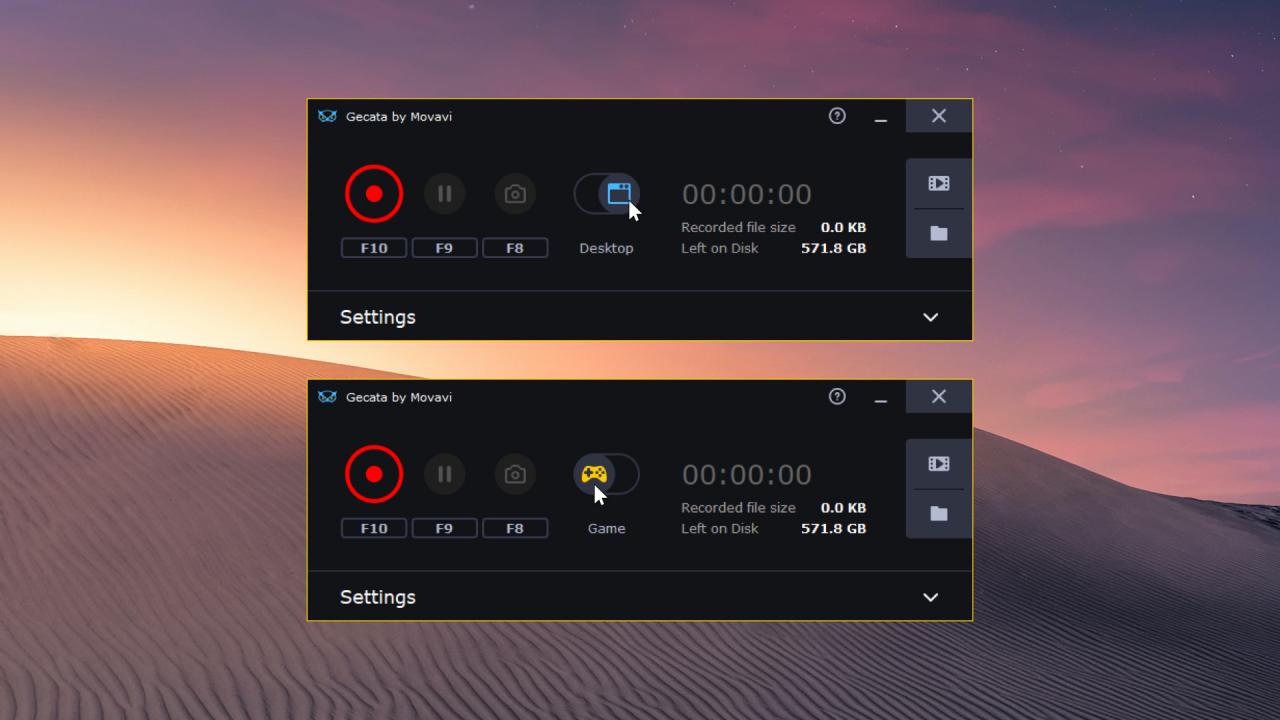
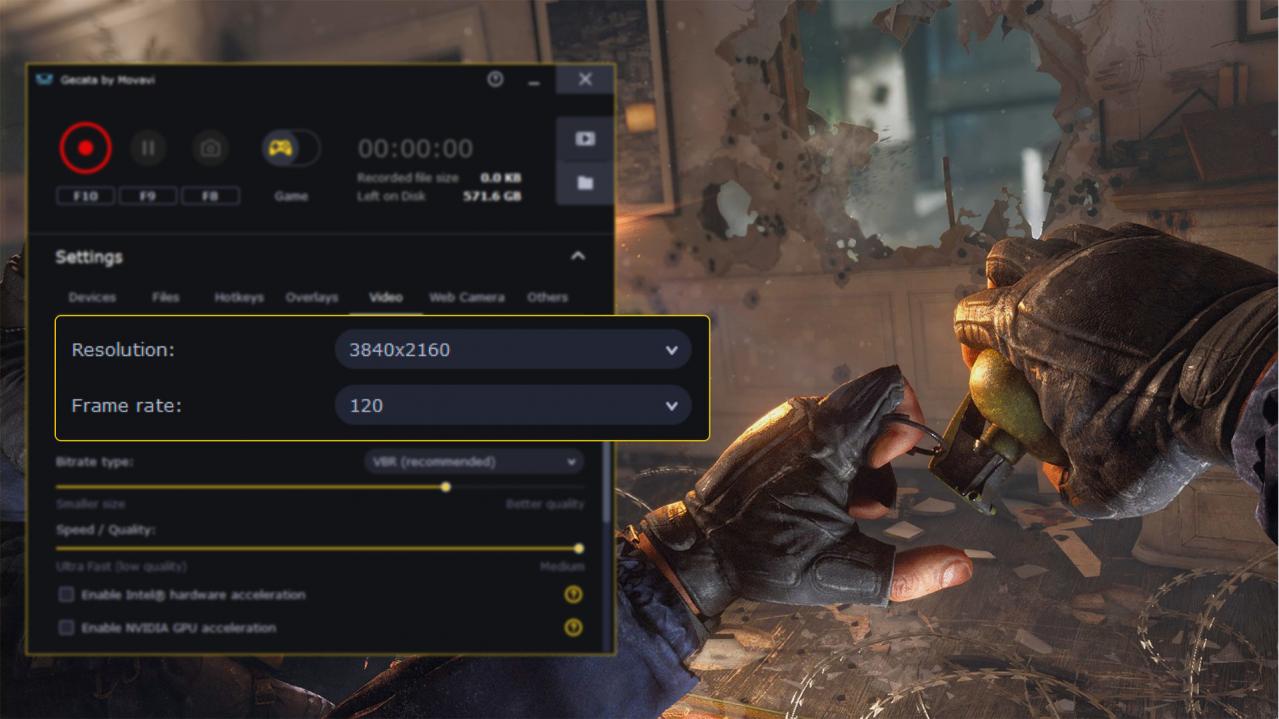
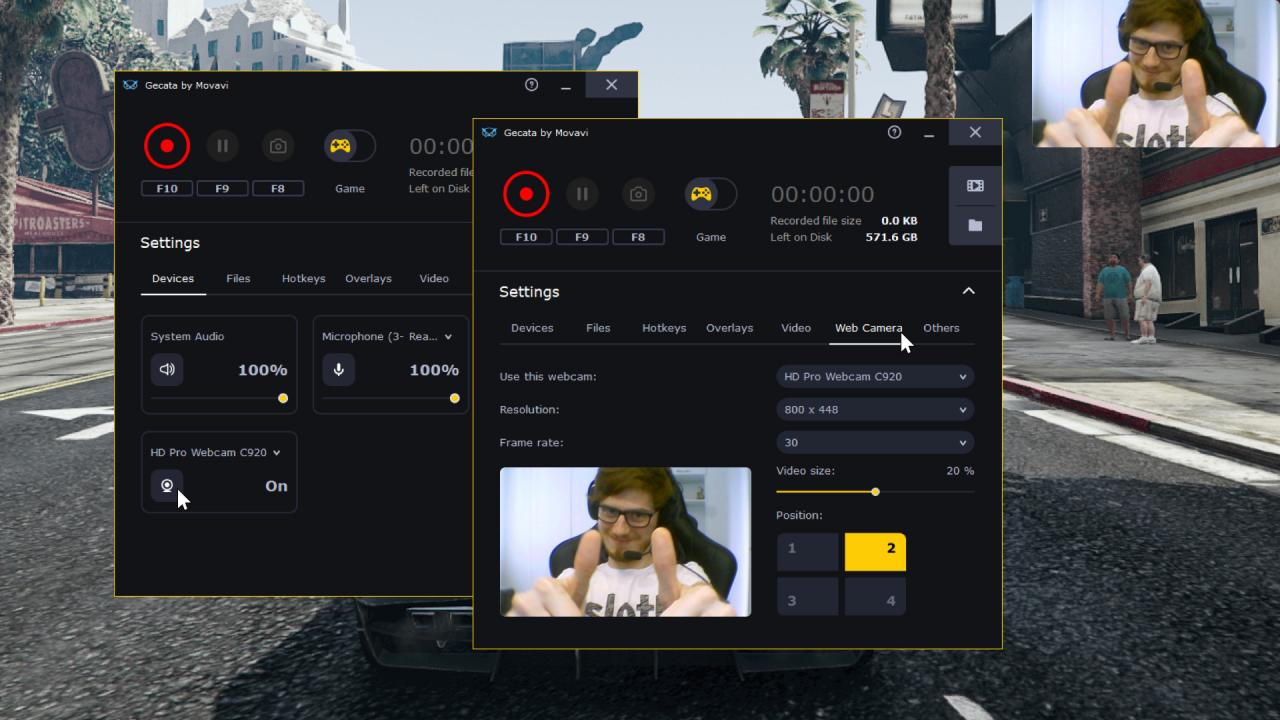
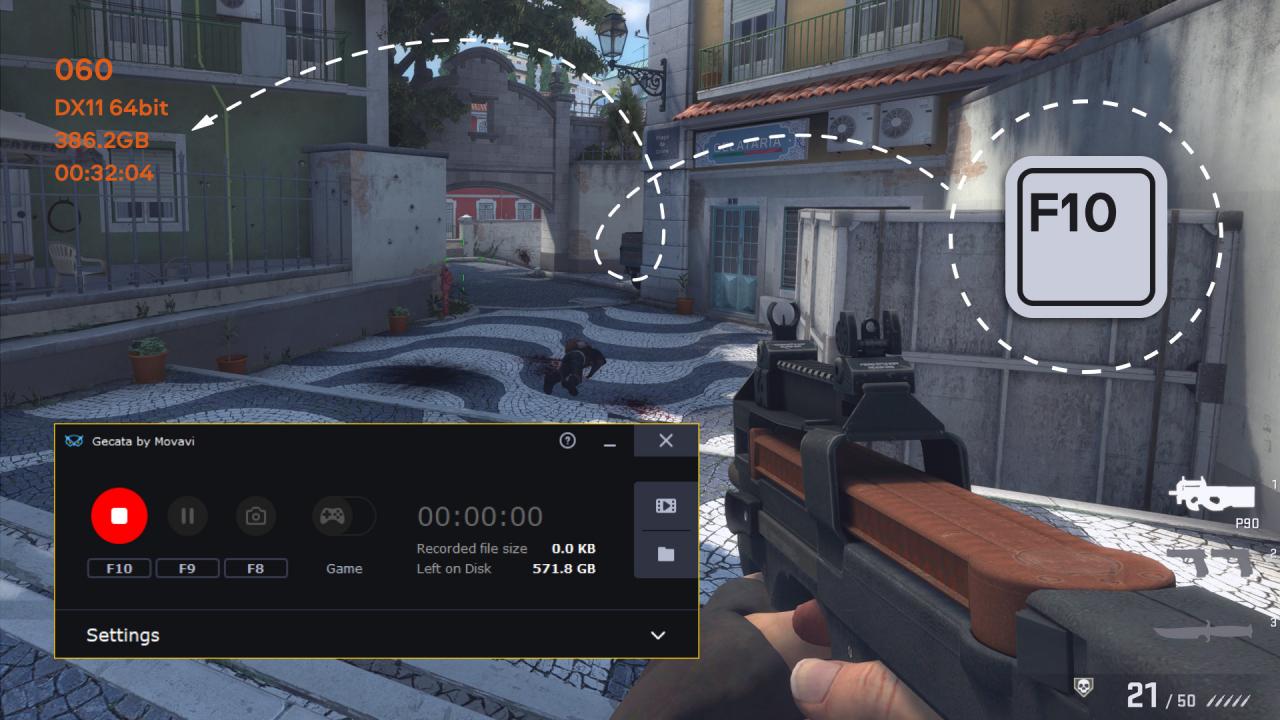
GOOD GAME, WELL SAVED Gecata by Movavi has been designed specifically for those who want an accessible and practical program for game recording: it takes little time to set up, is easy to use, and has all the features you’re likely to need.Download the program today and start rocking YouTube with your game reviews, Let’s Plays, walkthroughs, and m-m-m-monster kills! Capture Games in One Click Use hotkeys to control the recording without leaving the game. Add Webcam Gecata lets you overlay webcam video onto the game footage. Record Game Sound and Mic Capture in-game sound effects, music, and dialogue to immerse viewers in the world of the game. Turn on your mic to liven up your footage with jokes and comments. Record Your Desktop Choose Desktop mode to capture your desktop or the games that are running in windowed mode. Two Sources – Two Files Save video streams separately so you can easily edit them afterwards. Record gameplay in 4K and at up to 120 FPS Capture games that support DirectX 11 or earlier, as well as OpenGL Use NVIDIA® NVENC and Intel® HD Graphics hardware acceleration to encode your video up to 400% faster Export in MP4 – the ideal format for sharing videos on YouTube, Vimeo, and other platforms Save audio streams separately so you can easily edit your voice recordings without affecting the game sounds Customize overlays to monitor frame rate, bit count, file size and other metrics in real time Set hotkeys the way you want Save screenshots in one click Turn on Game mode so the program starts recording automatically as soon as you launch the game Share your videos on YouTube without leaving Gecata Edit and convert recorded videos with our video manager