

SteamGlobal· Key
Movavi Photo Editor
€6.97
+€0.70 cashback eligibility in Relic Coins
Check before you play
- Platform
- Steam
- Region
- Global
- Product type
- Key
- Developer
- Movavi
- Publisher
- Movavi
- Supplier release date
- 2018-12-20
- Genres
- Software
SteamGlobal· Key
€6.97
+€0.70 cashback eligibility in Relic Coins
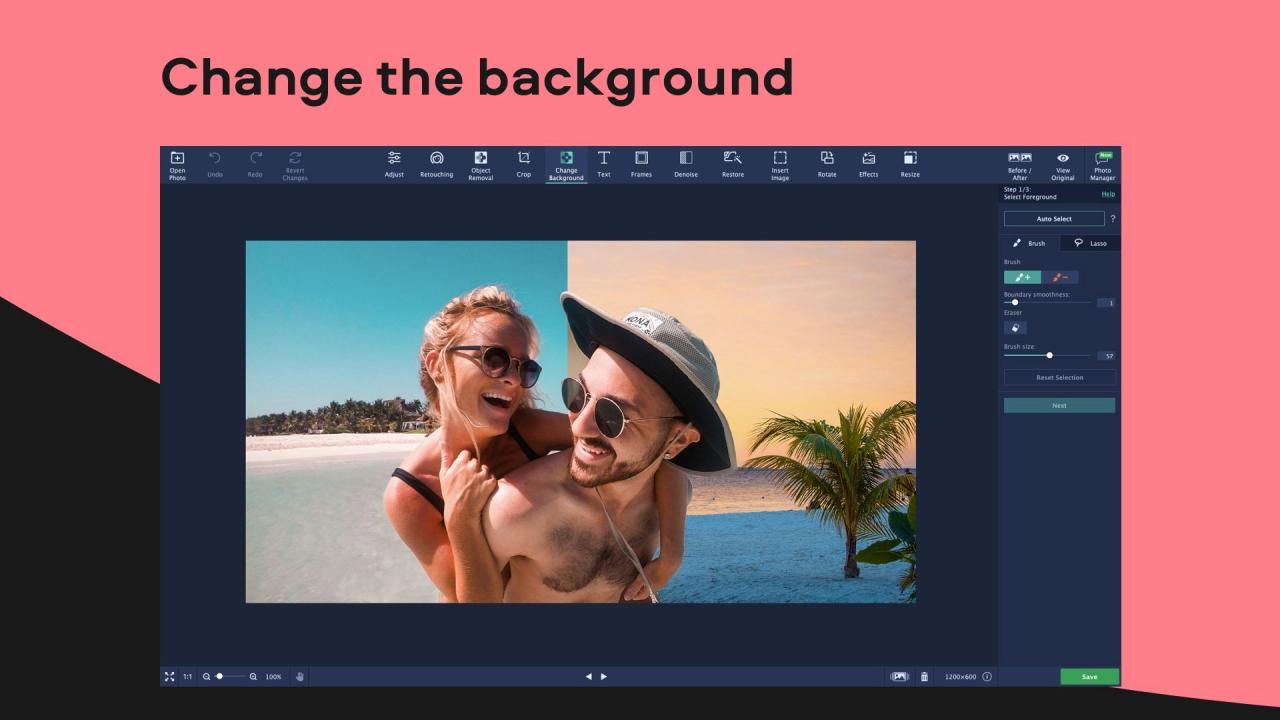
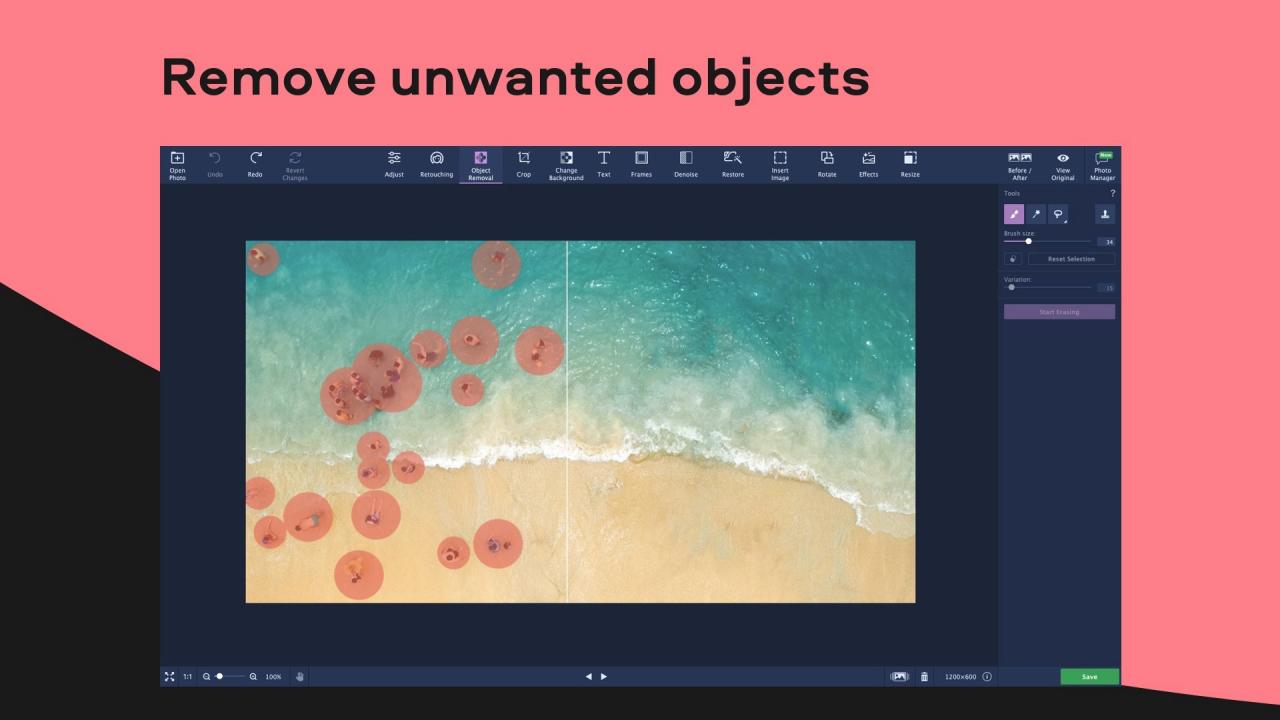
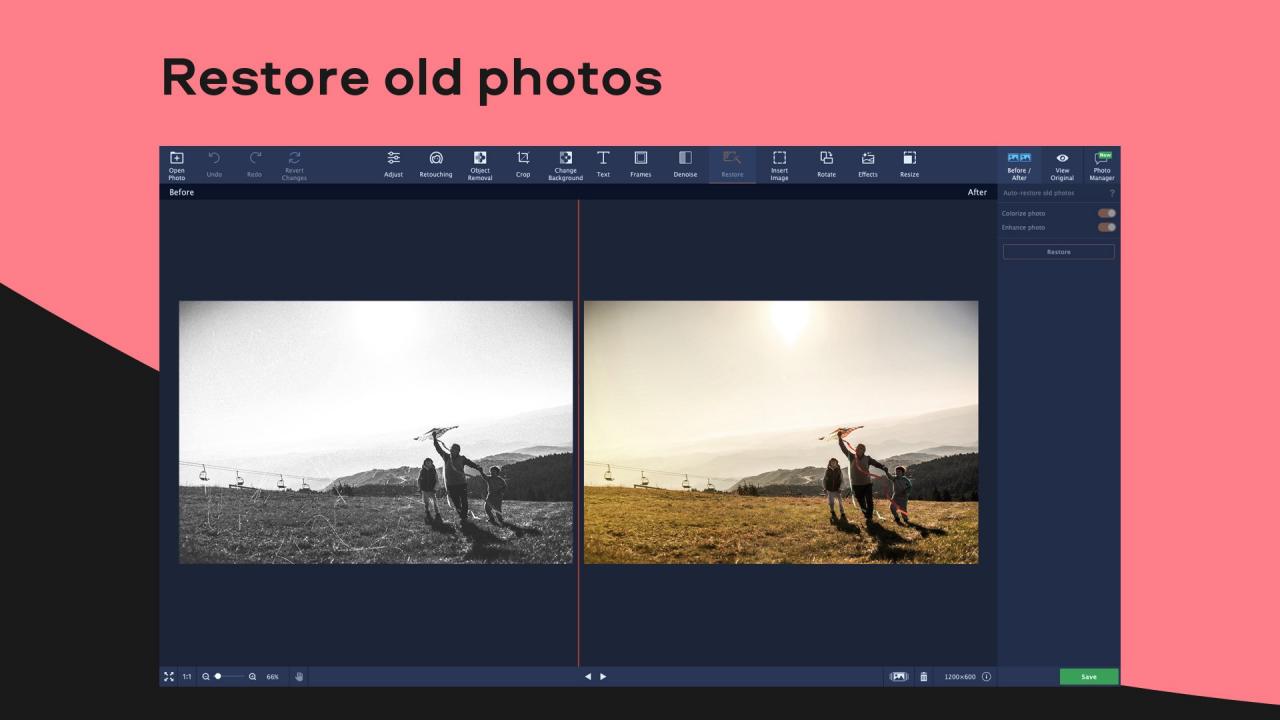
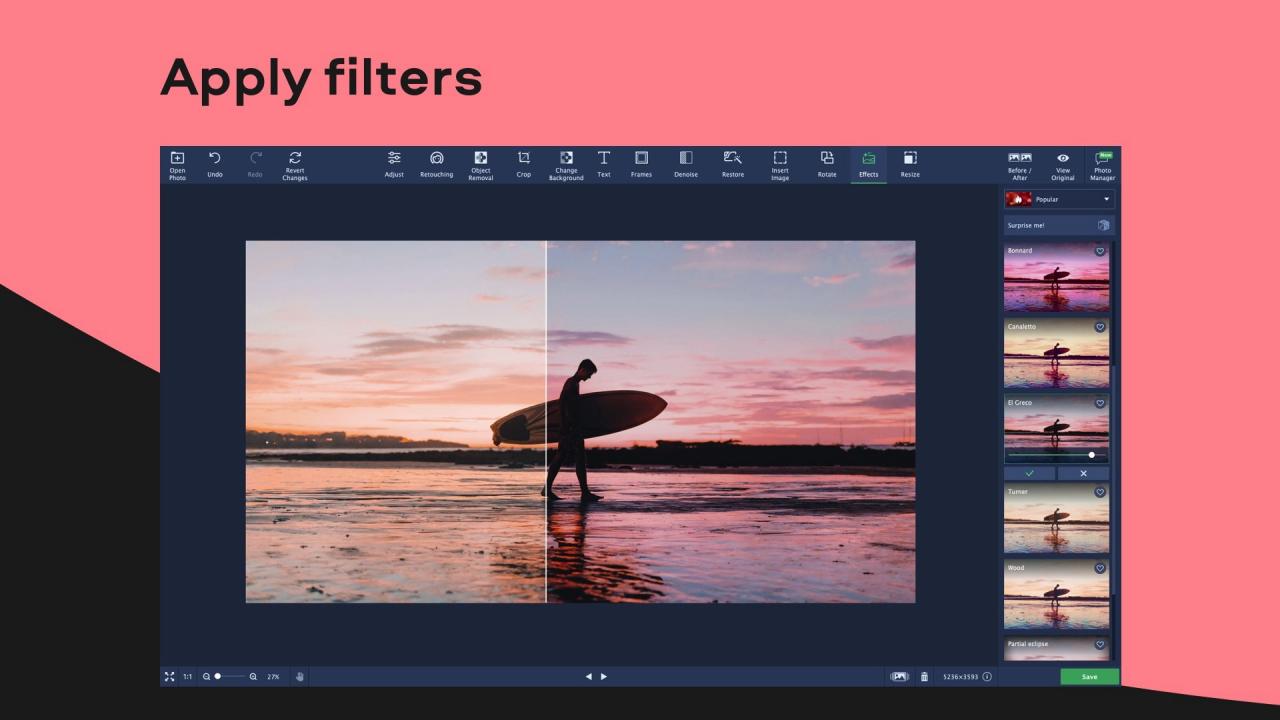
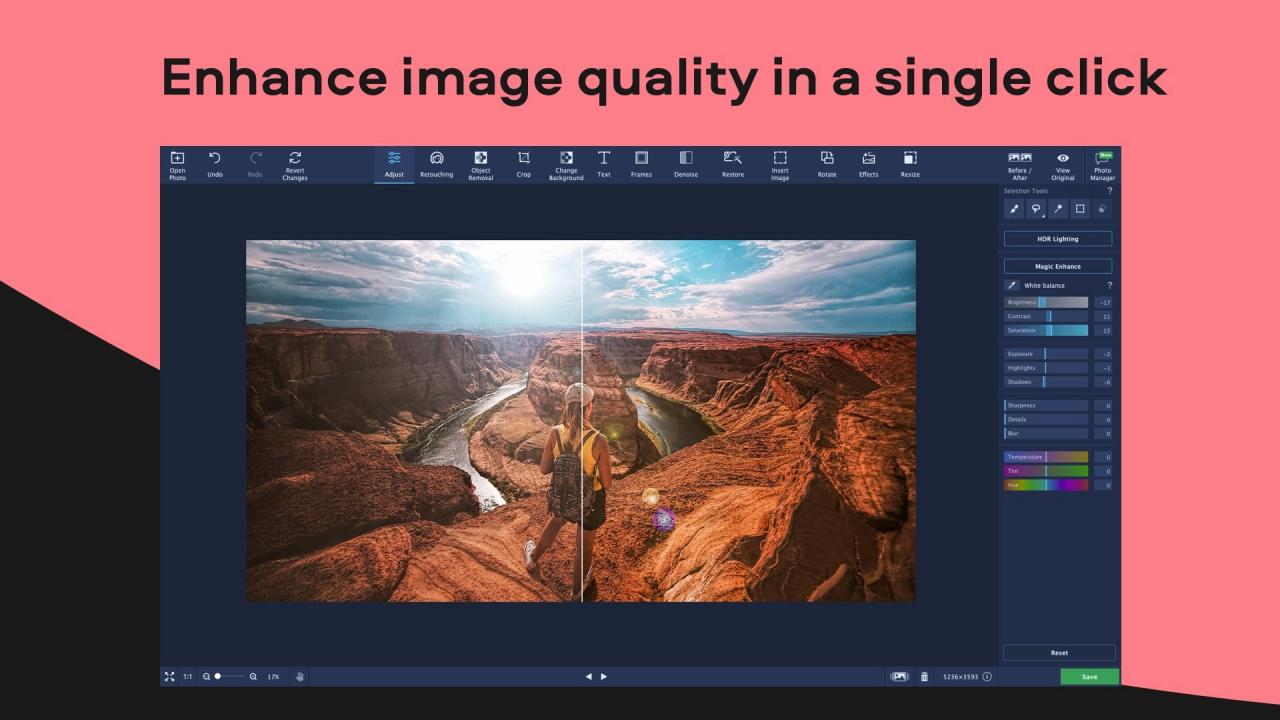
With Movavi Photo Editor, you can easily edit your pictures, create collages and banners, so you could share your photos on social networks. Restore family phots, change the background, and retouch portraits. The smooth new interface will help you edit pictures in a snap. With the help of Al-powered photo enhancement, editing will take no time: the program will improve your pictures automatically. In Photo Editor you will find all popular formats: JPEG, PNG, RAW. Editing Make your pictures brighter, increase color saturation, and sharpen details. Crop and rotate pictures for Instagram and apply any of the colorful filters. Vignettes turn your everyday pictures into retro images. Use the original effects to make a pop art poster and surprise your friends. Mirror photos vertically or horizontally, add text and make collages. Smart Auto Enhancement Don’t waste time editing pictures manually – try the new and improved auto enhancement. Based on neural networks, our smart algorithm will edit your pictures for you in no time. All you need to do is click the mouse. The program will analyze image colors and choose the best settings, so your photos will be saturated and the details will be super-sharp. Background Changes and Object Removal Remove people from one photo and place them in another. Change the background and create a brand new context for the people in the picture: seconds ago, they were on a busy street; now they’re on a tropical island. Erase crowds from background to draw attention for people in the foreground. The program can now identify human silhouettes automatically, so you can remove unwanted objects with ease. Section Selection Now you can remove shadows from faces, sharpen clouds, or make flowers zing with color. The program can focus on improving just one specific area you select – the rest of the picture stays the same. Try the new Selection Tools: Brush, Lasso, Magic Wand, and Rectangular Marquee. Text and Frames Apply new frames and turn your pictures into Polaroids or movie stills. You can change the size, width, color, and transparency of the frame. With the improved text tools, you can turn your photos into postcards and holiday cards with added greetings. The words will align automatically, but you can also twist text captions around.
Go to: http://store.steampowered.com/ and download STEAM client Click "Install Steam" (from the upper right corner) Install and start application, login with your Account name and Password (create one if you don't have). Please follow these instructions to activate a new retail purchase on Steam: Launch Steam and log into your Steam account. Click the Games Menu. Choose Activate a Product on Steam... Follow the onscreen instructions to complete the process. After successful code verification go to the "MY GAMES" tab and start downloading.