

SteamGlobal· Key
Movavi Video Editor Plus 2020
€24.06
+€2.41 cashback eligibility in Relic Coins
Check before you play
- Platform
- Steam
- Region
- Global
- Product type
- Key
- Developer
- Movavi
- Publisher
- Movavi
- Supplier release date
- 2019-11-25
SteamGlobal· Key
€24.06
+€2.41 cashback eligibility in Relic Coins
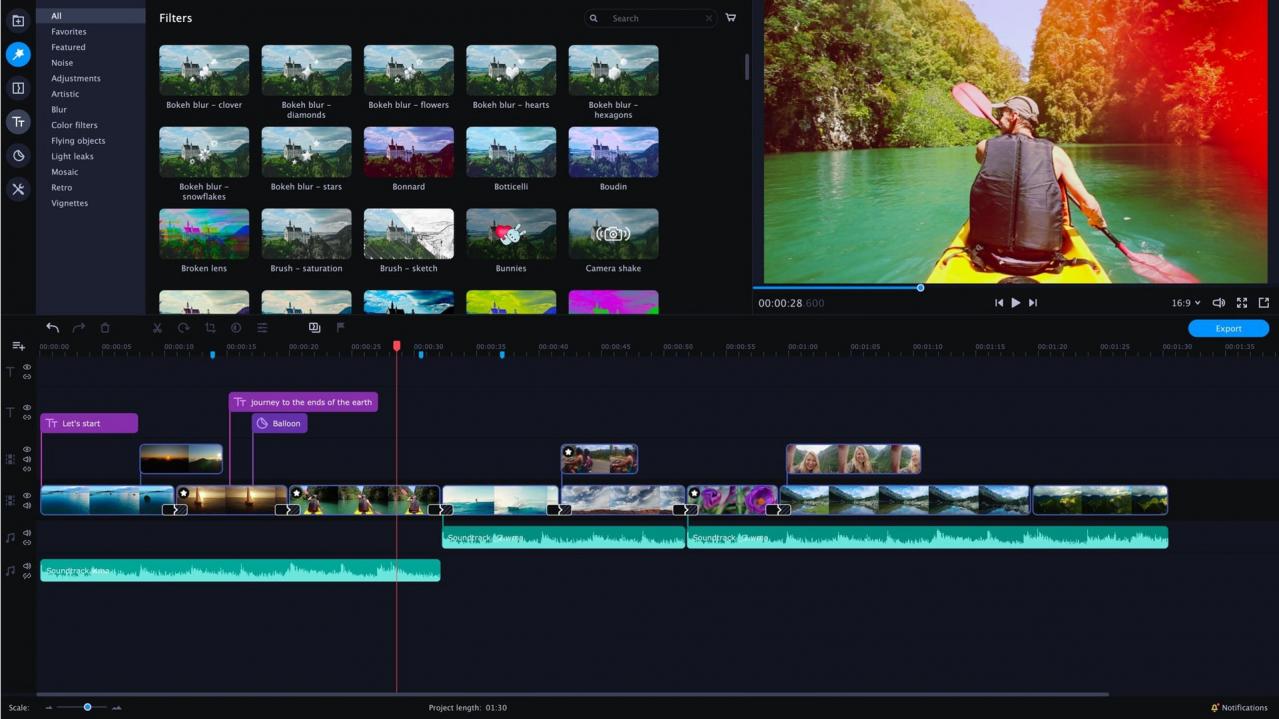
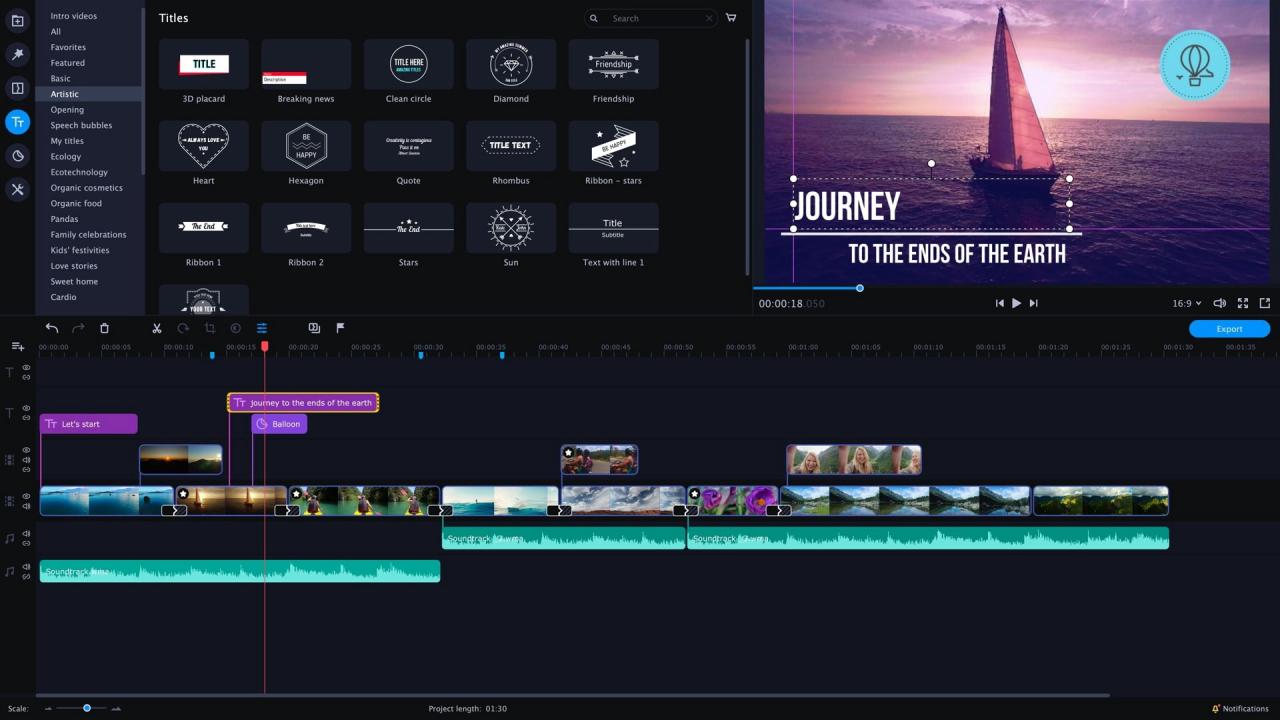
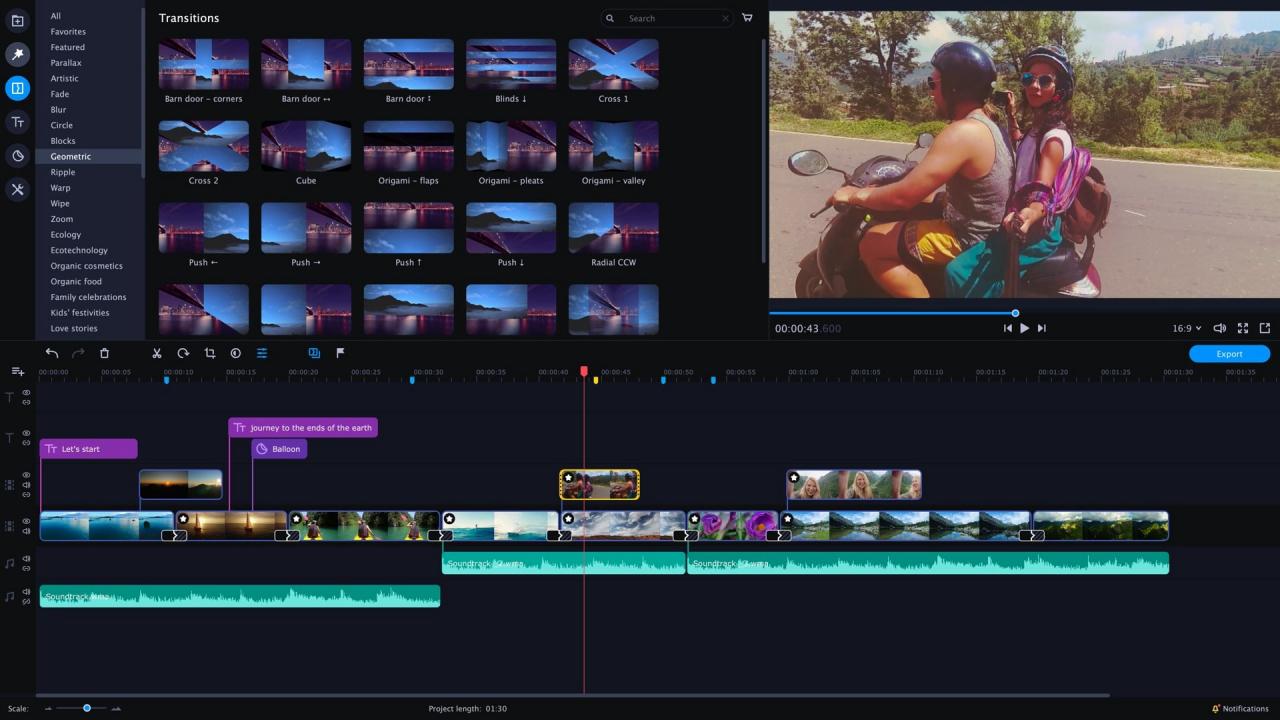
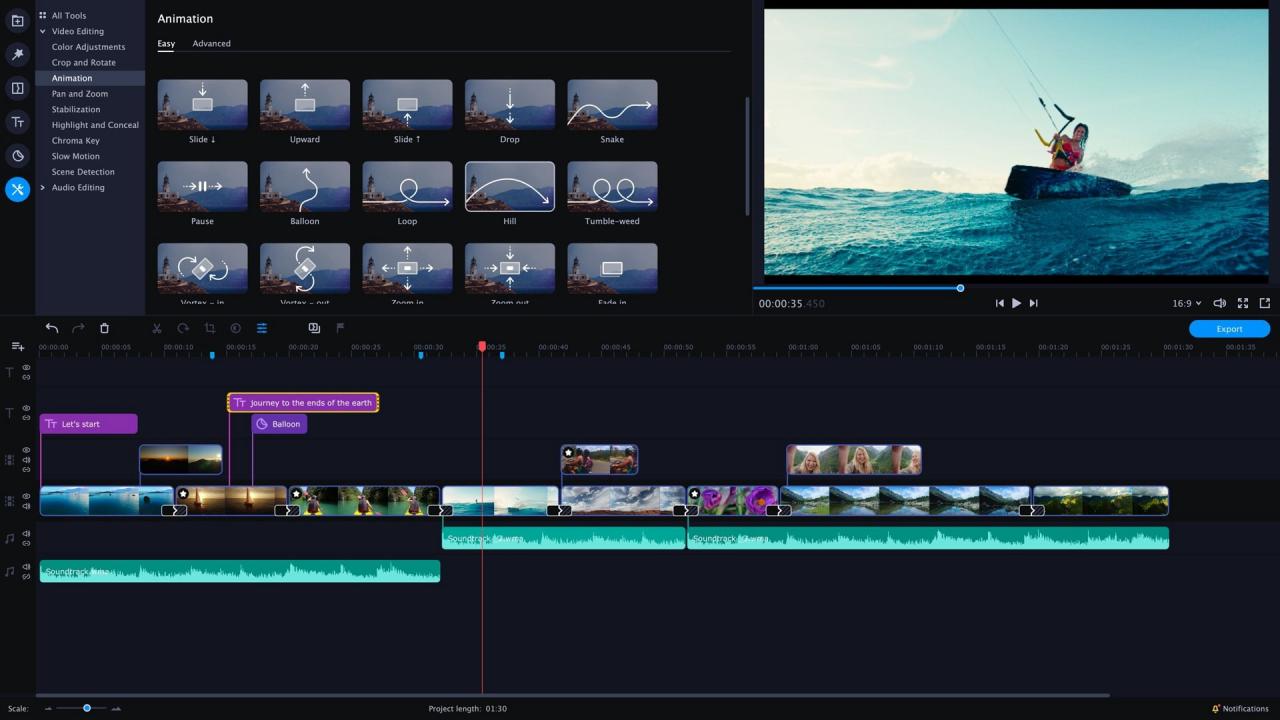
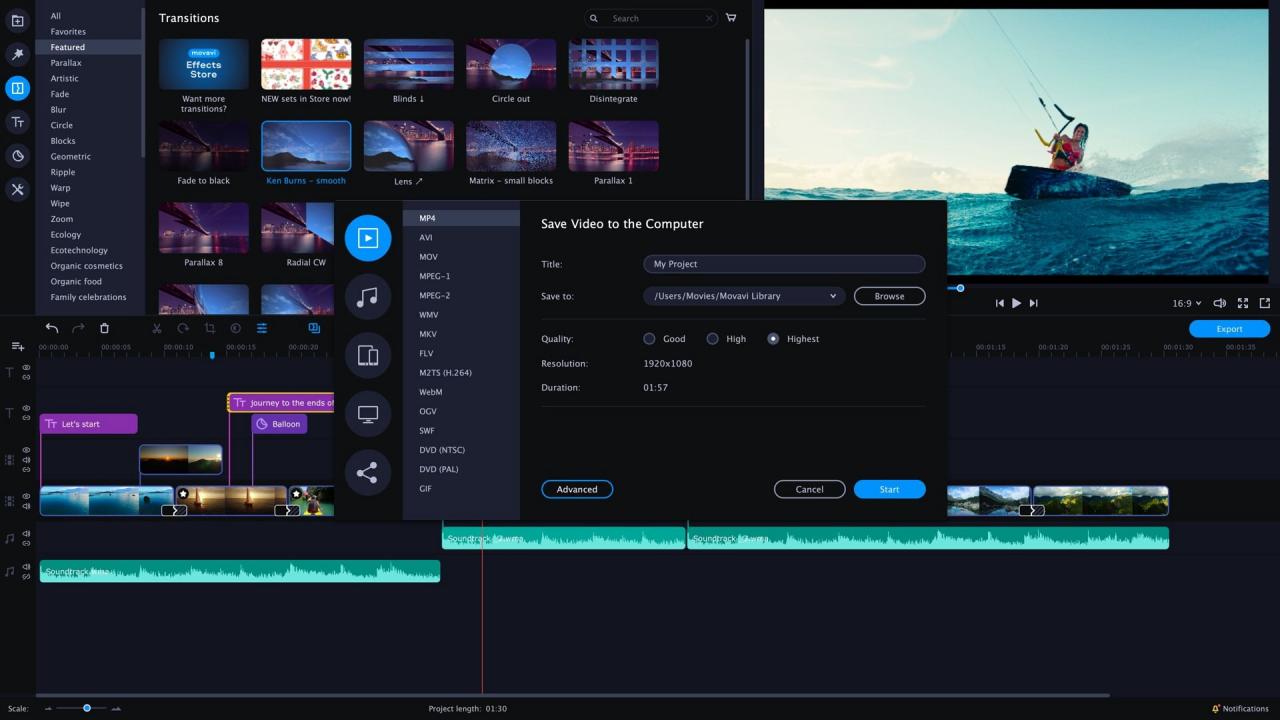
has everything you need to bring your ideas to life: edit your footage on a handy multi-track timeline, apply special effects, tweak the audio, and save results in any format or upload directly to YouTube. You’ll have a complete movie in under 20 minutes! Highlights The smooth dark interface with perfectly positioned buttons and tabs makes video editing more intuitive. Quickly access any file you upload to the program via the new Media Bin so you can easily manage video and audio elements even in large projects. Filmstrip view makes it easier to cut footage and apply effects to specific frames. Even more effects! Glitch and retro filters, captivating Parallax transitions – you need to check these puppies out. True creative freedom Want to get creative? Movavi has just the right tools: Stylish filters and transitions, themed stickers and titles Special effects: Chroma Key, Slow Motion, Object Animation, Picture in Picture, Pan & Zoom, and more Volume normalization, noise removal, equalizer, audio recording Adjusting clip properties: cutting, cropping, rotating You can make movies automatically, too. Just upload the files in Quick Video mode and the program will do the rest. The perfect support for creative flow You don’t need to struggle through complex professional software to get professional-grade results. Movavi Video Editor Plus 2020 is the perfect combination of simplicity and functionality: The handy Media Bin helps you organize files for your project Effortless control over up to 99 tracks on the timeline Smooth 4K editing thanks to Fast Track HD technology Intuitive navigation between tabs and menus A smooth journey from concept to reality Save the results on your computer or upload them directly to YouTube, Vimeo, or Google Drive so that everyone can see them right away.
Go to: http://store.steampowered.com/ and download STEAM client Click "Install Steam" (from the upper right corner) Install and start application, login with your Account name and Password (create one if you don't have). Please follow these instructions to activate a new retail purchase on Steam: Launch Steam and log into your Steam account. Click the Games Menu. Choose Activate a Product on Steam... Follow the onscreen instructions to complete the process. After successful code verification go to the "MY GAMES" tab and start downloading.