Get 10% back in Relic Coins on every order
Cities: Skylines - Concerts DLC cover

Steam Europe - All Countries· DLC

Cities: Skylines - Concerts DLC

€4.32

+€0.43 cashback eligibility in Relic Coins

Check before you play

Platform
Steam
Region
Europe - All Countries
Product type
DLC

Check the required base game and edition before purchasing this add-on.

Supplier release date
2017-08-17
Genres
Strategy, Simulation

About this product

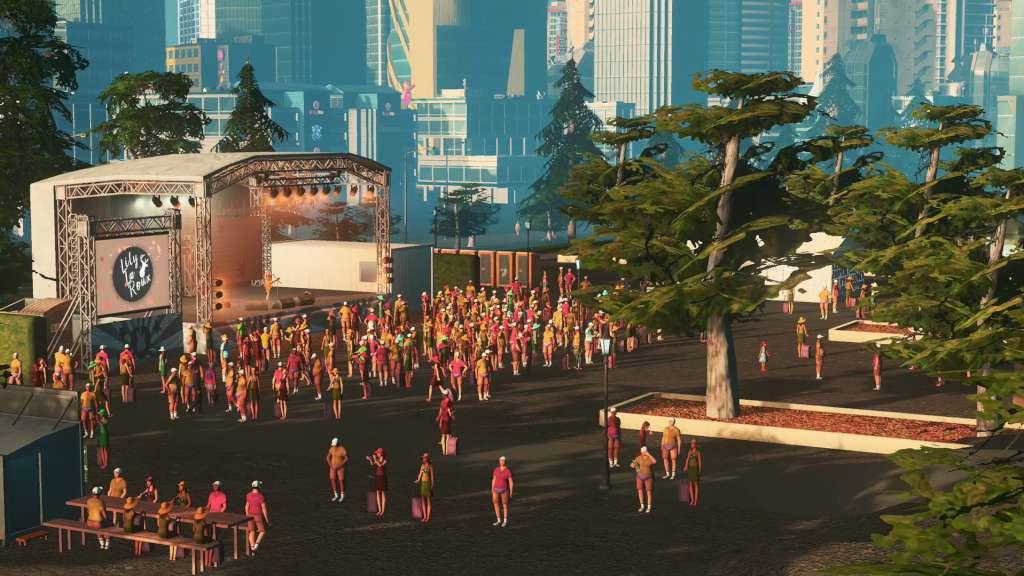
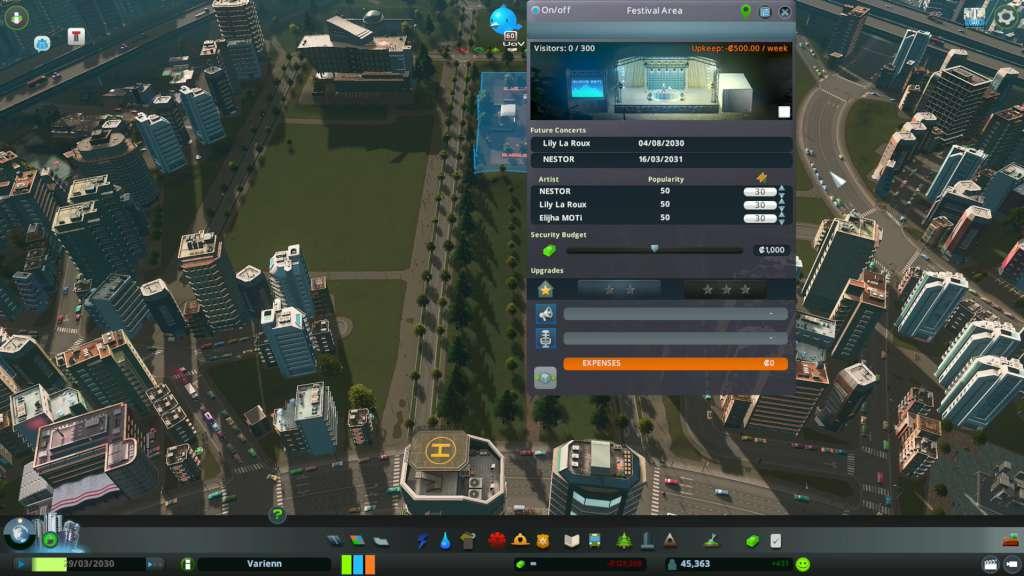
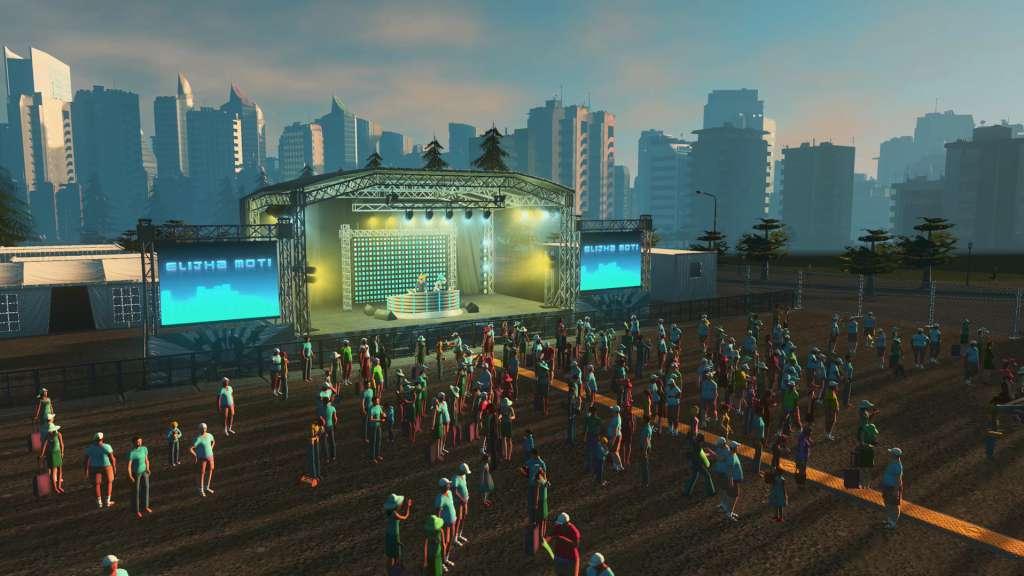
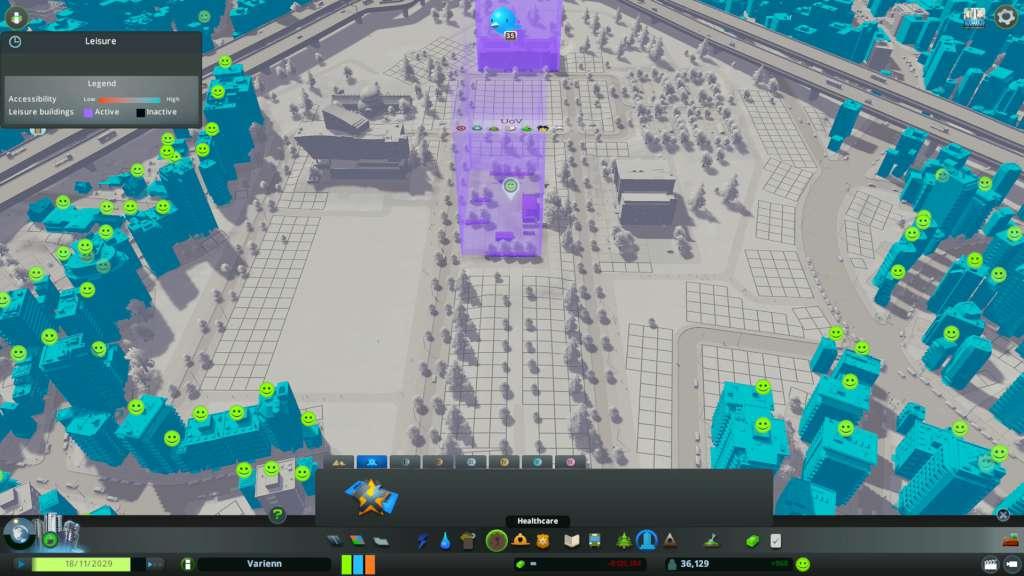
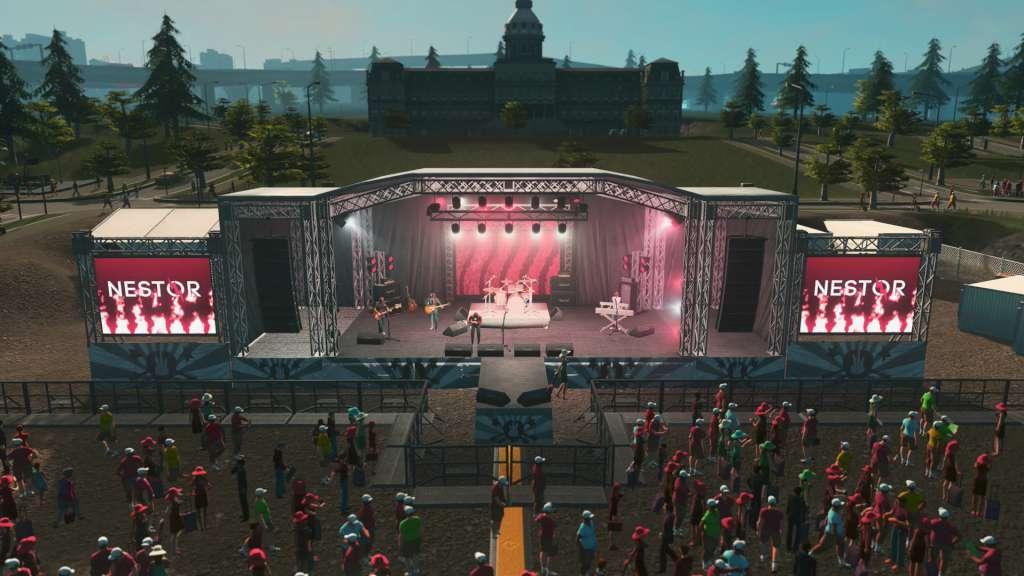
Cities: Skylines - Concerts is a mini-expansion for the award-winning city builder that gives players the power to plan and present major concerts. Featuring music and images from Rock, EDM, and Pop/Folk bands - as well as a new music focused radio station - Concerts brings a more melodic component to the sounds of city life.With Concerts, putting on a great show is about more than just the music. From new buildings to host your headliners to festival management options that encourage ticket sales, creating advertising campaigns, driving band popularity, optimizing security budgets and more, Concerts puts players in control of everything from the front of house to backstage. Features New music from in-game bands:NESTOR, Elijha MOTi, and Lily La Roux add their musical gifts to the Cities: Skylines soundtrack via the new music focused radio station “Live”. 100% music with no interruptions! New Festival Area Building:Level-up your festival grounds to accommodate better shows and bigger crowds. Concert-focused City Ordinances:Support your festival ambitions with new laws and budget options to promote concerts and monetize the crowds.

Cities: Skylines - Concerts DLC screenshotCities: Skylines - Concerts DLC screenshotCities: Skylines - Concerts DLC screenshotCities: Skylines - Concerts DLC screenshotCities: Skylines - Concerts DLC screenshot

How to redeem

  1. 1Check the required base game, platform and edition before purchasing.
  2. 2Find the code or supplier activation instructions in your confirmed order.
  3. 3Redeem on Steam using the supplied instructions, then install the add-on with the compatible base game.

Supplier instructions

Go to: http://store.steampowered.com/ and download STEAM client Click "Install Steam" (from the upper right corner) Install and start application, login with your Account name and Password (create one if you don't have). Please follow these instructions to activate a new retail purchase on Steam: Launch Steam and log into your Steam account. Click the Games Menu. Choose Activate a Product on Steam... Follow the onscreen instructions to complete the process. After successful code verification go to the "MY GAMES" tab and start downloading.

You might also like