Get 10% back in Relic Coins on every order
DCS: Black Shark 2 DLC Digital Download cover

OtherGlobal· DLC

DCS: Black Shark 2 DLC Digital Download

€57.75

+€5.78 cashback eligibility in Relic Coins

Check before you play

Region
Global
Product type
DLC

Check the required base game and edition before purchasing this add-on.

Publisher
Eagle Dynamics
Supplier release date
2011-11-02
Genres
Simulation

About this product

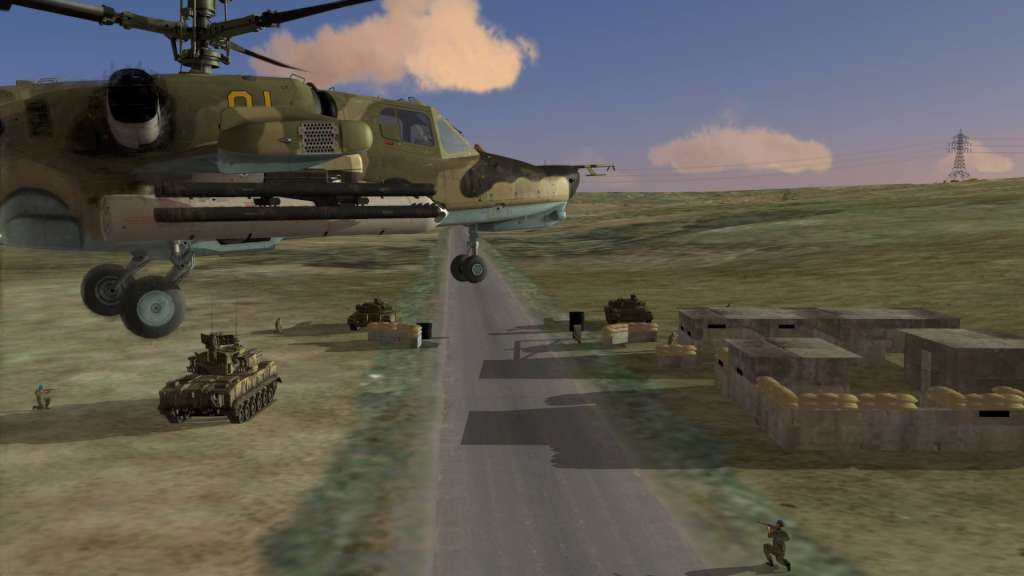
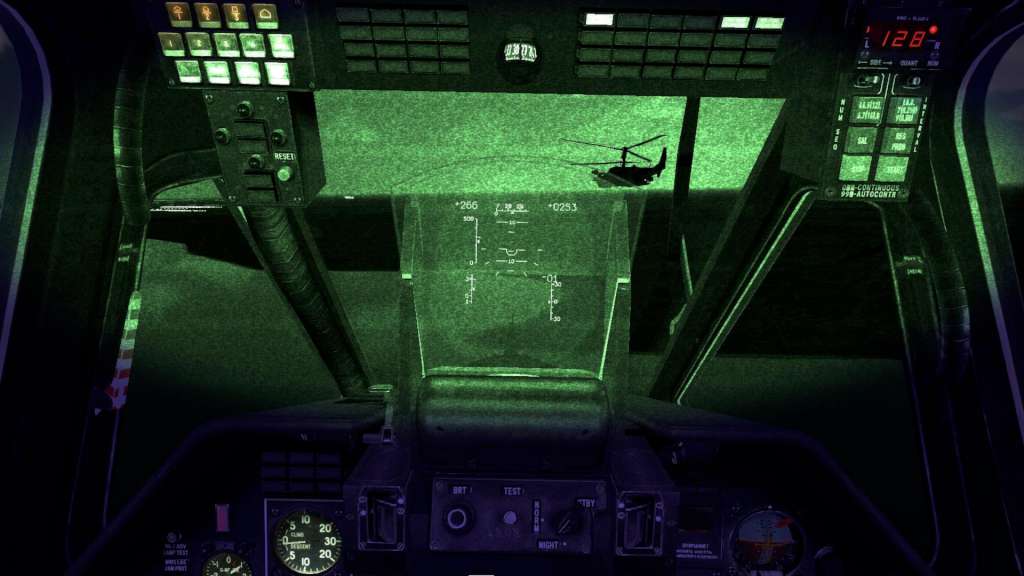
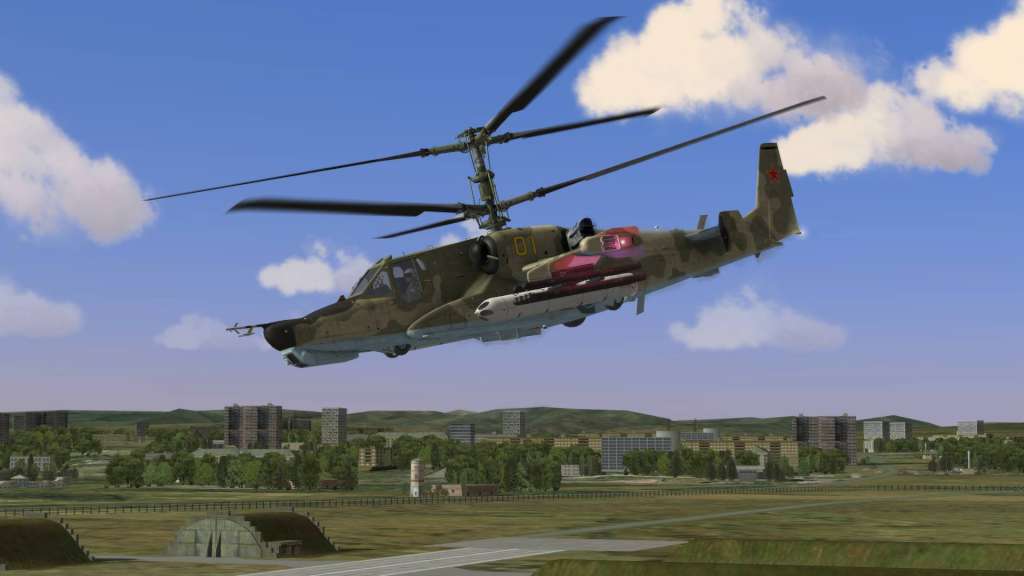
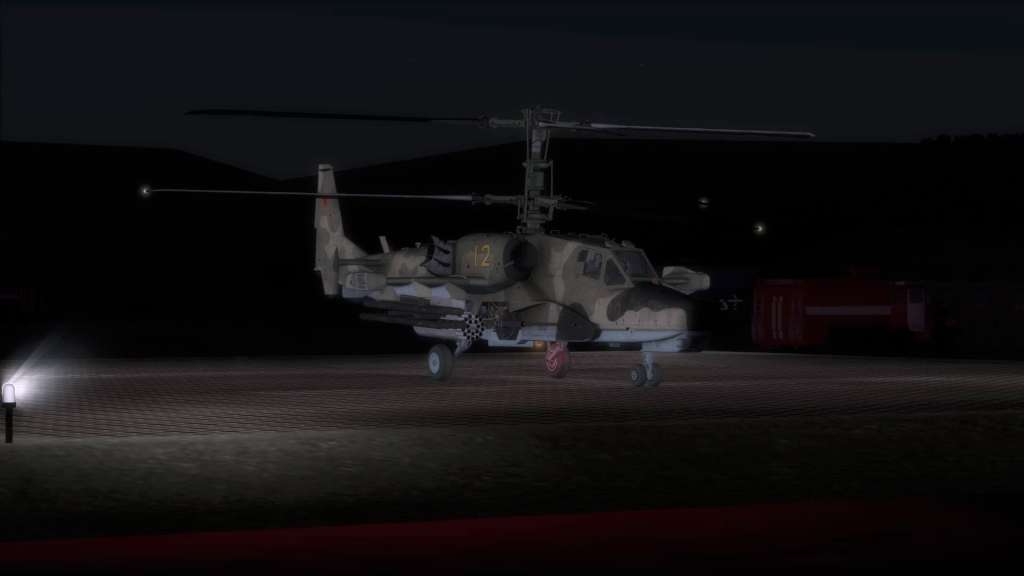
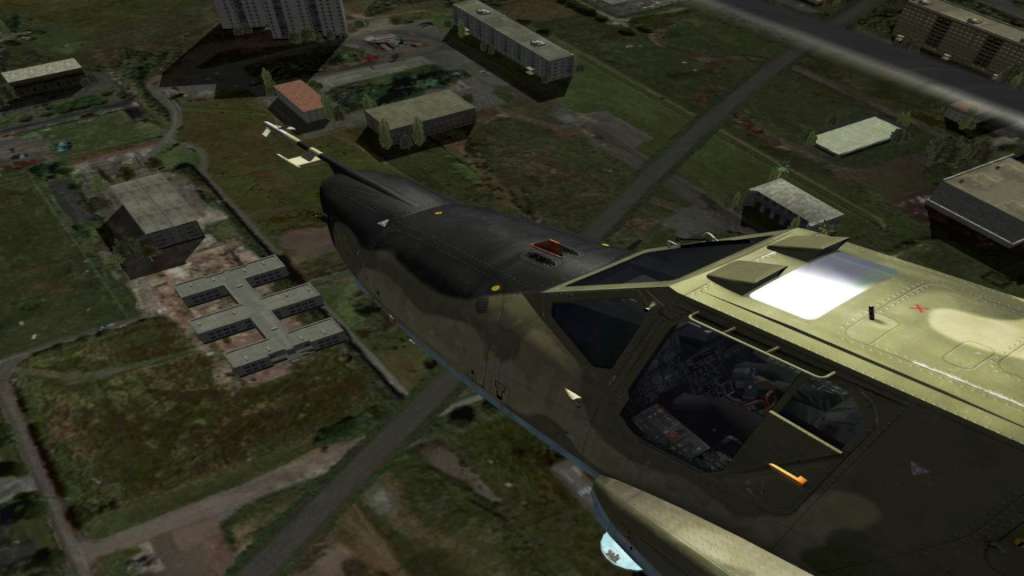
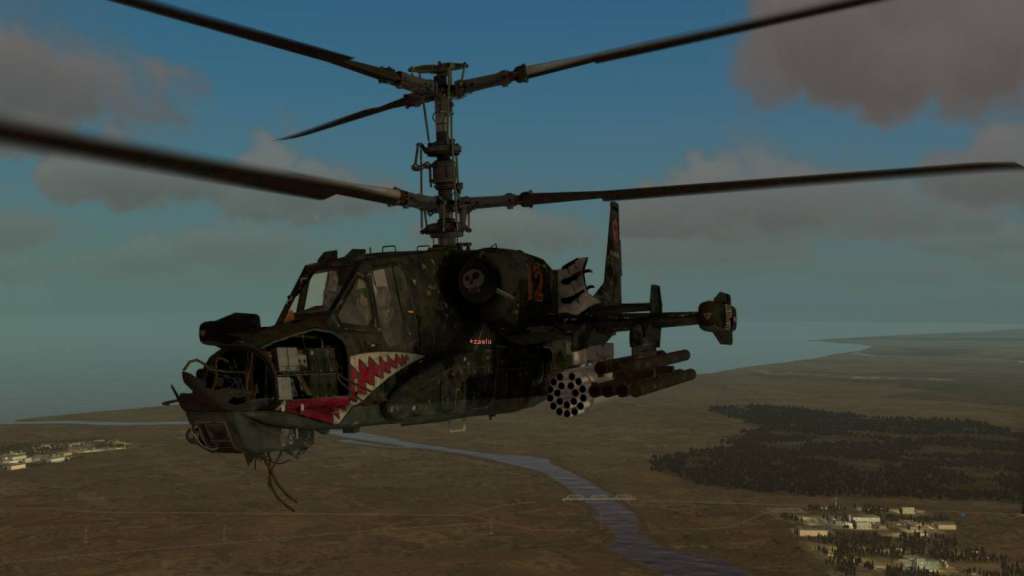
DCS: Black Shark 2 is a simulation of the Russian Ka-50 "Black Shark" attack helicopter. The "Black Shark" is a unique and deadly single-seat, Russian attack helicopter that has seen combat in the Northern Caucasus. It combines a high performance dual rotor system with a deadly weapons payload of guided missiles, rockets, bombs, and a 30mm cannon. The Ka-50 is also unique in that it has an ejection seat. Virtually every switch, button and dial functions in the cockpit and the advanced flight model provides an amazingly real sense of flight. Features Highly-detailed six degrees of freedom cockpit with mouse-clickable controls. Unrivalled flight physics system. Realistic damage model and system failure cascade affect. Detailed modeling and control of engine, fuel, hydraulics, electrical, navigation, radio, fire suppression, sensor, and weapon systems (casual game play modes also available). Advanced weapon physics for missiles, rockets and cannon rounds including ricochets.

DCS: Black Shark 2 DLC Digital Download screenshotDCS: Black Shark 2 DLC Digital Download screenshotDCS: Black Shark 2 DLC Digital Download screenshotDCS: Black Shark 2 DLC Digital Download screenshotDCS: Black Shark 2 DLC Digital Download screenshotDCS: Black Shark 2 DLC Digital Download screenshot

How to redeem

  1. 1Check the required base game, platform and edition before purchasing.
  2. 2Find the code or supplier activation instructions in your confirmed order.
  3. 3Redeem on Other using the supplied instructions, then install the add-on with the compatible base game.

Supplier instructions

In order to redeem the code follow the instruction below: Log into an account on http://www.digitalcombatsimulator.com/en/ Go https://www.digitalcombatsimulator.com/en/personal/licensing/?login=yes and enter your code in Licence serial number check field. After that you will be able to install your product via Module Manager. Get the game client https://www.digitalcombatsimulator.com/en/downloads/world/ and download the game. Run DCS World. From the Main Menu Page, click on Module Manager on the Top side of the screen. From the Module Manager page, click on the Modules tab, located along the top of the screen. Listed below will be all the Modules that you have and can purchase. All products (modules) should be installed via ingame Module Manager only. Dedicated installers will not be provided anymore.

You might also like