Get 10% back in Relic Coins on every order
Dark Fall 2: Lights Out cover

Steam Europe - All Countries· Key

Dark Fall 2: Lights Out

€0.78

+€0.08 cashback eligibility in Relic Coins

Check before you play

Platform
Steam
Region
Europe - All Countries
Product type
Key
Developer
Darkling Room
Publisher
Nordic Games Publishing
Supplier release date
2004-10-24
Genres
Adventure

About this product

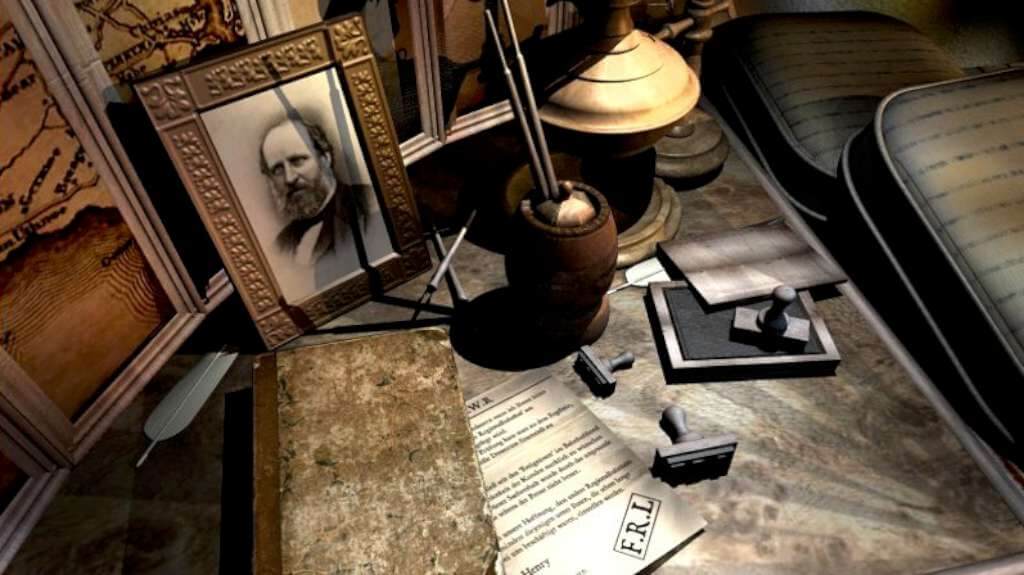
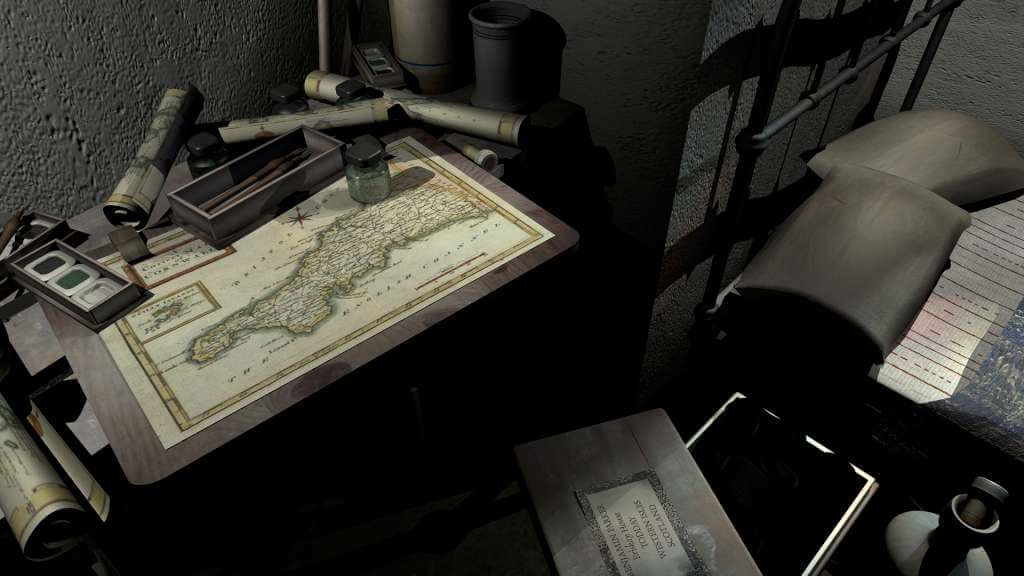
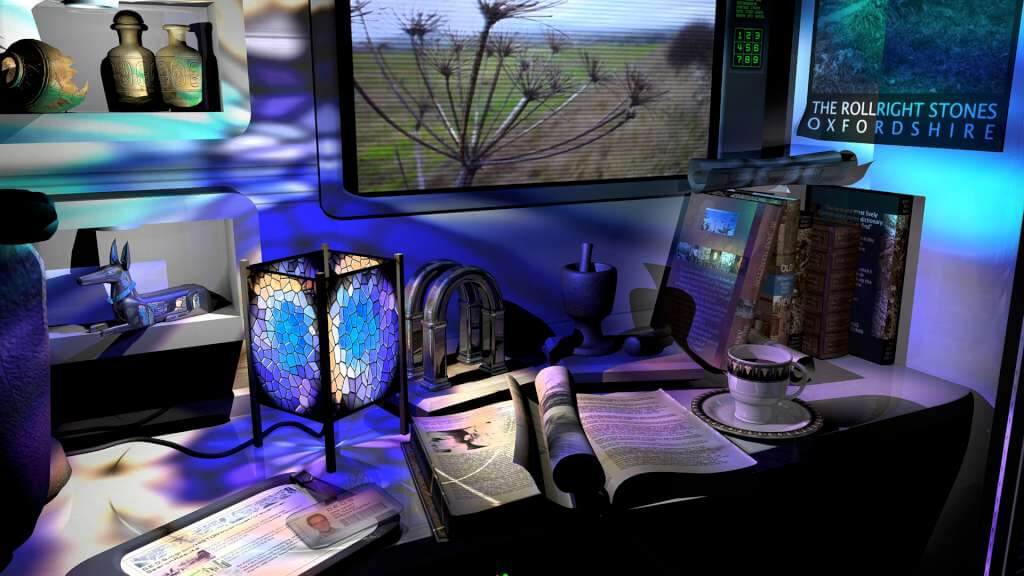
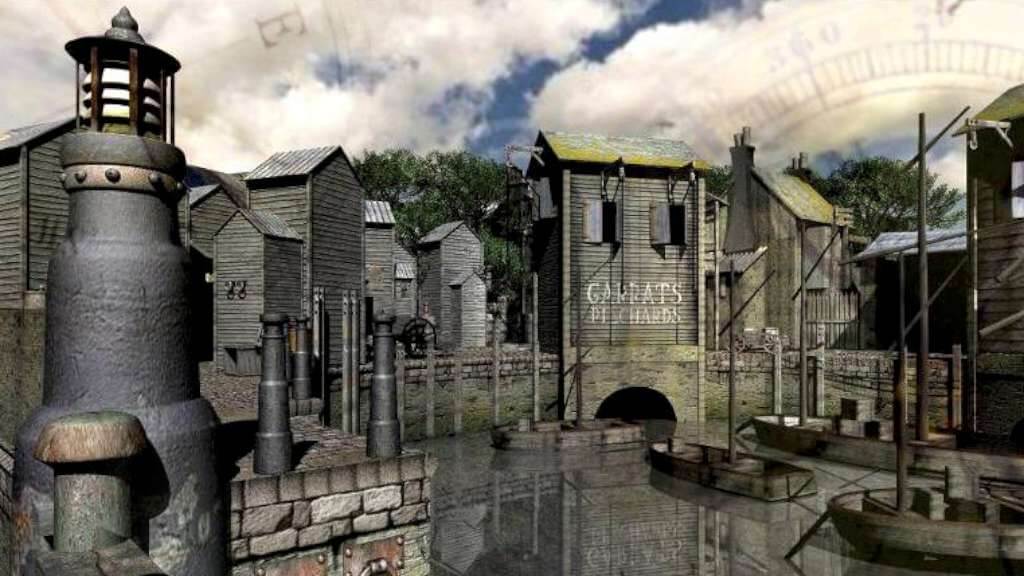
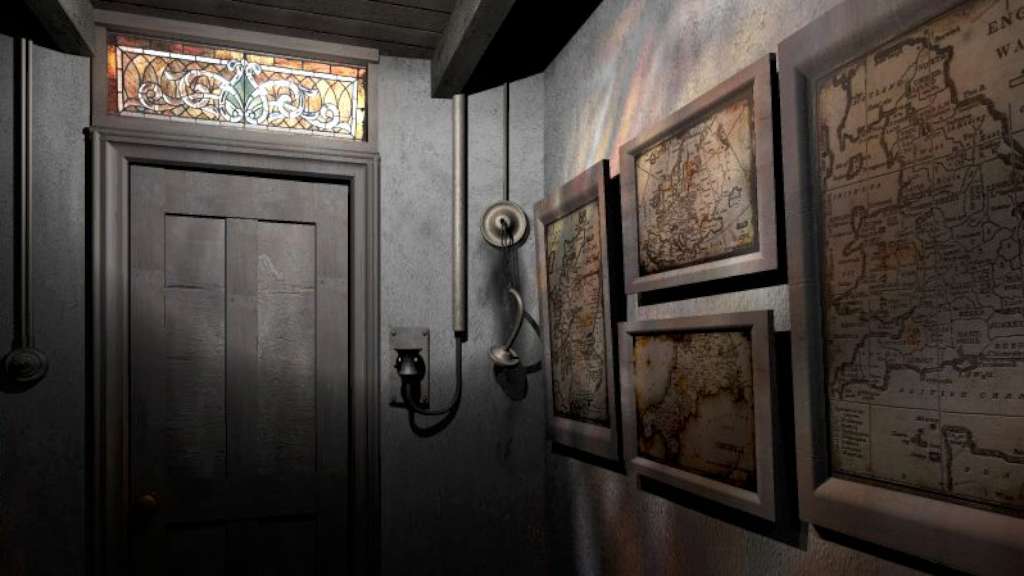
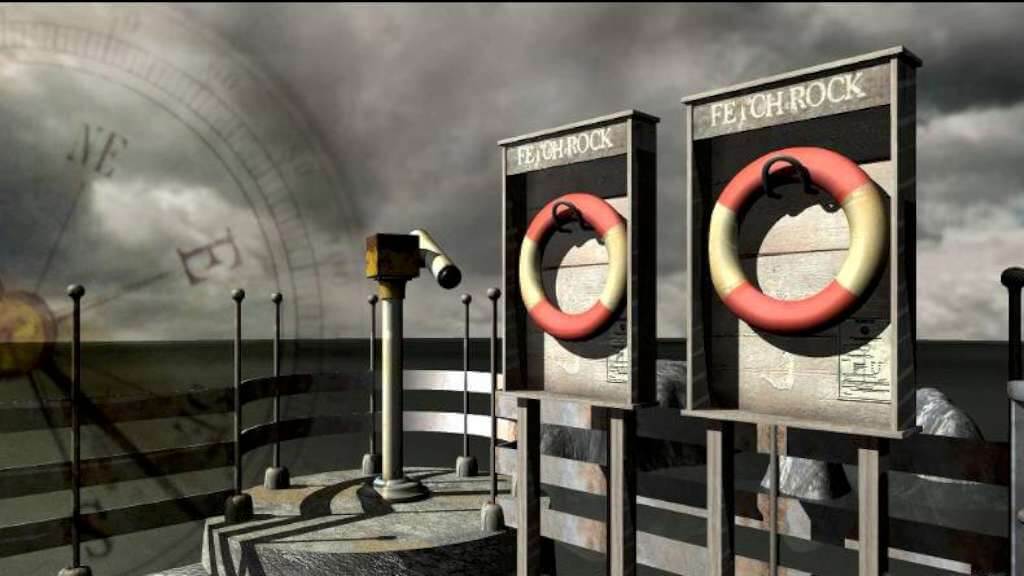
Three men once manned the lighthouse on Fetch Rock, but they vanished without trace on New Year, 1900. No-one knows what really happened to those three poor souls, and no-one is brave enough to stay in the lighthouse, alone, after dark. Except you...travel to Fetch Rock Island, and discover what really happened... Use supernatural investigative techniques and realistic ghost hunting gadgets to reveal the evil presence that threatens Fetch Rock. Together you must defeat the evil that hides in the mist and uncover the mystery of Lights Out. The game is best played in a dark room with your speakers turned up. Unless you're scared, of course. Features Includes Dark Fall 2: Lights Out Director's cut version Explore the historic Lighthouse in four different eras. Discover what happened to the Lighthouse Keepers, that foggy night. Communicate with the dead to solve puzzles and mysteries. A spooky tale by Jonathan Boakes, author of The Lost Crown. Delve into a non-linear story, based upon a real event. Use Time Portals to jump through time, exploring the past and future. Experience the life and times of a Victorian Lighthouse. Realistic world to explore, based on a real location. Full audio experience and spooky soundtrack.

Dark Fall 2: Lights Out screenshotDark Fall 2: Lights Out screenshotDark Fall 2: Lights Out screenshotDark Fall 2: Lights Out screenshotDark Fall 2: Lights Out screenshotDark Fall 2: Lights Out screenshot

How to redeem

  1. 1Check your Steam account and the listed region before purchasing.
  2. 2Find your code and supplier activation instructions in your confirmed order.
  3. 3Open the redeem-code section on Steam, enter the code and follow the platform’s prompts.

Supplier instructions

Go to: http://store.steampowered.com/ and download STEAM client Click "Install Steam" (from the upper right corner) Install and start application, login with your Account name and Password (create one if you don't have). Please follow these instructions to activate a new retail purchase on Steam: Launch Steam and log into your Steam account. Click the Games Menu. Choose Activate a Product on Steam... Follow the onscreen instructions to complete the process. After successful code verification go to the "MY GAMES" tab and start downloading.

You might also like