Get 10% back in Relic Coins on every order
Dark Fall: The Journal cover

Steam Europe - All Countries· Key

Dark Fall: The Journal

€0.78

+€0.08 cashback eligibility in Relic Coins

Check before you play

Platform
Steam
Region
Europe - All Countries
Product type
Key
Developer
Darkling Room
Publisher
Nordic Games Publishing
Supplier release date
2002-06-19
Genres
Adventure

About this product

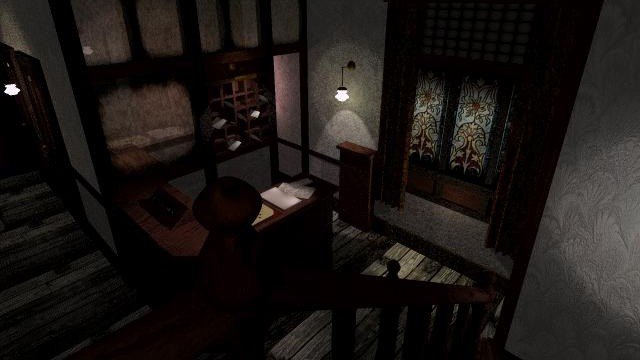
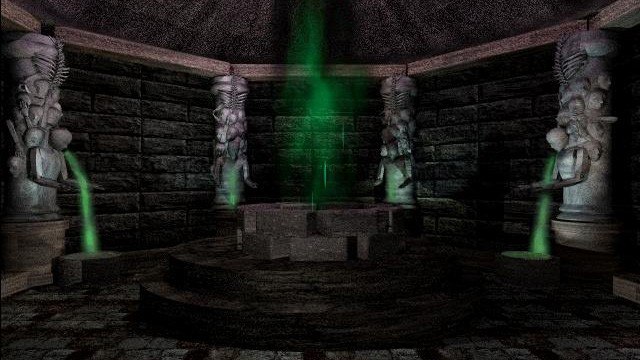
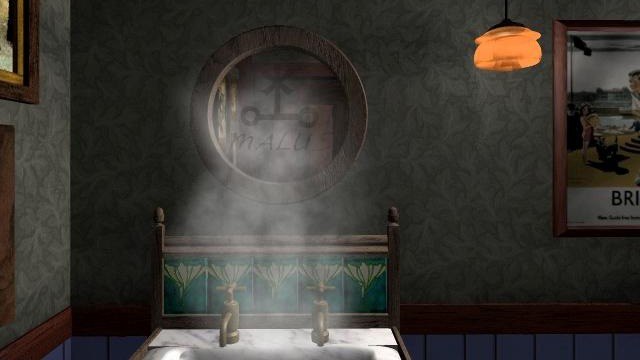
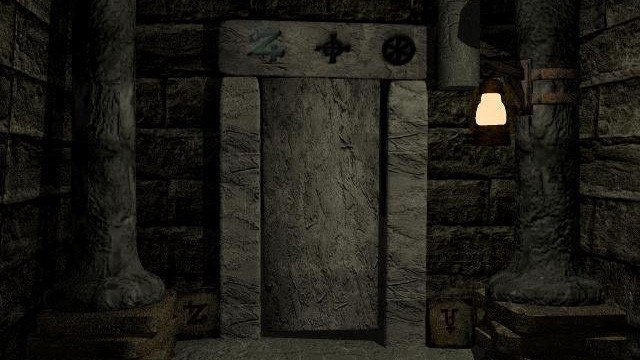
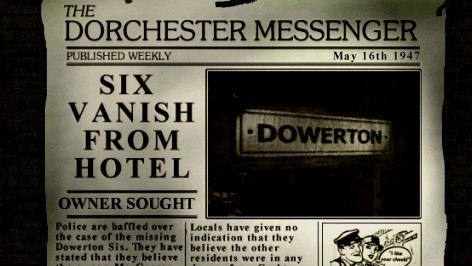
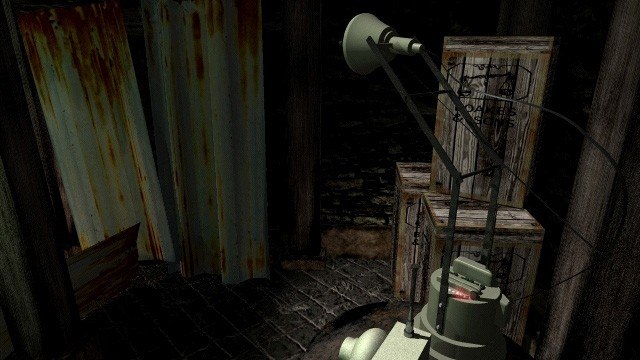
This Myst-style horror-adventure game will bring fear into your heart. From the very beginning you are exposed to an overwhelming but invisible ghost presence – strange calls, footsteps, voices from nowhere. In order to help your brother and survive you will need to solve the mystery of this abandoned, haunted place. And remember! Do not let it to find you! Do not let it to find you... Do not.. Let... find... The game is best played in a dark room with your speakers turned up. Unless you're scared, of course. Features Explore the haunted hotel and train station, alone at night. Use Ghost-Hunting Gadgets to ‘see’ into the past, and hear the dead. An eerie, World War 2 setting is fully realised in 3D graphics. Use detective skills to uncover secret places and learn long lost secrets. Challenge the mind by solving many devious puzzles and enigmas. Communicate with ghosts via a Ouijaboard. Decypher an ancient, long forgotten, language. A non-linear story by Jonathan Boakes, author of The Lost Crown. Full cast of actors & sound to bring the haunted location to spooky life! Utilise high-tech surveillance equipment, to watch supernatural activity. Research local Ghost Stories to learn more about the Dark Fall.

Dark Fall: The Journal screenshotDark Fall: The Journal screenshotDark Fall: The Journal screenshotDark Fall: The Journal screenshotDark Fall: The Journal screenshotDark Fall: The Journal screenshot

How to redeem

  1. 1Check your Steam account and the listed region before purchasing.
  2. 2Find your code and supplier activation instructions in your confirmed order.
  3. 3Open the redeem-code section on Steam, enter the code and follow the platform’s prompts.

Supplier instructions

Go to: http://store.steampowered.com/ and download STEAM client Click "Install Steam" (from the upper right corner) Install and start application, login with your Account name and Password (create one if you don't have). Please follow these instructions to activate a new retail purchase on Steam: Launch Steam and log into your Steam account. Click the Games Menu. Choose Activate a Product on Steam... Follow the onscreen instructions to complete the process. After successful code verification go to the "MY GAMES" tab and start downloading.

You might also like