Get 10% back in Relic Coins on every order
Chicken Police - Paint it RED! cover

SteamRest of the world· Key

Chicken Police - Paint it RED!

€1.25

+€0.13 cashback eligibility in Relic Coins

Check before you play

Platform
Steam
Region
Rest of the world
Product type
Key
Developer
The Wild Gentlemen
Publisher
HandyGames
Supplier release date
2020-11-05
Genres
Adventure, Indie, Point & click, Story rich

About this product

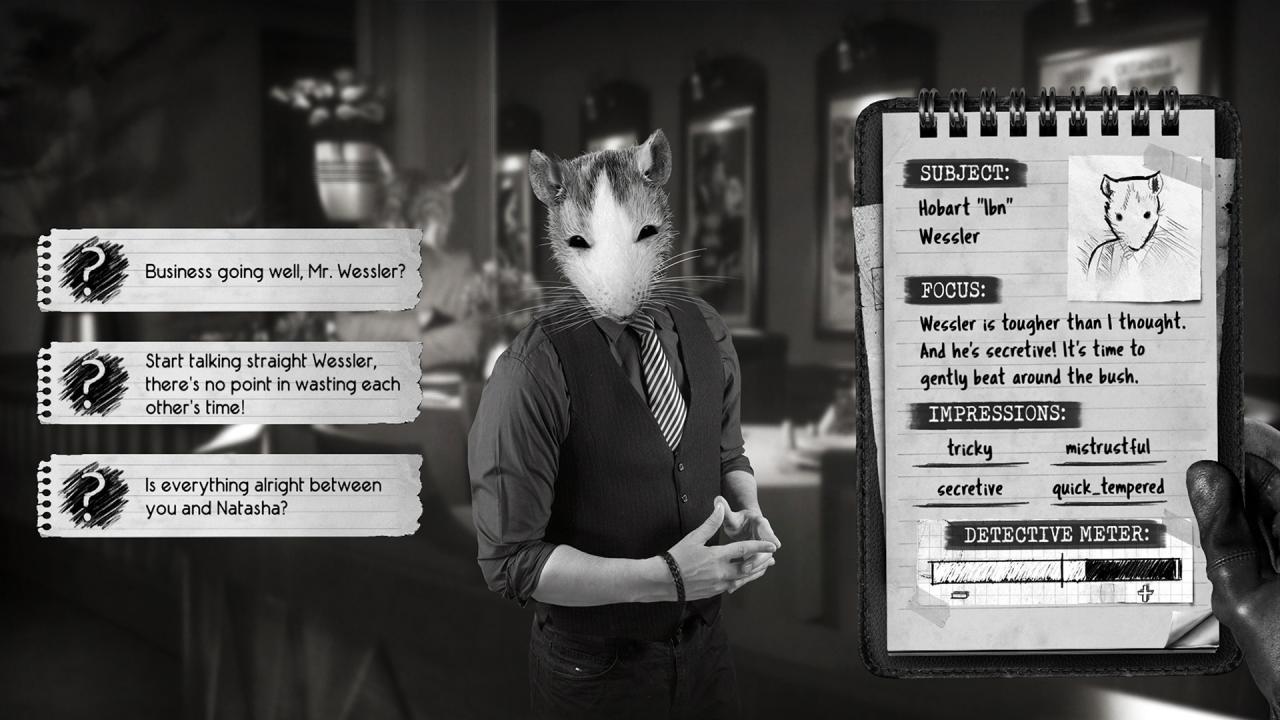
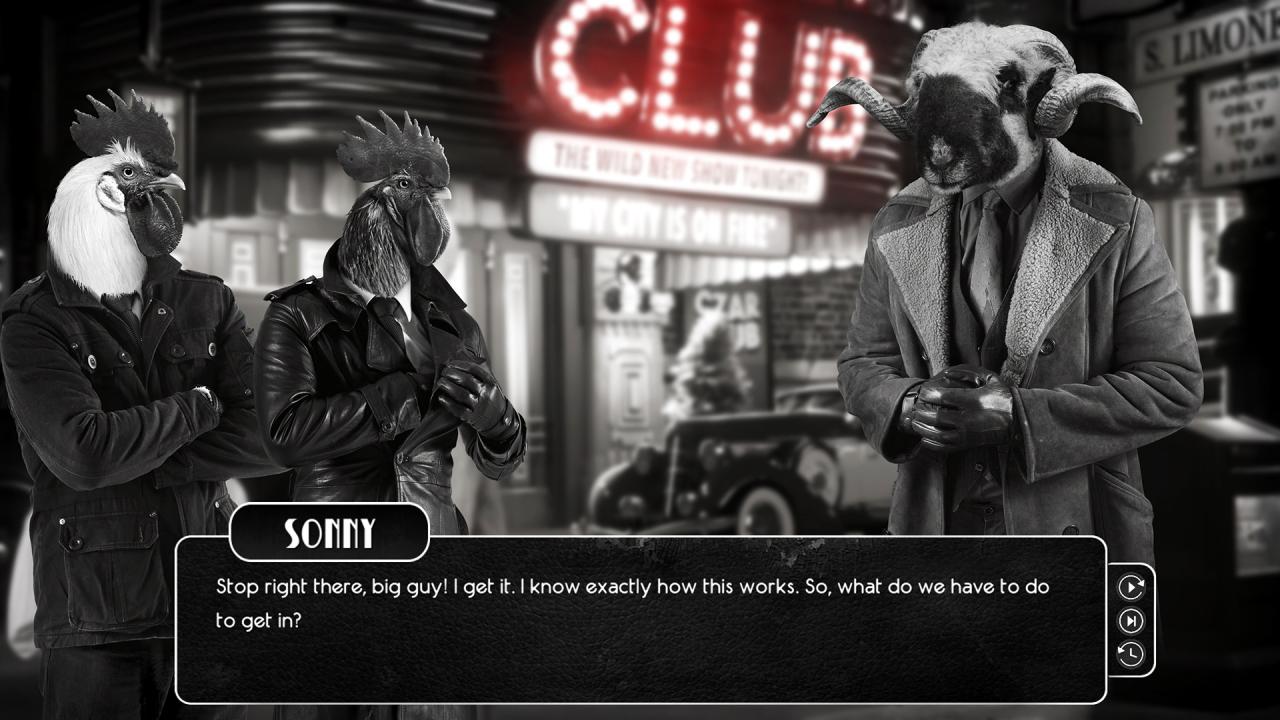
Chicken Police - Paint it RED! is a narrative-driven noir adventure with a complex interrogation system and mystery-solving detective gameplay. A mysterious Dame... A strange case...and the wildest cops of the Wilderness! Sonny Featherland and Marty MacChicken were once a legendary detective-duo, the Chicken Police. But that was almost a decade ago, and time had passed them by... Now, Sonny is just a semi-alcoholic wreck of a bird on his paid leave, while Marty still hides behind the facade of a star-detective. During their last case, they nearly killed each other, and they haven't spoken ever since... Now Sonny and Marty are forced to work together on a case that's weirder and wilder than anything they've ever encountered before! Features A thrilling, rich storyline with a classic film-noir twist Professional voiceover with more than 8 hours of spoken dialogue! A carefully crafted, unique and "colorful" world A complex interrogation system 30 fully voiced characters A cinematic film-noir experience with more than 20 cutscenes! Lots of clues, information, and collectibles to find And a beautiful original soundtrack


Chicken Police - Paint it RED! screenshotChicken Police - Paint it RED! screenshotChicken Police - Paint it RED! screenshotChicken Police - Paint it RED! screenshotChicken Police - Paint it RED! screenshotChicken Police - Paint it RED! screenshot

How to redeem

  1. 1Check your Steam account and the listed region before purchasing.
  2. 2Find your code and supplier activation instructions in your confirmed order.
  3. 3Open the redeem-code section on Steam, enter the code and follow the platform’s prompts.

Supplier instructions

Go to: http://store.steampowered.com/ and download STEAM client Click "Install Steam" (from the upper right corner) Install and start application, login with your Account name and Password (create one if you don't have). Please follow these instructions to activate a new retail purchase on Steam: Launch Steam and log into your Steam account. Click the Games Menu. Choose Activate a Product on Steam... Follow the onscreen instructions to complete the process. After successful code verification go to the "MY GAMES" tab and start downloading.

You might also like