Get 10% back in Relic Coins on every order
The Uncertain: Last Quiet Day cover

Steam Europe - All Countries· Key

The Uncertain: Last Quiet Day

€0.69

+€0.07 cashback eligibility in Relic Coins

Check before you play

Platform
Steam
Region
Europe - All Countries
Product type
Key
Publisher
ComonGames
Supplier release date
2016-09-22
Genres
Adventure, Indie, Hidden Object, Horror, Point & click

About this product

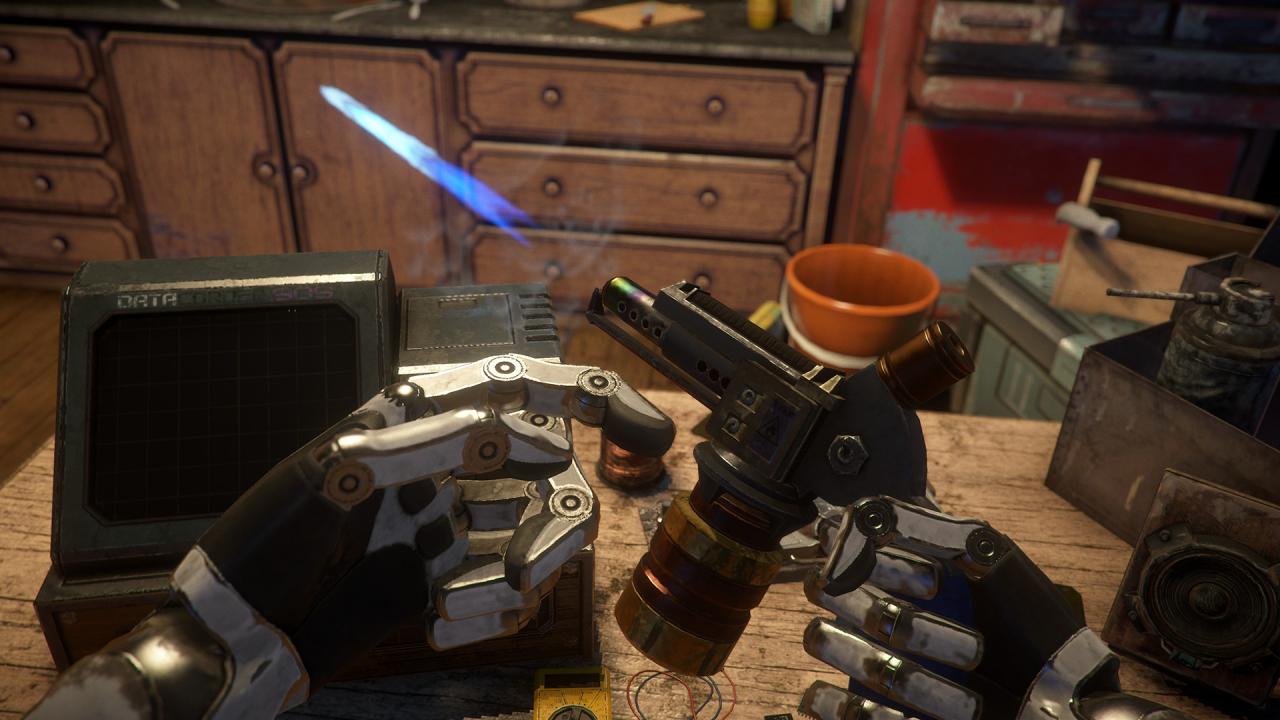
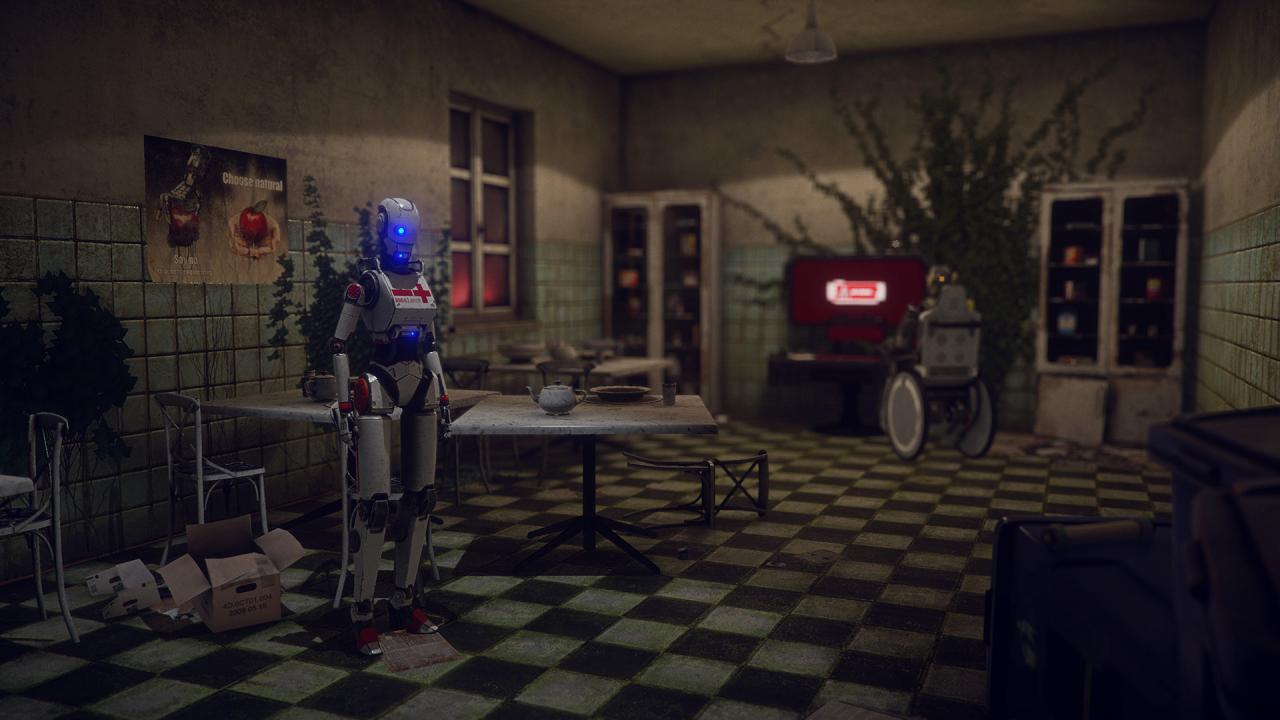
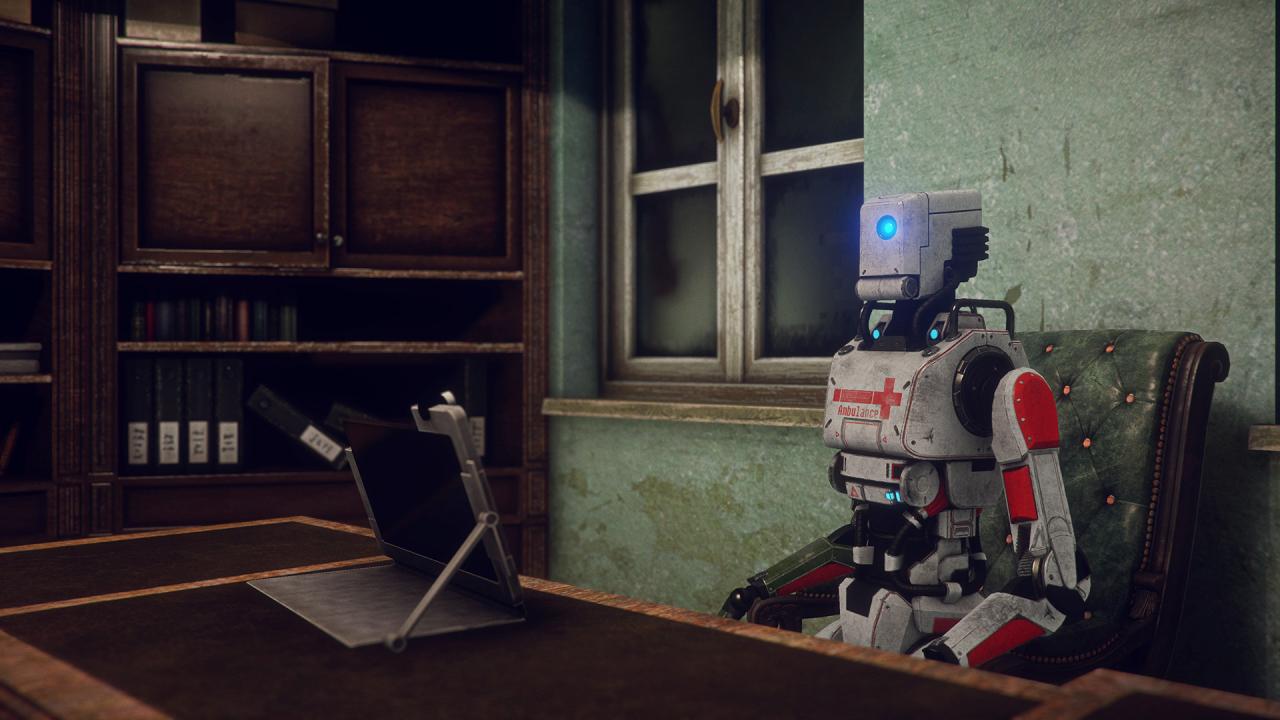
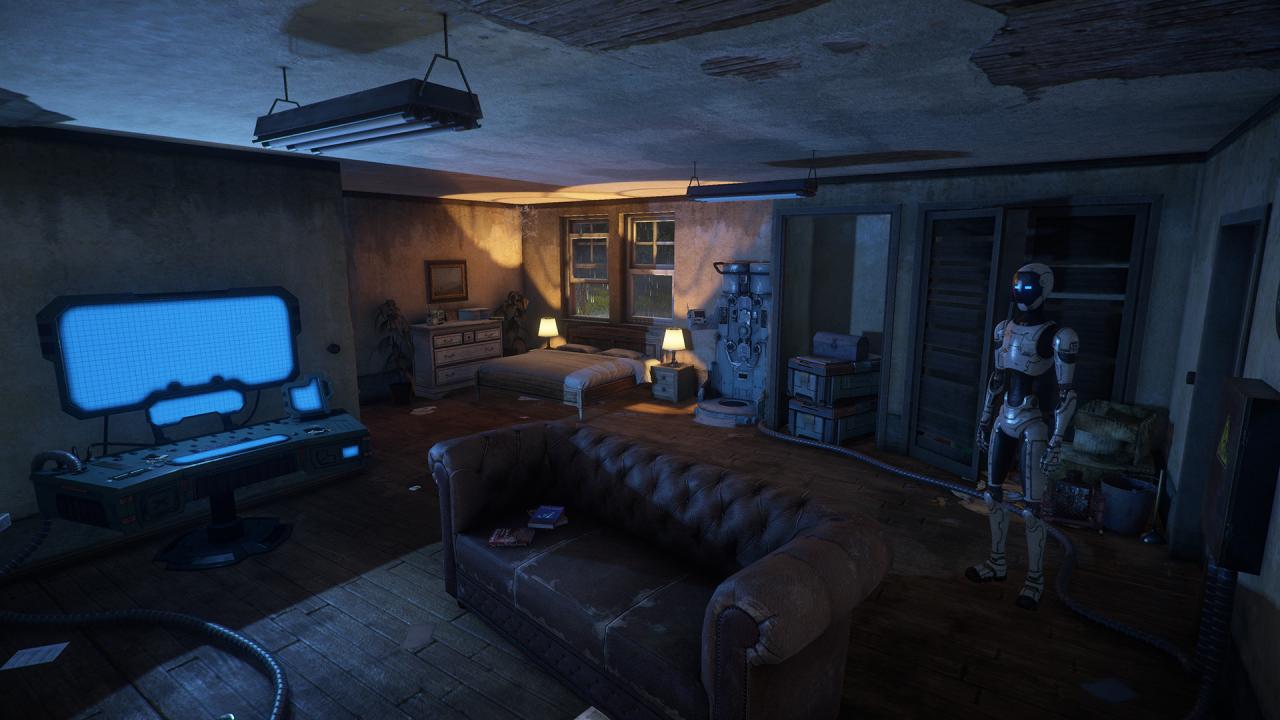
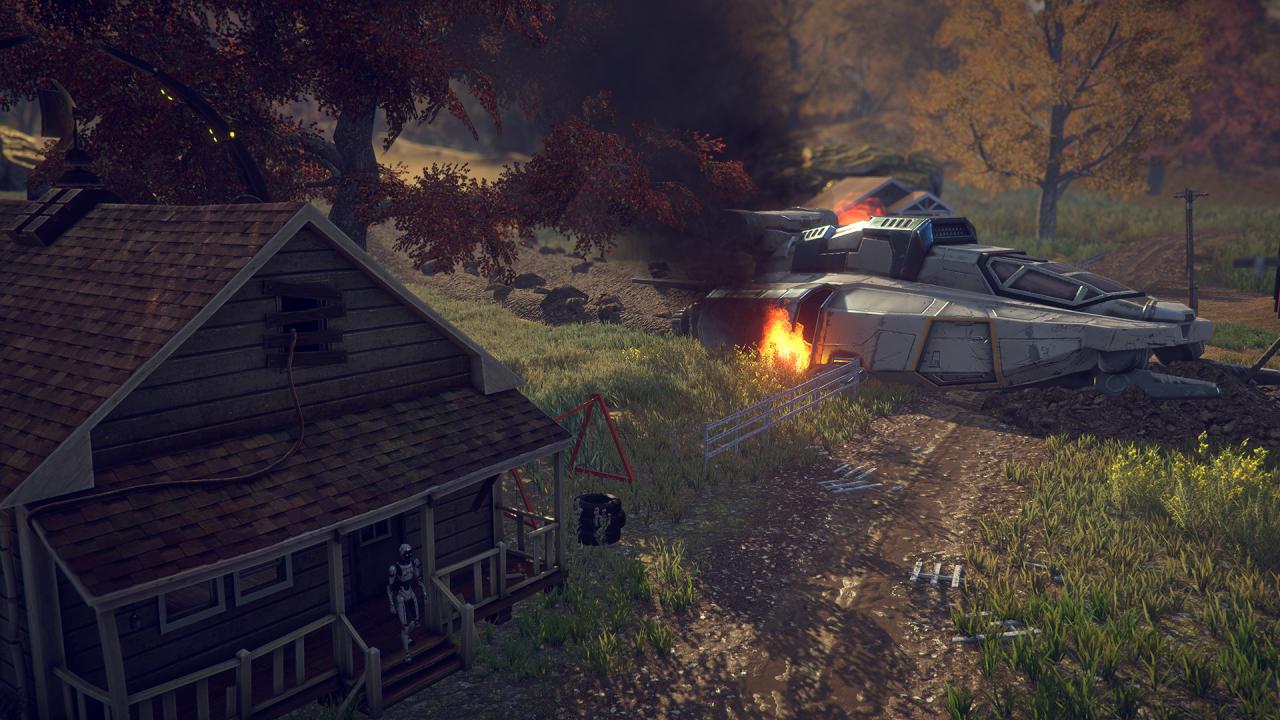
Imagine making moral choices in a world devoid of morality. Logic rules this world, and every decision is just a set of zeros and ones. Most concepts take a whole new meaning, and some get completely abolished. Luckily reasonable beings, even if not human, always have a choice. The Uncertain: Last Quiet Day is an story-driven adventure game set in a post-apocalyptic world. You see it from the perspective of an engineering robot RT-217NP, who seems to be very curious about the human race, long extinct in wasting wars. Experience the mysterious vibe of each of carefully explored locations. Test your skills, solving diverse puzzles. Make fateful decisions and discuss intriguing matters to find out the whole truth being kept from you. Features Classic 3D Adventure with unique story Beautiful graphics and immersive atmosphere Original indie soundtrack Made using NVIDIA GameWorks HBAO+, DoF and FXAA technologies

The Uncertain: Last Quiet Day screenshotThe Uncertain: Last Quiet Day screenshotThe Uncertain: Last Quiet Day screenshotThe Uncertain: Last Quiet Day screenshotThe Uncertain: Last Quiet Day screenshotThe Uncertain: Last Quiet Day screenshot

How to redeem

  1. 1Check your Steam account and the listed region before purchasing.
  2. 2Find your code and supplier activation instructions in your confirmed order.
  3. 3Open the redeem-code section on Steam, enter the code and follow the platform’s prompts.

Supplier instructions

Go to: http://store.steampowered.com/ and download STEAM client Click "Install Steam" (from the upper right corner) Install and start application, login with your Account name and Password (create one if you don't have). Please follow these instructions to activate a new retail purchase on Steam: Launch Steam and log into your Steam account. Click the Games Menu. Choose Activate a Product on Steam... Follow the onscreen instructions to complete the process. After successful code verification go to the "MY GAMES" tab and start downloading.

You might also like