Get 10% back in Relic Coins on every order
Luminous Plume cover

SteamGlobal· Key

Luminous Plume

€7.70

+€0.77 cashback eligibility in Relic Coins

Check before you play

Platform
Steam
Region
Global
Product type
Key
Developer
XenoHorizon
Publisher
XenoHorizon
Supplier release date
2020-11-05
Genres
Action, RPG, Indie, Hack and Slash, Co-op, Anime

About this product

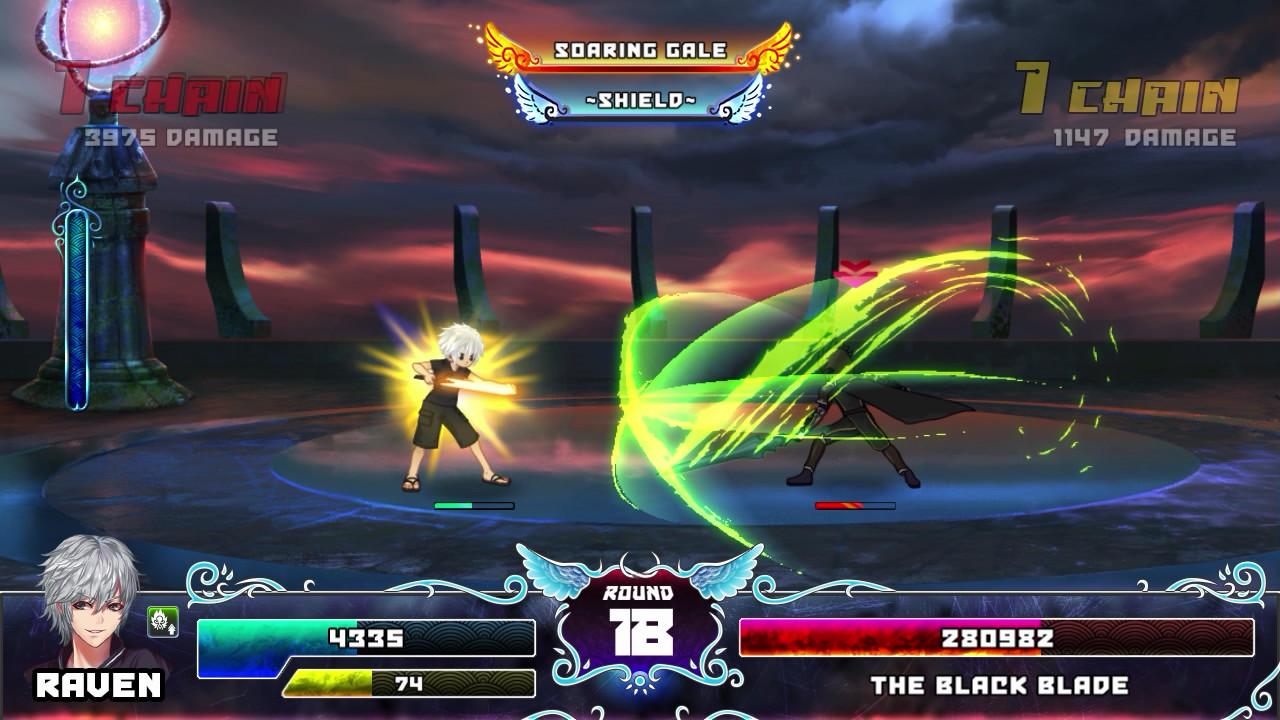
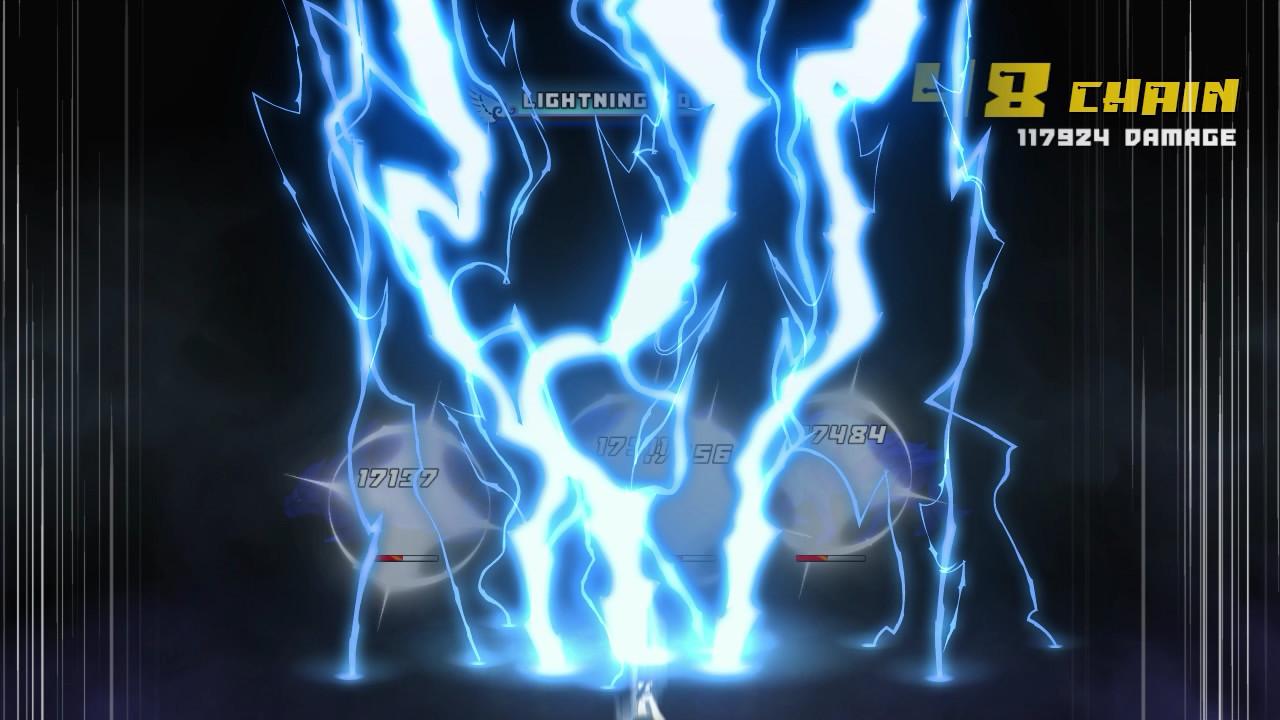
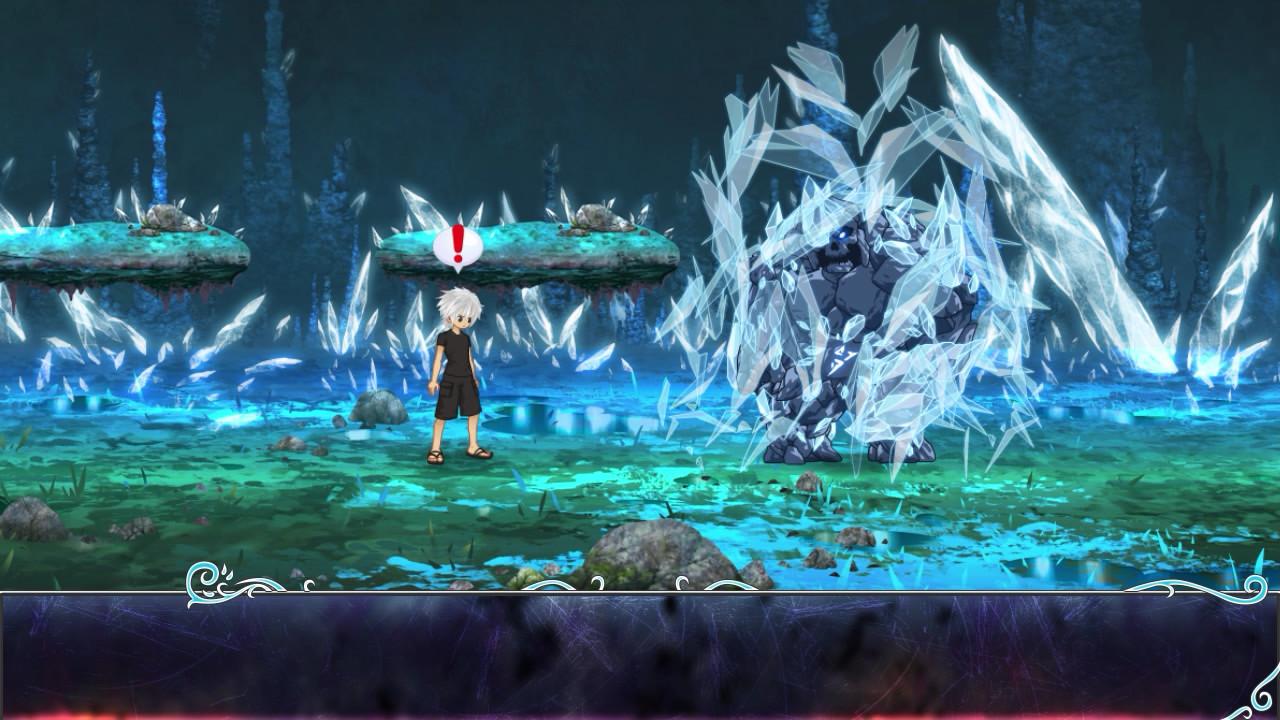
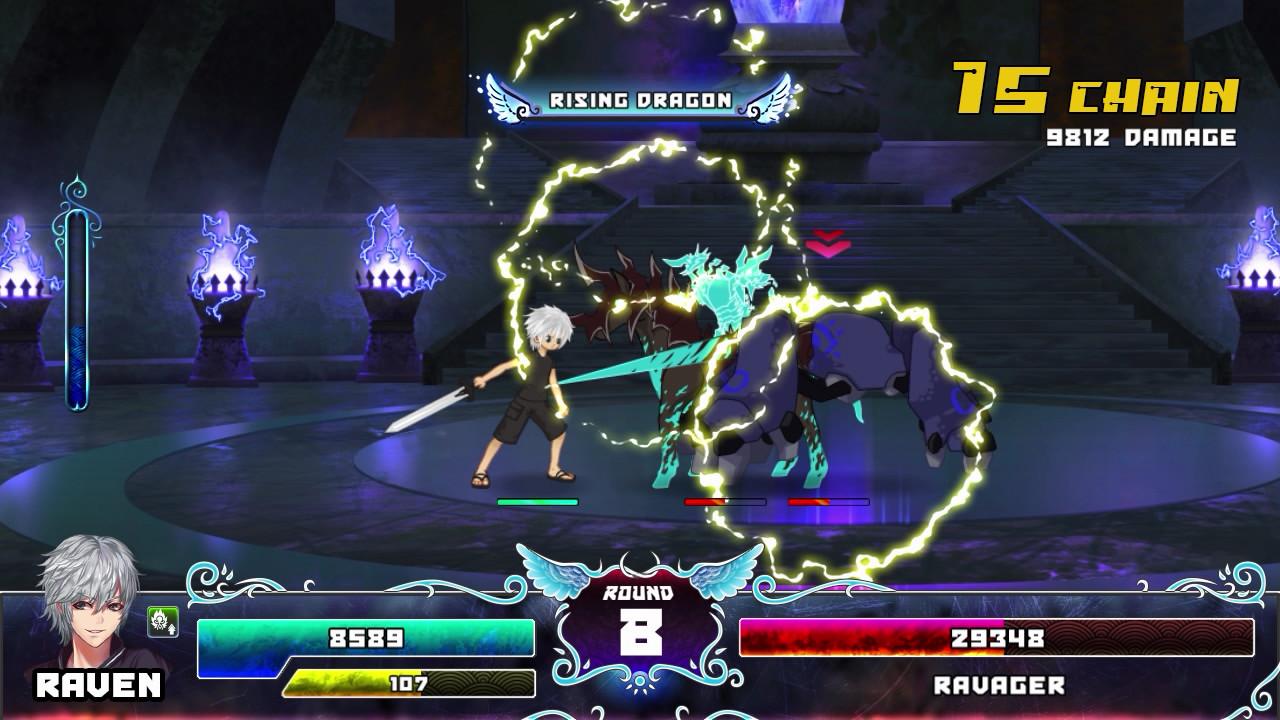
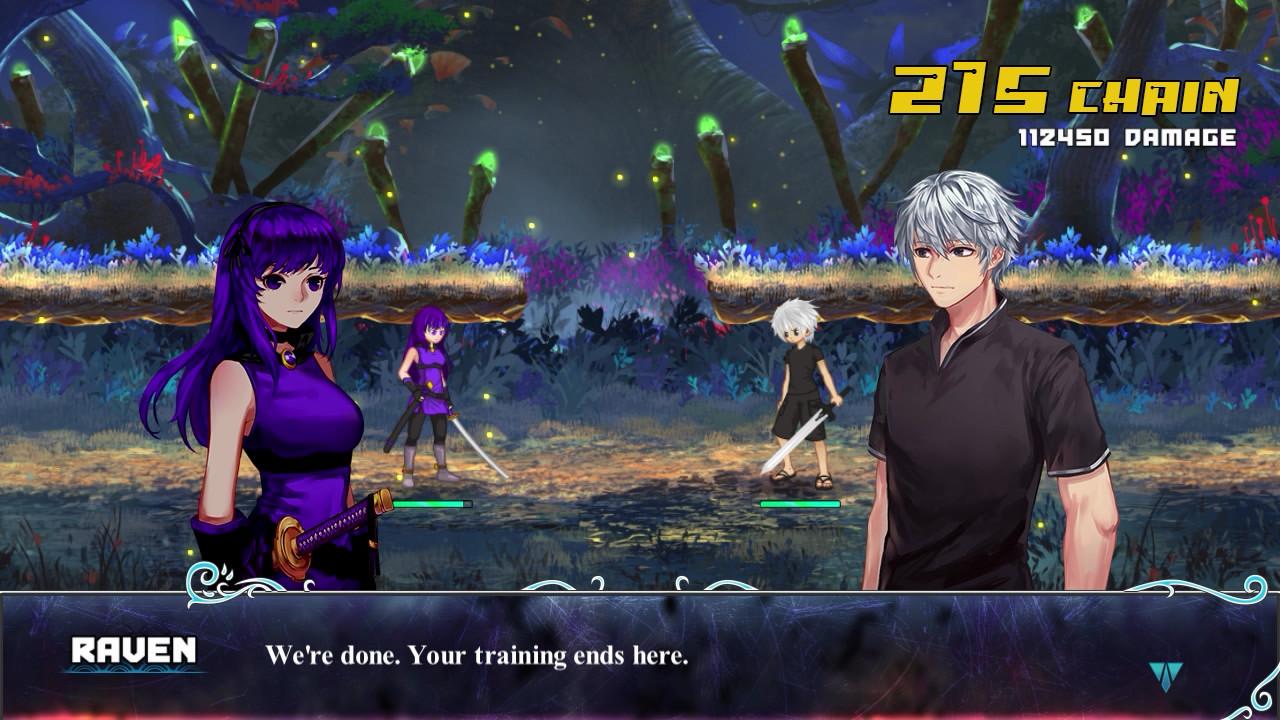
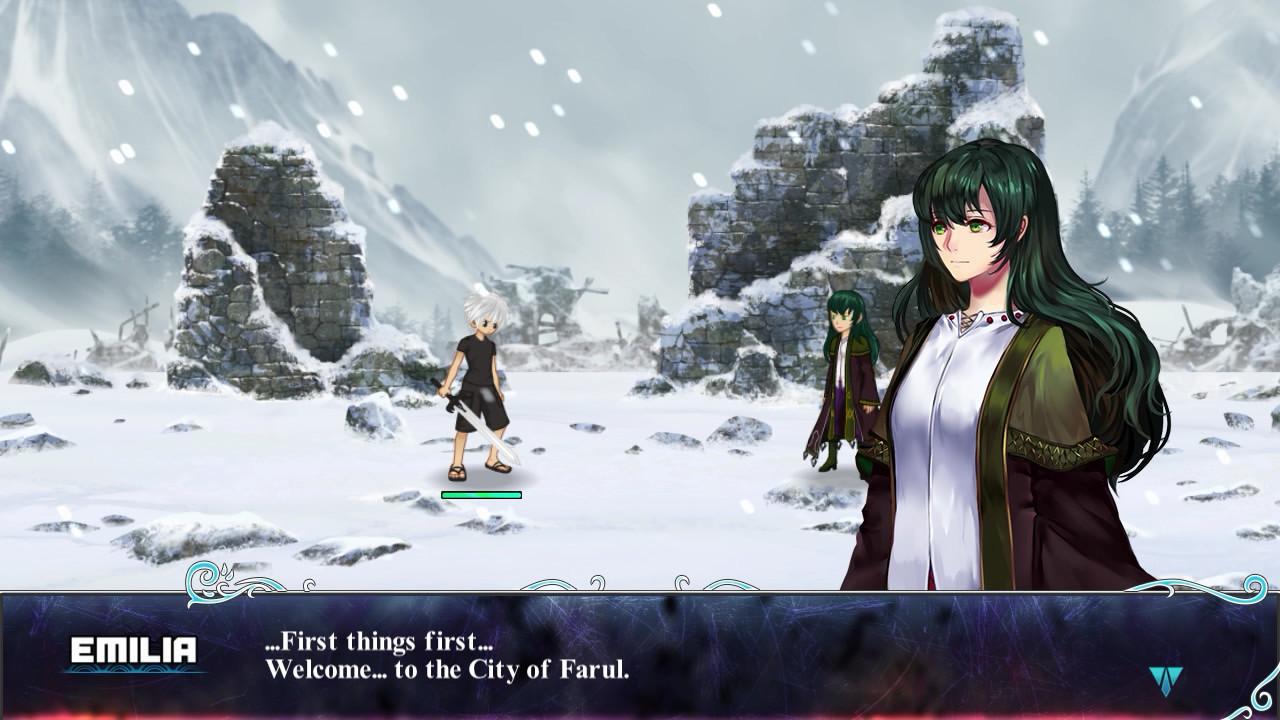
Confronted by his past, Raven finds that the journey he must go on is sudden, harsh, and filled with uncertainty. Yet even so, the hope that he grasps for lies only at the end of the battlefields he stands on, and the path to that future is neither noble nor grand. Features Thrilling and flashy real-time action inspired by the likes of Tales of and Ys A myriad of skills and artifacts to customize your abilities A vibrant and diverse JRPG-inspired soundtrack Ten stages and a multitude of normal enemies and powerful bosses to fight against Three difficulty levels: Easy, Normal, and Nightmare, changeable mid-playthrough Character-focused story of courage, fear, and personal growth Deep combat system with a wide variety of versatile and unique techniques Special mechanics like "Shield", which allows you to defend yourself even when you're attacking, help keep it engaging and original Aerial combos, cinematic ultimate attacks, and more

Luminous Plume screenshotLuminous Plume screenshotLuminous Plume screenshotLuminous Plume screenshotLuminous Plume screenshotLuminous Plume screenshot

How to redeem

  1. 1Check your Steam account and the listed region before purchasing.
  2. 2Find your code and supplier activation instructions in your confirmed order.
  3. 3Open the redeem-code section on Steam, enter the code and follow the platform’s prompts.

Supplier instructions

Go to: http://store.steampowered.com/ and download STEAM client Click "Install Steam" (from the upper right corner) Install and start application, login with your Account name and Password (create one if you don't have). Please follow these instructions to activate a new retail purchase on Steam: Launch Steam and log into your Steam account. Click the Games Menu. Choose Activate a Product on Steam... Follow the onscreen instructions to complete the process. After successful code verification go to the "MY GAMES" tab and start downloading.

You might also like