
OtherGlobal· Key
Starter Pack Software Bundle
€27.30
+€2.73 cashback eligibility in Relic Coins
Check before you play
- Region
- Global
- Product type
- Key
- Genres
- Software
OtherGlobal· Key
€27.30
+€2.73 cashback eligibility in Relic Coins
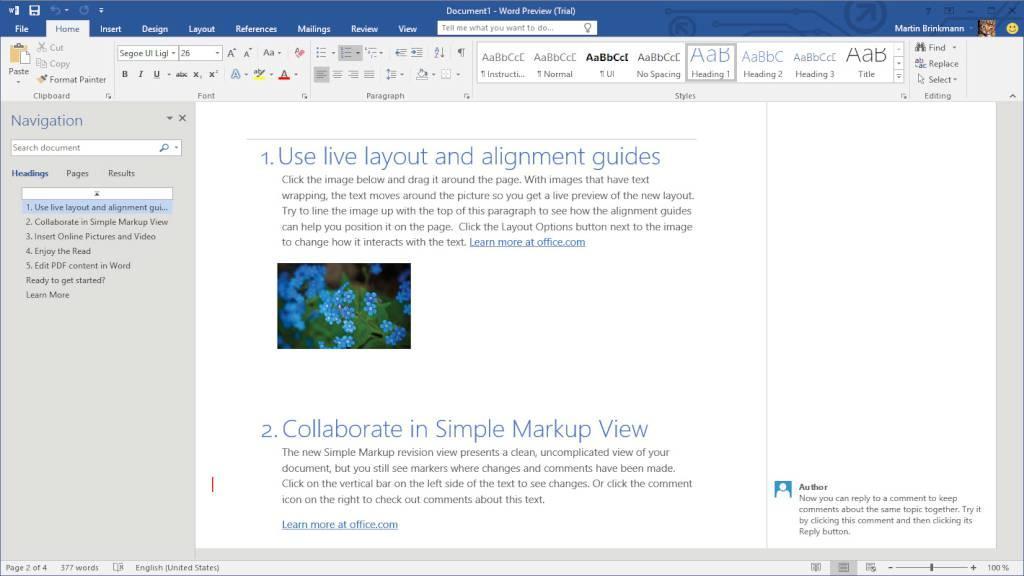
Includes 2 items: Windows 11 Pro OEM and MS Office 2021 Professional Plus Retail Windows 11: Windows 11 Pro was designed to improve the effectiveness of daily business operations on a PC computer. Pre-configured with all the most useful apps and with optimized functionality, it makes it easier to create and share documentation and files, and to hold online meetings. It has also been optimized for IT technicians and developers, with improved app compatibility and cloud file management. Windows 11 Professional is a well-secured, fast and easy to use environment for companies of any size. MS Office 2021 Professional Plus:The essentials to get it all done. Office Professional Plus 2021 is for growing small businesses who want the classic Office apps plus Outlook, Publisher, and Access. A one-time purchase installed on 1 PC for use at work.
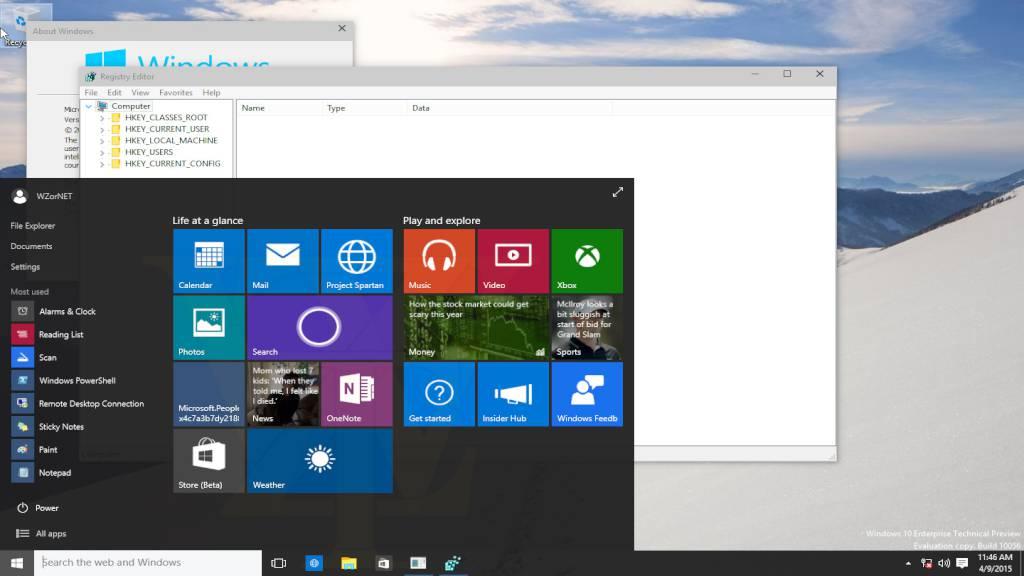
In order to redeem your products follow the instructions below: Windows 10 OEM: If you encounter any issues during activation, please follow these steps: Open Start menu, type SLUI 04 and press enter, Select your country, and call the toll-free number. Follow the instructions provided by the automated activation system to receive a confirmation ID and activate your OS. You can also https://cdns.kinguin.net/media/imagehosting/2019/03/11/activation-1.jpg to check out an illustrated guide of this activation method.The system can be downloaded from https://kingu.in/1ldc or from https://tb.rg-adguard.net/public.php. Kaspersky Internet Security: Download the software from here: https://support.kaspersky.com/kis21 Install the software and launch the program Click on the "Enter Activation Code" in the right-bottom corner of the app and choose "Activate application" option Enter the code and save with "Activate" Software may require you to create a new, or login into an exsiting Kaspersky account Microsoft Office: Log-in to or create an account https://kingu.in/1lbY. After you created the account follow this https://kingu.in/1lc0 (you might have to login with your just created account first). Enjoy your newly acquired Office suite! ALTERNATIVELY you can use https://tb.rg-adguard.net/public.php website. In order to download your file, select type: MS Office, then the correct version (2013, 2016, 2019), edition (Home and Student, Professional etc.), your language and download the file. ______________________________________________________________________________________________________ In case of a problem with activating the product with your key, please use the automated phone system* to activate: In the Activation Wizard, select I want to activate the software by telephone, and then select Next. If nothing happens when you select Next, use the Enter key on your keyboard. Under Step 1 in the Activation Wizard, select your country/region, and then call the Product Activation