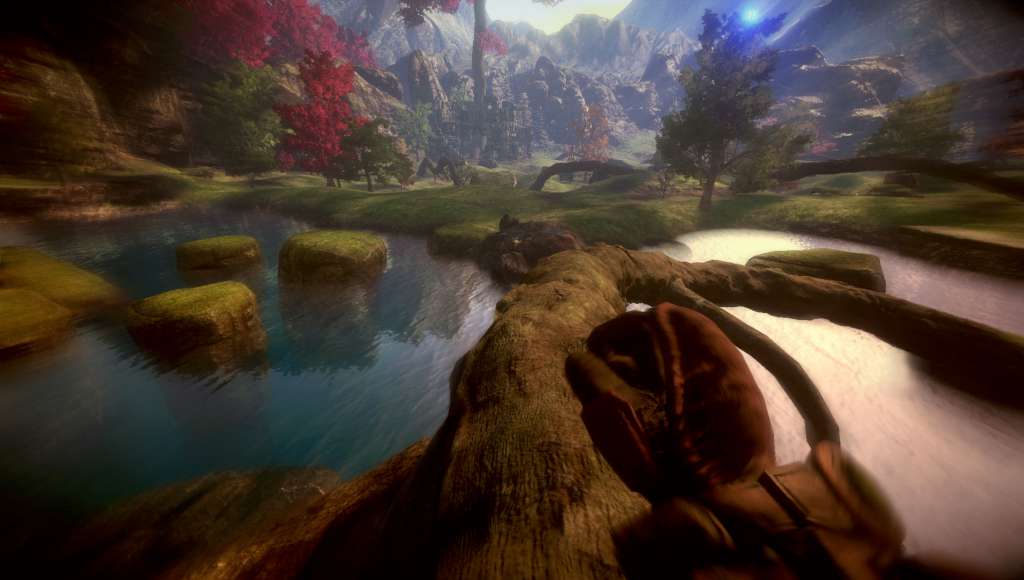
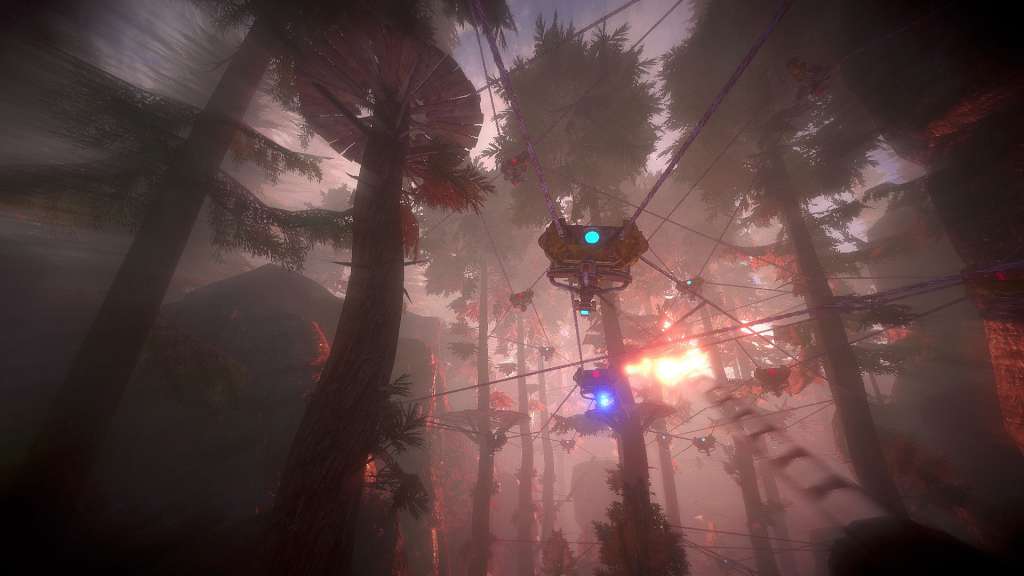
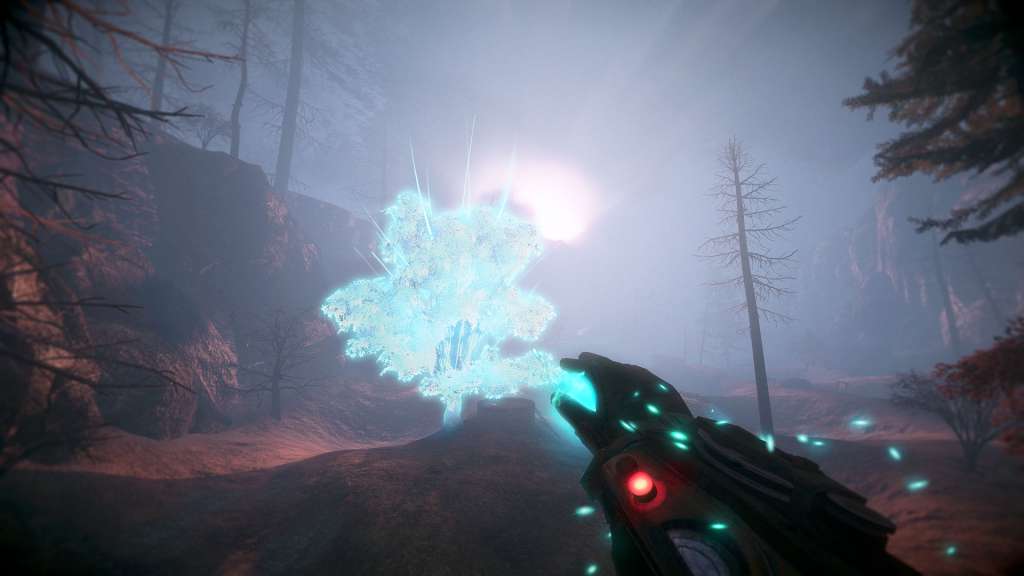
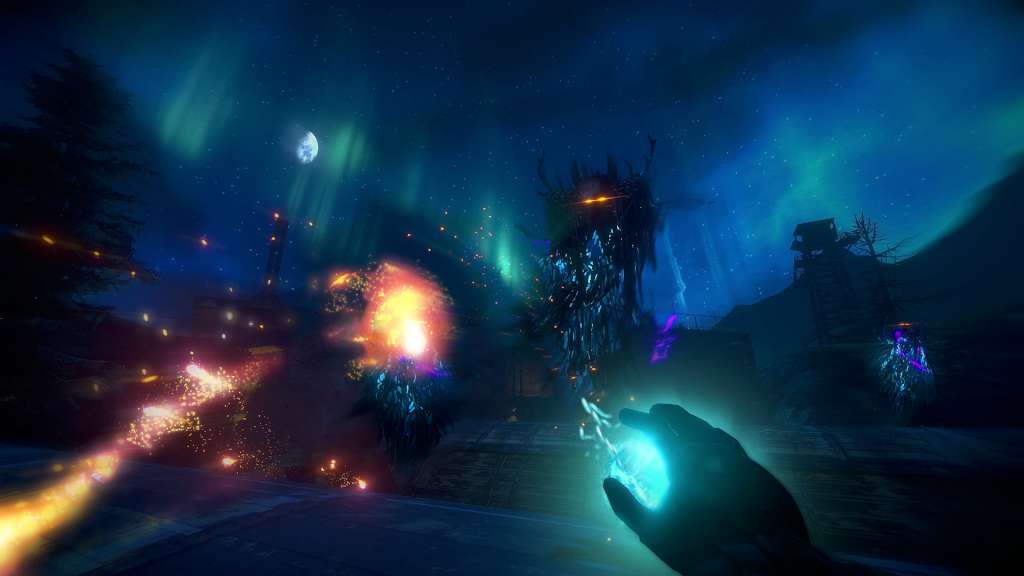
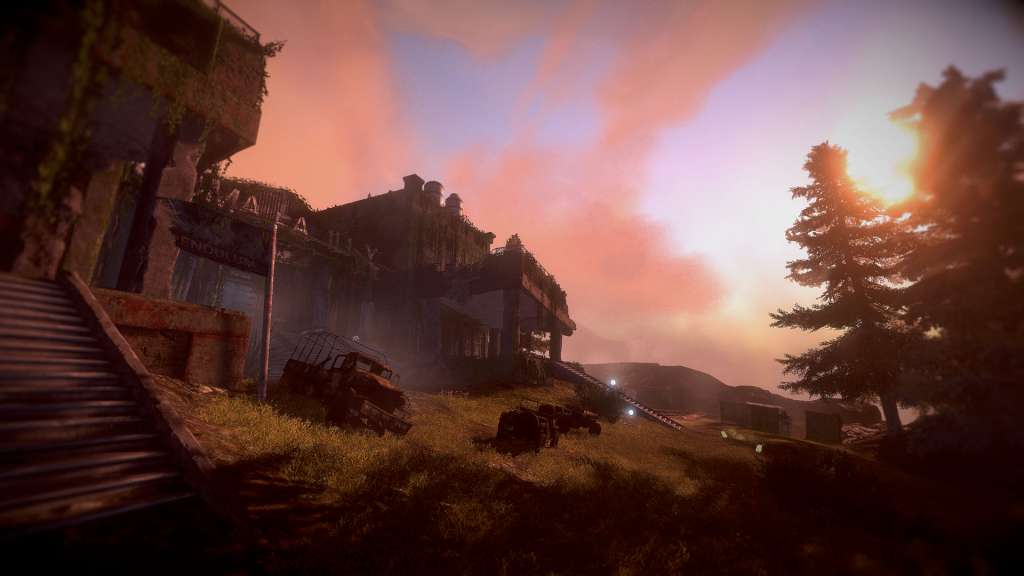
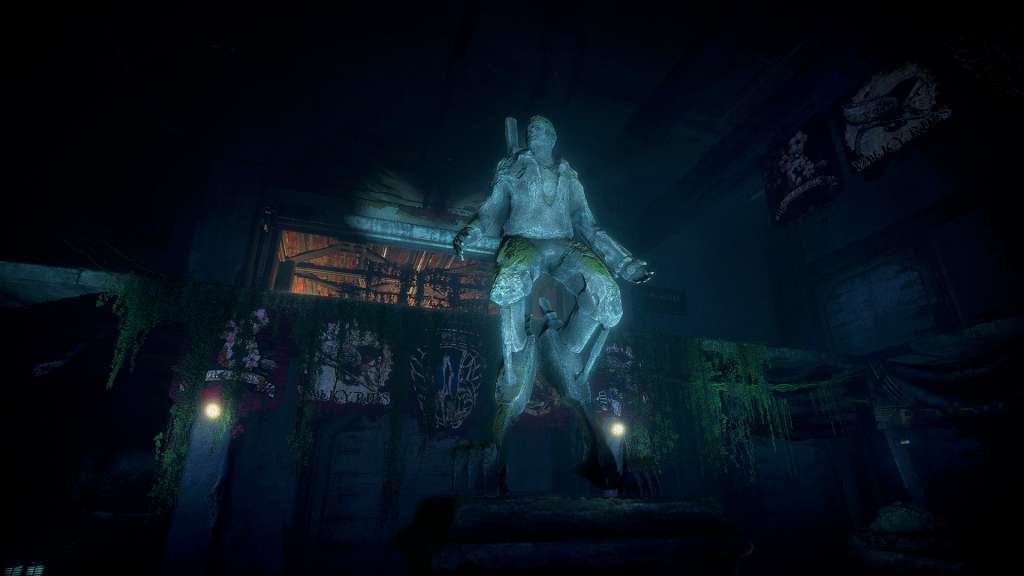
Explore the vast and beautiful world of Valley using the power of the L.E.A.F. suit: a fierce exoskeleton that grants exceptional speed and agility along with the phenomenal ability to manipulate the life and death of all living things. Valley is a First-Person adventure unlike any other. Hidden deep within a remote region of the Rocky Mountains, you find yourself bewildered within a secluded valley. With the power of a recently discovered L.E.A.F. suit (Leap Effortlessly though Air Functionality), run and jump your way through beautiful forests, dangerous ruins and vast environments; all the while utilizing the power to control life and death to uncover the startling secrets of the mysterious valley. Be forewarned, with these new-found abilities comes a daunting repercussion: the more you experience death within the valley, the more the valley will die around you. Features Move faster, jump higher: make your way through the world of Valley using the incredible speed and agility of the L.E.A.F. suit. Manipulate life and death: the L.E.A.F. suit grants its pilots the phenomenal power to both give and take life from any living thing. Experience a unique twist on death: the more you die, the more the valley will die around you. Enhance yourself: upgrade your suit with new abilities and strengths. Explore: the world of Valley is filled with forests, wildlife, ancient ruins, charming creatures, dangerous enemies and other mysteries.