Get 10% back in Relic Coins on every order
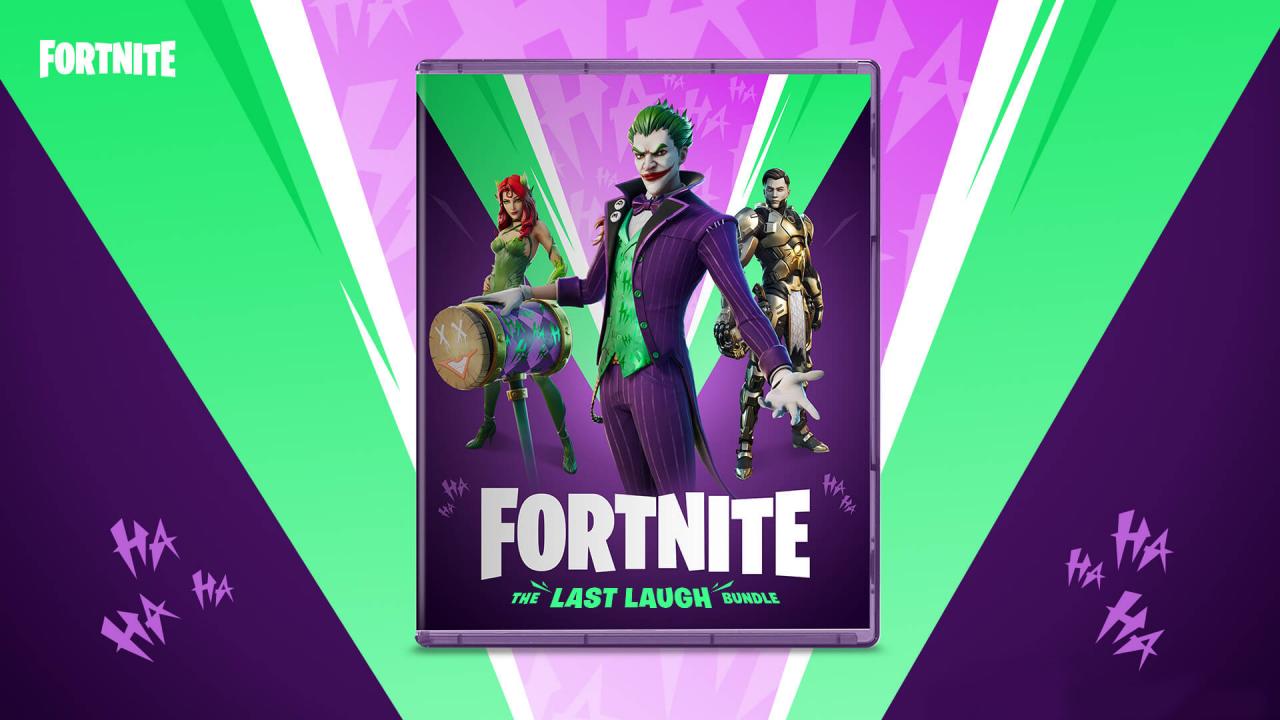
Fortnite - Last Laugh Bundle + 1000 V-Bucks cover

PlayStation 4 Europe - All Countries· Key

Fortnite - Last Laugh Bundle + 1000 V-Bucks

€62.95

+€6.30 cashback eligibility in Relic Coins

Check before you play

Platform
PlayStation 4
Region
Europe - All Countries
Product type
Key
Developer
Epic Games
Publisher
Epic Games
Supplier release date
2020-11-17
Genres
Action, Third-Person Shooter

About this product

Includes: The Joker, Poison Ivy and Midas Rex Skin Three Back Blings - Riot Laugh, Back Bloom, and Midas Ridge Four Harvesting Tools - Bad Joke, Revenge of the Joker, Ivy's Pickaxe, and Kingmaker Pick a Card Contrail 1000 V-Bucks Following the return of Batman, Catwoman, and Harley Quinn to Fortnite, we need to shine the Bat-Signal once again! Batman’s archnemesis, The Joker, arrives in Fortnite. Check out all of The Joker offerings including The Joker Outfit, Laugh Riot Back Bling, Bad Joke Pickaxe, The Joker’s Revenge Pickaxe, and the Pick a Card Contrail. A mastermind of chaos, The Joker is joined by adversaries old and new. Gotham City’s floral femme fatale Poison Ivy is ready to plant her roots on the Island, while Midas returns with the new Midas Rex Outfit.


Fortnite - Last Laugh Bundle + 1000 V-Bucks screenshot

How to redeem

  1. 1Check your PlayStation 4 account and the listed region before purchasing.
  2. 2Find your code and supplier activation instructions in your confirmed order.
  3. 3Open the redeem-code section on PlayStation 4, enter the code and follow the platform’s prompts.

Supplier instructions

In order to redeem Playstation Network Code please follow instruction below: Go to http://www.SonyEntertainmentNetwork.com Click "Manage Account" and sign in with your Sign-In ID(E-mail Address) and Password. Click on "Redeem Prepaid Card". Enter the code printed on the voucher or PlayStation Network Card and click "Continue". If the code is valid, you will be presented with a description of what the code will deliver to your account. Press "Redeem..." button to add the item or funds to your account.

You might also like