Get 10% back in Relic Coins on every order
Paw Paw Paw cover

SteamGlobal· Key

Paw Paw Paw

€0.35

+€0.03 cashback eligibility in Relic Coins

Check before you play

Platform
Steam
Region
Global
Product type
Key
Developer
Simpleton
Publisher
GrabTheGames
Supplier release date
2020-11-13
Genres
Action, Adventure, Indie

About this product

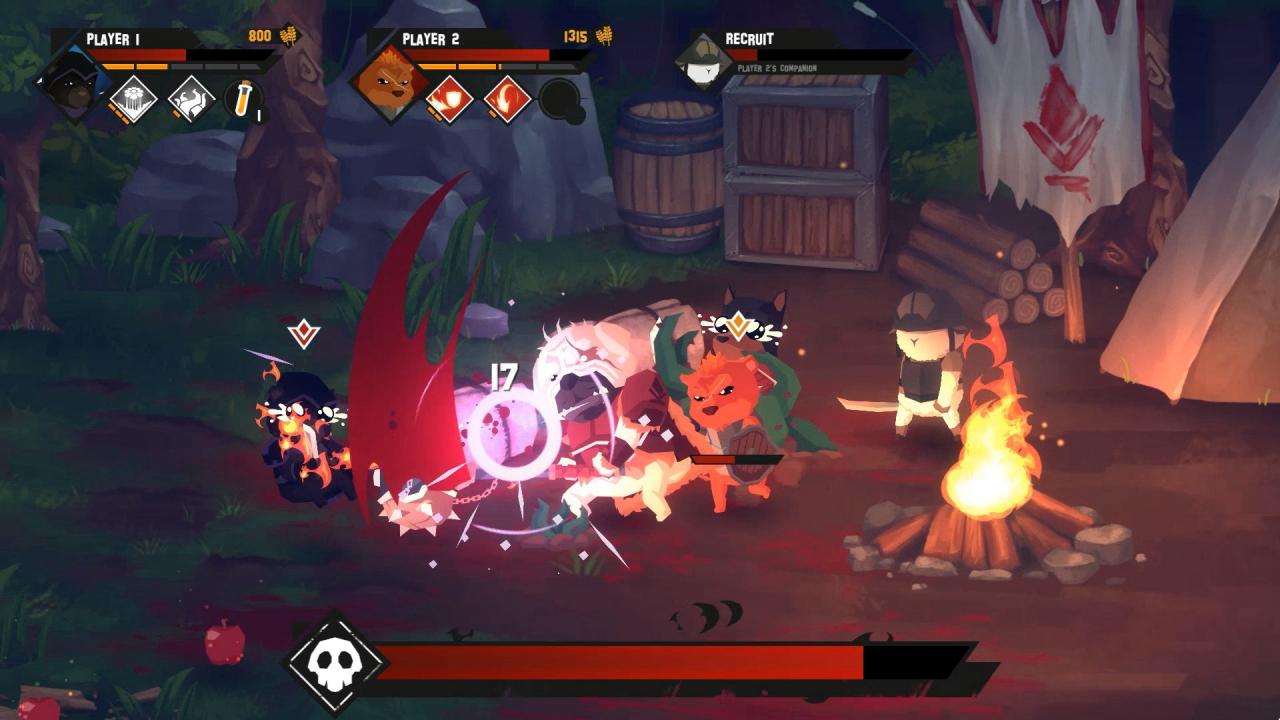
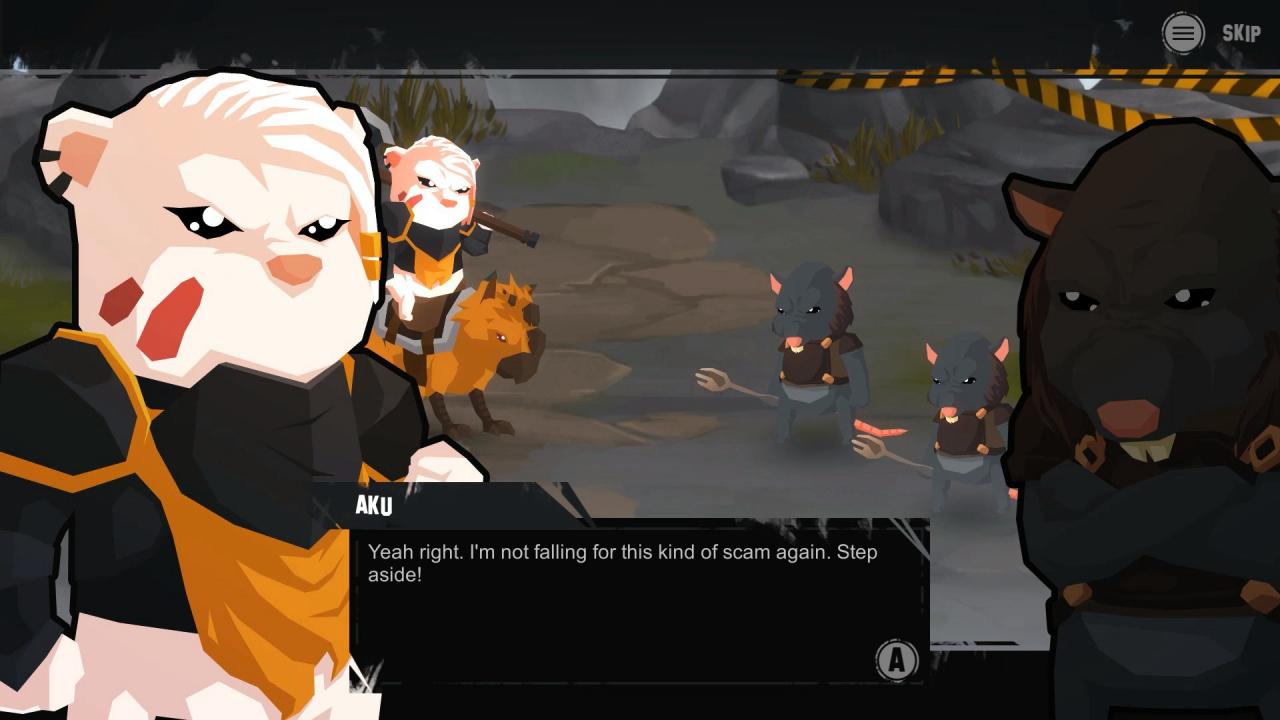
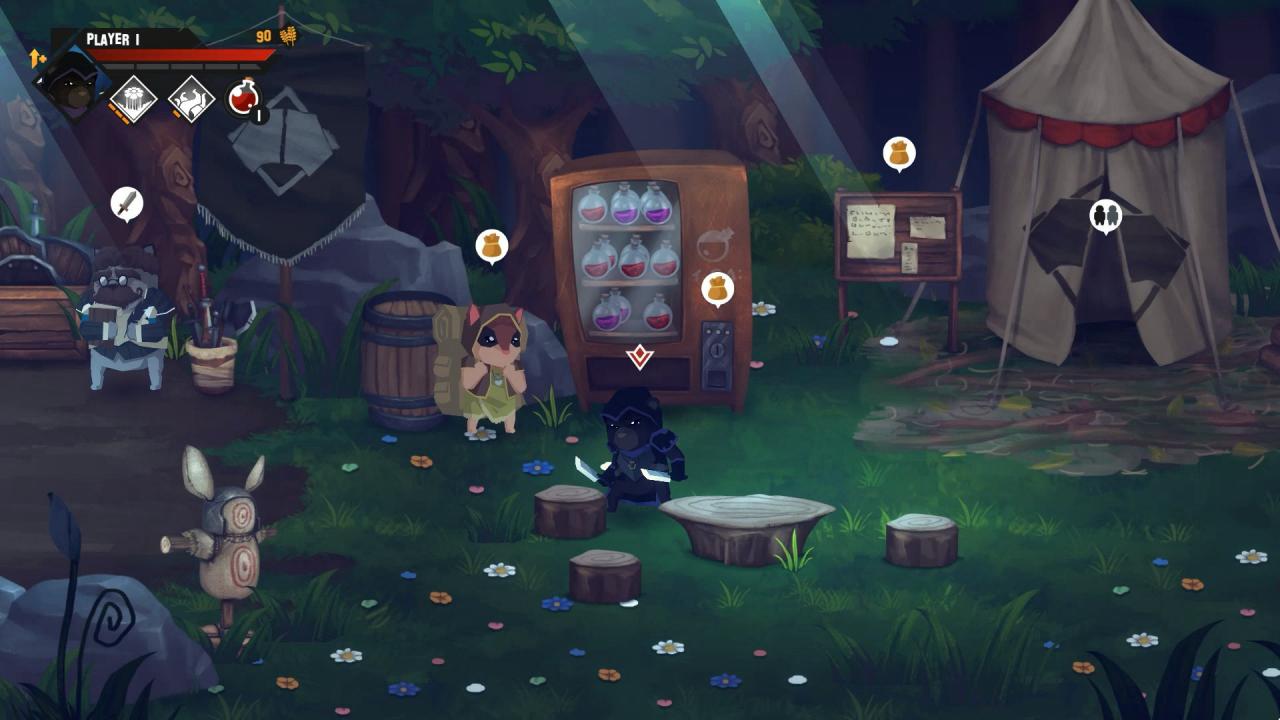
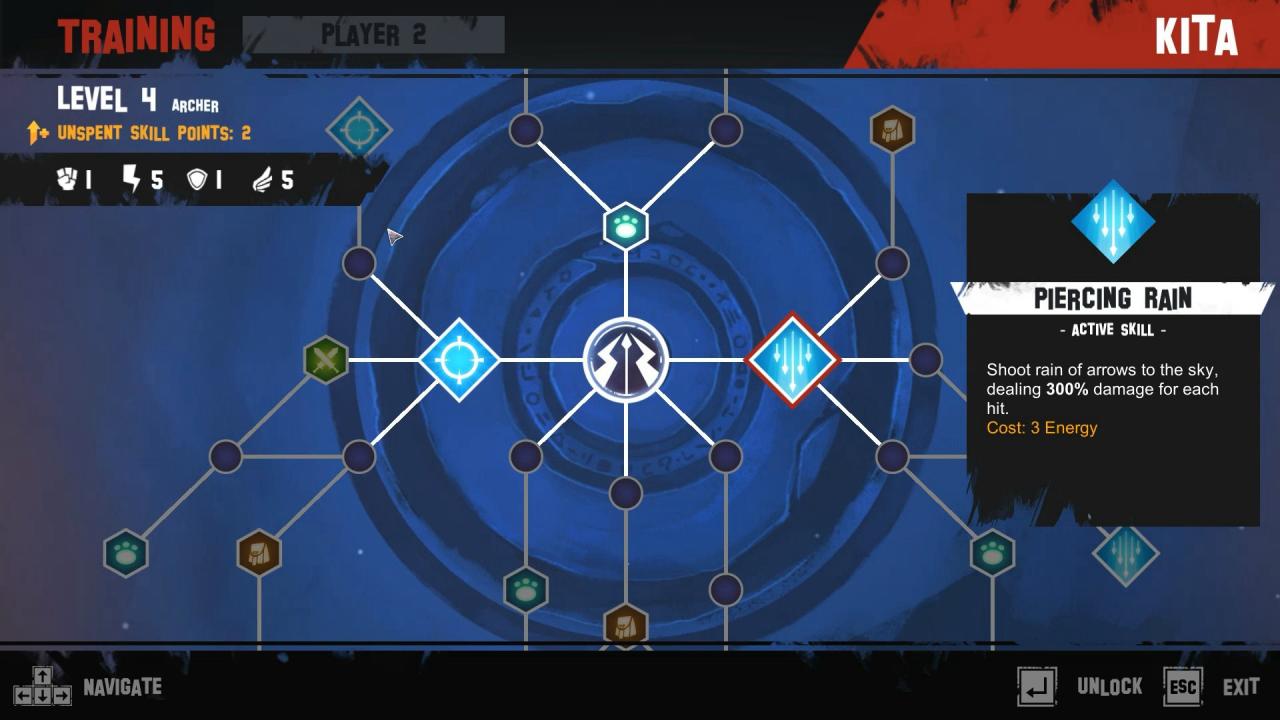
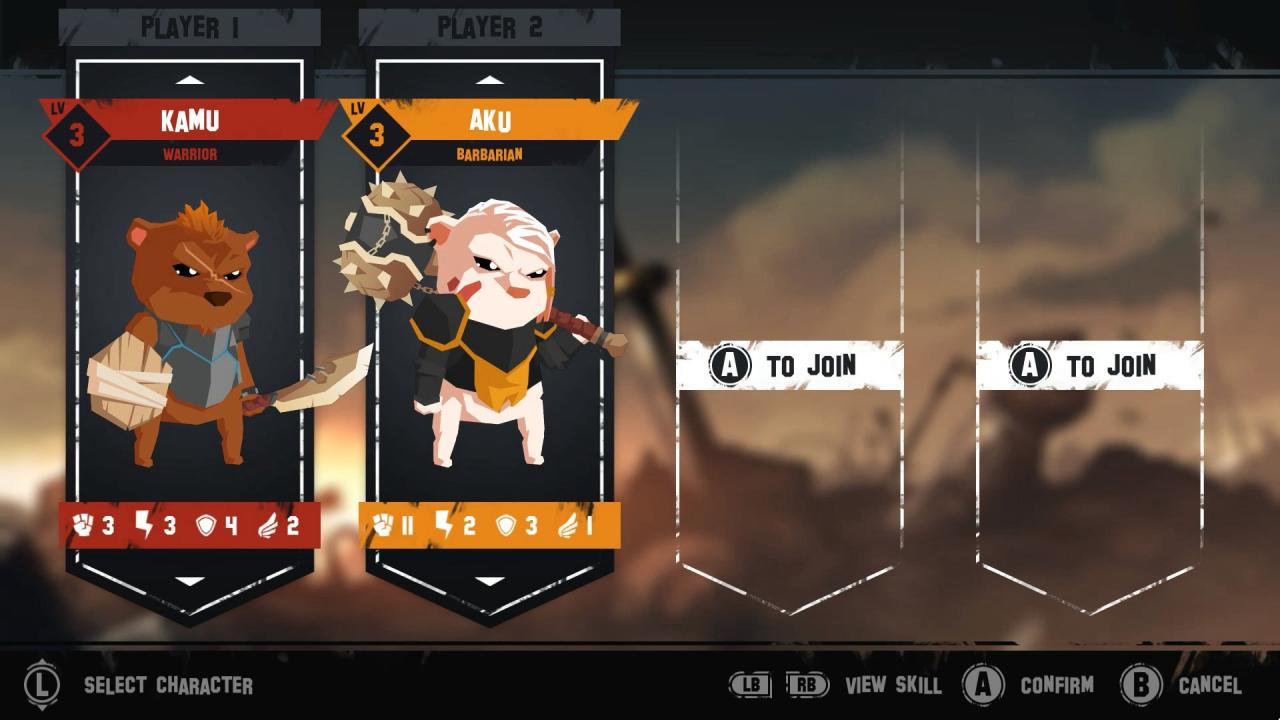
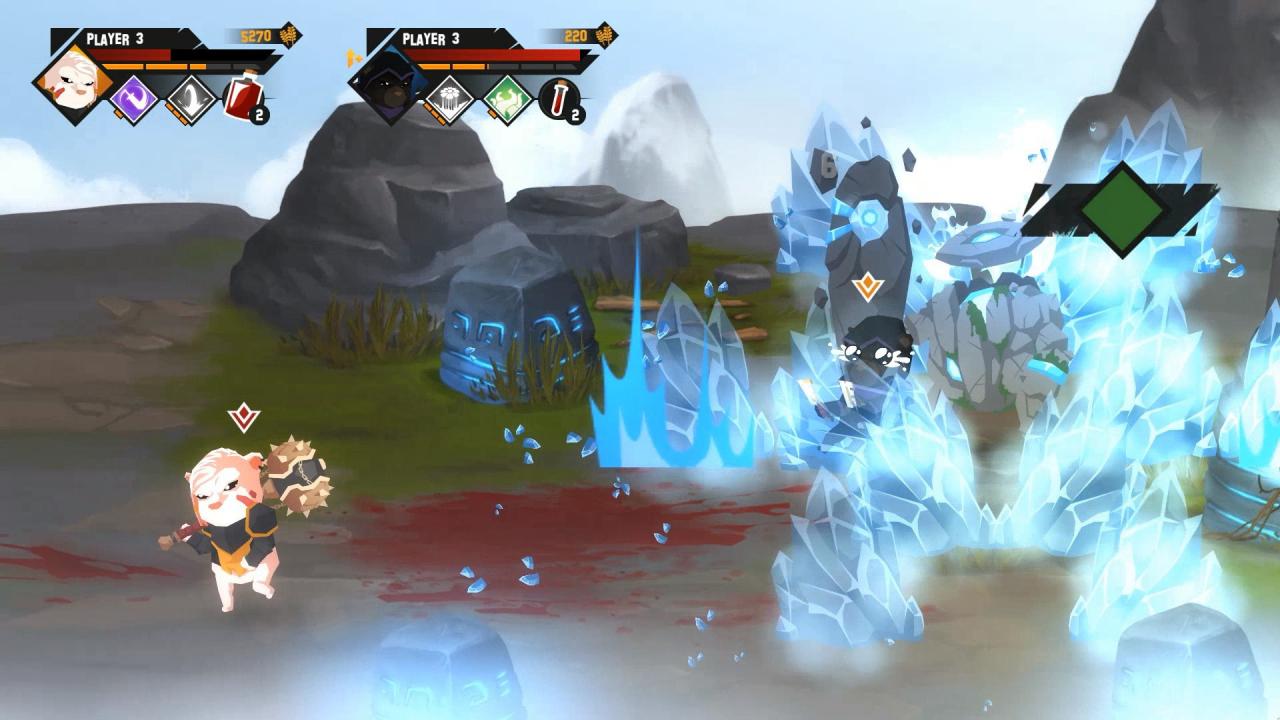
Paw Paw Paw is a 2D Sidescroller Beat ‘Em Up game. You play as part of the resistance in their effort to bring down the King. Hack and slash your way to victory, and beat all your enemies into pulps! KEY FEATURES Play single player or local co-op up to 4 players Level up your character Unlock new combo Loot and equip new weapons Hire companion to help you in battle Ride your mount into battle CHARACTERS There are four starting characters to chose from, with more to be unlocked as you play the game. Each character has their own abilities, stats, combos, and weapon preferences. Choose a character that fit your play style! WEAPONS Unlock new and powerful weapons for your characters! Each weapon has its own stats and bonuses. Loot weapons by defeating enemies and bosses. Or you can buy new weapons from the wandering merchants. OUTPOST Outposts are places that you can visit between levels. A place for you to rest and prepare for the next mission. Here you can level up your characters, equip new weapons, restock your supplies, buy various items and recruit a companion.

Paw Paw Paw screenshotPaw Paw Paw screenshotPaw Paw Paw screenshotPaw Paw Paw screenshotPaw Paw Paw screenshotPaw Paw Paw screenshot

How to redeem

  1. 1Check your Steam account and the listed region before purchasing.
  2. 2Find your code and supplier activation instructions in your confirmed order.
  3. 3Open the redeem-code section on Steam, enter the code and follow the platform’s prompts.

Supplier instructions

Go to: http://store.steampowered.com/ and download STEAM client Click "Install Steam" (from the upper right corner) Install and start application, login with your Account name and Password (create one if you don't have). Please follow these instructions to activate a new retail purchase on Steam: Launch Steam and log into your Steam account. Click the Games Menu. Choose Activate a Product on Steam... Follow the onscreen instructions to complete the process. After successful code verification go to the "MY GAMES" tab and start downloading.

You might also like