Get 10% back in Relic Coins on every order
Sorcery! The Complete Collection cover

SteamGlobal· Key

Sorcery! The Complete Collection

€7.30

+€0.73 cashback eligibility in Relic Coins

Check before you play

Platform
Steam
Region
Global
Product type
Key
Developer
inkle
Publisher
inkle
Supplier release date
2016-09-22
Genres
Adventure, RPG, Indie, Open World, Story rich

About this product

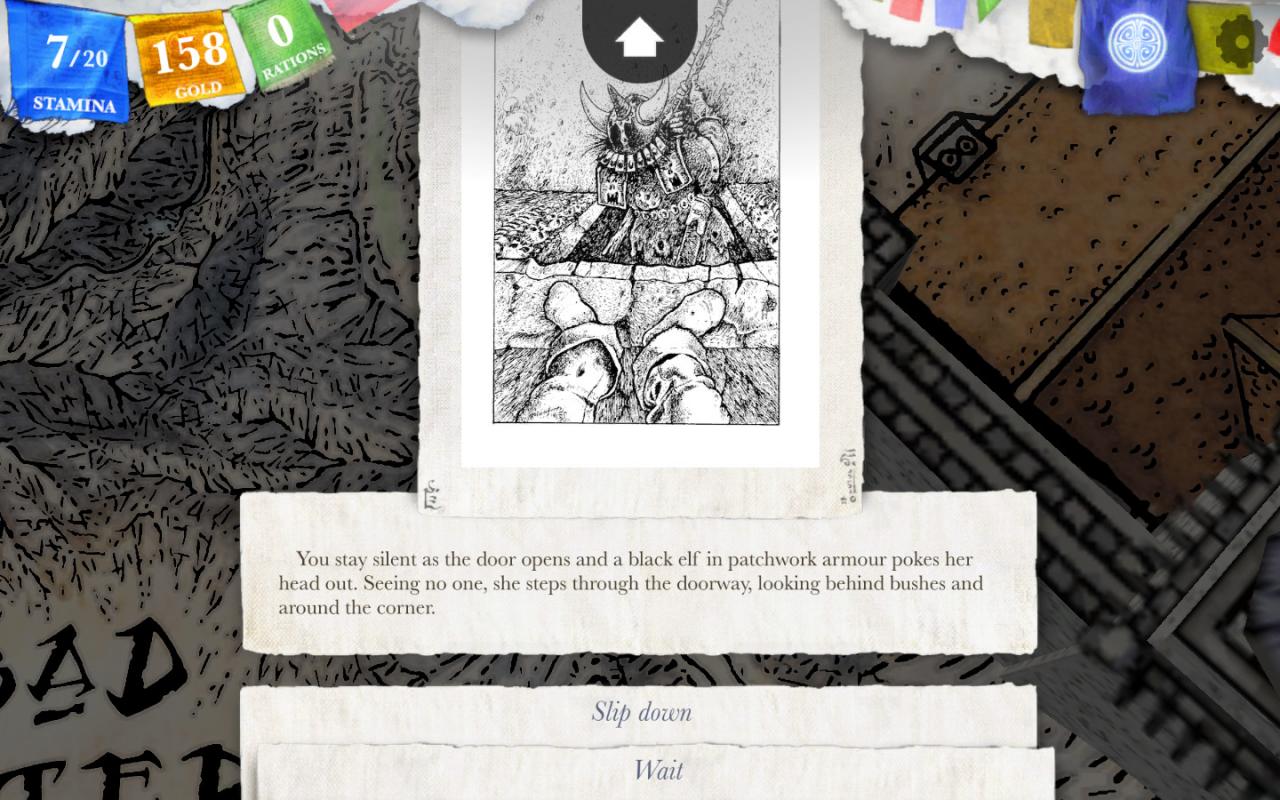
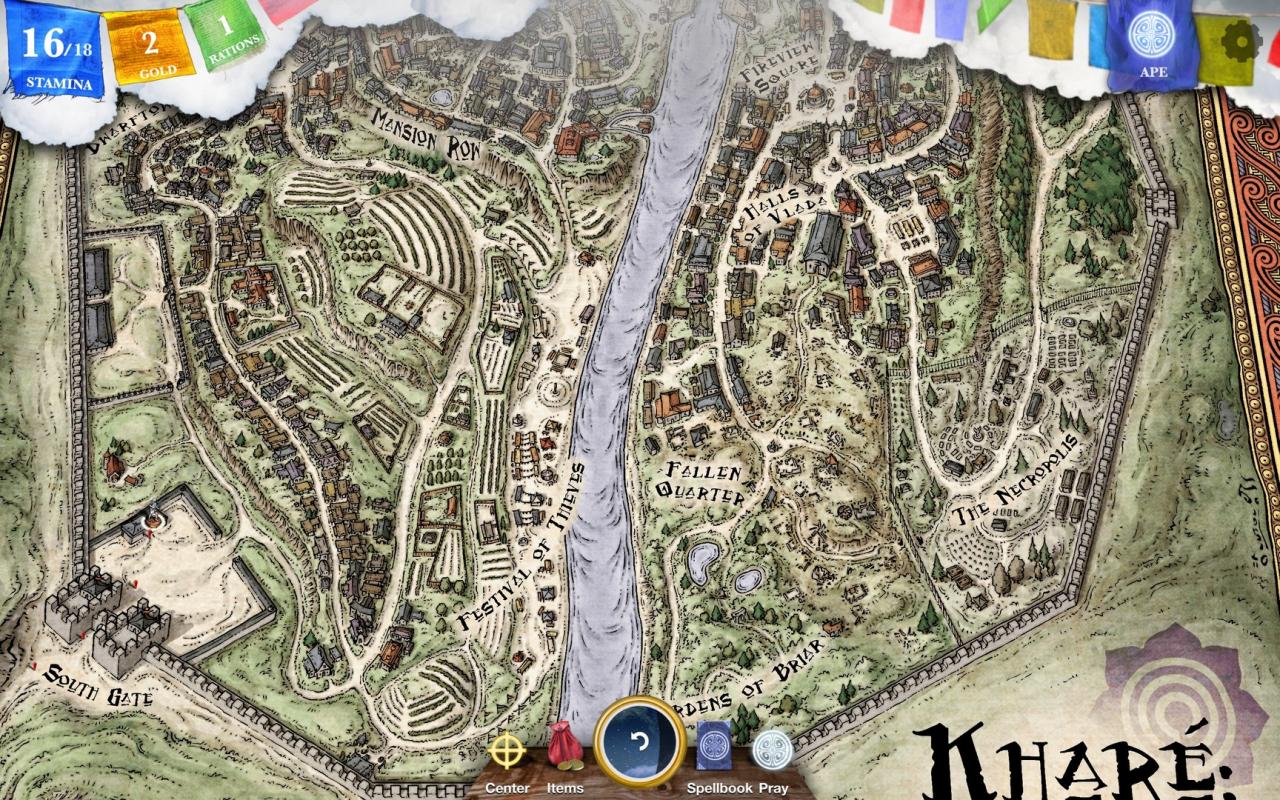
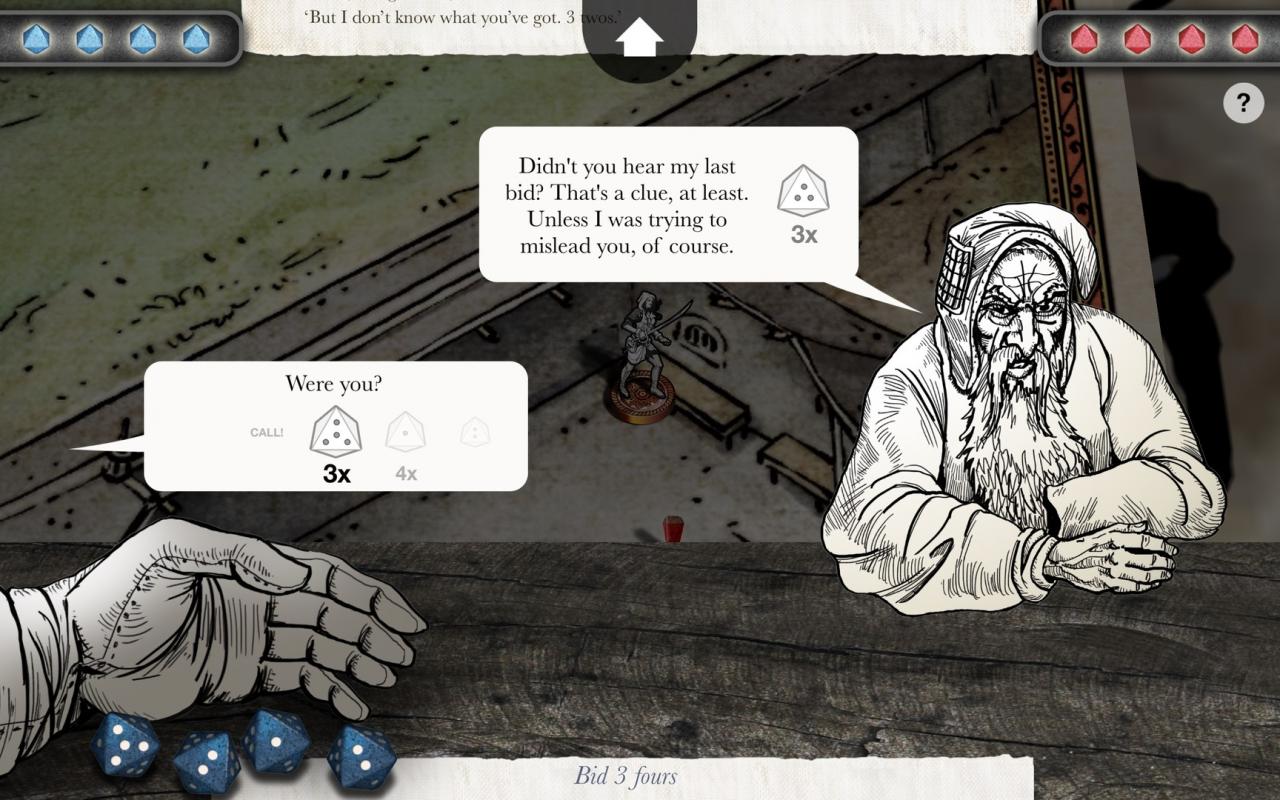
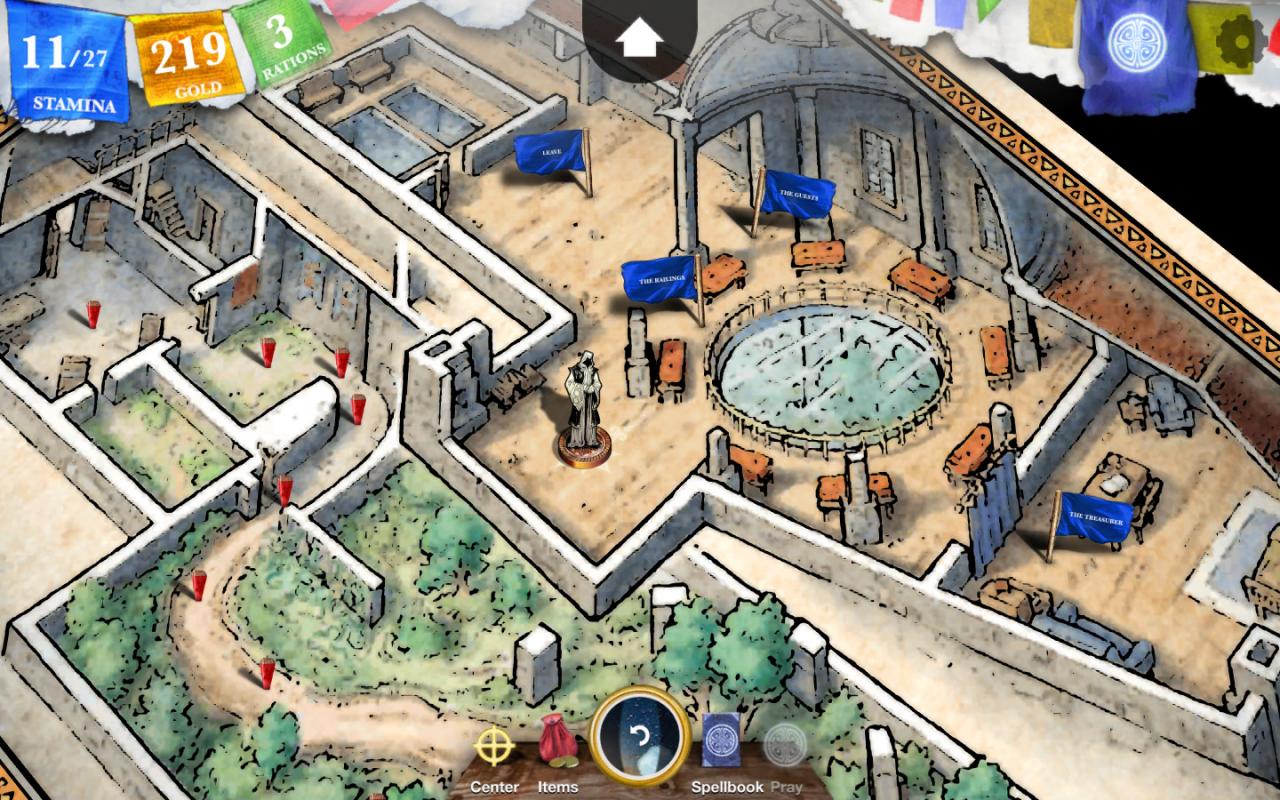
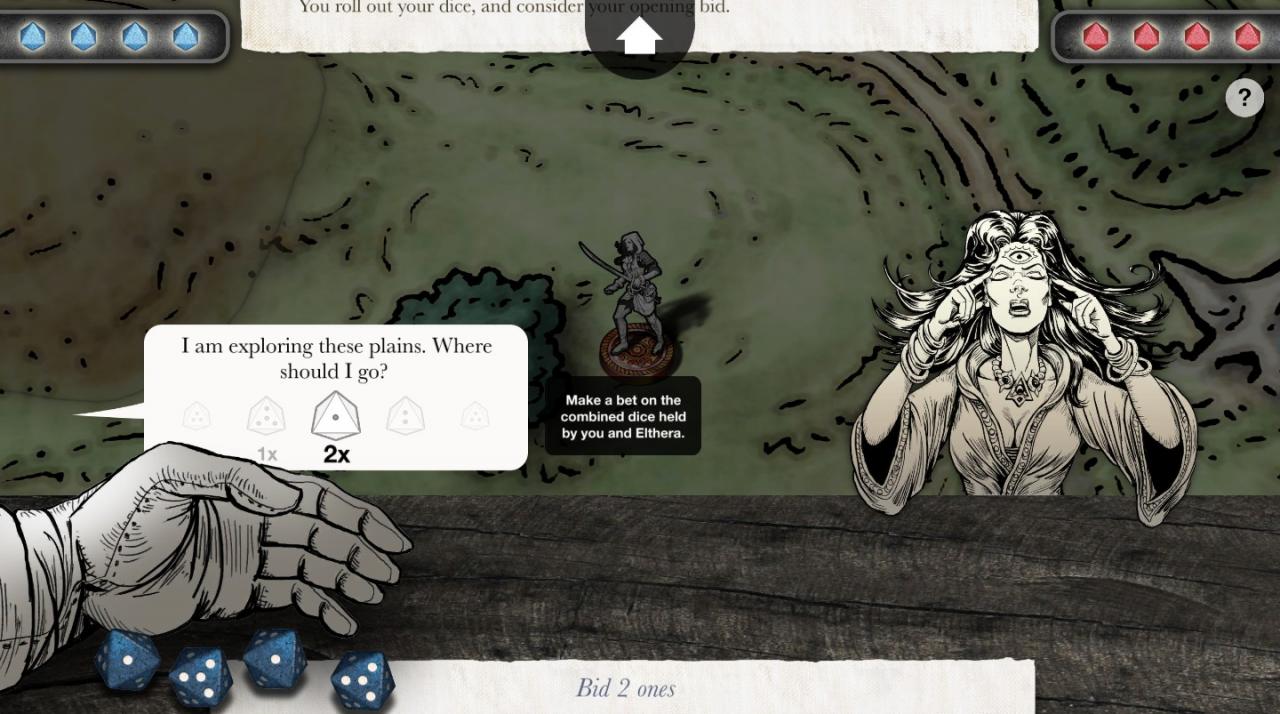
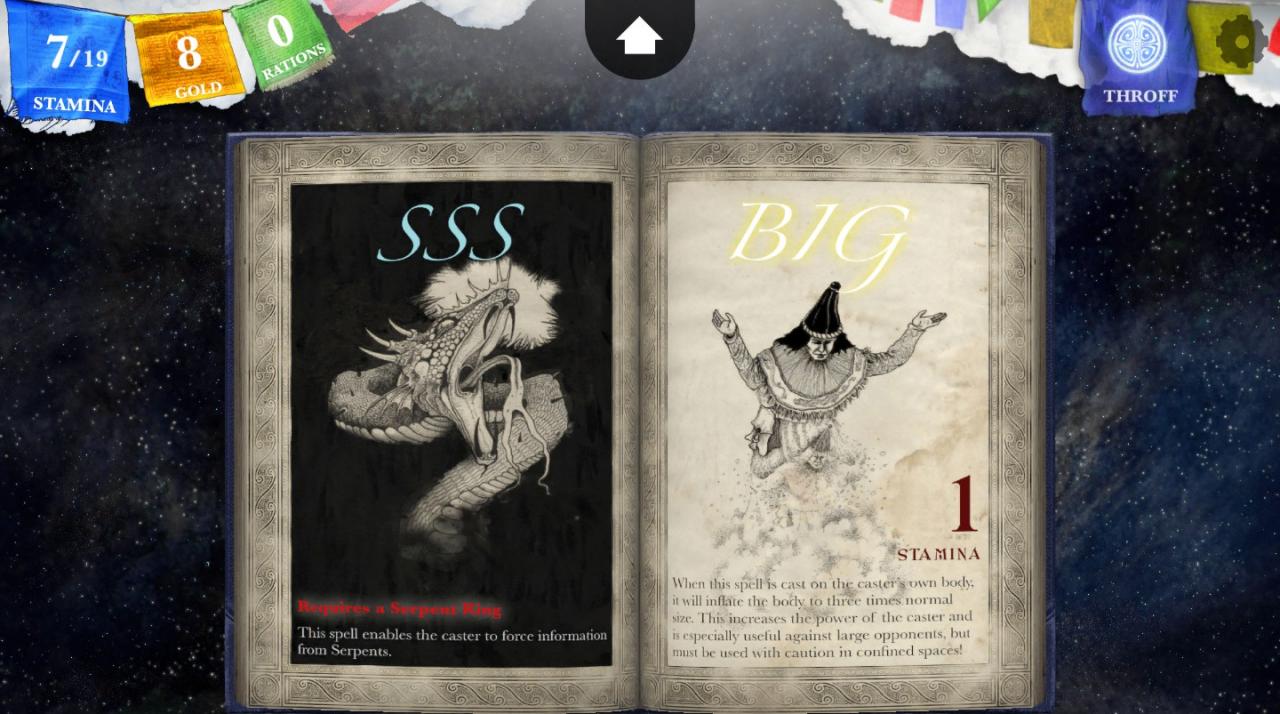
Includes: Sorcery! Parts 1 - 4 An epic adventure in a land of monsters, traps and magic. Journey across the deadly Shamutanti Hills and through the Cityport of Kharé, home to thieves, corrupt nobles and deadly mutants, as you attempt to recover the Crown of Kings. Armed with your sword, and over fifty spells with weird and wonderful effects, embark on a journey of a thousand choices where every one is remembered and will change your story. This is Parts 1 and 2 of a four-part series. As played by the Yogscast, Sorcery! is a narrative adventure like no other, that creates your own unique fantasy adventure as you play. Sorcery! Parts 1 and 2 are the first half of an epic quadrilogy. Sorcery! 3 takes the adventure to the wilds of the Baklands and creates a fully open-world experience, and will be out shortly on Steam. Sorcery! 4 finishes the adventure. Each part can be played on its own, or you can load your character from one part to the next, carrying over equipment, stats, and narrative choices.

Sorcery! The Complete Collection screenshotSorcery! The Complete Collection screenshotSorcery! The Complete Collection screenshotSorcery! The Complete Collection screenshotSorcery! The Complete Collection screenshotSorcery! The Complete Collection screenshot

How to redeem

  1. 1Check your Steam account and the listed region before purchasing.
  2. 2Find your code and supplier activation instructions in your confirmed order.
  3. 3Open the redeem-code section on Steam, enter the code and follow the platform’s prompts.

Supplier instructions

Go to: http://store.steampowered.com/ and download STEAM client Click "Install Steam" (from the upper right corner) Install and start application, login with your Account name and Password (create one if you don't have). Please follow these instructions to activate a new retail purchase on Steam: Launch Steam and log into your Steam account. Click the Games Menu. Choose Activate a Product on Steam... Follow the onscreen instructions to complete the process. After successful code verification go to the "MY GAMES" tab and start downloading.

You might also like