
SteamGlobal· Key
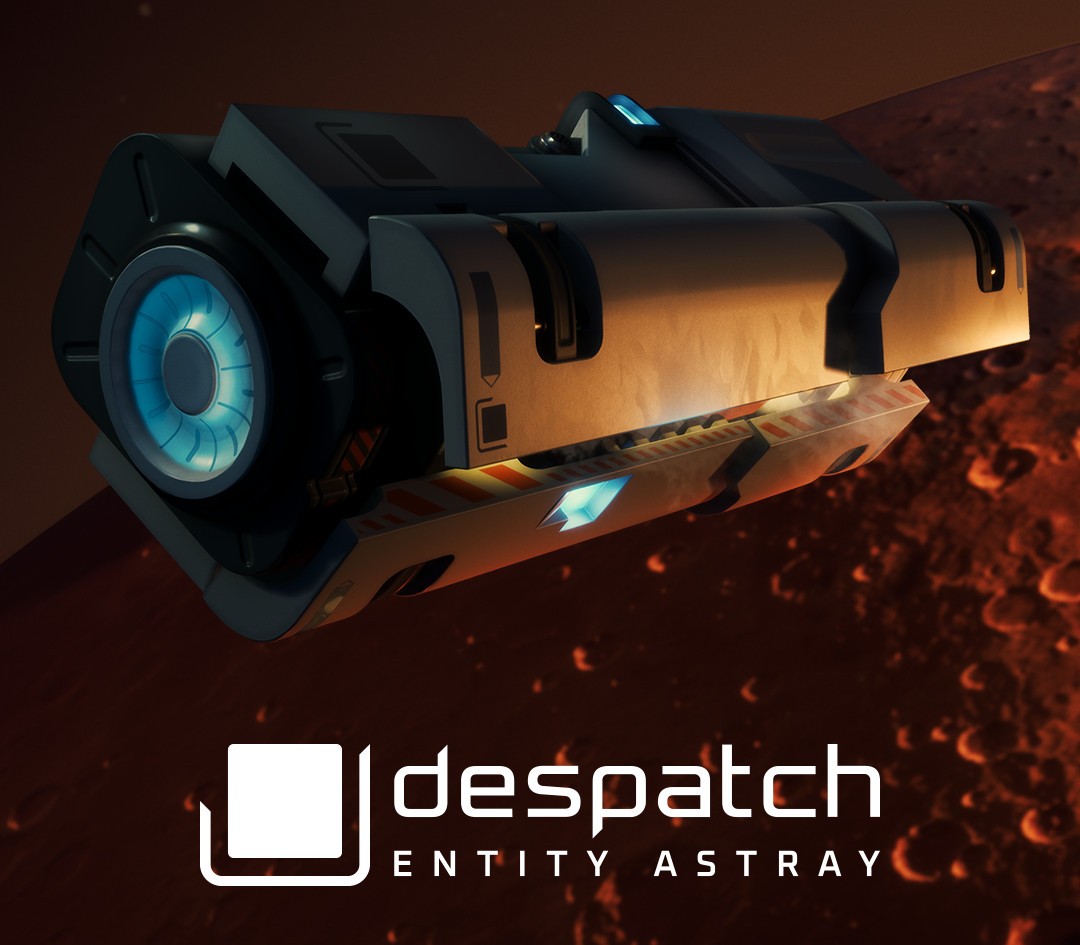
despatch: Entity Astray
€5.82
+€0.58 cashback eligibility in Relic Coins
Check before you play
- Platform
- Steam
- Region
- Global
- Product type
- Key
- Supplier release date
- 2020-11-13
- Genres
- Adventure, Indie, Casual, VR Games
SteamGlobal· Key
€5.82
+€0.58 cashback eligibility in Relic Coins
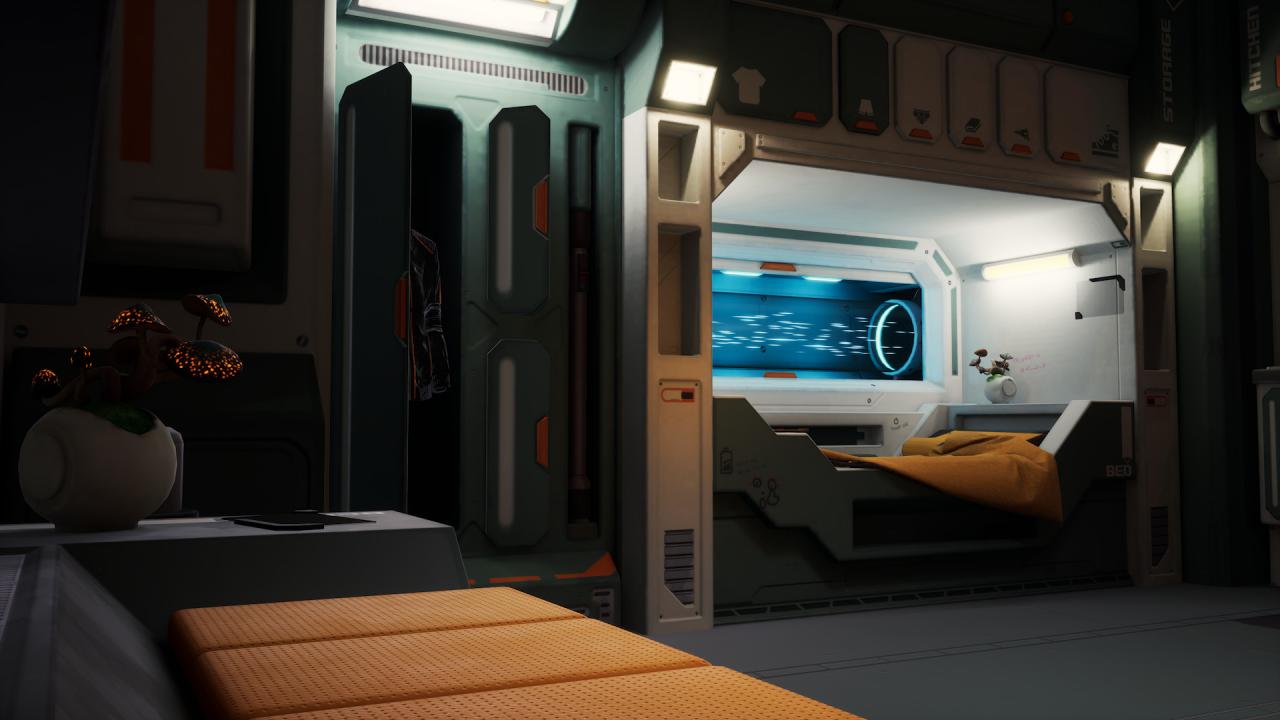
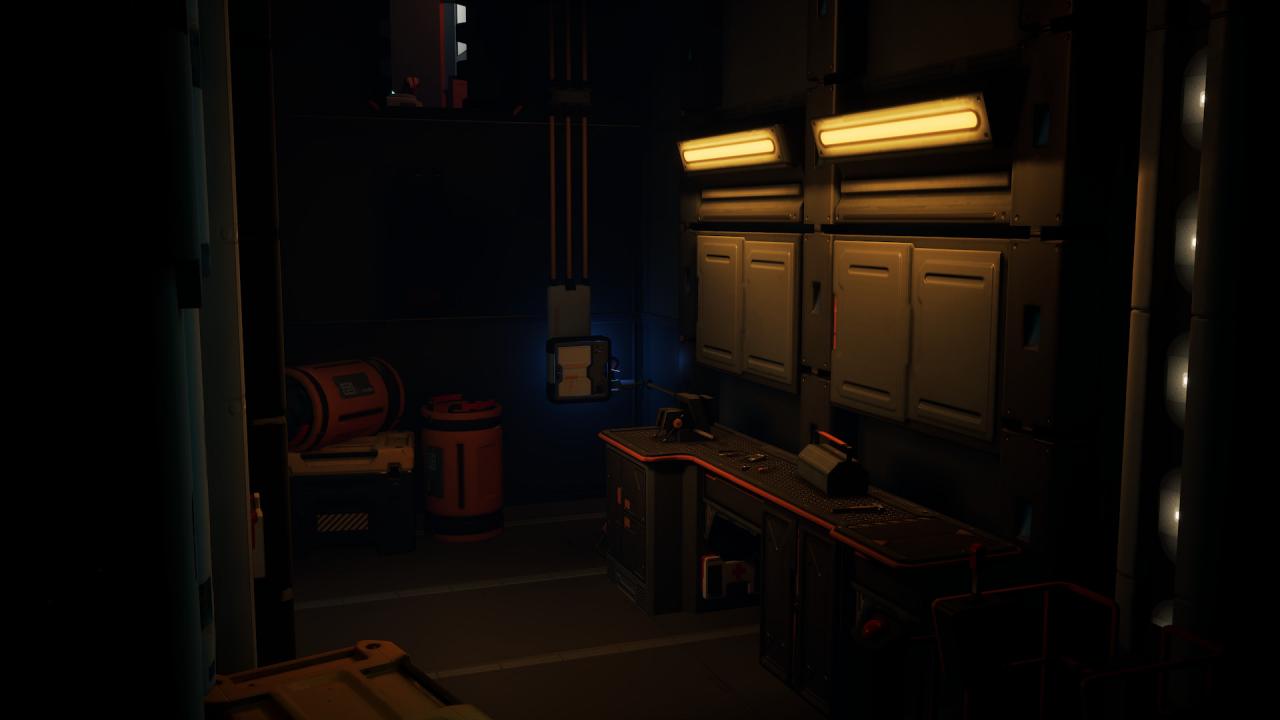
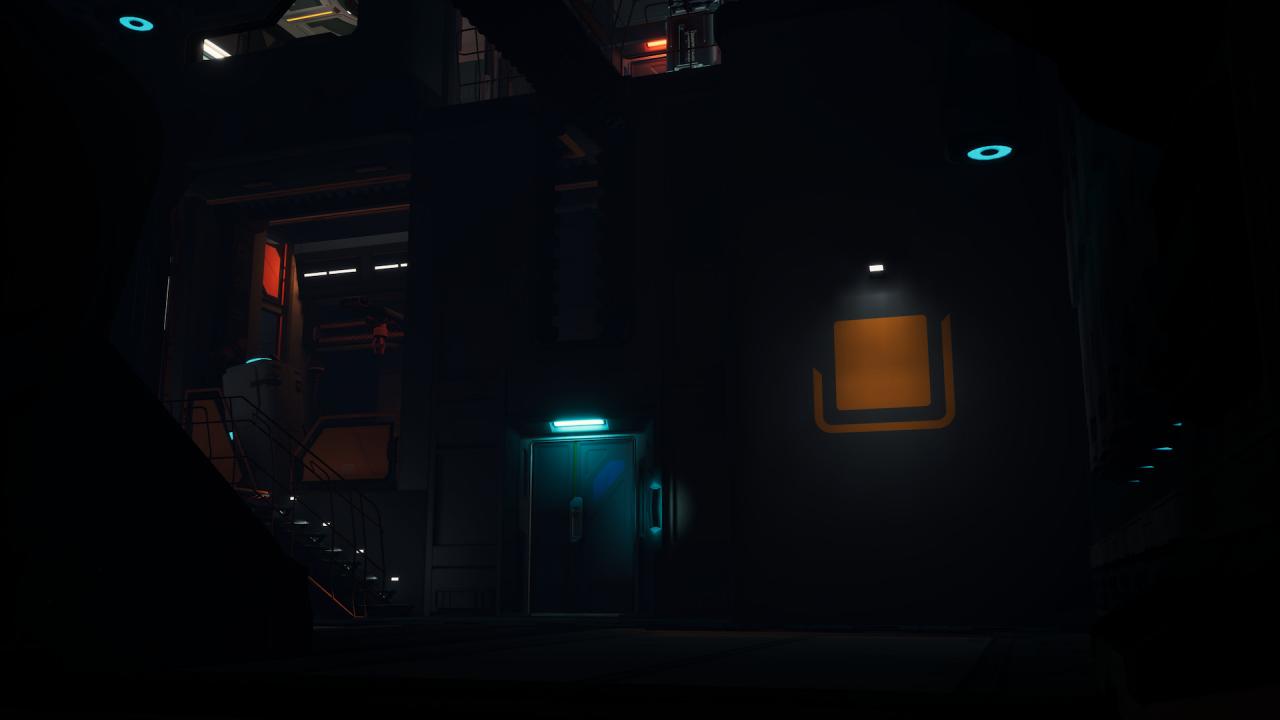
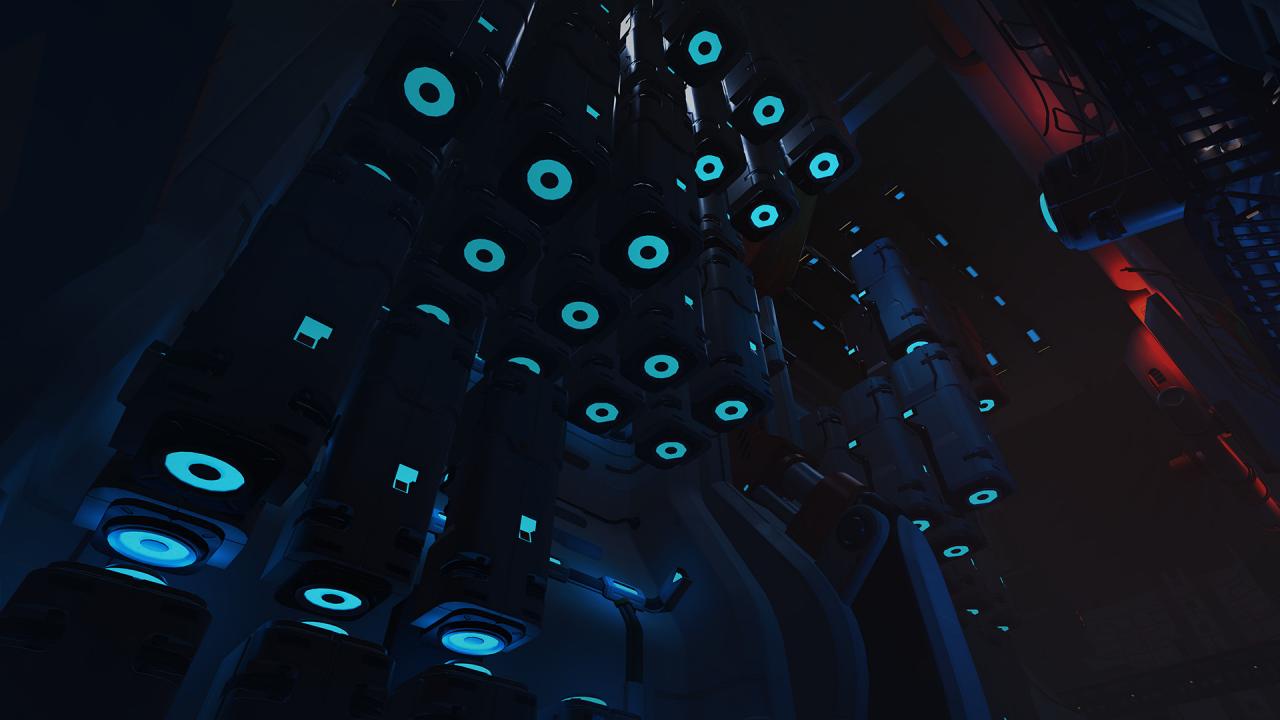
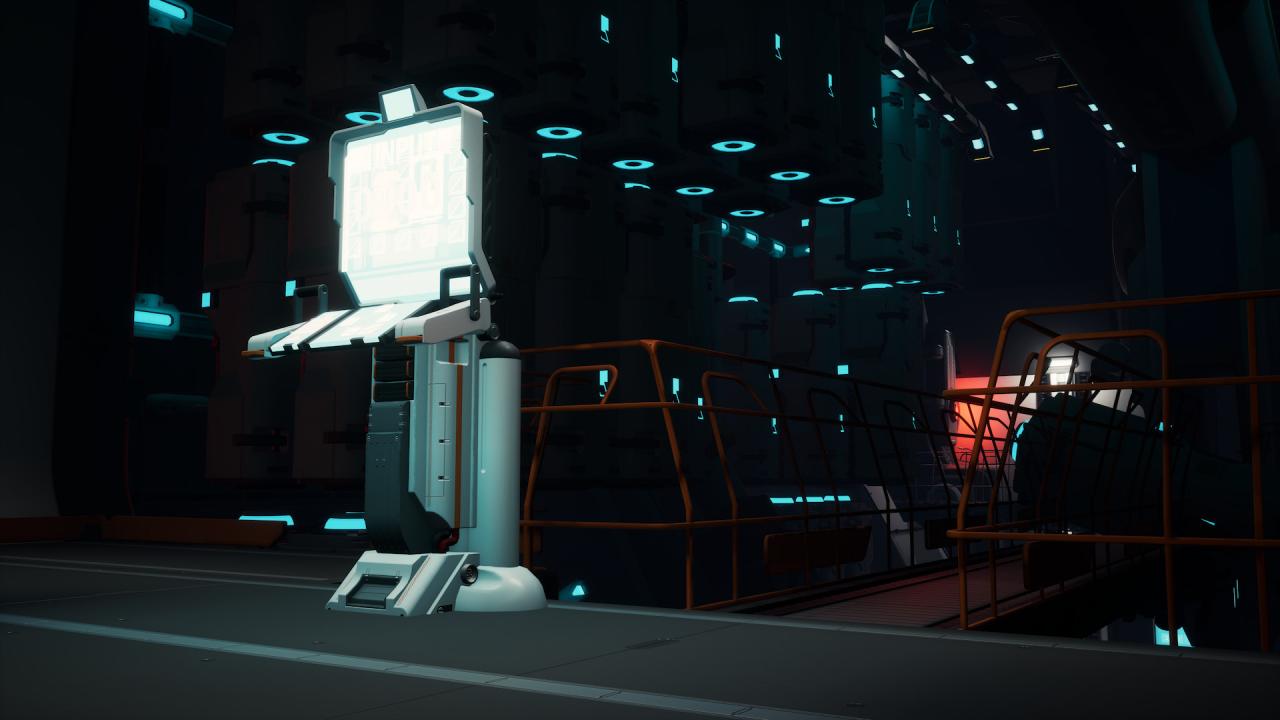
Immerse yourself into a thrilling VR Escape Room Game A blackout leaves you at the mercy of a strange and hopeless situation. Place and reasons for your presence are unknown. Discover unfamiliar environments, study the surrounding mechanics and find out who you are in order to escape the deadly scenario."despatch: Entity Astray" is a combination of Sci-Fi adventures and experimental Escape Room Games. Impressive AA graphics, detailed environments, intuitive gameplay and a complex level design make “despatch” a remarkable gaming experience. Developed and optimized for Virtual Reality, “despatch” creates an immersive VR experience. By completely entering the dystopic situation, you become one with the protagonist’s journey. Several solution approaches and environmental storytelling bring refreshing versatility to the gaming experience. Start your VR adventure now and bring light into the unknown darkness.

Go to: http://store.steampowered.com/ and download STEAM client Click "Install Steam" (from the upper right corner) Install and start application, login with your Account name and Password (create one if you don't have). Please follow these instructions to activate a new retail purchase on Steam: Launch Steam and log into your Steam account. Click the Games Menu. Choose Activate a Product on Steam... Follow the onscreen instructions to complete the process. After successful code verification go to the "MY GAMES" tab and start downloading.