

SteamGlobal· Key
Revenge of the Titans
€4.88
+€0.49 cashback eligibility in Relic Coins
Check before you play
- Platform
- Steam
- Region
- Global
- Product type
- Key
- Developer
- Puppy Games
- Publisher
- Puppy Games
- Genres
- Action, Adventure, Indie
SteamGlobal· Key
€4.88
+€0.49 cashback eligibility in Relic Coins
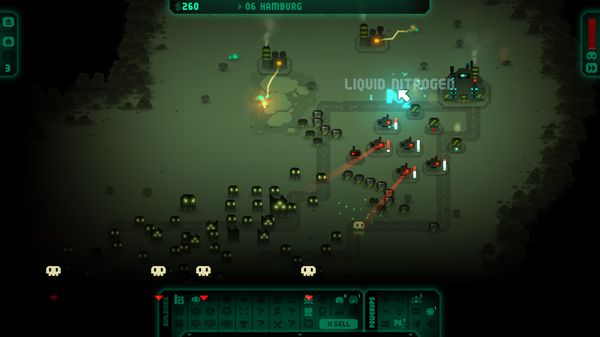
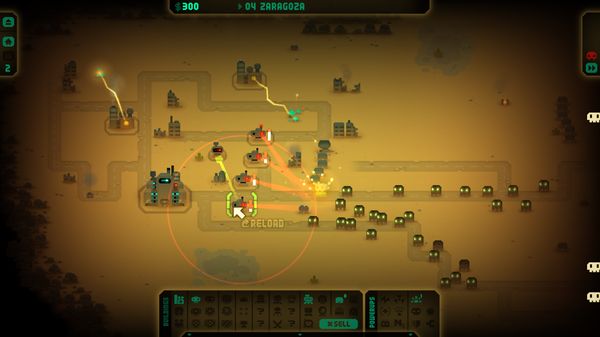
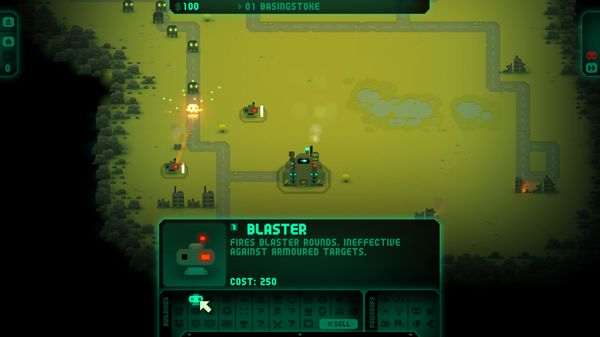
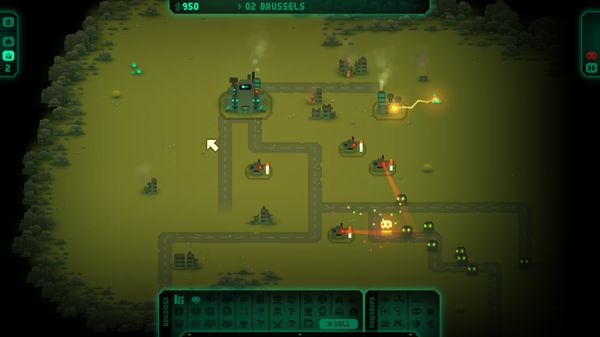
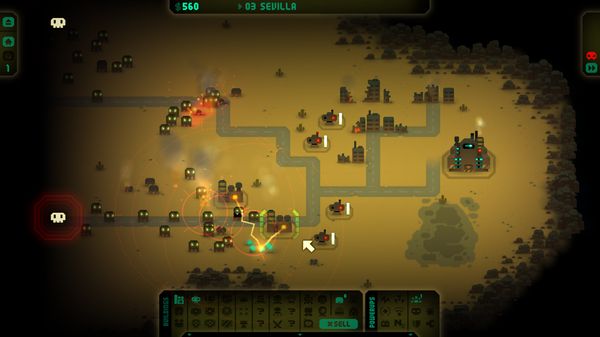
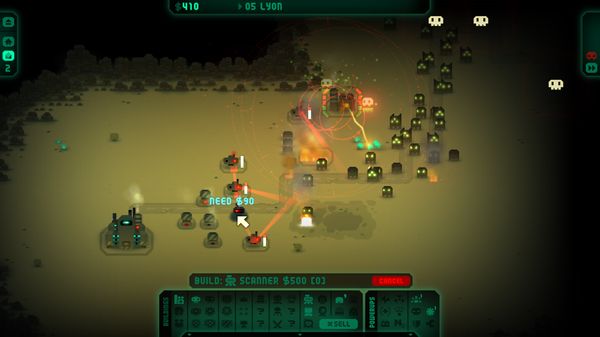
Revenge of the Titans Steam Key Platform: Steam Languages: English Release Date: 16 Mar 2011 Product Description At first they came from the skies, and we repelled them with hired spaceships on a shoestring budget! Now they’re back, and they’re sending their ground troops to destroy our bases – thirty-ton monsters with glowing eyes and slavering jaws! And we still don’t have any money! Quickly assemble a defensive position using blaster turrets, upgrades, tiny battledroids, barricades, mines, tangleweb, whilst obtaining the necessary funds by mining nearby resources as the relentless march of the Titans approaches the base. Research new technology and buildings as you defend the Earth bases throughout the solar system from the Titan onslaught. This is the ultimate mash-up of real-time strategy and tower defense. Features 50 level campaign mode across Earth, Moon, Mars, Saturn and Titan itself 29 buildings and 40 technologies to research Relaxing Endless game mode Hectic Survival game mode with online hiscores System Requirements PC System Requirements OS: Windows XP or later Processor: 1.8GHz single core Memory: 512MB RAM Hard Disk Space: 490MB Video Card: OpenGL 1.5+, 128MB video memory Mac System Requirements OS: OS X 10.7+ Processor: 1.8GHz single core Memory: 512MB RAM Hard Disk Space: 520MB Video Card: OpenGL 1.5+, 128MB video memory Linux System Requirements OS: Linux (32 or 64 bit) Processor: 1.8GHz single core Memory: 512MB RAM Hard Disk Space: 520MB Video Card: OpenGL 1.5+, 128MB video memory
Go to: http://store.steampowered.com/ and download STEAM client Click "Install Steam" (from the upper right corner) Install and start application, login with your Account name and Password (create one if you don't have). Please follow these instructions to activate a new retail purchase on Steam: Launch Steam and log into your Steam account. Click the Games Menu. Choose Activate a Product on Steam... Follow the onscreen instructions to complete the process. After successful code verification go to the "MY GAMES" tab and start downloading.