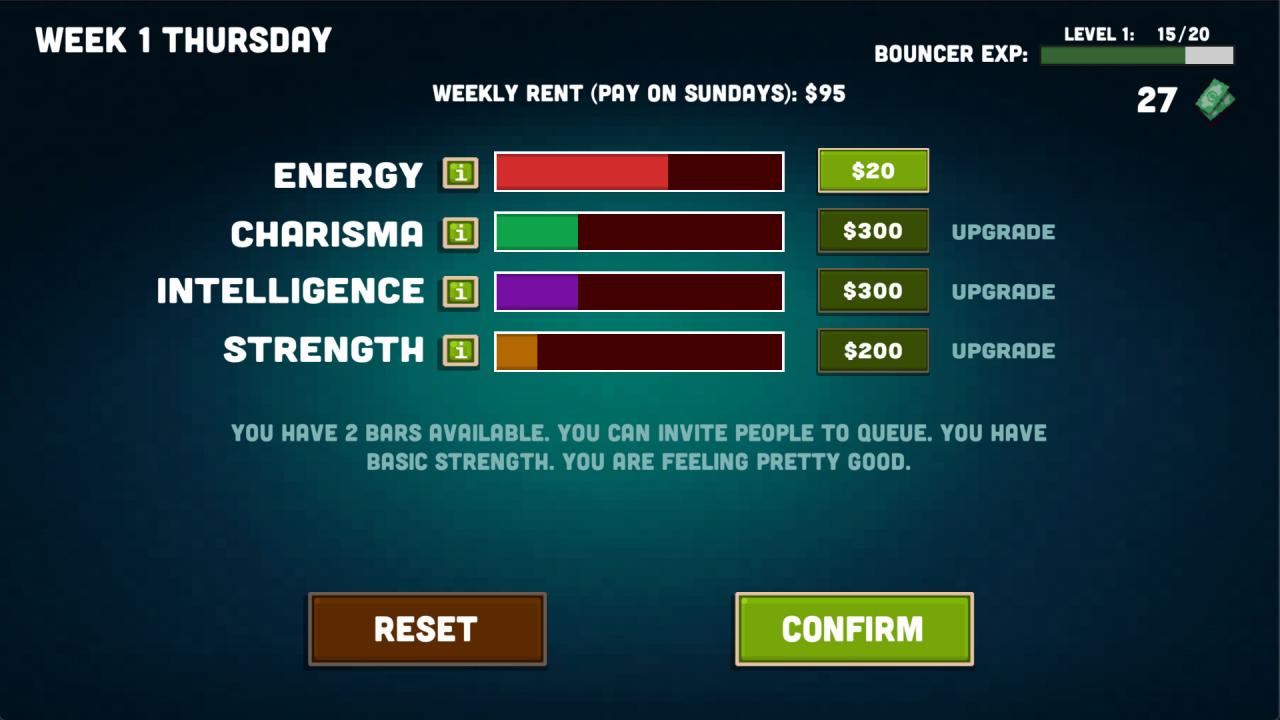
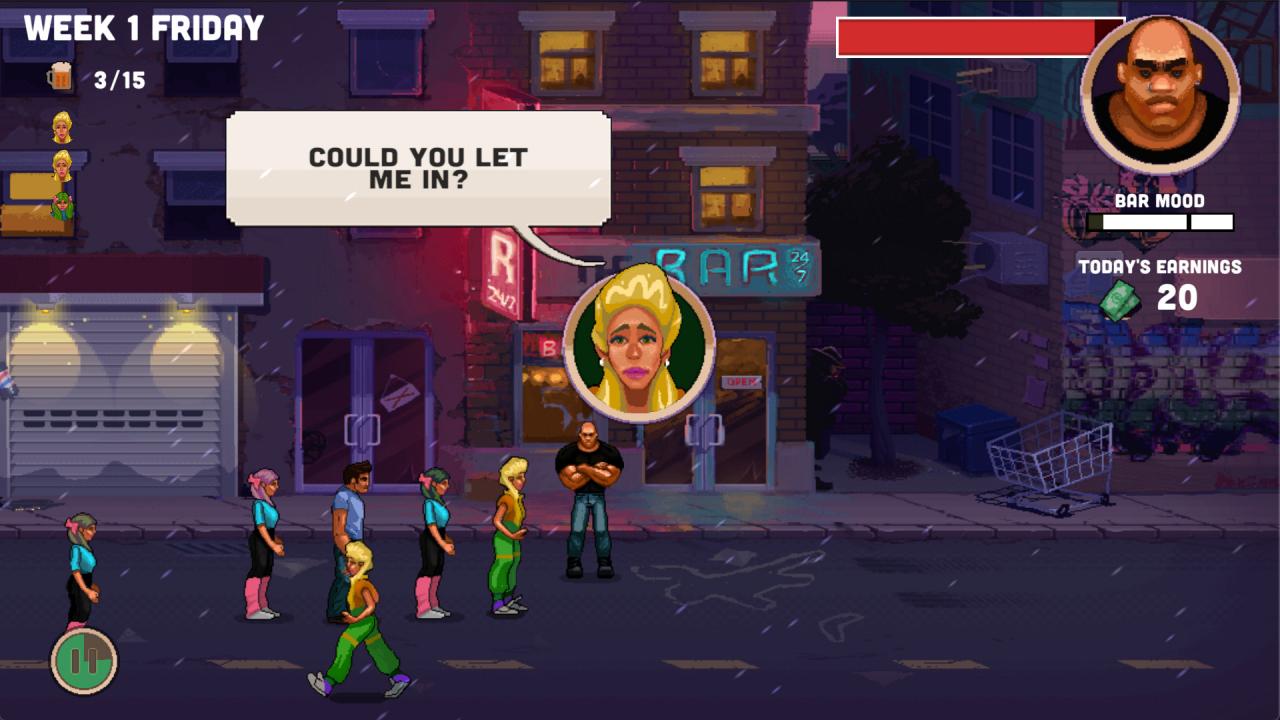
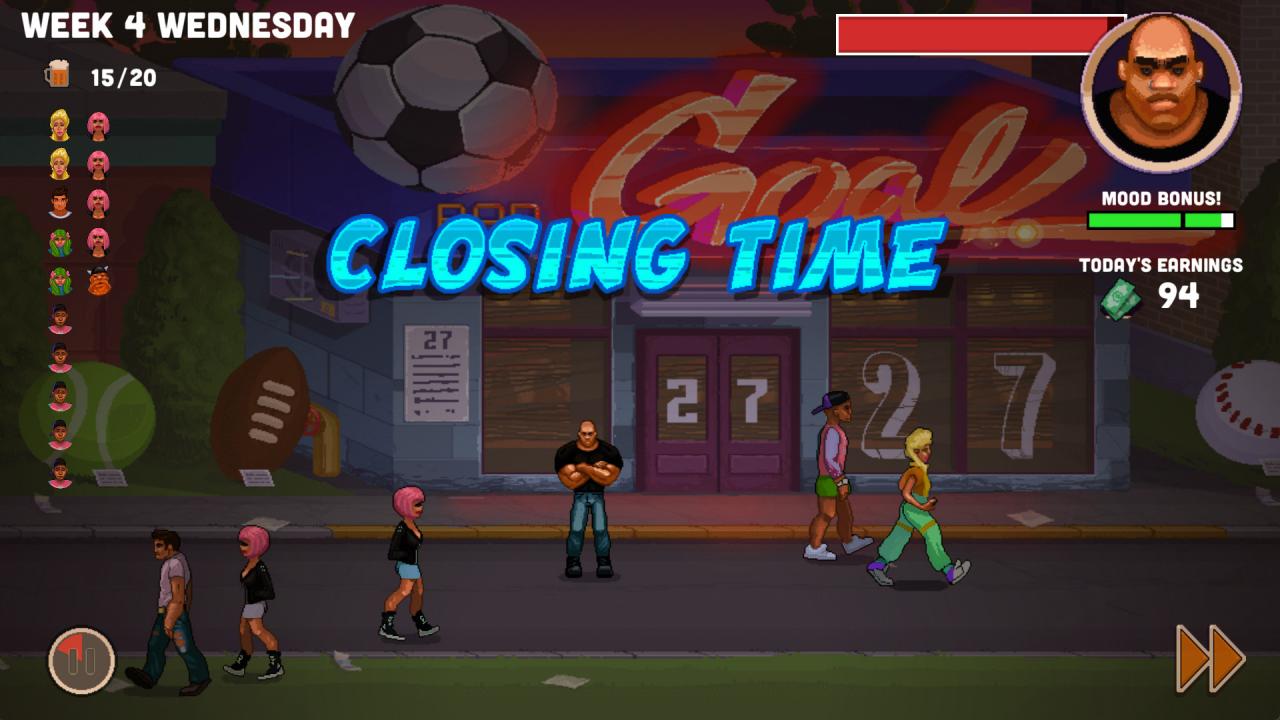
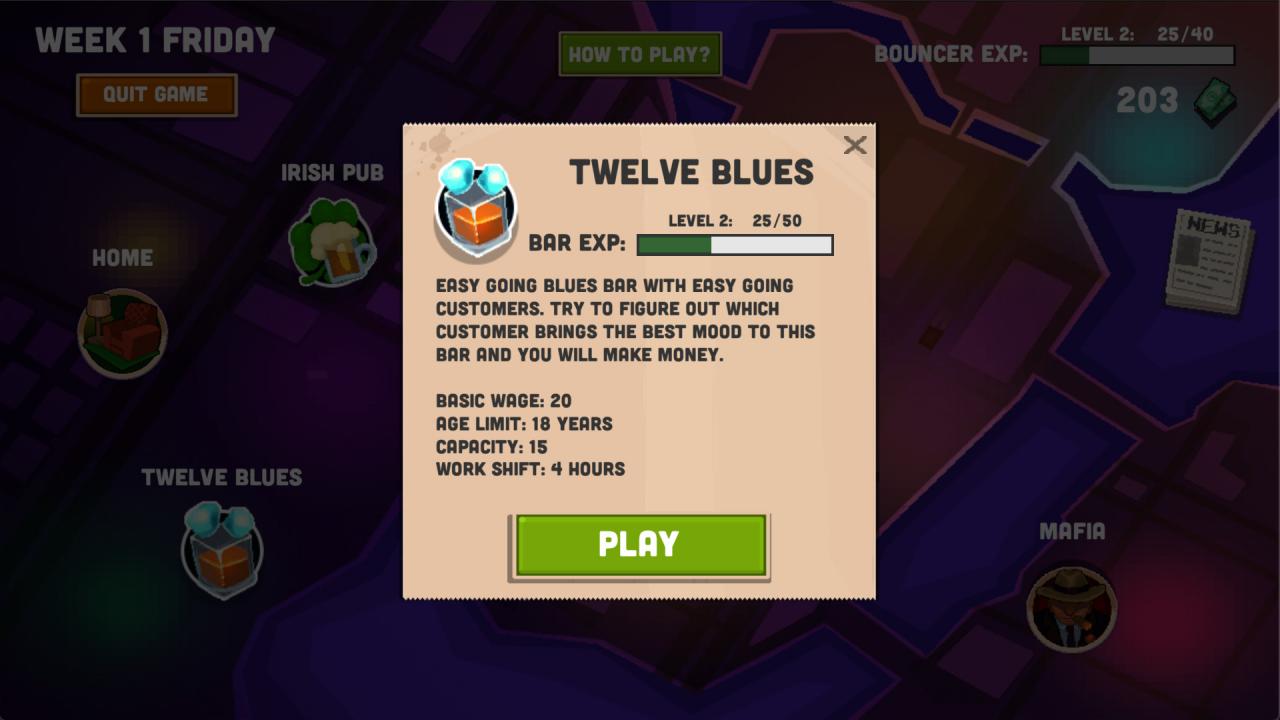
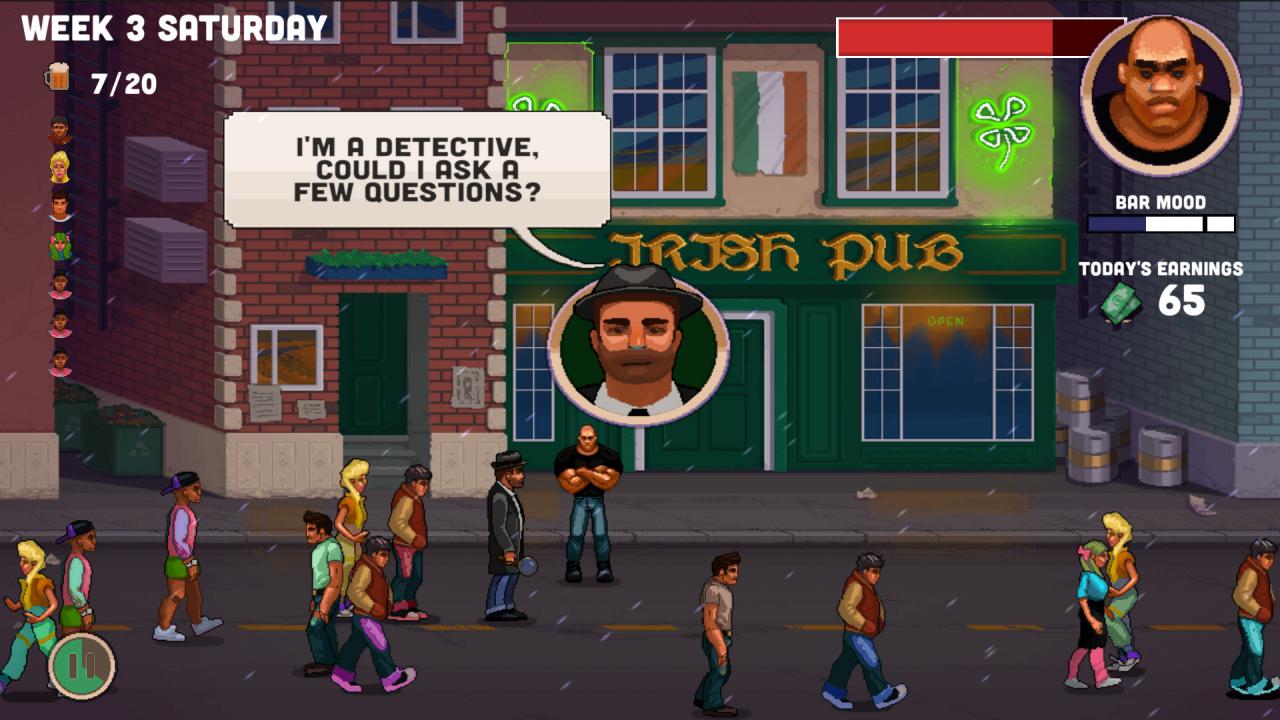
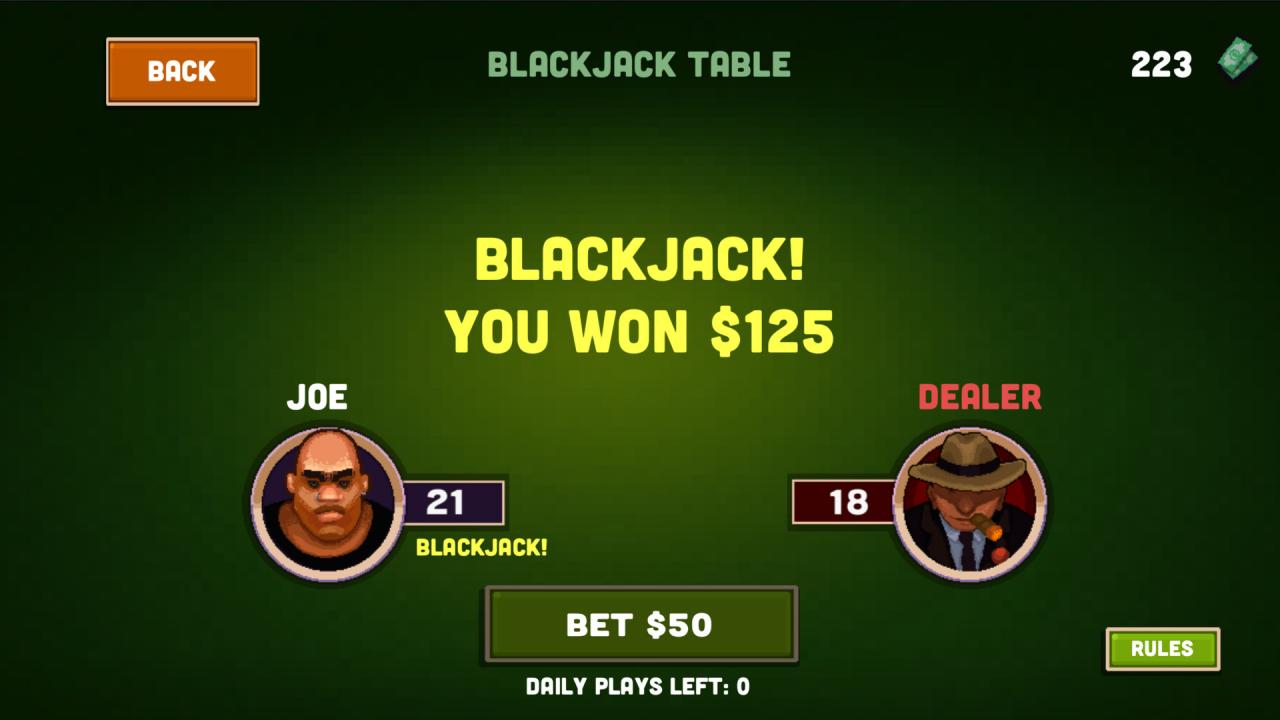
Bouncer Story, a retro-inspired film-noir featuring a protagonist working as a bouncer to pay off a gambling debt to the underground mafia controlling the city.As a bouncer you are seeing, hearing and experiencing all kinds of events in the your daily work controlling the entrance to a bar.It is your choice to balance your relationship with mafia members, police and other characters in the city to make a living. In Bouncer Story you have a gambling debt to pay to mafia and you need to earn your living by working shifts as a bouncer at bar.It does not get any easier as serious crimes start happening around you tensing the atmosphere between mafia members and the detectives.It is your choice to decide who to help and how.Play by controlling the queue on the entrance of the bar.As a bouncer you will decide who gets in and who does not.Making smart choices boosts the mood inside the bar, which triggers bigger gratuity on top of your normal salary.Balance your cash between skill upgrades, rent and repaying your loan to mafia or gamble your incomes in blackjack table if you're feeling lucky.Meet and get familiar with people in the city as you play Bouncer Story. Features Choose your own style of playing Reveal new bars to work in Improve your skills Explore different story-paths Complete side quests Meet and get familiar with people in the city Find out various game endings for your Bouncer Story