Get 10% back in Relic Coins on every order
Deep Rock Galactic - Supporter Upgrade DLC cover

SteamGlobal· DLC

Deep Rock Galactic - Supporter Upgrade DLC

€3.58

+€0.36 cashback eligibility in Relic Coins

Check before you play

Platform
Steam
Region
Global
Product type
DLC

Check the required base game and edition before purchasing this add-on.

Developer
Ghost Ship Games
Publisher
Coffee Stain Publishing
Supplier release date
2018-02-28
Genres
Action, Indie

About this product

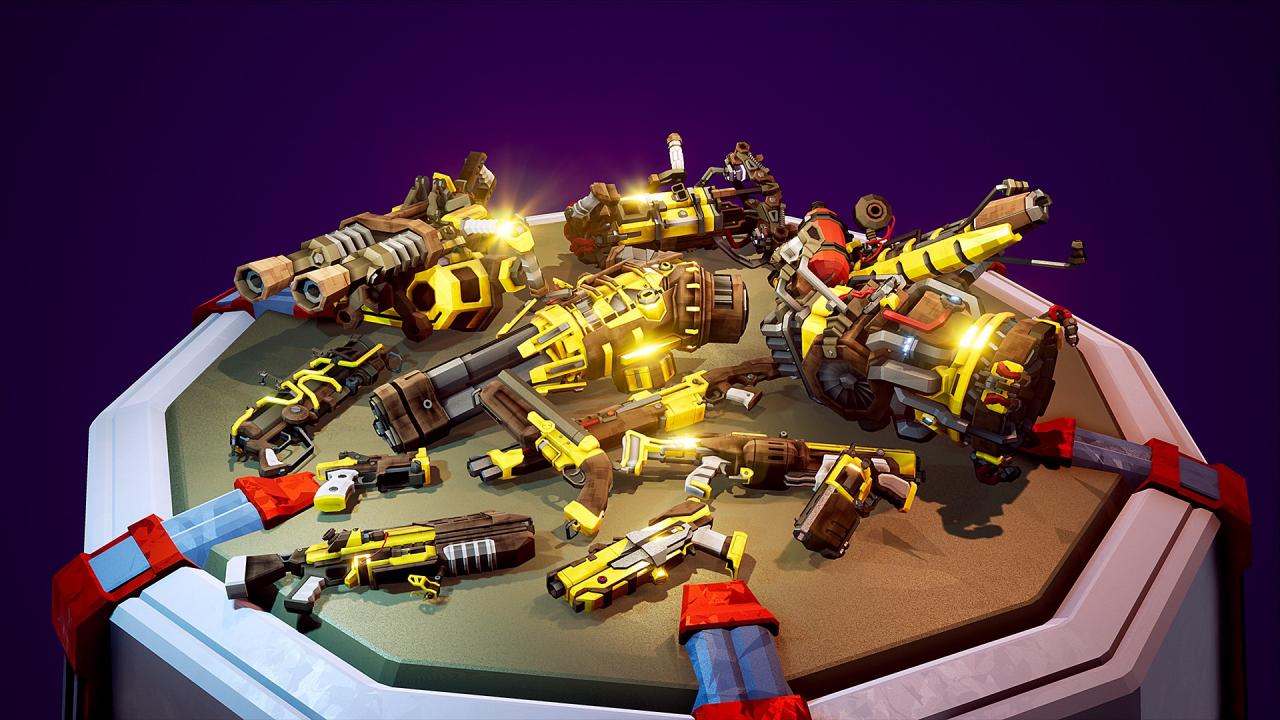
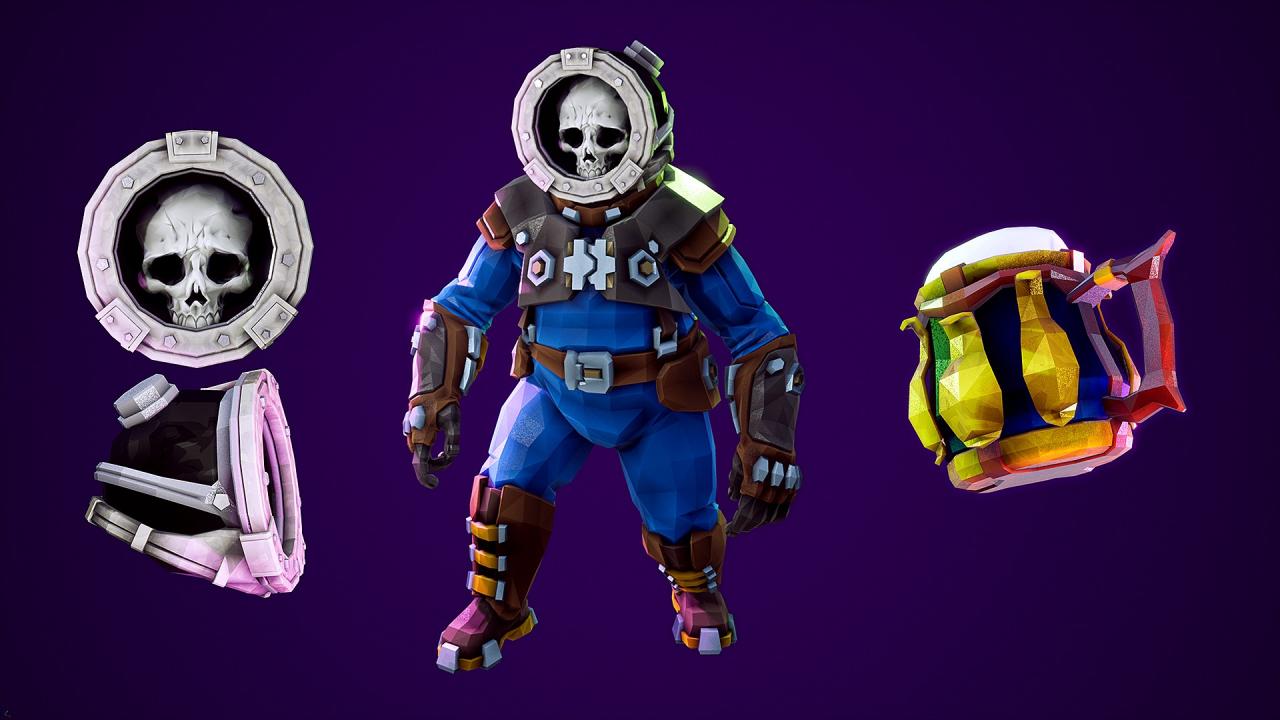
So you like Deep Rock Galactic, but it’s just not enough? You want more? Well, then the Supporter Upgrade is for you! Help fuel further development of the game, while getting your grubby mining-gloves on this tasty bag of exclusive treats: NEW: Supporter-only gold-plated skins for all weapons in the game! NEW: VIP treatment at the ingame Abyss Bar - Get the SUPPORTER EDITION of the tasty Glyphid Slammer for your whole team, served in the gaudiest of golden tankards! NEW: A unique Ghost Ship Games themed helmet, marking you as a permanent member of the Skeleton Crew! NEW: Your chat name will be gold, to show off your Supporter status! The unique Supporter Badge, shown next to your name ingame! (NEW: And in chat!) An exclusive set of blinged-out armor for each class! Our heartfelt and eternal thanks and gratitude <3

Deep Rock Galactic - Supporter Upgrade DLC screenshotDeep Rock Galactic - Supporter Upgrade DLC screenshotDeep Rock Galactic - Supporter Upgrade DLC screenshotDeep Rock Galactic - Supporter Upgrade DLC screenshotDeep Rock Galactic - Supporter Upgrade DLC screenshotDeep Rock Galactic - Supporter Upgrade DLC screenshot

How to redeem

  1. 1Check the required base game, platform and edition before purchasing.
  2. 2Find the code or supplier activation instructions in your confirmed order.
  3. 3Redeem on Steam using the supplied instructions, then install the add-on with the compatible base game.

Supplier instructions

Go to: http://store.steampowered.com/ and download STEAM client Click "Install Steam" (from the upper right corner) Install and start application, login with your Account name and Password (create one if you don't have). Please follow these instructions to activate a new retail purchase on Steam: Launch Steam and log into your Steam account. Click the Games Menu. Choose Activate a Product on Steam... Follow the onscreen instructions to complete the process. After successful code verification go to the "MY GAMES" tab and start downloading.

You might also like