Get 10% back in Relic Coins on every order
Railroad Corporation cover

Steam· Key

Railroad Corporation

€0.85

+€0.09 cashback eligibility in Relic Coins

Check before you play

Platform
Steam
Product type
Key
Developer
Corbie Games
Publisher
Iceberg Interactive
Supplier release date
2019-05-27
Genres
Strategy, Simulation, Indie

About this product

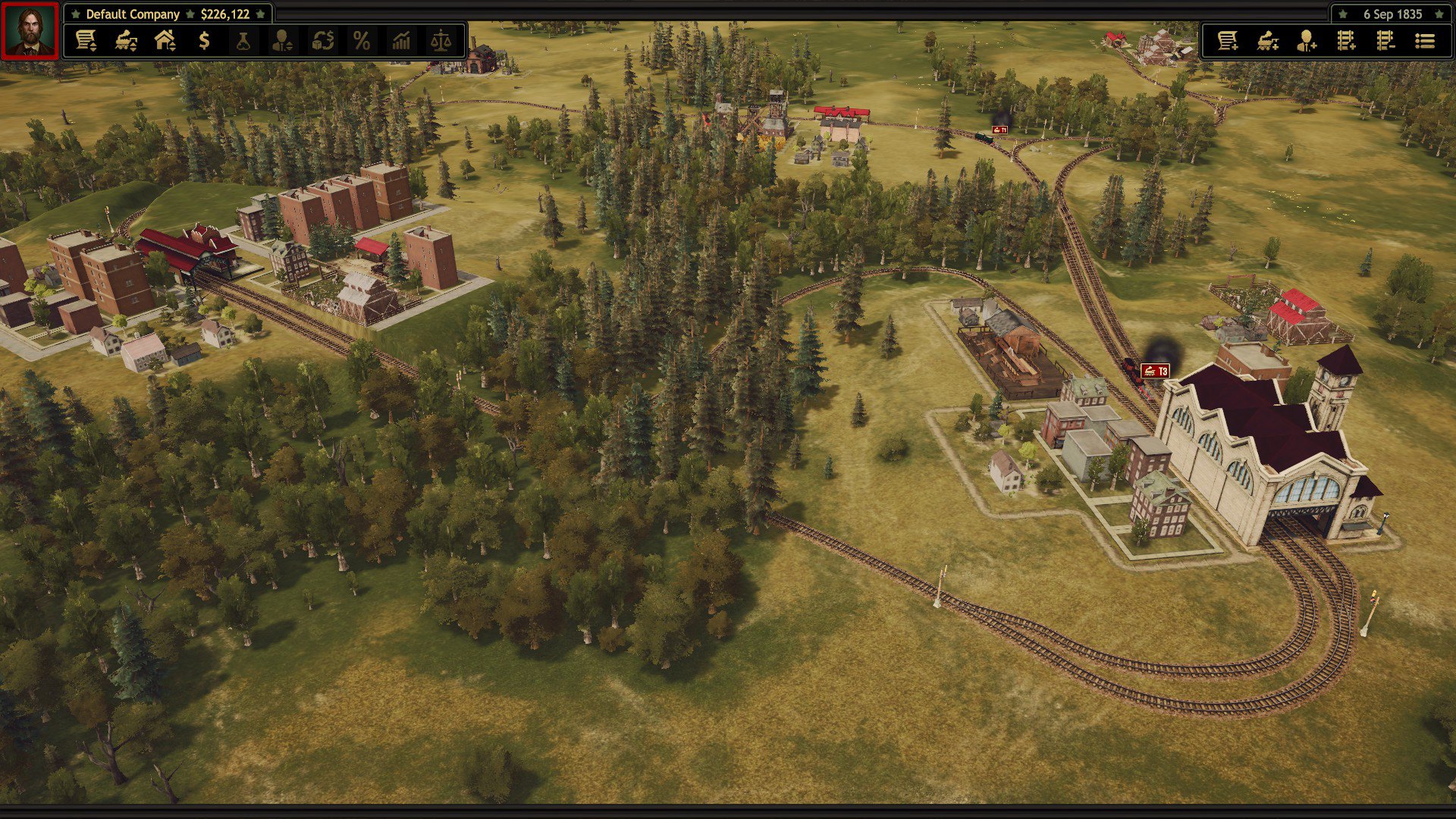
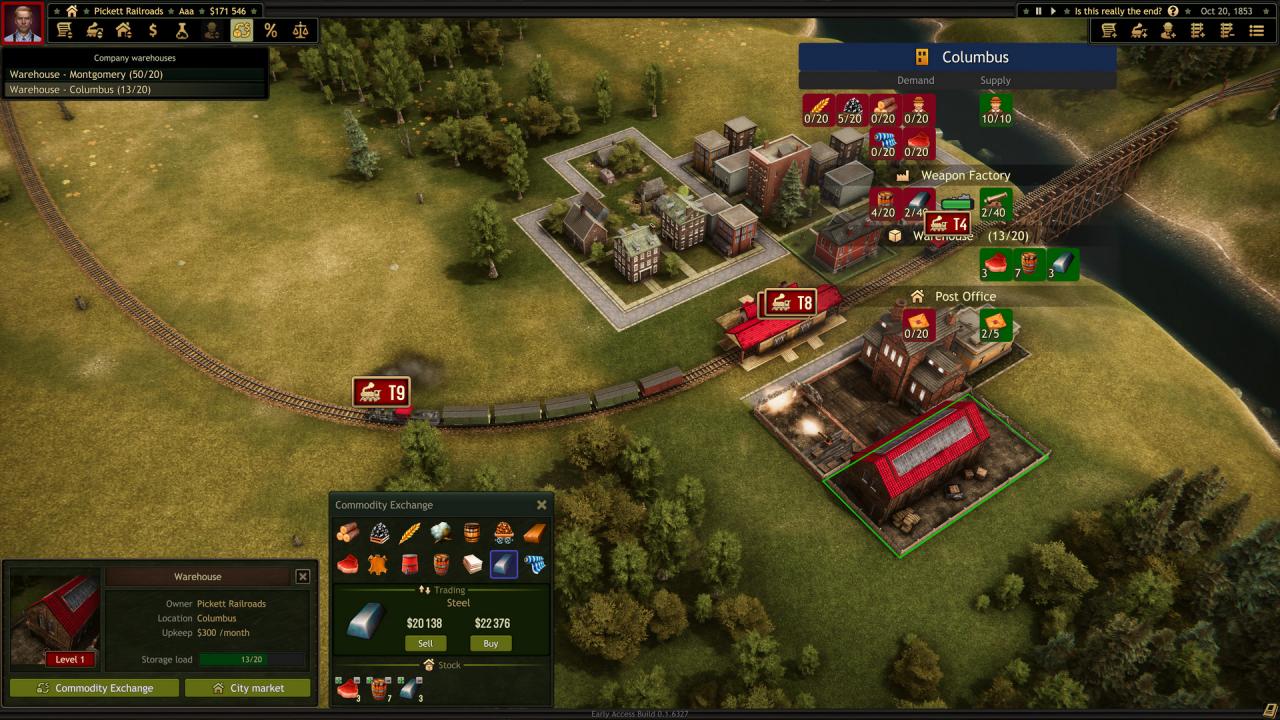
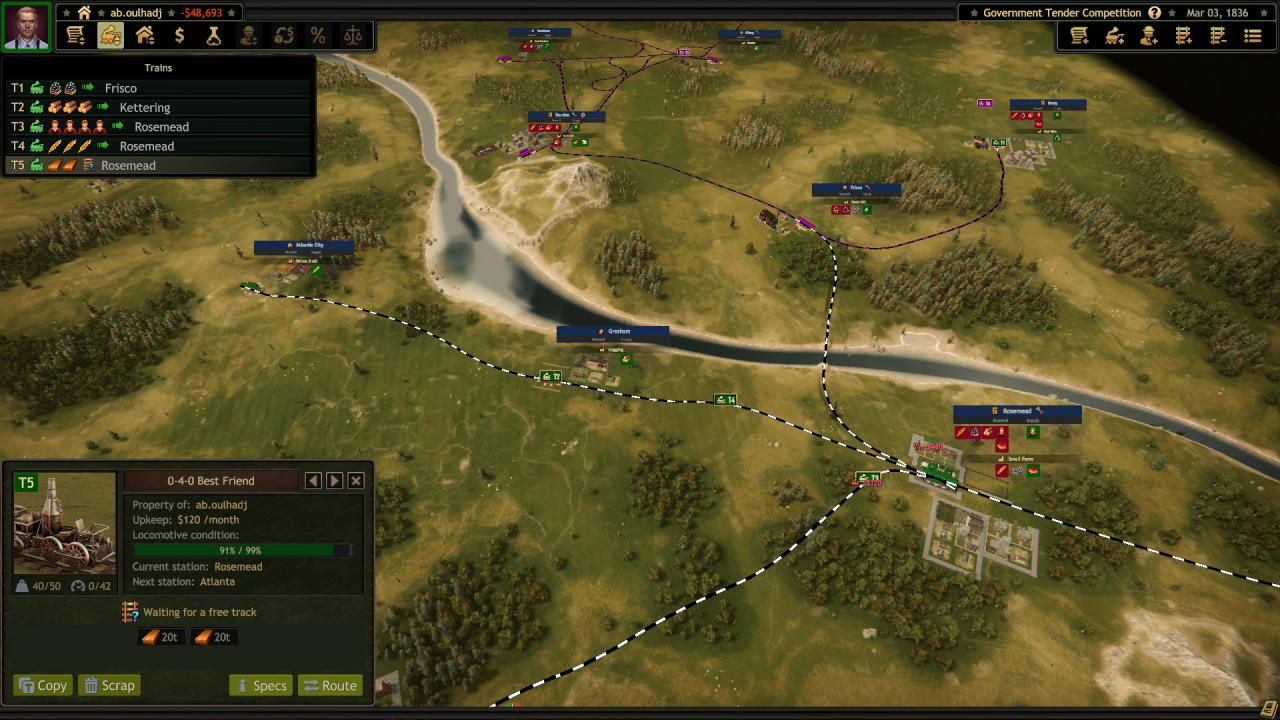
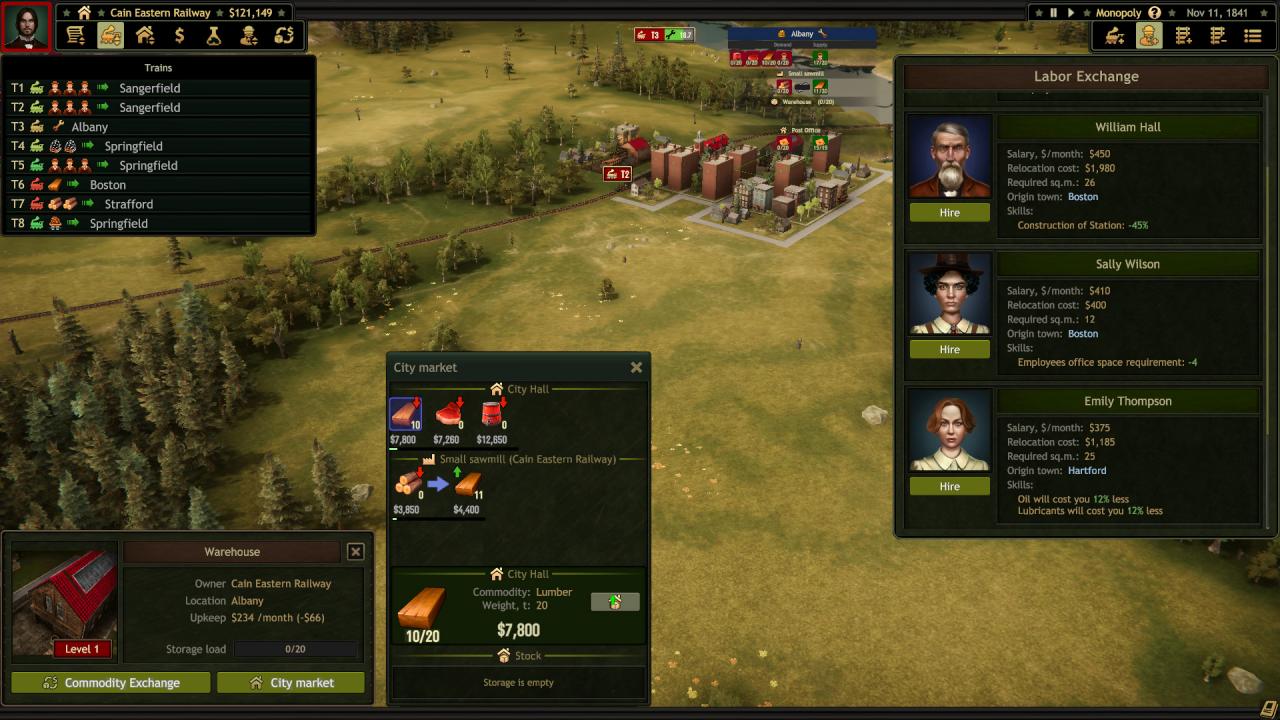
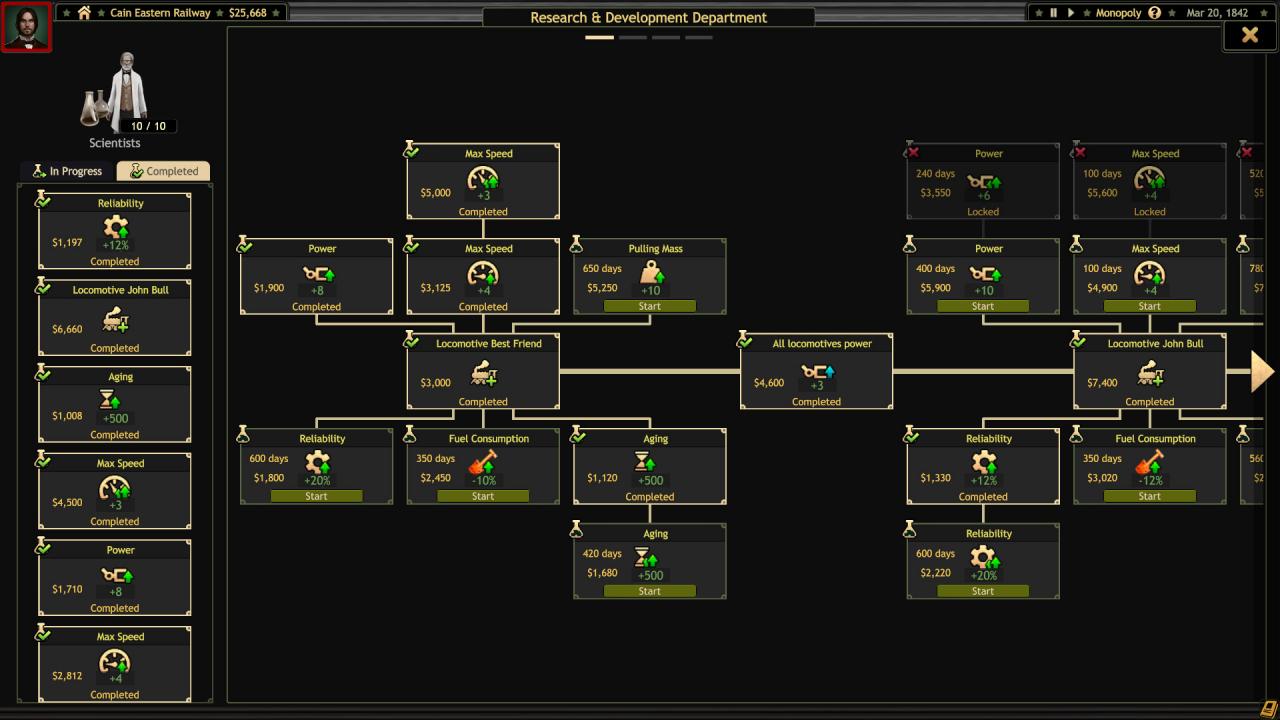
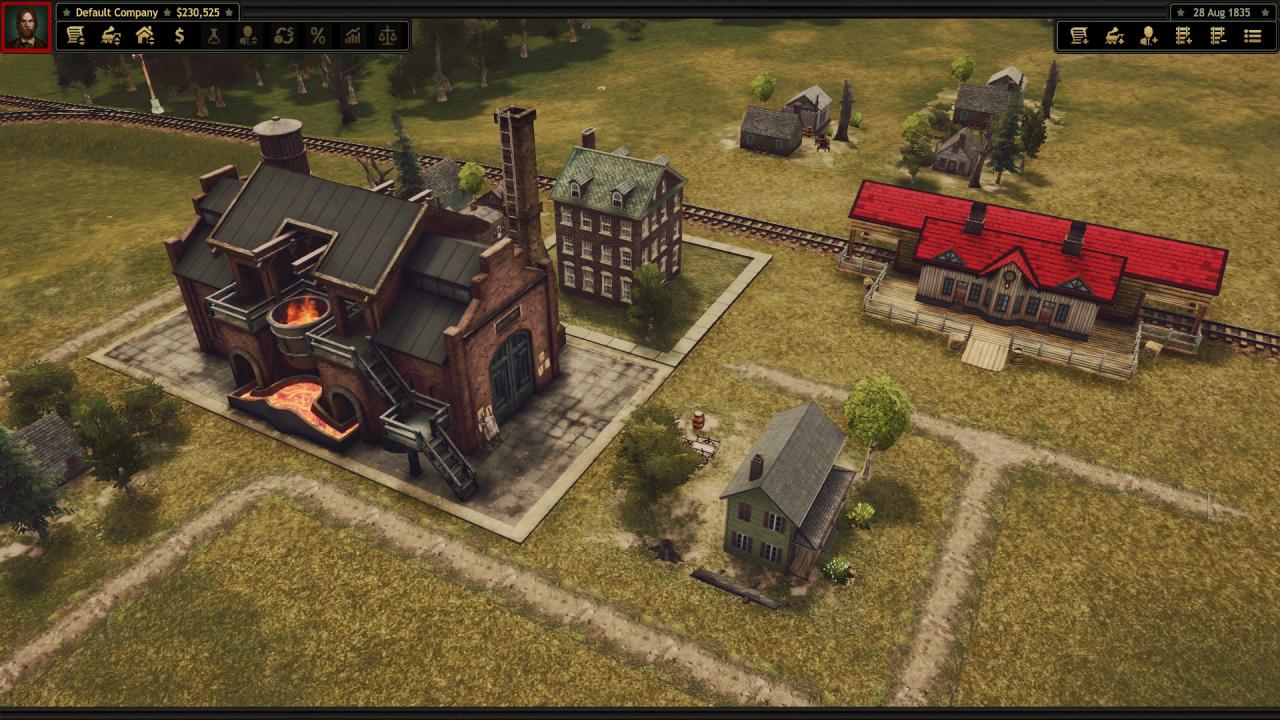
Relive the pioneering spirit of the Golden Age of Steam by establishing your own railroad empire across 19th century North America. Race against time to bring settlements together, produce and trade goods and develop new technologies.Embark on your dream career and earn your fortune in the New World. Work to fulfill contracts and complete missions based on historic rail networks across the United States. Lay down tracks, dig tunnels and raise bridges to connect settlements big and small, old and new. Strategy and forward planning are essential to make the best deals – so you’ll need to be across every aspect of your organisation. Control and combine resources, establish new industries and even lobby politicians to change the law of the land. Features Establish a profitable Railroad Corporation in Golden Age of Steam Construct a vast transportation network and trade goods with towns and cities Engage in political lobbying and research new technologies Acquire your own buildings and real-estate Expand your operations with new departments, recruit employees and manage business loans Buy, control and maintain historically accurate locomotives and rolling stock Blast, dig and tunnel across the beautiful frontier landscapes of 19th Century America

Railroad Corporation screenshotRailroad Corporation screenshotRailroad Corporation screenshotRailroad Corporation screenshotRailroad Corporation screenshotRailroad Corporation screenshot

How to redeem

  1. 1Check your Steam account and the listed region before purchasing.
  2. 2Find your code and supplier activation instructions in your confirmed order.
  3. 3Open the redeem-code section on Steam, enter the code and follow the platform’s prompts.

Supplier instructions

Go to: http://store.steampowered.com/ and download STEAM client Click "Install Steam" (from the upper right corner) Install and start application, login with your Account name and Password (create one if you don't have). Please follow these instructions to activate a new retail purchase on Steam: Launch Steam and log into your Steam account. Click the Games Menu. Choose Activate a Product on Steam... Follow the onscreen instructions to complete the process. After successful code verification go to the "MY GAMES" tab and start downloading.

You might also like